
GeometryHUD
If compass, clock, map and spyglass in the player inventory, Displays the coordinates, direction, mini map, and health bar on HUD.
截图


介绍
If you have a trigger item in the inventory, display the information corresponding to the item.
It improves the gaming experience just a little bit more than using F3(meta-function).
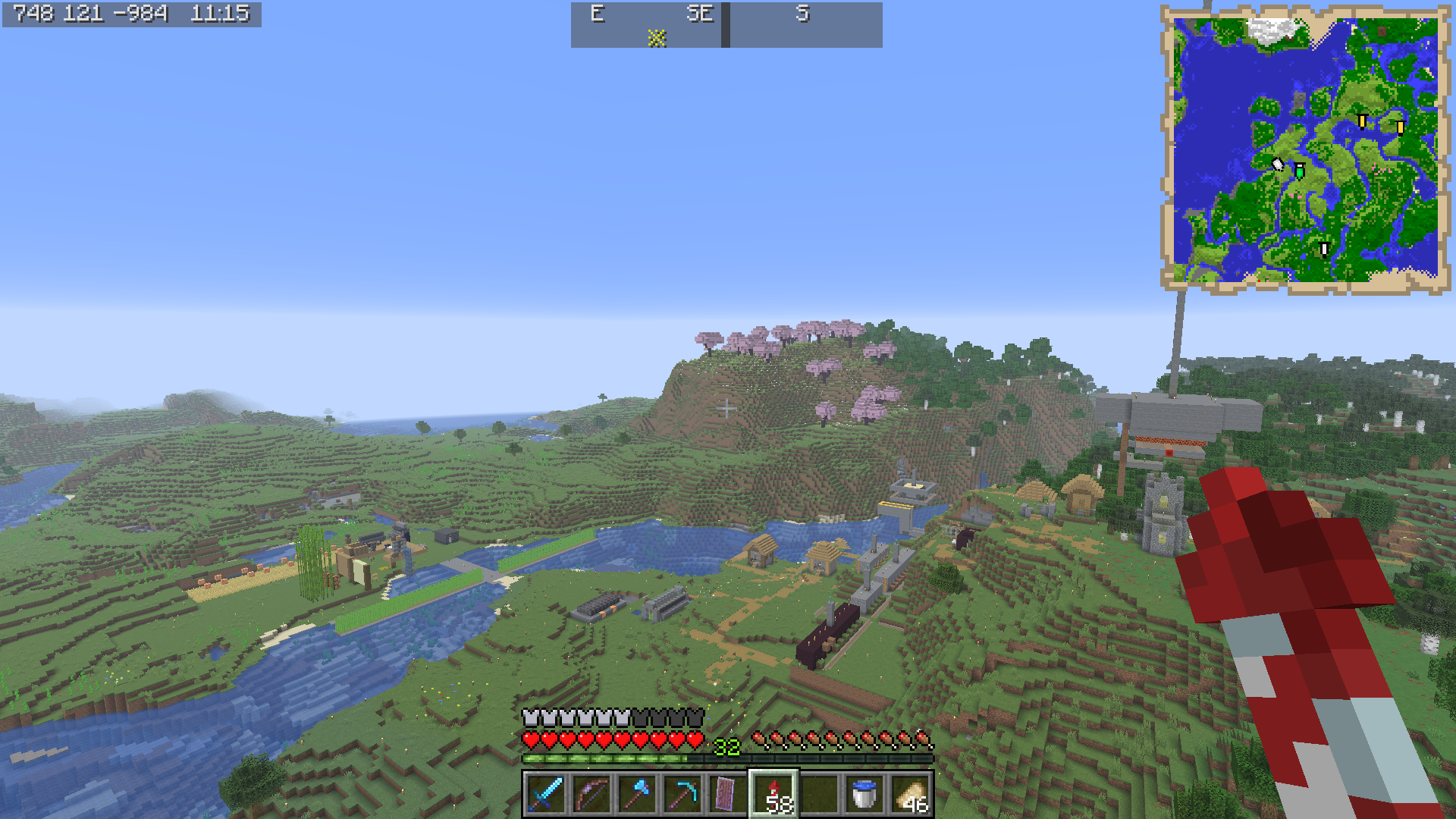
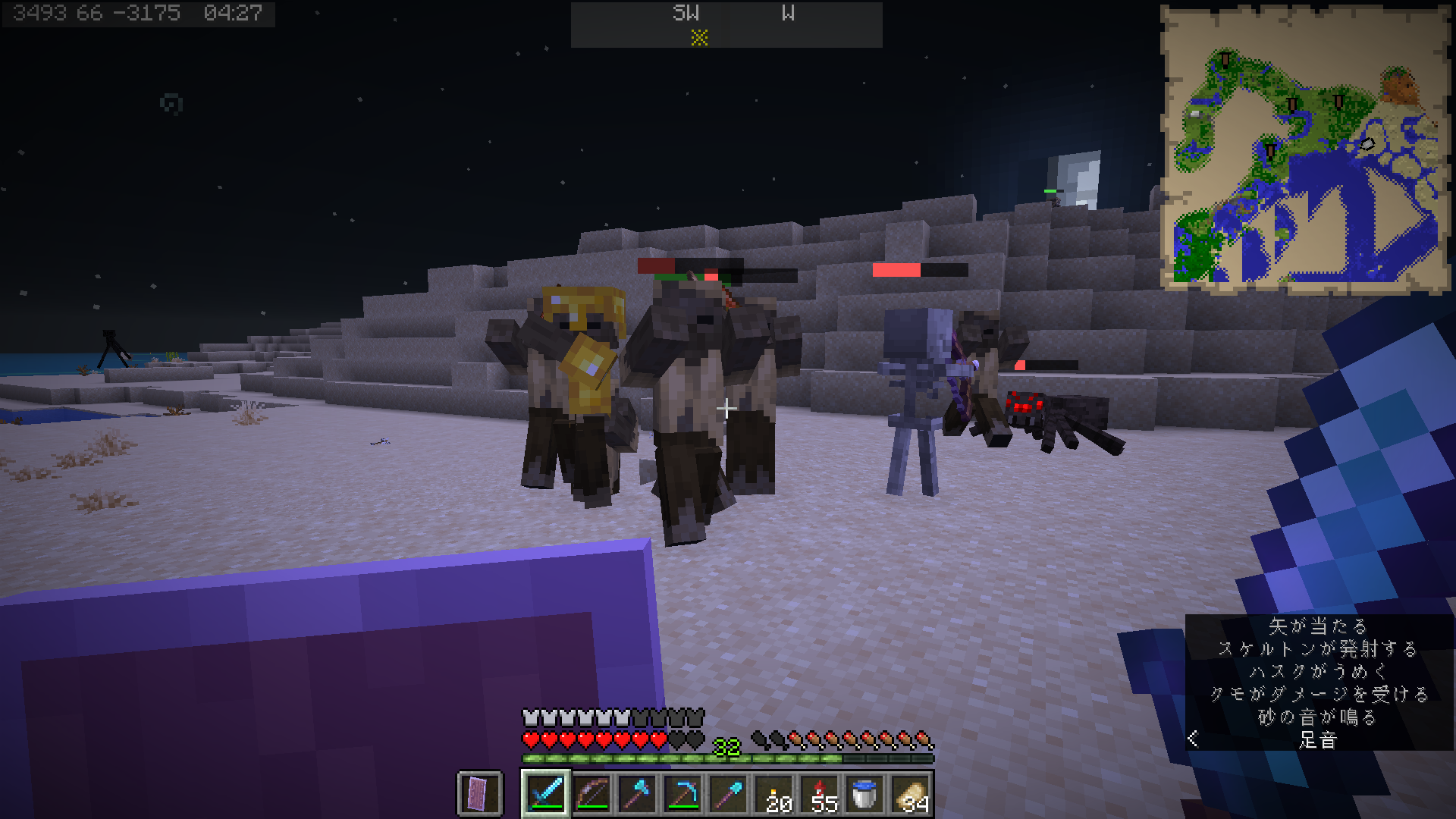
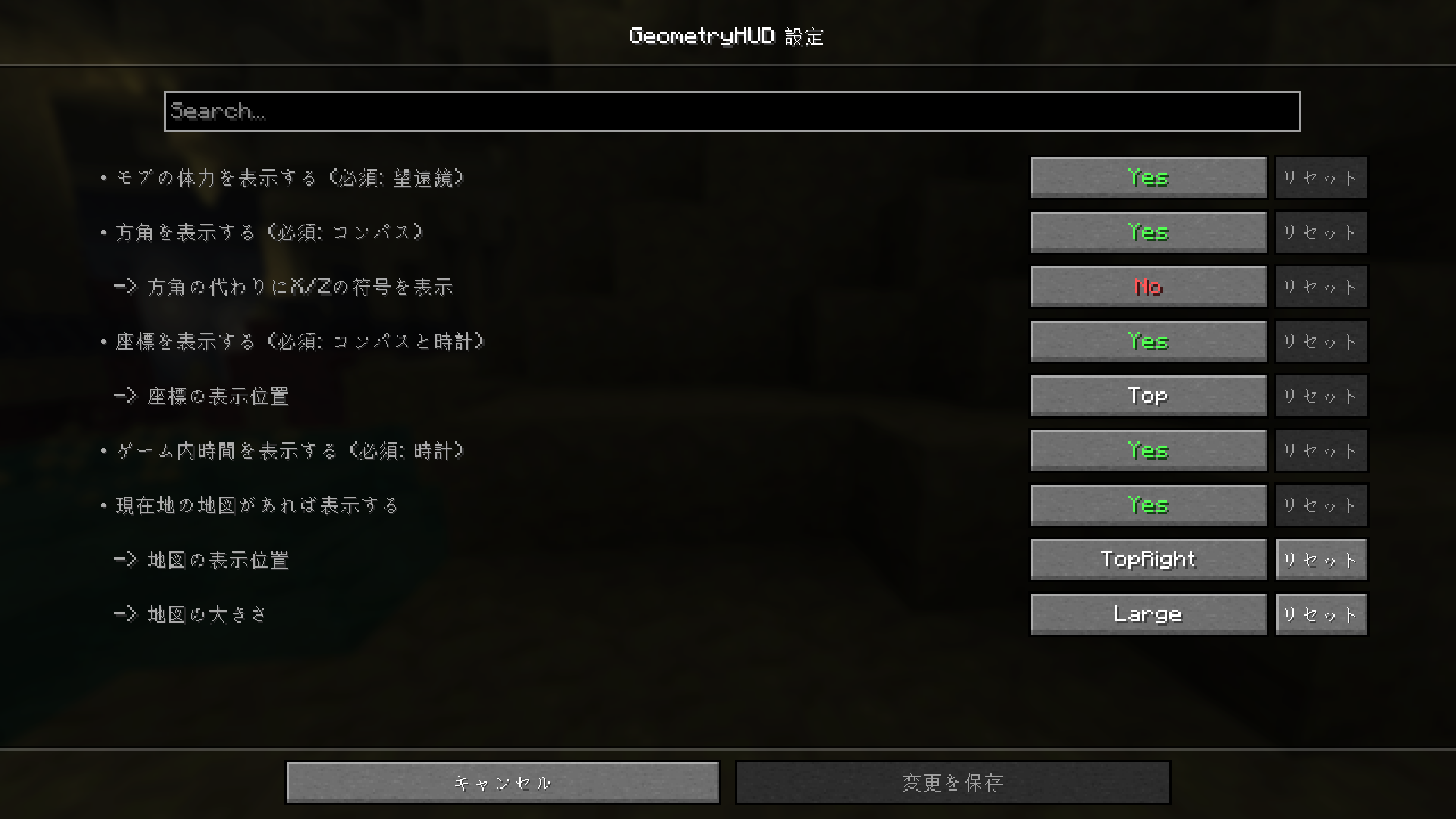
|Trigger Item|Information|
|-|-|
|compass|direction + respawn direction marker|
|lodestone compass|direction + lodestone direction marker|
|recovery compass|direction + last death direction marker|
|clock|in-game time|
|one of compasses + clock|coordinates + in-game time|
|map|mini map|
|spyglass|health gauge of mob|
|daylight detector|in-game days|
These trigger items can also be placed in bundles, shulker boxes, enderchest.
常见问题
GeometryHUD 支持哪些 Minecraft 版本?
GeometryHUD 支持 Minecraft Java 版 26.2–26.3,共 2 个版本,可用的加载器:Fabric。下载时注意选择和你游戏版本一致的文件。
GeometryHUD 怎么安装?
先用 PCL2 或 HMCL 启动器安装对应版本的 Fabric,再把下载的 .jar 文件放进游戏目录的 mods 文件夹,重新启动游戏即可。开启了版本隔离的,mods 文件夹在 versions/版本名 下面。运行环境:仅客户端。
评论
登录后评论和评分