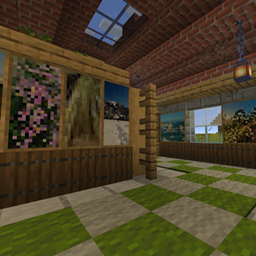
GB’s Pictures – Australian Themed
Bring the beauty of Australia into your Minecraft world with a collection of stunning pictures inspired by real places, from breathtaking coastlines and alpine lakes to unique bushland and unforgettable sunsets.
介绍
Pictures Mod – Australian Themed
Bring the beauty of Australia into your Minecraft world! 🇦🇺
GabbyBison2946’s Pictures Mod – Australian Themes adds a collection of beautiful, Australia-inspired pictures to Minecraft Java Edition, featuring memorable landscapes, stunning sunsets, unique natural wonders and special places discovered during our travels together. Each picture captures a little piece of Australia, bringing a personal touch of the Australian outdoors into your Minecraft builds.
Pictures Included:
- The Twelve Apostles, VIC
- Beechworth Lake Sunset
- Falls Creek
- Falls Creek Lake
- Fire Mountain, NSW
- Fire Rocks
- Grassy Plains of QLD
- Mountain Bike Tracks in Creswick
- NSW Alpine River
- Otway Forest
- Rare Calytrix of the Sandstone Belt
- Springs of the Sandstone Belt
- Sunset in Melbourne
- Sunset on the Bike Track at First Turkey, Rockhampton
- Tropical Beach at Keppel Island
- Winter Billabong at Blackdown
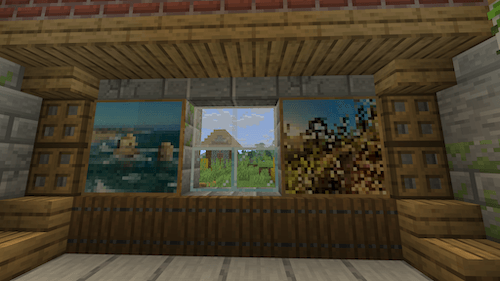
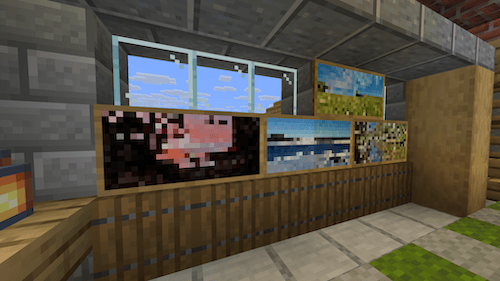
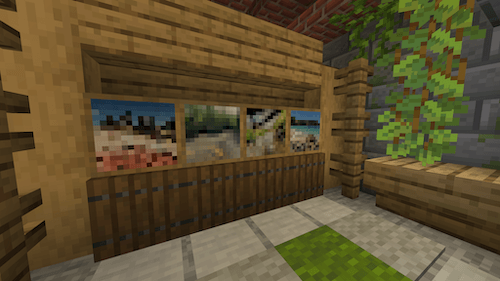
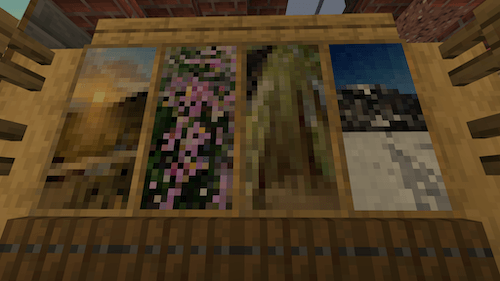
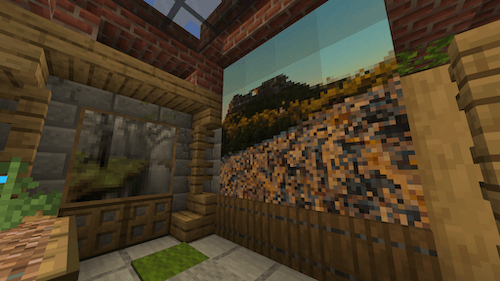
Whether you’re decorating a cosy survival base, building a modern home, creating an Australian-inspired landscape or adding character to your favourite room, these pictures offer a unique way to personalise your world.
Inspired by real places. Captured through our travels. Brought to life in Minecraft.
GB Pictures Mod – Australian Themes is a celebration of Australia’s incredible landscapes and the memories made exploring them, shared with the Minecraft community one picture at a time.
This Mod can also be found on my PayHip Store called ‘MineMods‘, that website has all of my creations – Minecraft Mods, Minecraft Skins, and Pixel-Art Pictures.
常见问题
GB’s Pictures – Australian Themed 支持哪些 Minecraft 版本?
GB’s Pictures – Australian Themed 支持 Minecraft Java 版 26.3,可用的加载器:NeoForge。下载时注意选择和你游戏版本一致的文件。
GB’s Pictures – Australian Themed 怎么安装?
先用 PCL2 或 HMCL 启动器安装对应版本的 NeoForge,再把下载的 .jar 文件放进游戏目录的 mods 文件夹,重新启动游戏即可。开启了版本隔离的,mods 文件夹在 versions/版本名 下面。
GabbyBison2946 的其他作品
查看全部 →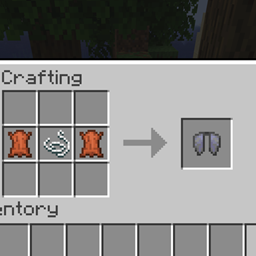
GB’s Elytra Recipe
Makes the vanilla elytra craftable (Leather, String, Leather) and repairable with phantom membrane or leather.

ShineStone Ore
Shinestone is a Minecraft Java Edition mod that introduces a mysterious new ore, crystals, decorative building blocks, a unique green-blue beacon, and powerful equipment including the Shinestone Trident and Elytra to discover and craft.
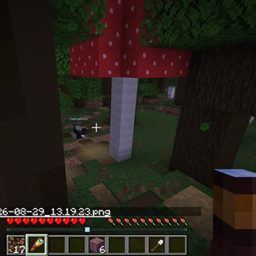
Illusion Blocks
Illusion Blocks is a Minecraft Java Edition mod that lets you turn ordinary blocks into deceptive illusion blocks for creating hidden traps, secret passages, unexpected drops, and other clever surprises.
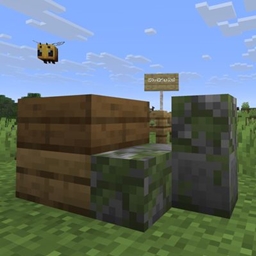
GB’s Slabs
Mix any two slab types in one block space, and build with quarter-slab cubes that sit anywhere in the block.
评论
登录后评论和评分