
Galaxia’s Legacy Blocks
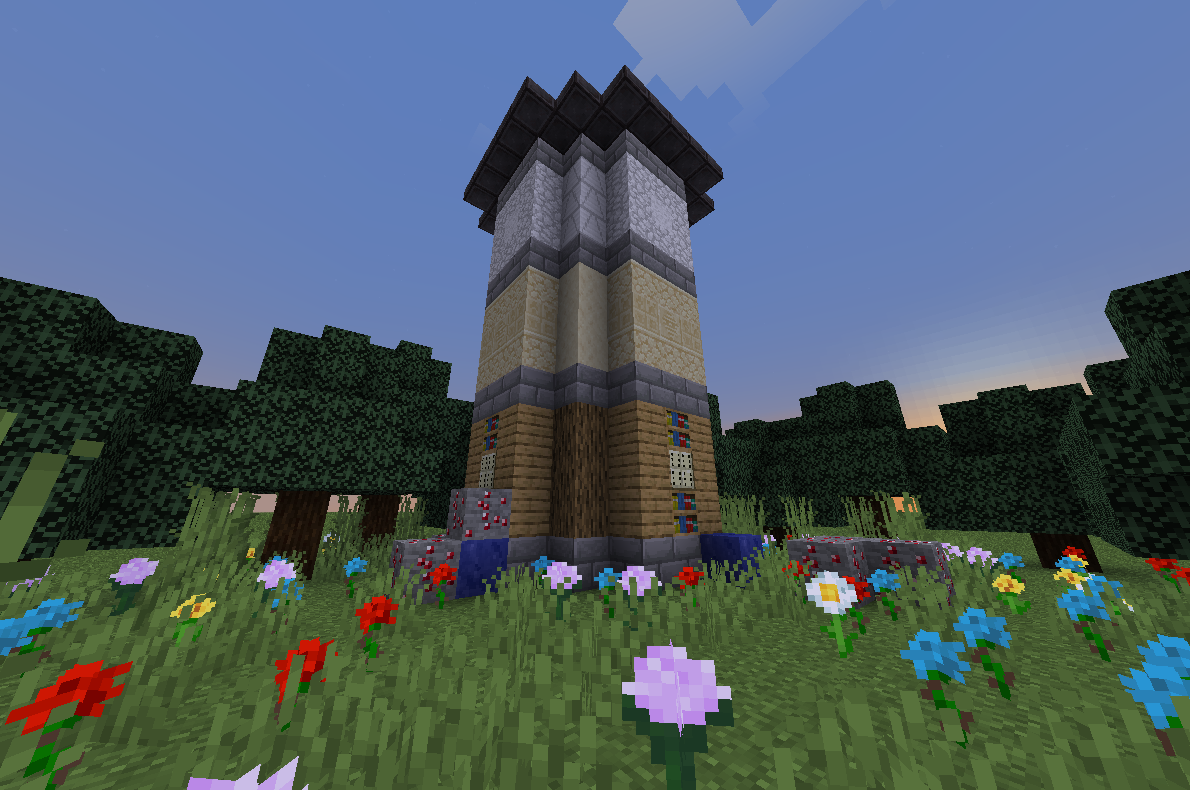
Galaxias Legacy Blocks (GLB) adds most removed/unused blocks from Java, Bedrock, LCE and other versions of minecraft.
截图

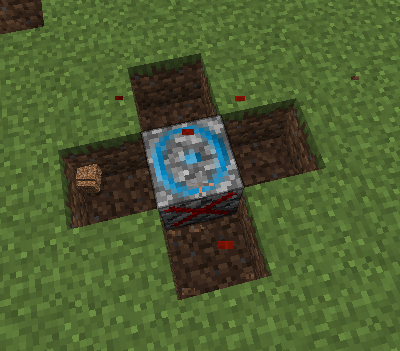
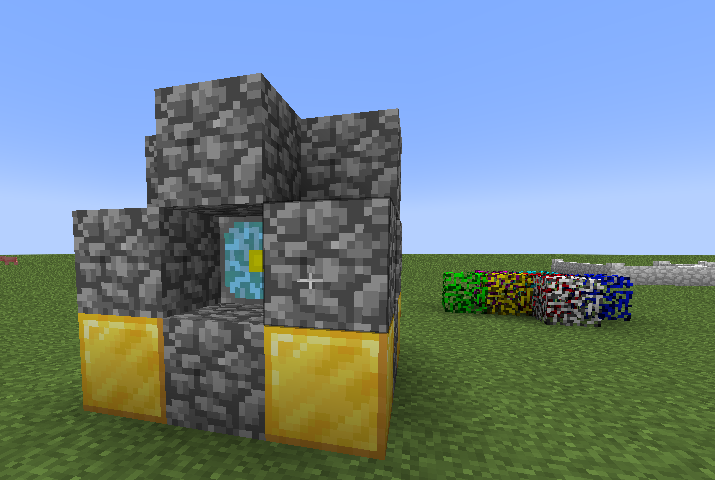
介绍
GALAXIAS LEGACY BLOCKS
Galaxias Legacy Blocks (GLB) adds alot of unused/removed blocks from Java, Bedrock, LCE and other versions of minecraft.
THIS MOD IS STILL BEING WORKED ON AND CAN BE OVERPOWERED WHEN USED!!!!
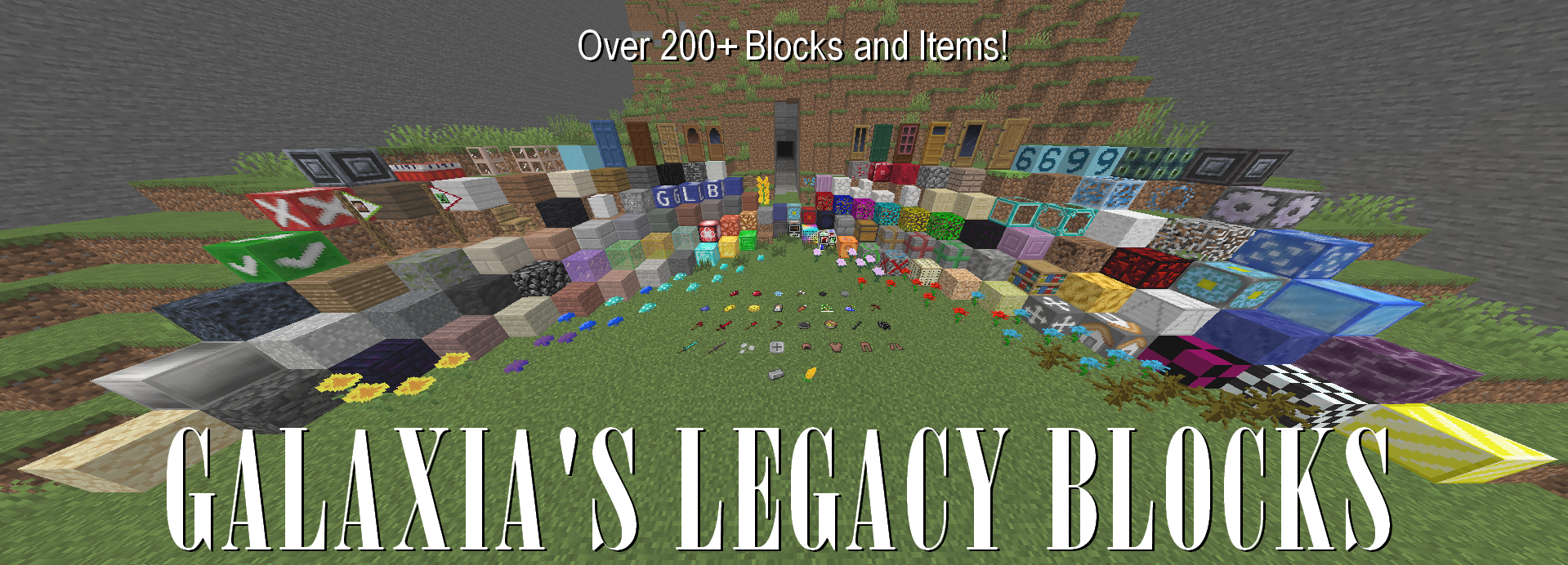
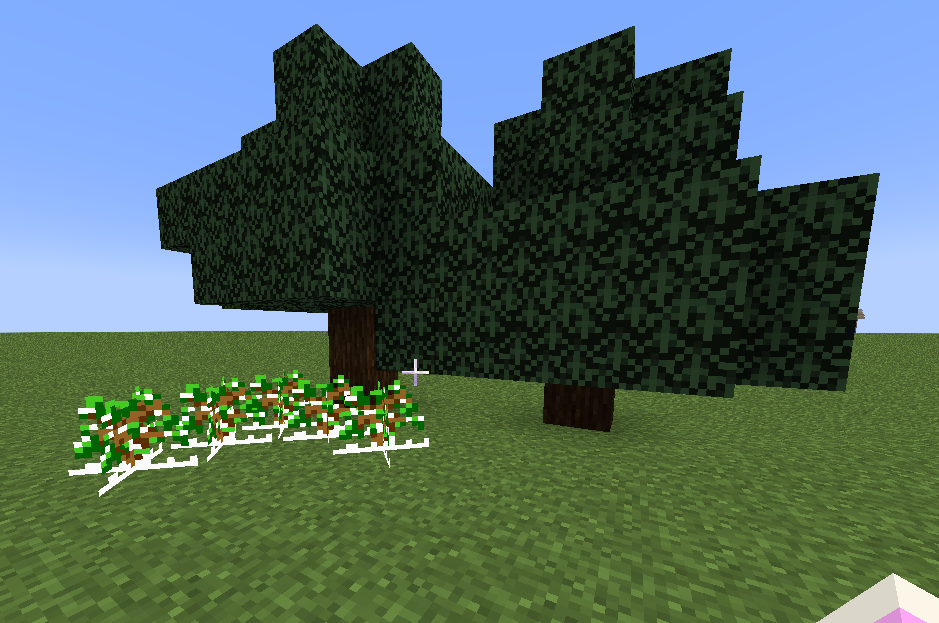
This mod adds unused/removed/changed textures and blocks from older minecraft versions!
But besides that what does this do?
Well im glad you asked!.. hopefully..
- Multiple decorative, functional and other blocks for your world!
- New weapons and armor!
- The new ruby castterlite ore that spawns from Y32, Y0
And alot of other specific things you can find in this mod!
Functional Block List:
(_italic_ means it will be changed later)
- TNT slab | exploads when stepped on
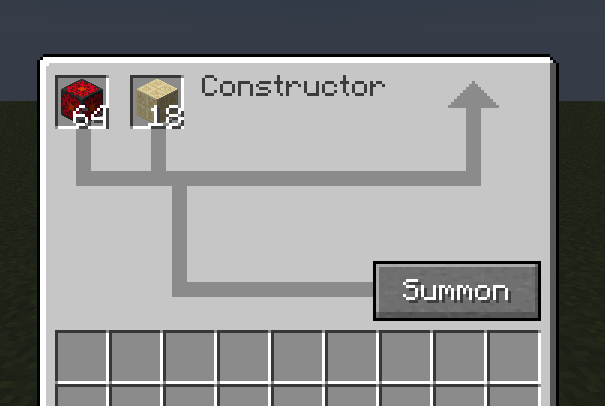
- _Constructor_ | Duplicates items when fueled with Low Energy Cores
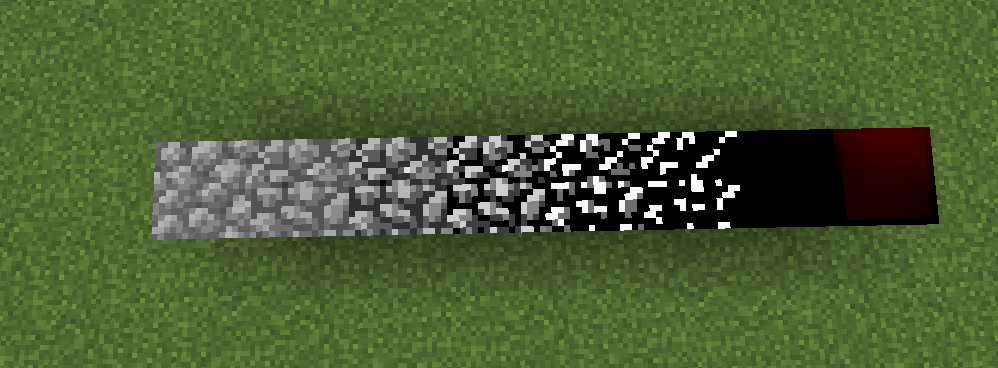
- Block Creator | Makes grass, stone, granite, diorite and andisite around it and is powered from the bottom
- Block Destroyer | Removes all blocks around it and is powered from the top
- Packaged Stone | Removes jump or slowers speed depending on the type of packaging
- Diamond Glass | Increases speed and jump, the enhanced version is 2x stronger
- _Home block_ | Teleports you to the location of the block when set and using the teleportationer
- Spike block | Hurts player ALOT apon being stepped on
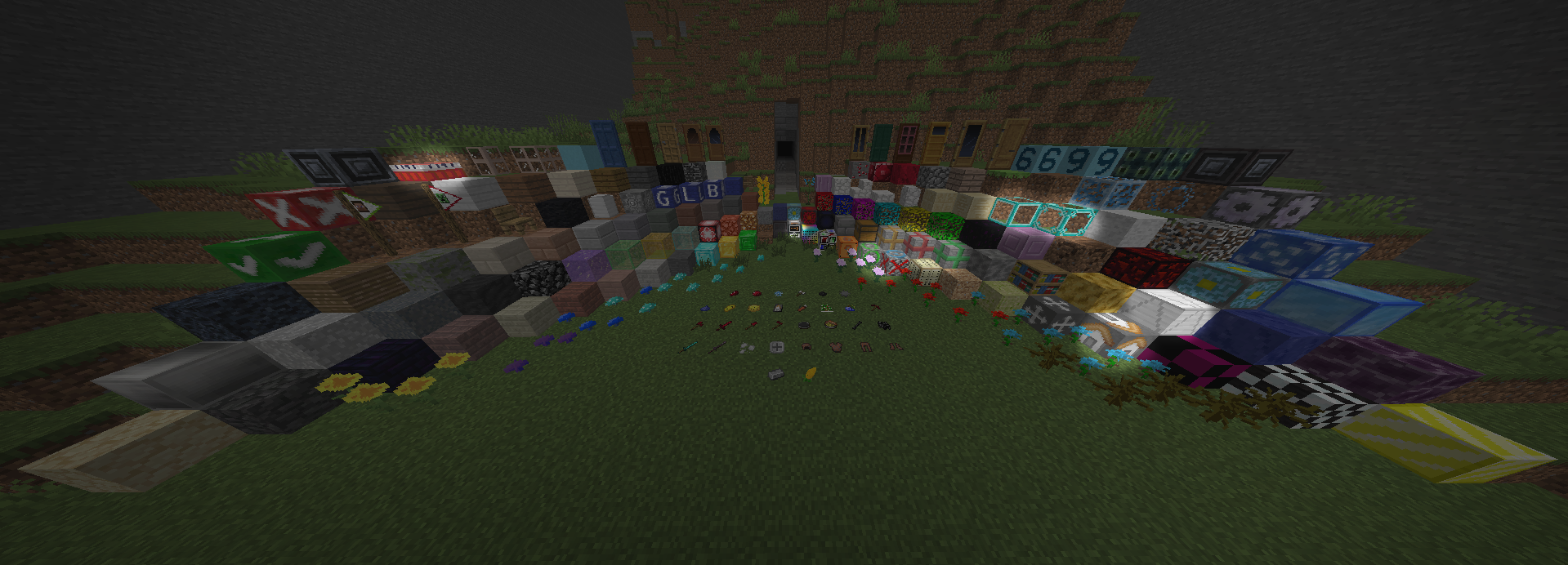
Theres even more!
This mod has tons of advancements you can get! If you get the hardest one (I NEED THEM ALL) youll get the debug stick!
Theres much more you can do but you should just play the mod already, youll see it all that way
this is meant to be used in long runs for worlds and isnt meant to be used for short time sessions (Such as playing 1 time horror mods or to test out a mod for a few minecraft days)
常见问题
Galaxia’s Legacy Blocks 支持哪些 Minecraft 版本?
Galaxia’s Legacy Blocks 支持 Minecraft Java 版 1.21.1,可用的加载器:NeoForge。下载时注意选择和你游戏版本一致的文件。
Galaxia’s Legacy Blocks 怎么安装?
先用 PCL2 或 HMCL 启动器安装对应版本的 NeoForge,再把下载的 .jar 文件放进游戏目录的 mods 文件夹,重新启动游戏即可。开启了版本隔离的,mods 文件夹在 versions/版本名 下面。运行环境:客户端和服务端都要装。

评论
登录后评论和评分