fzPaint
作者:fryto
A creative painting mod for Minecraft Fabric that allows you to paint blocks with custom colors and create pixel art using the Paint Brush tool.
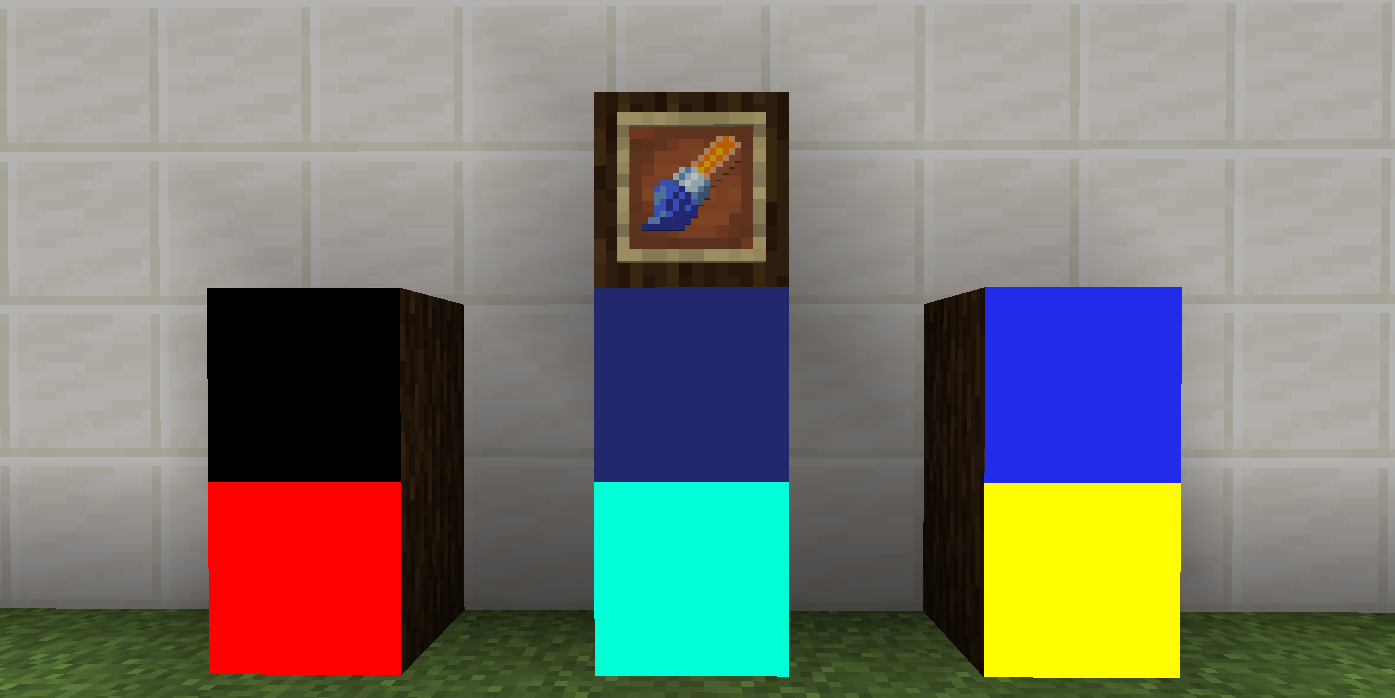
截图

介绍
中文介绍正在准备中,下面暂时显示原文。
fzPaint


A creative painting mod for Minecraft Fabric that allows you to paint blocks with custom colors and create pixel art using the Paint Brush tool.
Features
- Paint Brush Tool: A special tool to paint blocks with custom colors
- Pixel Art Support: Create detailed 16×16 pixel art on block faces
- Color Customization: Choose from millions of colors to paint your blocks
- Persistent Painting: Your paintings are saved and persist across game sessions
- Easy to Use: Simple and intuitive painting interface
Installation
- Download and install Fabric Loader
- Download Fabric API
- Download fzPaint from Modrinth
- Place both Fabric API and fzPaint JAR files in your .minecraft/mods folder
- Launch Minecraft with the Fabric profile
How to Use
- Get the Paint Brush from the Creative Inventory (Tools tab)
- Right-click on any block face to open the painting interface
- Choose your color or create pixel art
- Save your masterpiece!
Requirements
- Minecraft 1.21.1
- Fabric Loader 0.17.3 or higher
- Fabric API 0.116.7 or higher
- Java 21 or higher
Contributing
Contributions are welcome! Feel free to open issues or submit pull requests.
Contact
- Modrinth: fzPaint on Modrinth
Made with ❤️ for the Minecraft community
常见问题
fzPaint 支持哪些 Minecraft 版本?
fzPaint 支持 Minecraft Java 版 1.21.1,可用的加载器:Fabric。下载时注意选择和你游戏版本一致的文件。
fzPaint 怎么安装?
先用 PCL2 或 HMCL 启动器安装对应版本的 Fabric,再把下载的 .jar 文件放进游戏目录的 mods 文件夹,重新启动游戏即可。开启了版本隔离的,mods 文件夹在 versions/版本名 下面。运行环境:客户端和服务端都要装。
评论
登录后评论和评分