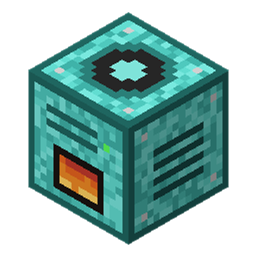
Fuel Quarries
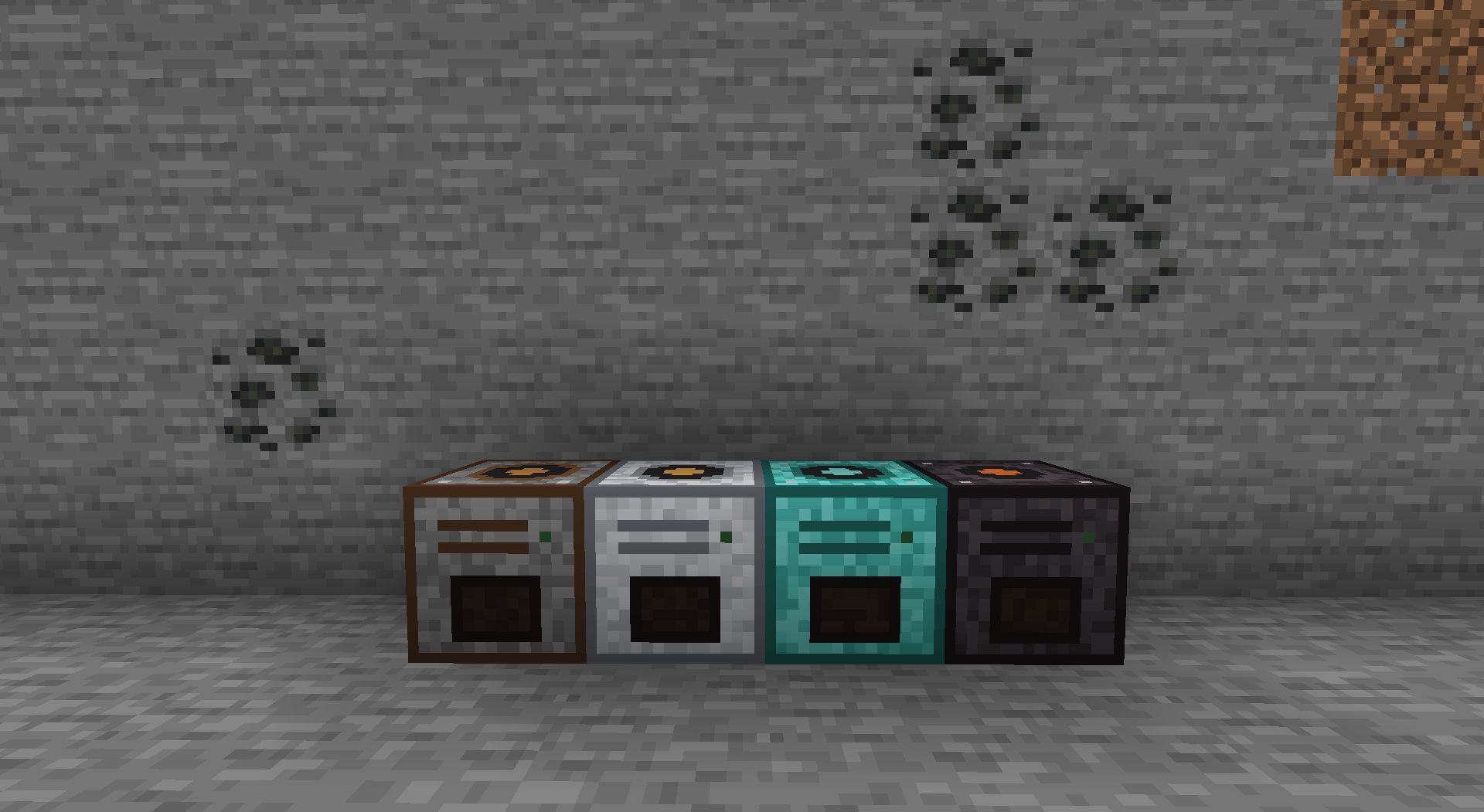
Four fuel-powered quarries, from rustic to netherite, that mine down to bedrock with an animated drill. Upgrade them with speed, area, fortune and filters, and store the output in expandable single-item storage units.
截图
介绍
Fuel Quarries
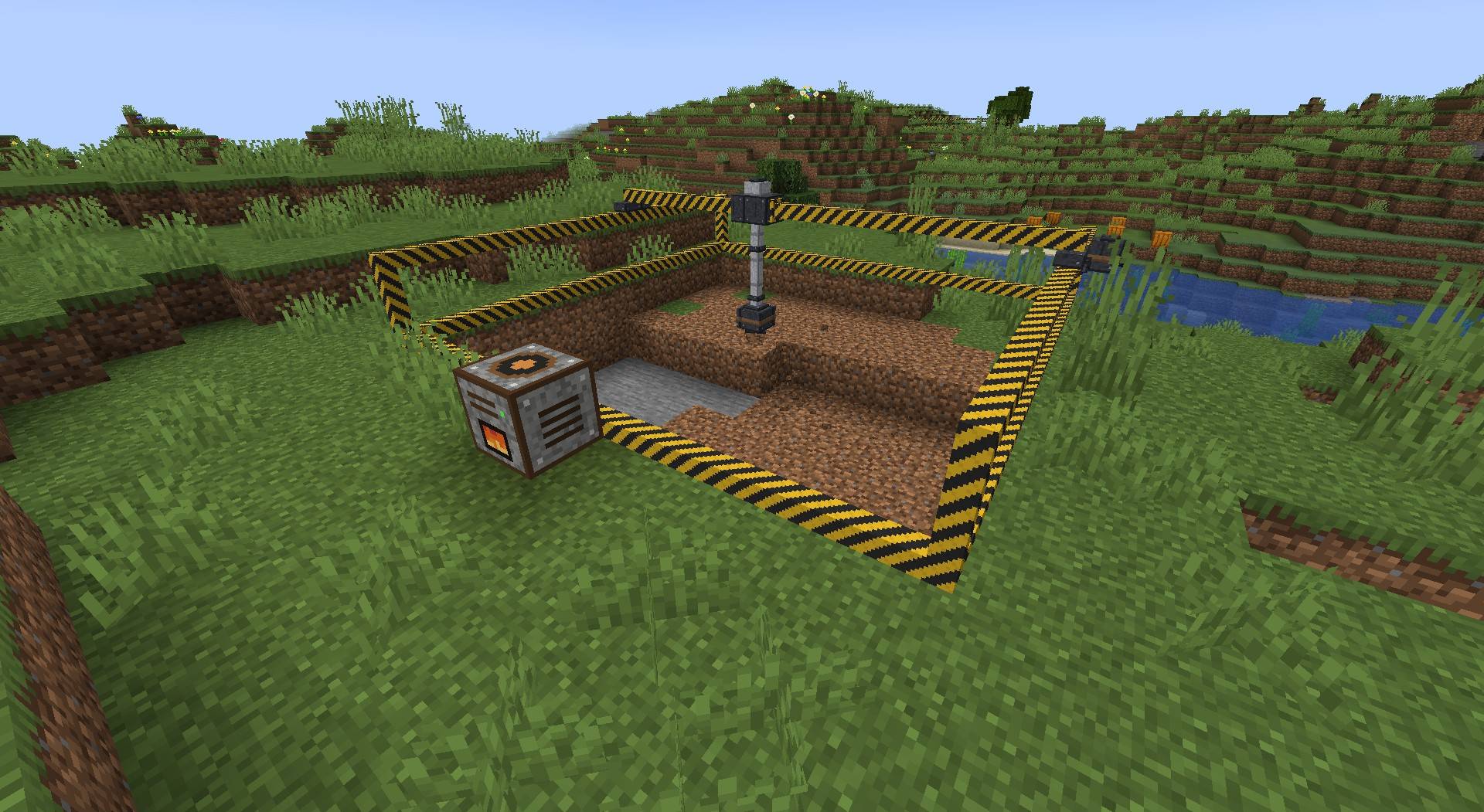
Four fuel-powered quarries that grow with your world, from an early-game rustic excavator to a massive netherite quarry. No power network needed: just feed them coal, wood, lava or any other furnace fuel.
Quarries
| Tier | Area | Speed | Fuel tank | Blocks per coal | Upgrade slots |
|---|---|---|---|---|---|
| Rustic | 9×9 | 0.5 blocks/s | 4 coal | 40 | 1 |
| Reinforced Iron | 17×17 | 1.5 blocks/s | 16 coal | 50 | 2 |
| Diamond | 33×33 | 4 blocks/s | 64 coal | 60 | 4 |
| Netherite | 65×65 | 10 blocks/s | 256 coal | 80 | 6 |
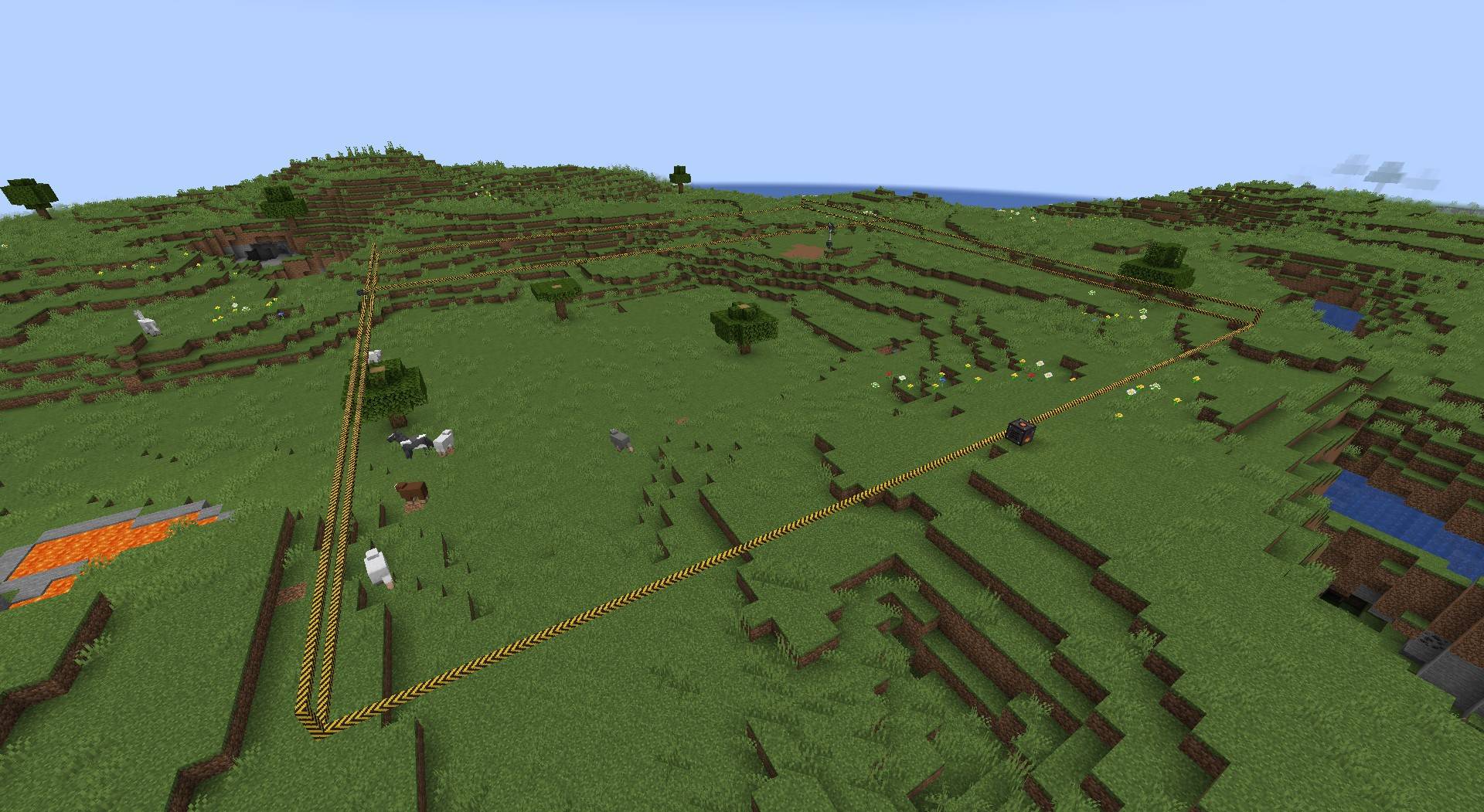
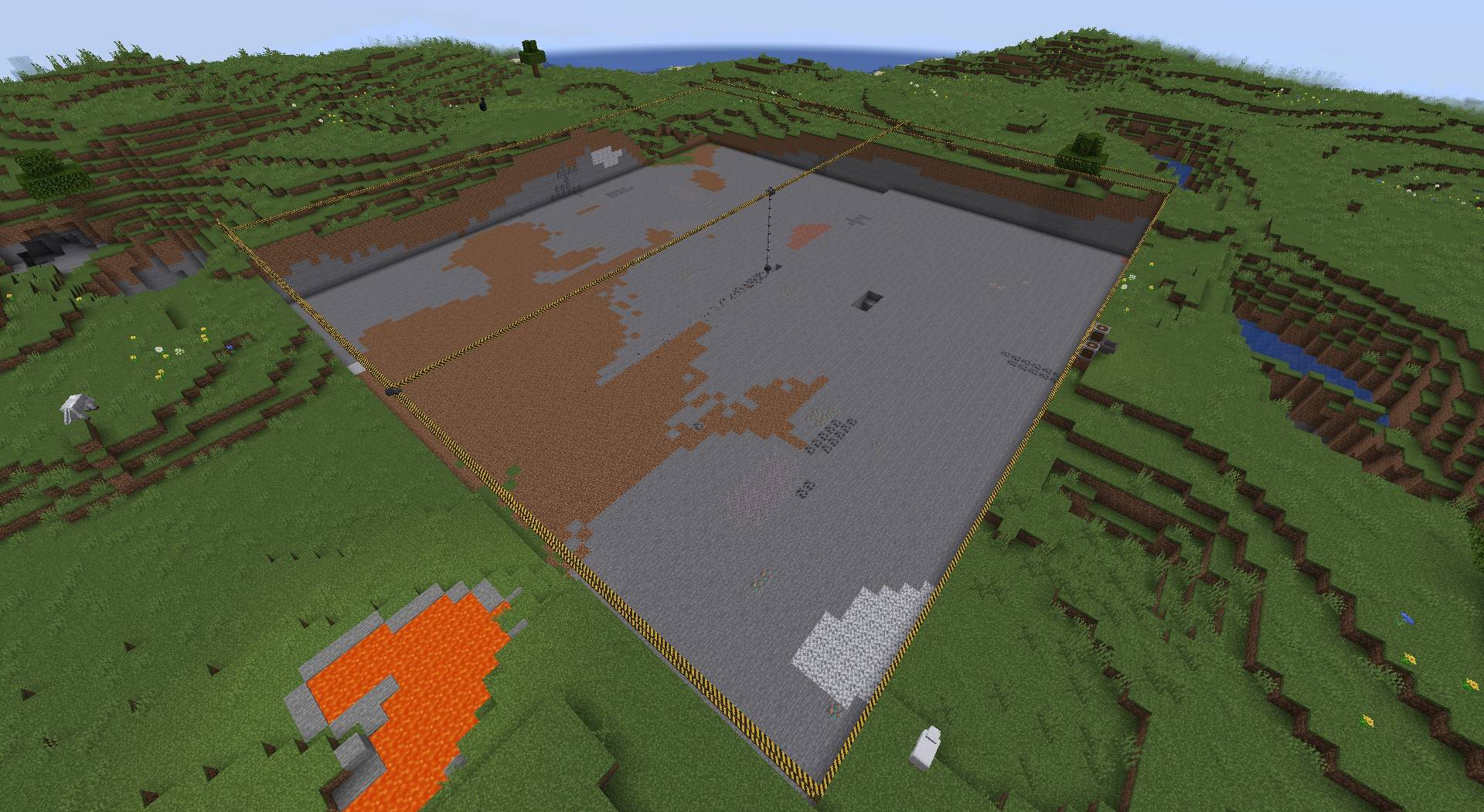
- Mines the area behind it layer by layer, down to bedrock.
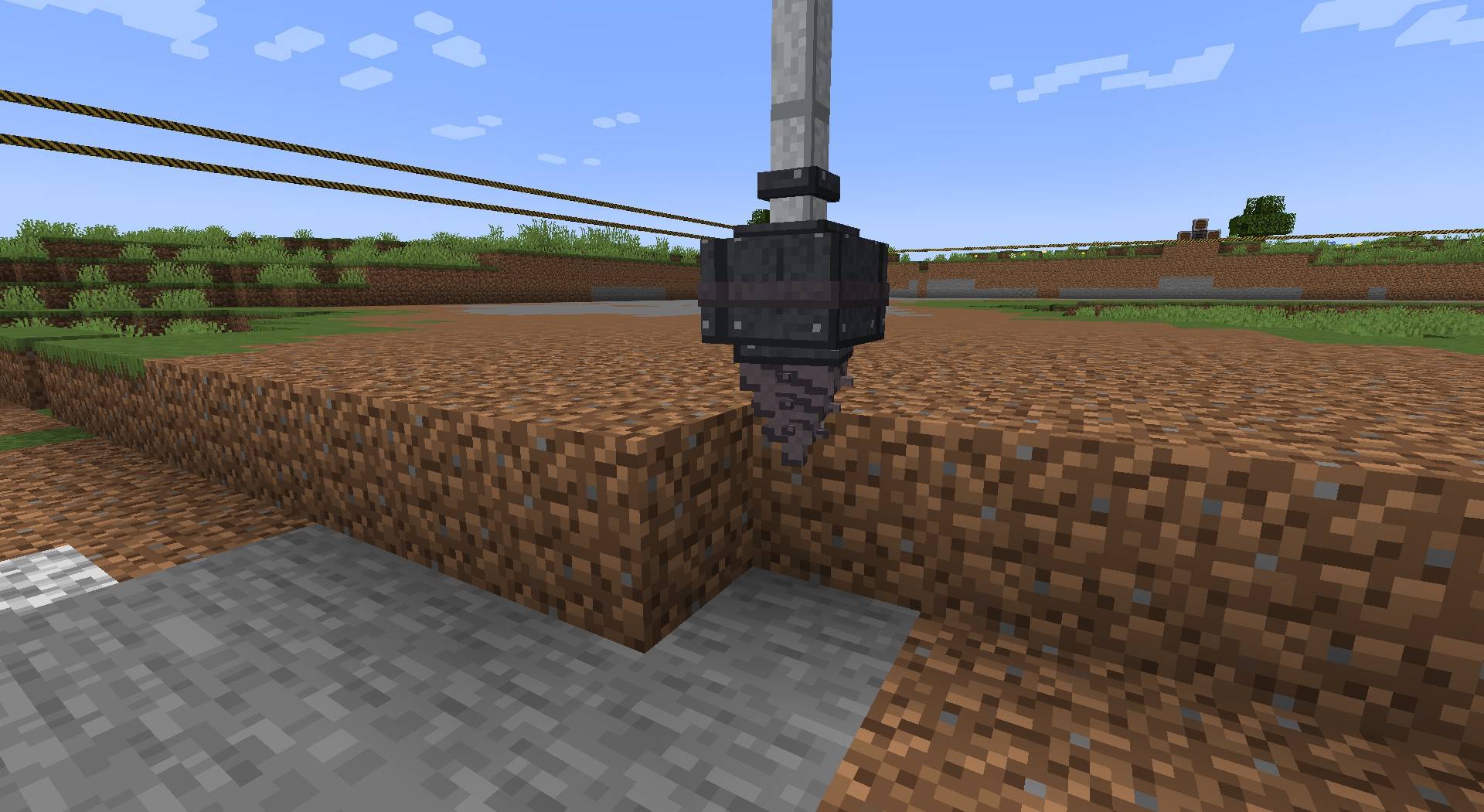
- Animated frame, gantry and spinning drill. The drill hurts anything standing beneath it.
- 27-slot output buffer that pushes items into adjacent chests, hoppers and pipes.
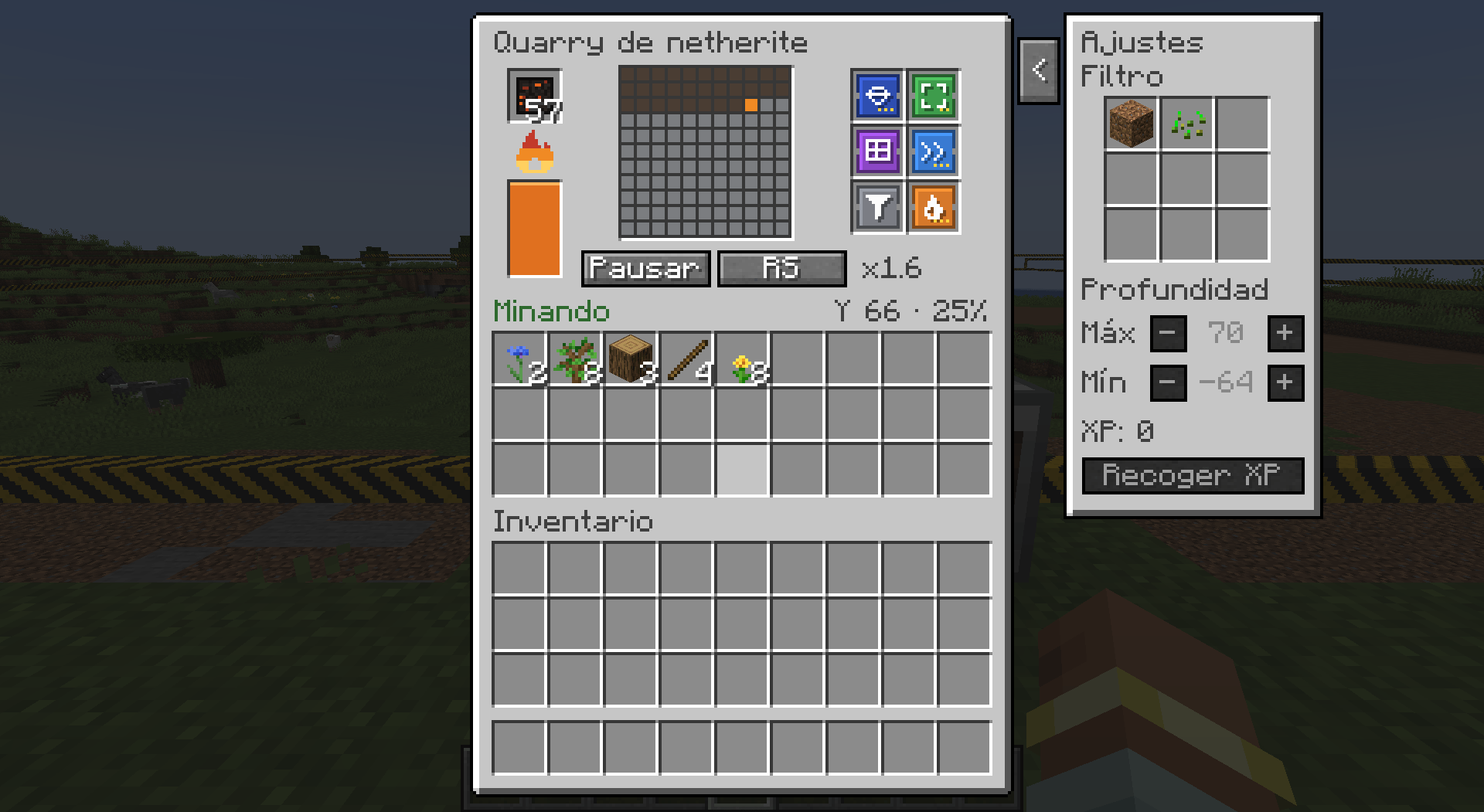
- GUI with fuel tank, live layer map, pause button and redstone control.
Upgrades
- Speed I-III, Area I-II, Fuel Efficiency I-III
- Fortune I-III or Silk Touch
- Auto-Smelt, Liquid Pump (lava becomes fuel)
- Filter, Combustion Chamber, Chunk Anchor, Depth Limit, Experience
Stronger upgrades cost more fuel per block, so you need to balance speed and efficiency.
Storage Unit
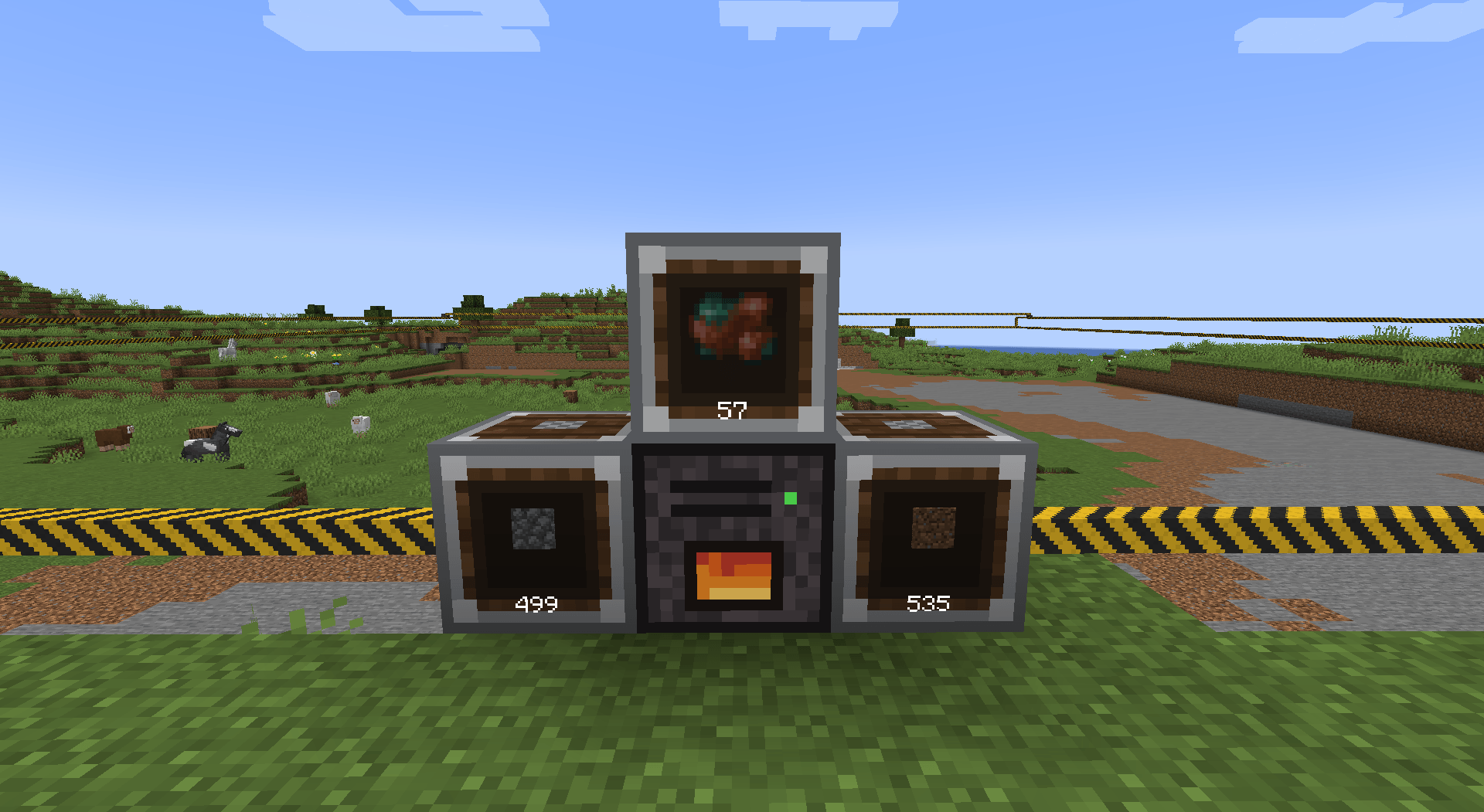
Holds a huge amount of a single item type: 64 stacks by default, up to 8,000+ stacks with iron, gold, diamond and netherite capacity upgrades. It shows the stored item on its front, keeps its contents when broken, and works with hoppers, comparators and quarries.
Storage networks: place storage units next to each other and they work as one. Connect just one of them to a quarry and the output is sorted automatically, with each item going to the unit that already holds it, or to an empty one.
Modpacks
You can use this mod in any modpack.
常见问题
Fuel Quarries 支持哪些 Minecraft 版本?
Fuel Quarries 支持 Minecraft Java 版 1.20.1,可用的加载器:Forge。下载时注意选择和你游戏版本一致的文件。
Fuel Quarries 怎么安装?
先用 PCL2 或 HMCL 启动器安装对应版本的 Forge,再把下载的 .jar 文件放进游戏目录的 mods 文件夹,重新启动游戏即可。开启了版本隔离的,mods 文件夹在 versions/版本名 下面。

评论
登录后评论和评分