
FTQ – optimized
-may increase your fps- works on the basis of more stable textures removal of uncessary and other types of optimization
截图

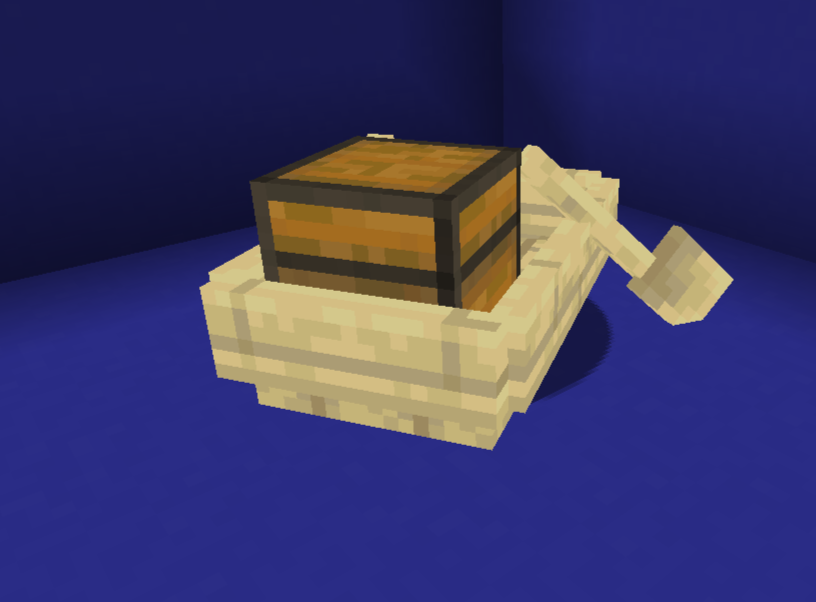
介绍
advantage
- Better FPS
- Optimized textures
- Easy install
Questions
how to install? – copy the ZIP file to the resourcepack or datapack folder.
how does this work? – works on the basis of more stable textures removal of uncessary and other types of optimization
Other
this project was created by one person; its goal is to enable easy optimization without crashes like a mod, but better – datapack\resourcepack
do you have low fps? it will raise it
From now on it does not require installation on the server!
⚠IMPORTANT – FPS jump and incompatibility with sodium is the NORMAL I do not guarantee a stable increase in FPS⚠
how it works?
this mod\resourcepack\datapack can increase FPS with the help of:
1.
the developers were a little lazy when making block models (example: if you put VERY many cauldrons and frames, minecraft will start to lag – the cauldron hitbox is very strange and the frames are very difficult to render it removes the shadows of entities and changes their rendering from now on works so that what the player does not see is not loaded at all or becomes of poor quality
2.
fog
now there is no fog, also clouds are drawn at a greater distance; now they are drawn only in the player’s visibility
3.
particles and animations
removed some animations like sea grass, etc.
cherry particles removed.
all together it gives a small increase
常见问题
FTQ – optimized 支持哪些 Minecraft 版本?
FTQ – optimized 支持 Minecraft Java 版 1.20.1,可用的加载器:Fabric / Forge / Quilt。下载时注意选择和你游戏版本一致的文件。
FTQ – optimized 怎么安装?
先用 PCL2 或 HMCL 启动器安装对应版本的 Fabric / Forge / Quilt,再把下载的 .jar 文件放进游戏目录的 mods 文件夹,重新启动游戏即可。开启了版本隔离的,mods 文件夹在 versions/版本名 下面。运行环境:客户端 / 服务端。
评论
登录后评论和评分