
截图

介绍


Overview:
This mod adds new behaviors to Minecraft’s inventory, HUD, containers, and screens. All features can be toggled and customized using the config file or the modmenu config screen.
Inventory:
Hotbar Stack Refilling: Refills the hotbar with a new stack of the same item from the inventory.
Automatic Tool Selection: Automatically swaps to the hotbar slot with the best tool when mining and the best weapon when attacking.
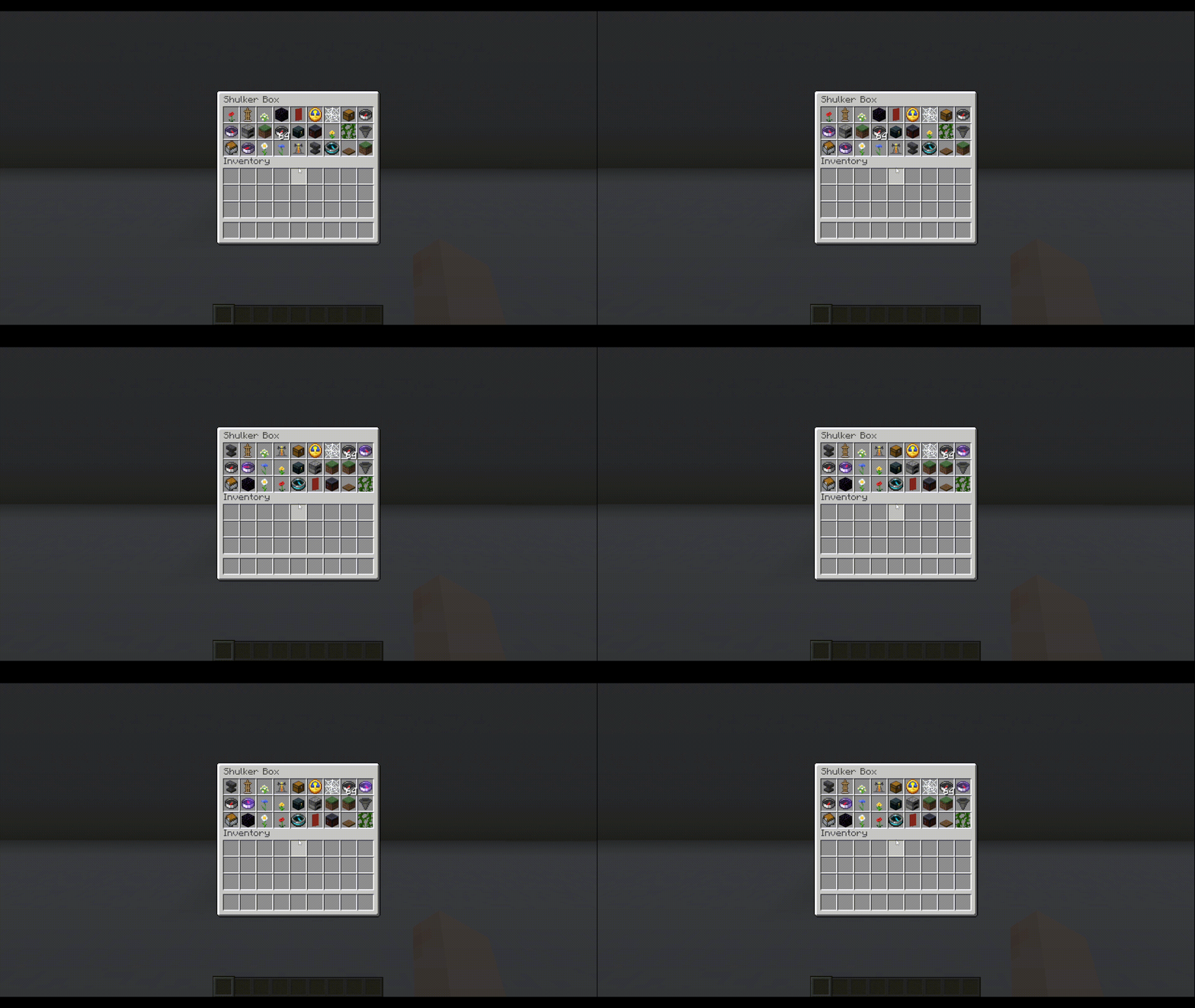
Inventory Sorting: Sorts the current container.
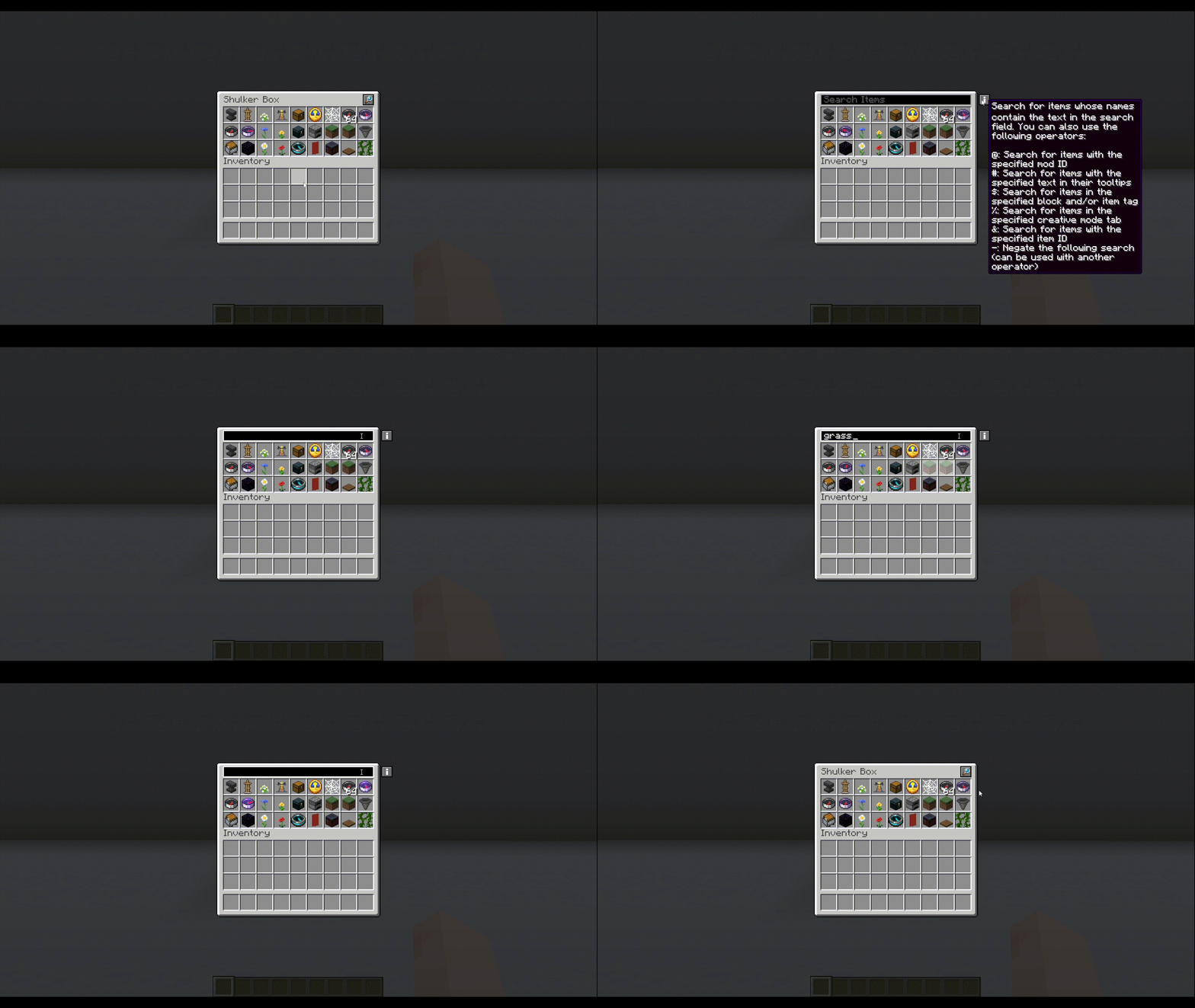
Inventory Search Bar: Adds a search bar to all container blocks.
Tab to Nearby Containers: Allows the player to access all containers within reach using either a keybind or the tab created in the inventory screen.
HUD:
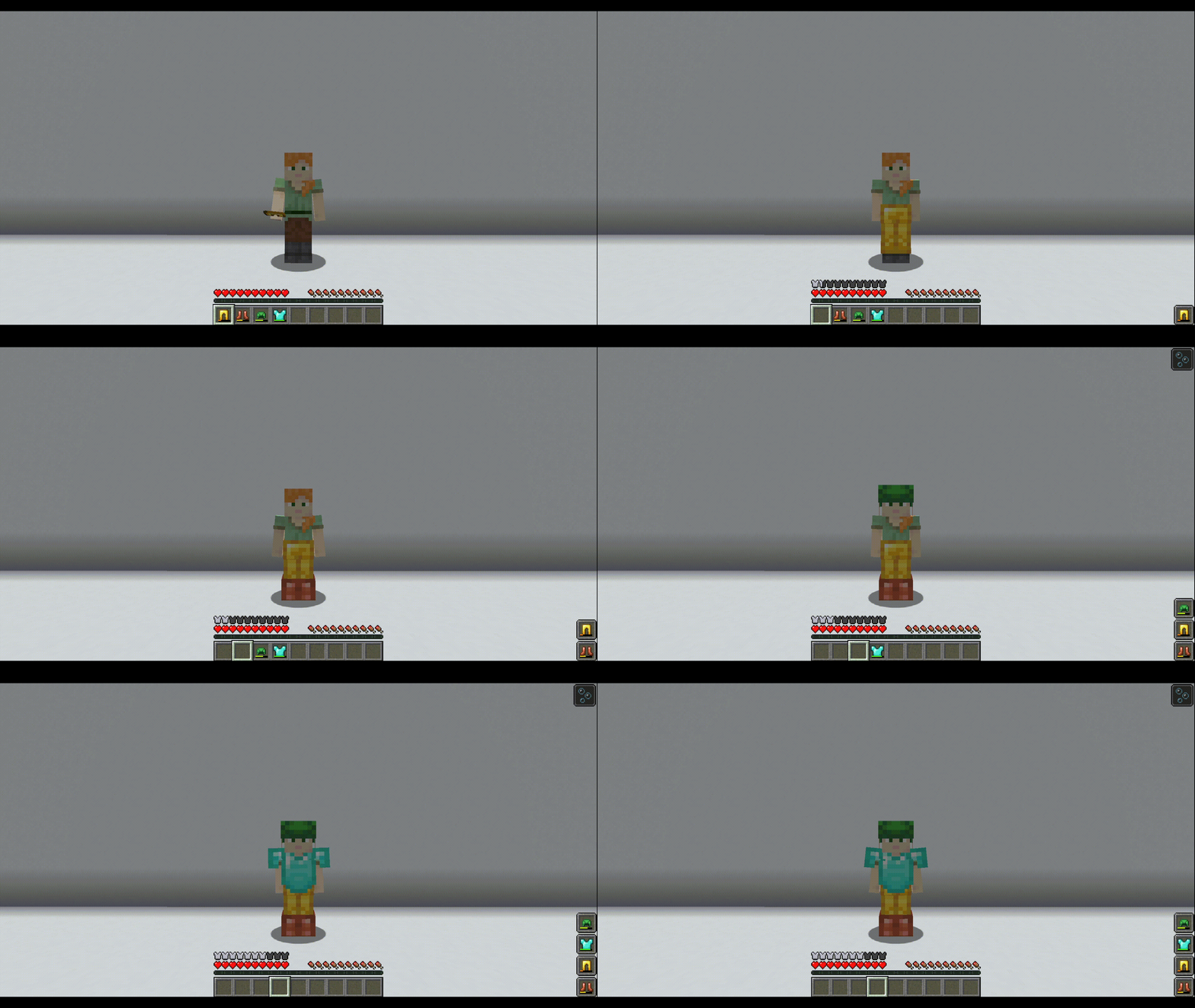
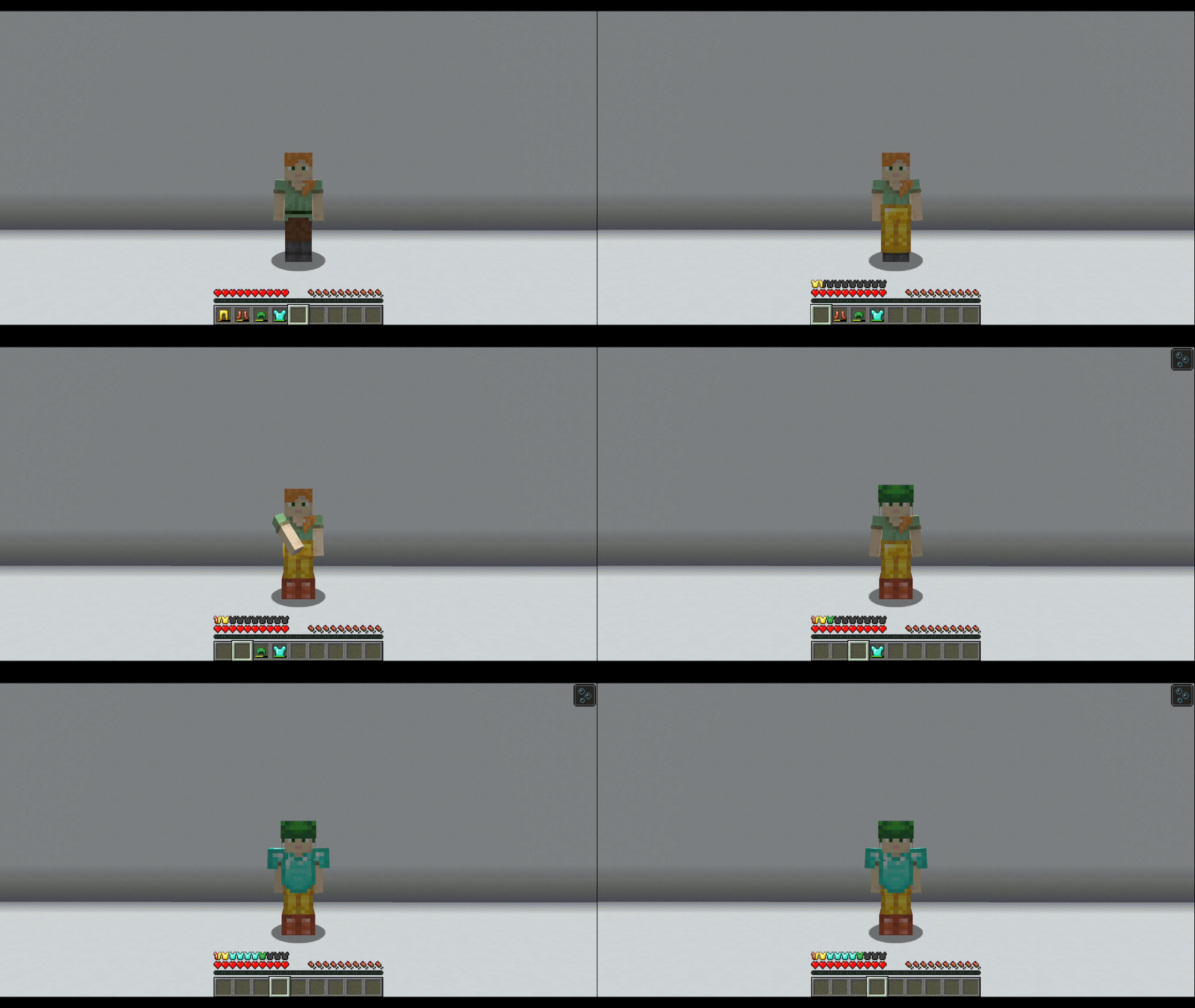
Armor Durability Display: Displays the currently equipped armor items on the screen.
Slot Cycling: Cycles to another item in the same column of the inventory as the selected hotbar slot.
Bedrock Paperdoll: Displays the player model on the screen like in Bedrock Edition.
Text Display: Displays a list of informational text strings.
WAILA (What Am I Looking At?): Displays the targeted block or entity.
Held Items Visible In Boats: Stops held items being hidden while rowing a boat.
Colored Armor Bar: Colors the armor bar icons to match the materials of the equipped armor.
Status Effect Timer: Adds bars to the status effect overlay that show the remaining durations of active effects.
Don’t Hide Experience Bar: Renders the locator bar on top of the experience bar, instead of replacing it.
Players’ Waypoints Use Their Skins: Waypoints that point to a player use that player’s head as the sprite.
Tooltips:
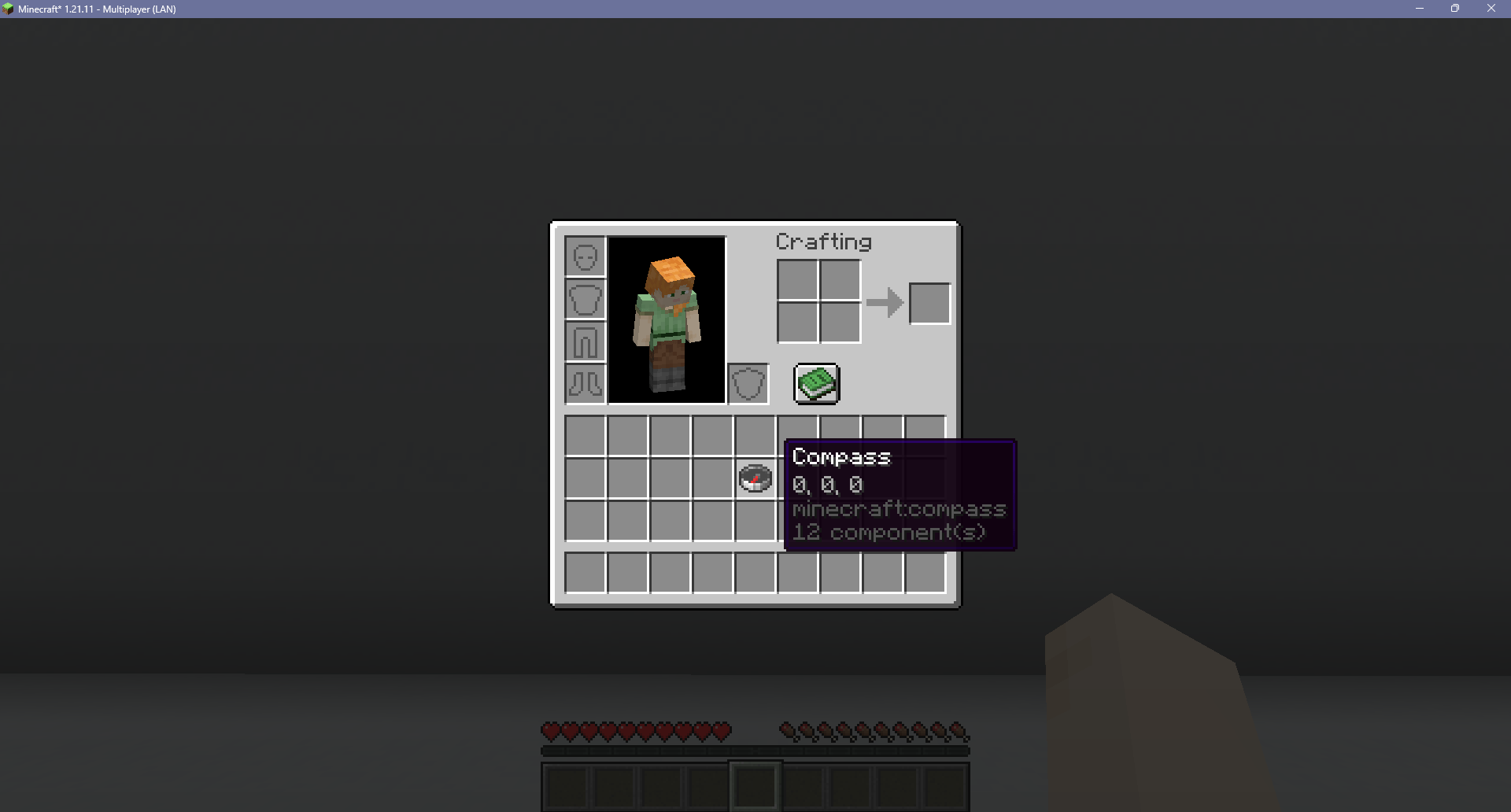
Compass Target Tooltip: Adds a compass’s target position to its tooltip.
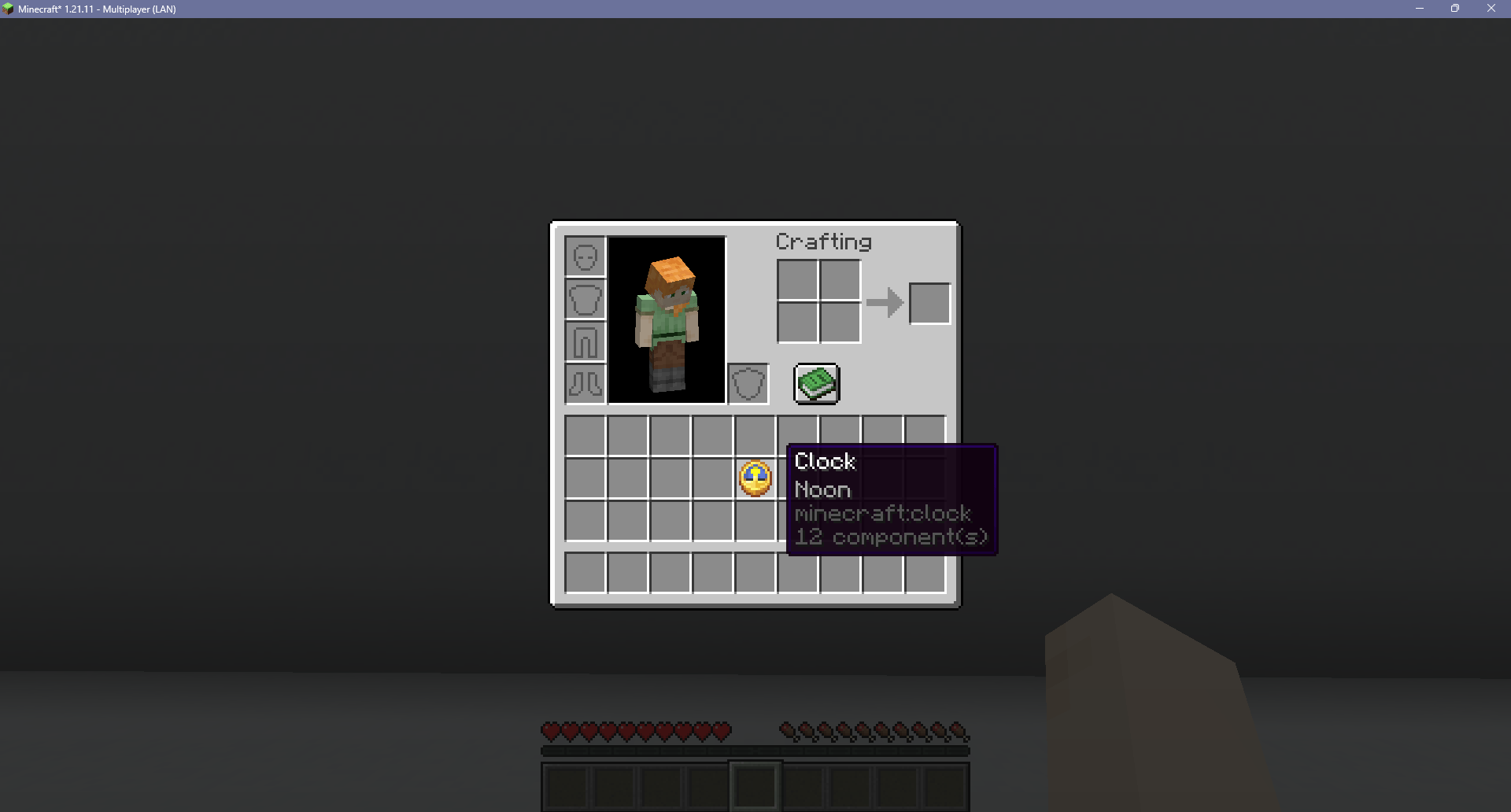
Clock Daytime Tooltip: Adds the time of day to the clock’s tooltip.
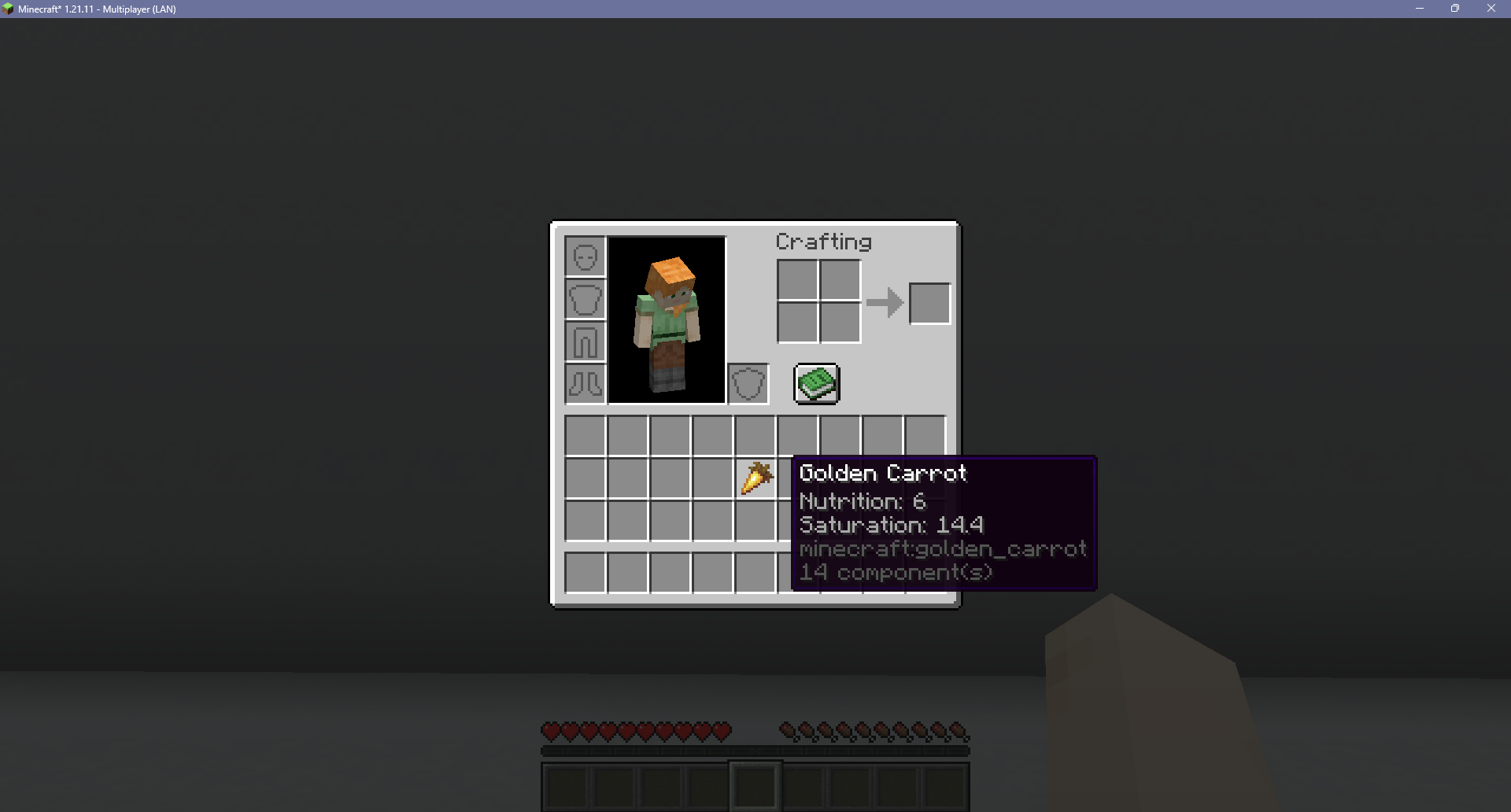
Food Nutrition Tooltip: Adds the nutrition and saturation of a food item to its tooltip.
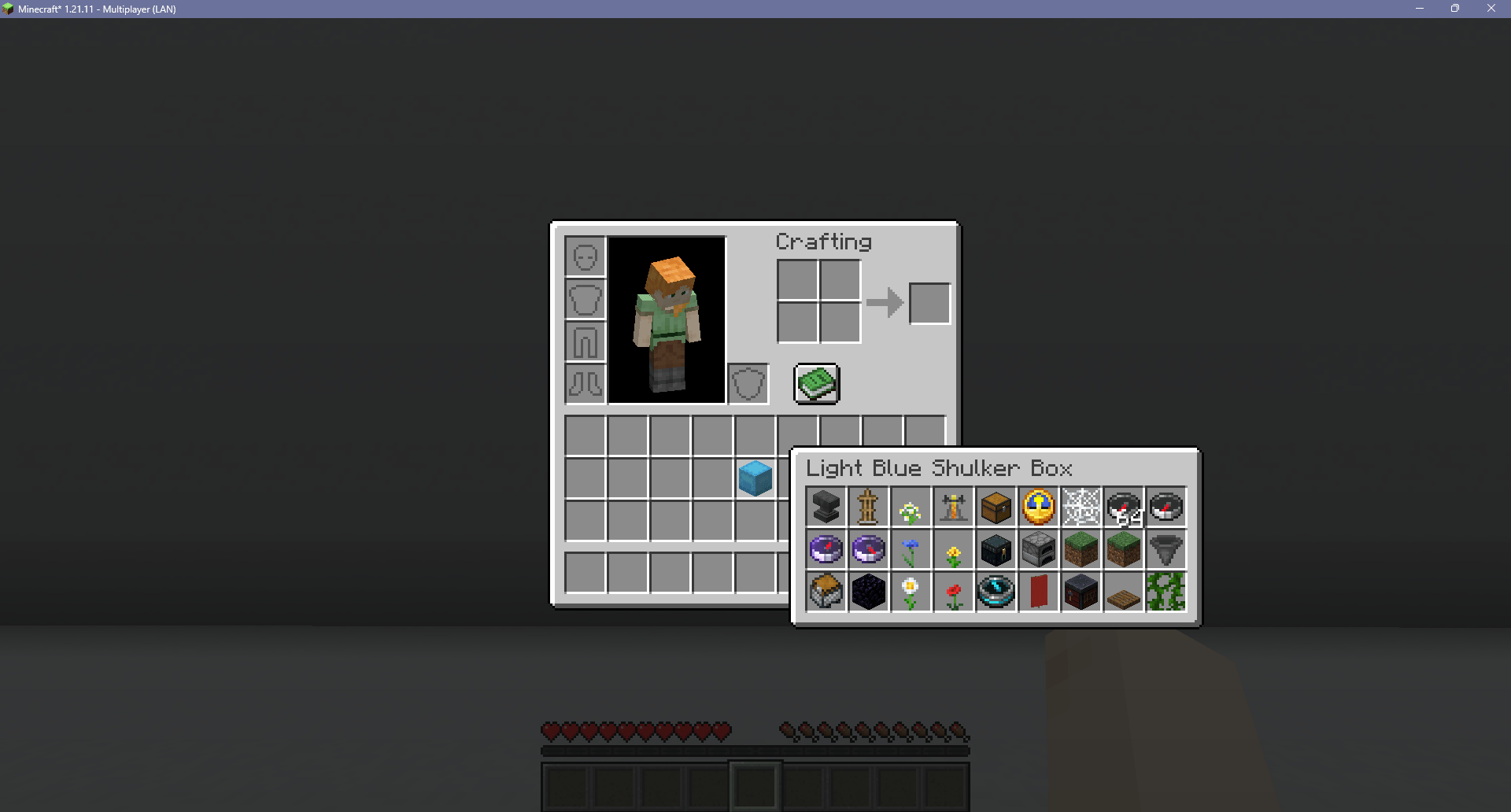
Shulker Box Preview: Displays a shulker box’s inventory in its tooltip.
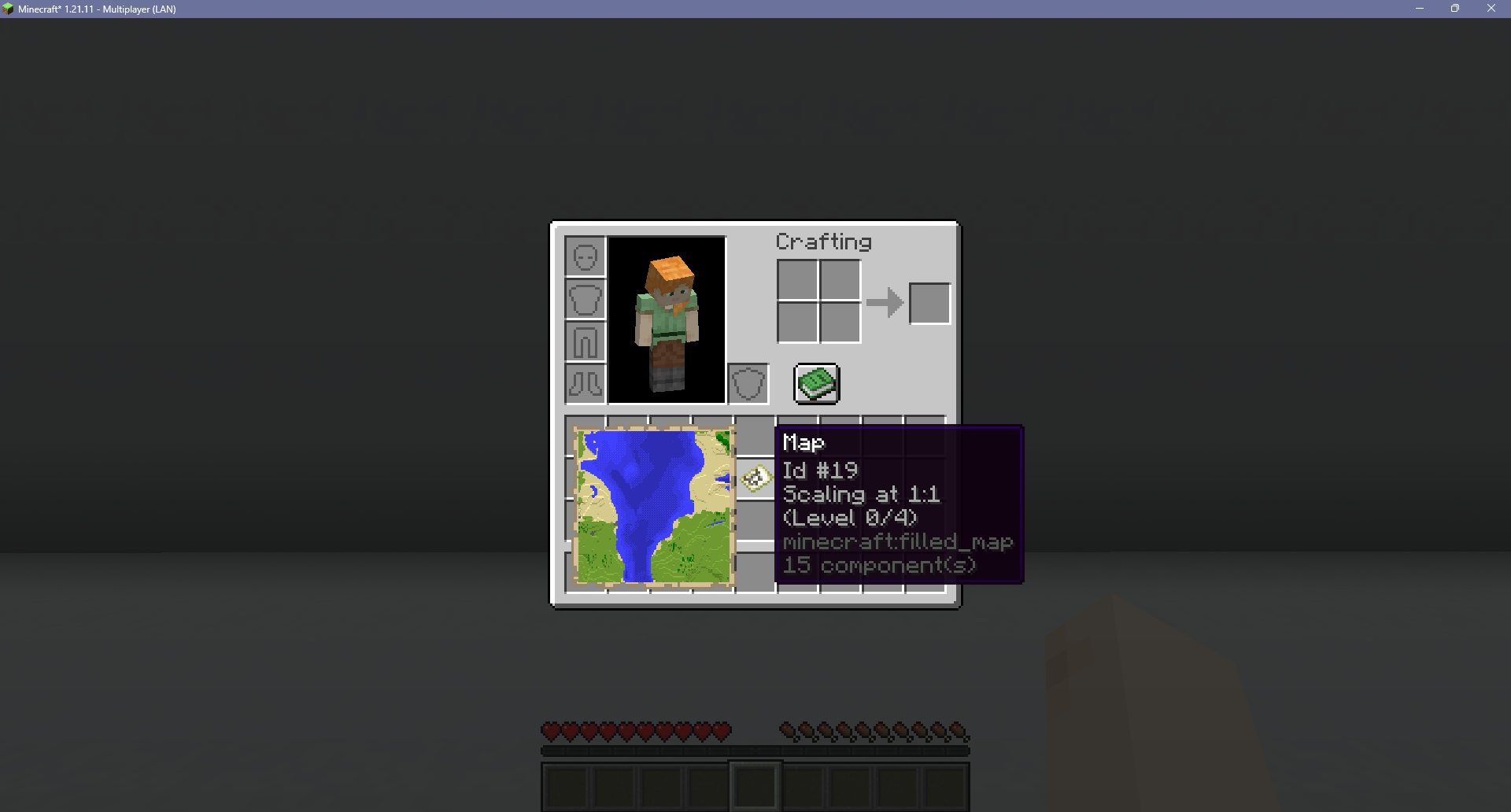
Map Preview: Displays a map’s contents in its tooltip.
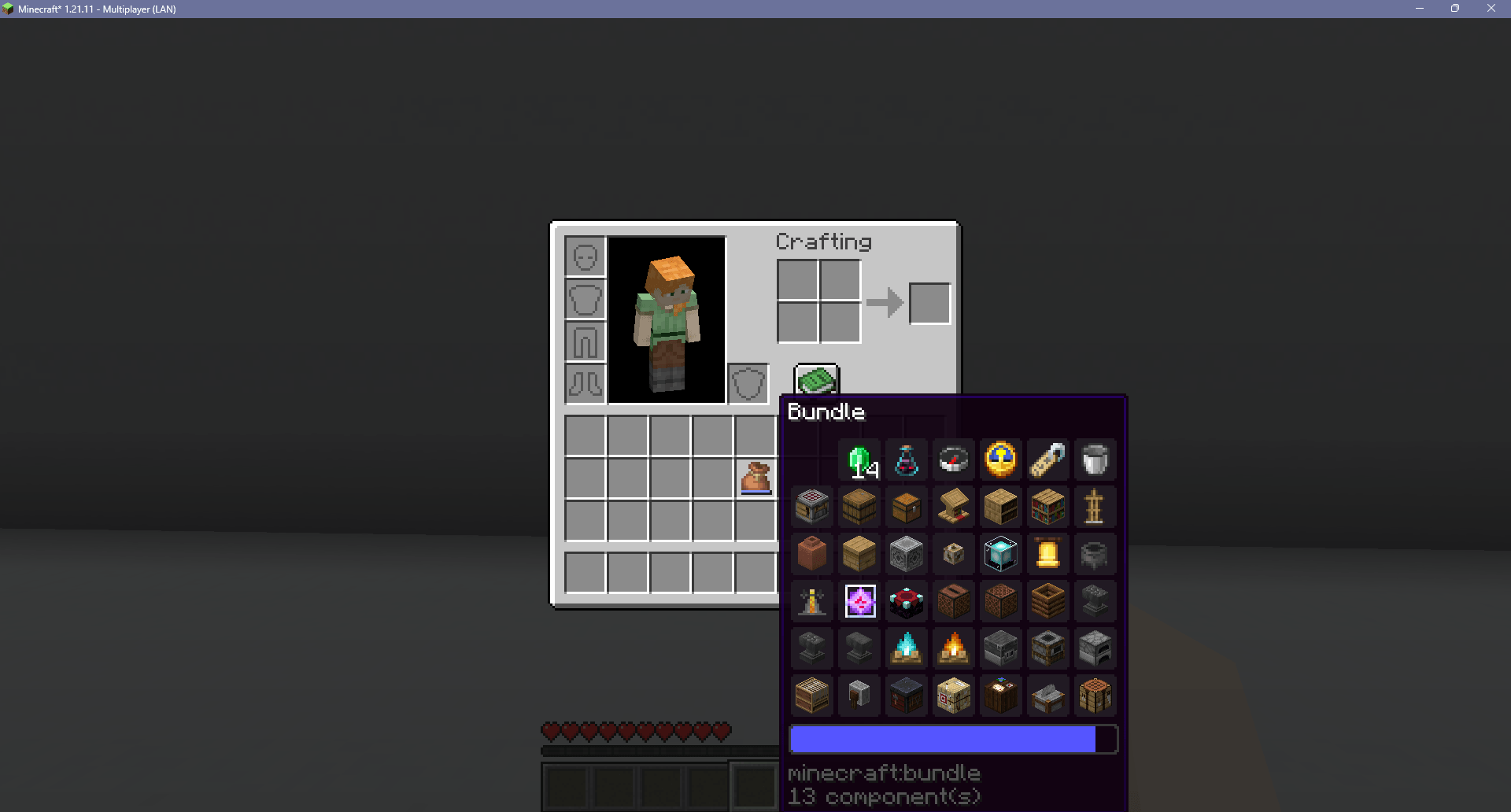
Expanded Bundle Tooltip: Displays the entire contents of a bundle in its tooltip.
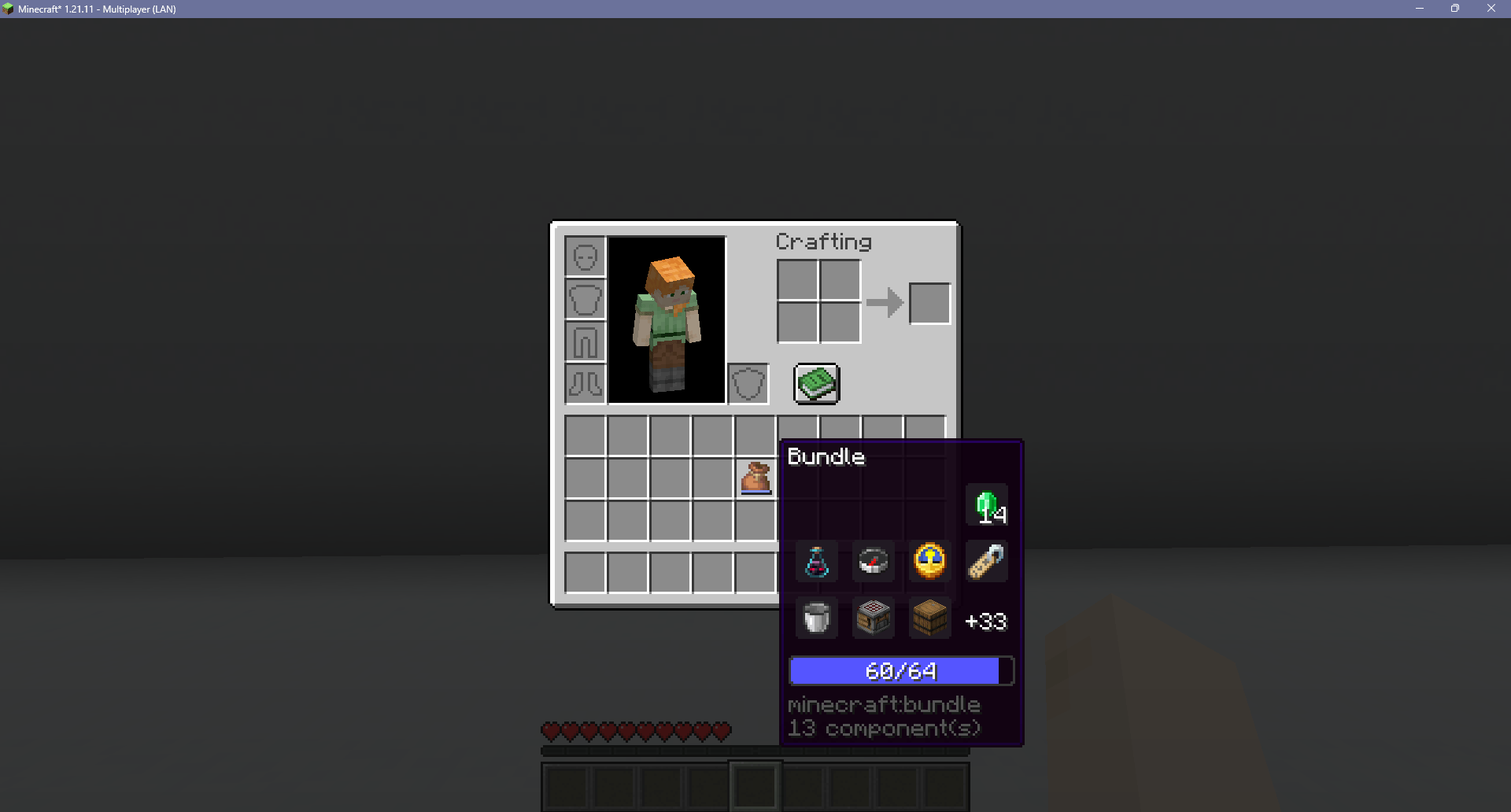
Bundle Progress Bar Fraction: Displays a bundle’s fullness as a fraction of 64 on top of its progress bar.
Screen Effects:
Zoom: Drops the field of view to zoom into the center of the screen.
Gamma: Increases the brightness past the maximum value.
FAQs:
Will this be updated to [Insert Version]?
I plan on updating this mod for as long as I can. Expect to wait a few weeks after major Minecraft updates for an updated version of this mod. There may be longer pauses between minor versions depending on how busy I am.
Will you make a Forge version?
I don’t make Forge mods, but feel free to make your own unofficial port as long as you credit my code and/or assets.
Can I use this in my mod pack?
Yes! I made this mod for people to use!
Download:
Modrinth – https://modrinth.com/mod/frostbytes-improved-inventory
Curseforge – https://www.curseforge.com/minecraft/mc-mods/frostbytes-improved-inventory
常见问题
Frostbyte’s Improved Inventory 支持哪些 Minecraft 版本?
Frostbyte’s Improved Inventory 支持 Minecraft Java 版 1.19.4–26.3,共 23 个版本,可用的加载器:Fabric。下载时注意选择和你游戏版本一致的文件。
Frostbyte’s Improved Inventory 怎么安装?
先用 PCL2 或 HMCL 启动器安装对应版本的 Fabric,再把下载的 .jar 文件放进游戏目录的 mods 文件夹,重新启动游戏即可。开启了版本隔离的,mods 文件夹在 versions/版本名 下面。
FrostbyteGames 的其他作品
查看全部 →
Frostbyte’s Slabs & Stairs
为许多原版方块添加台阶、楼梯、墙、栅栏等非完整方块变体。

Frostbyte’s Improved Inventory
Slot cycle, Durability display, Stack refill, Auto swap tools, Container sort & search, Zoom, Paperdoll, Gamma, Boat item view, Colored armor bar, Inventory tabs, Map & Shulker box preview, Expanded bundle tooltip, More HUD info, & Better locator bar

Frostbyte’s Maximum Mobility
Adds QoL features to the movement system: Step up, Boat step up, Coyote time (jump forgiveness), Bedrock bridging, & Bedrock elytra canceling.

Frostbyte’s Skip Server Movement Check
A server side mod that skips the client movement check that causes rubber-banding due to "moved too quickly" or "moved wrongly".
评论
登录后评论和评分