
介绍
Free camera API V3

What are the advantages?
- Decouples from camera internals, reducing complexity.
- Simple and flexible usage.
- Supports loading chunks beyond the player’s view range (with expansion).
How to Register and Use the Plugin
-
Create the plugin class
@CameraPlugin(value = "example", priority = ModifierPriority.LOWEST)
public class ExamplePlugin implements ICameraPlugin {
    // ...
}
value: Plugin unique identifier (string)
priority: Priority setting (ModifierPriority.HIGH/LOWEST etc.) -
Initialization
@Override public void initialize(ICameraModifier modifier) { this.modifier = modifier; modifier.enable(); } -
Update camera data every frame
modifier

            .enablePos() // Enable position modification

            .enableRotation() // Enable rotation modification

            .enableFov() // Enable FOV modification

            .setPos(1, 2, 3) // Set camera position to (1,2,3), default is local coordinates centered on player

            .addPos(1, 2, 3)

            .setRotationYXZ(90f, 15f, 25f) // Set camera rotation to (90f, 15f, 25f)

            .move(0, 0, -5) // Move camera based on current rotation

            .enableGlobalMode() // Enable global mode, all coordinates and rotations will be modified according to world coordinates

            .enableChunkLoader() // Enable chunk loader, load chunks around the camera. An additional Free Camera API Addition mod needs to be installed to enable this feature, otherwise it will have no effect

            .enableObstacle() // Enable collision detection
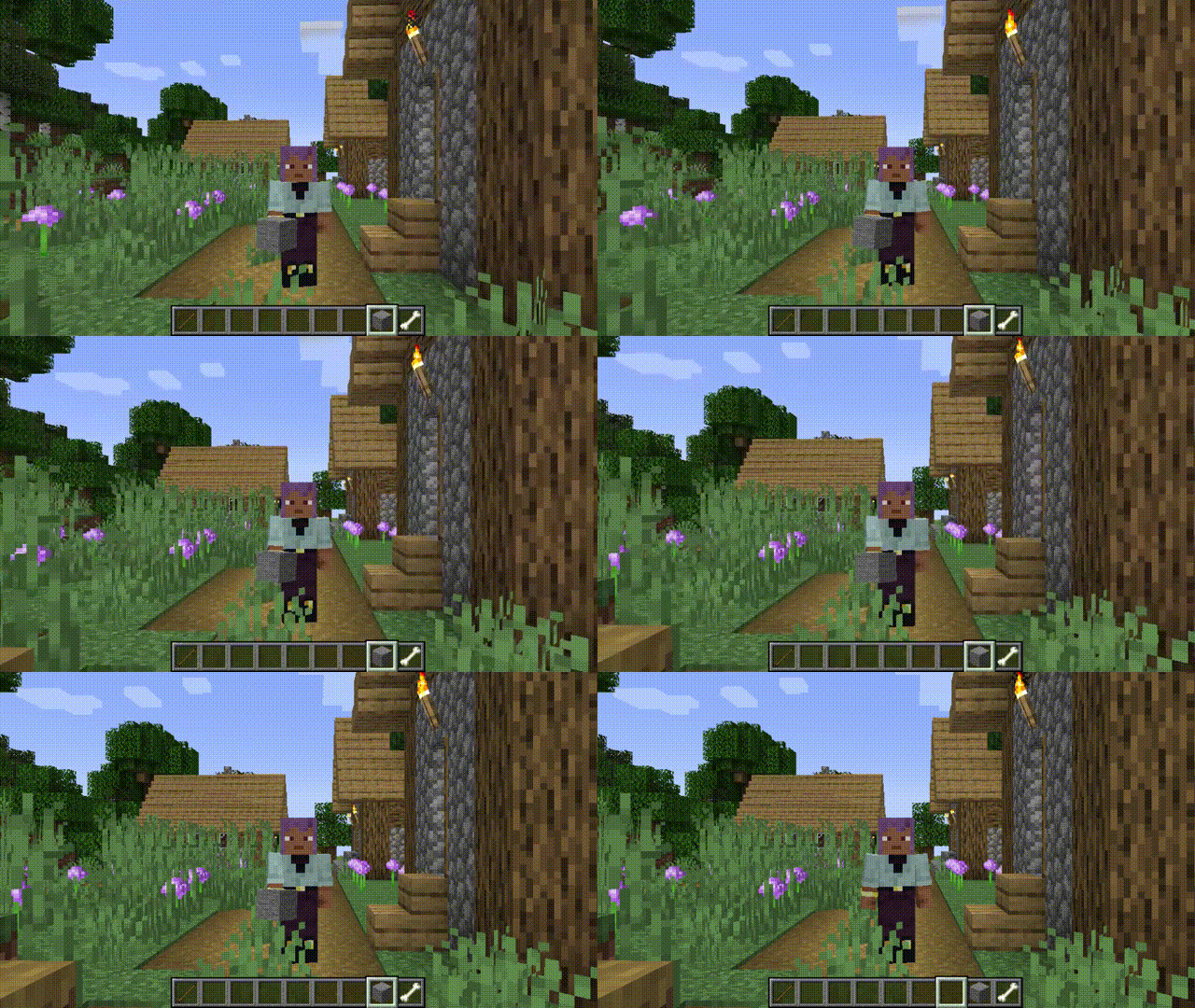
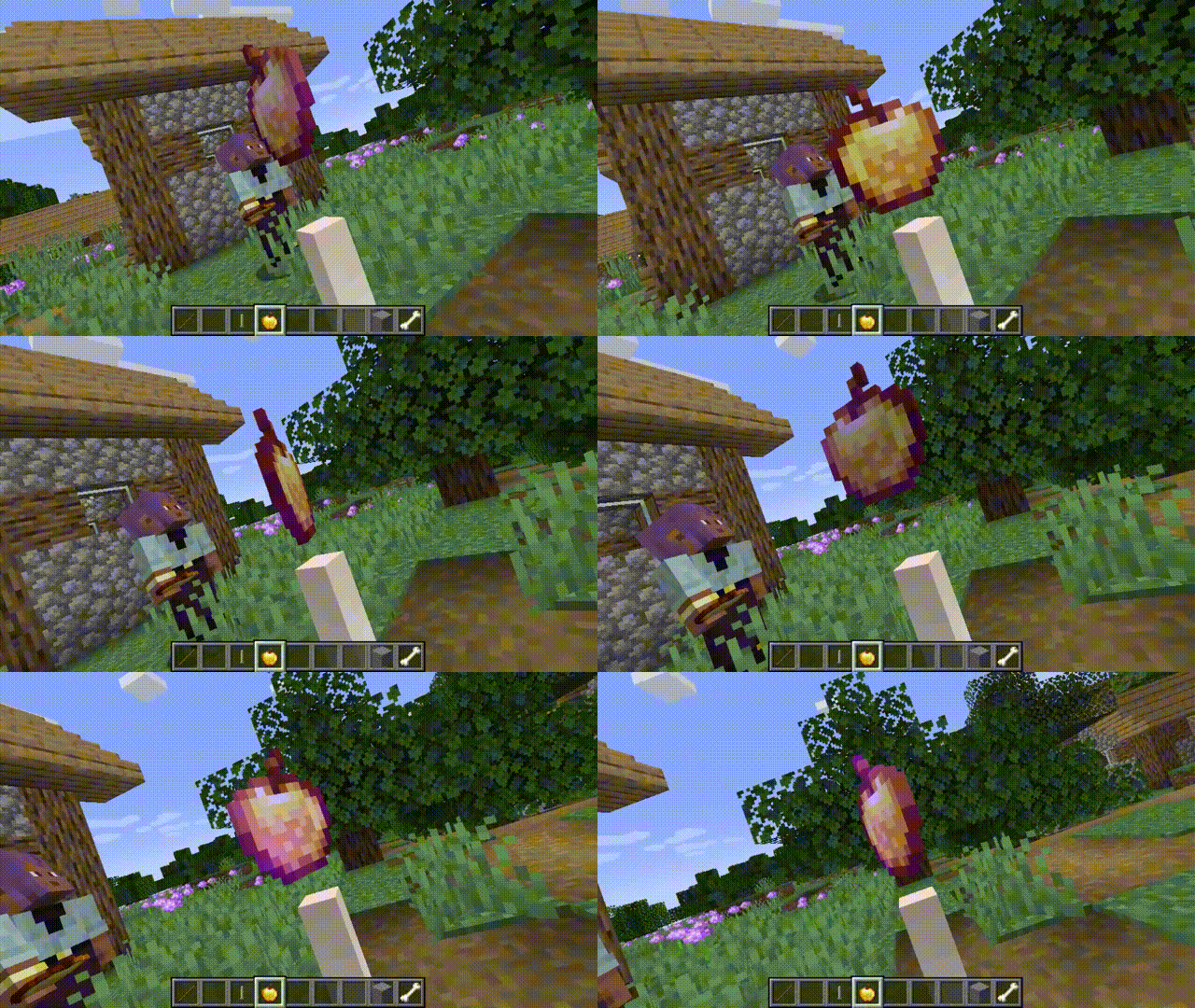
Gallery
常见问题
Free camera API 支持哪些 Minecraft 版本?
Free camera API 支持 Minecraft Java 版 1.20.1–1.21.7,共 7 个版本,可用的加载器:Forge / NeoForge。下载时注意选择和你游戏版本一致的文件。
Free camera API 怎么安装?
先用 PCL2 或 HMCL 启动器安装对应版本的 Forge / NeoForge,再把下载的 .jar 文件放进游戏目录的 mods 文件夹,重新启动游戏即可。开启了版本隔离的,mods 文件夹在 versions/版本名 下面。
AnECanSaiTin 的其他作品
查看全部 →
Free camera API
Free camera mode and modify camera state flexible

Zoom
Add more function for player camera.
Zoom
Add more function for player camera.

Ae Shield
Multi-function, custom shield.
评论
登录后评论和评分