截图
介绍
中文介绍正在准备中,下面暂时显示原文。
🎮 How to Use
GUI Interface (Recommended)
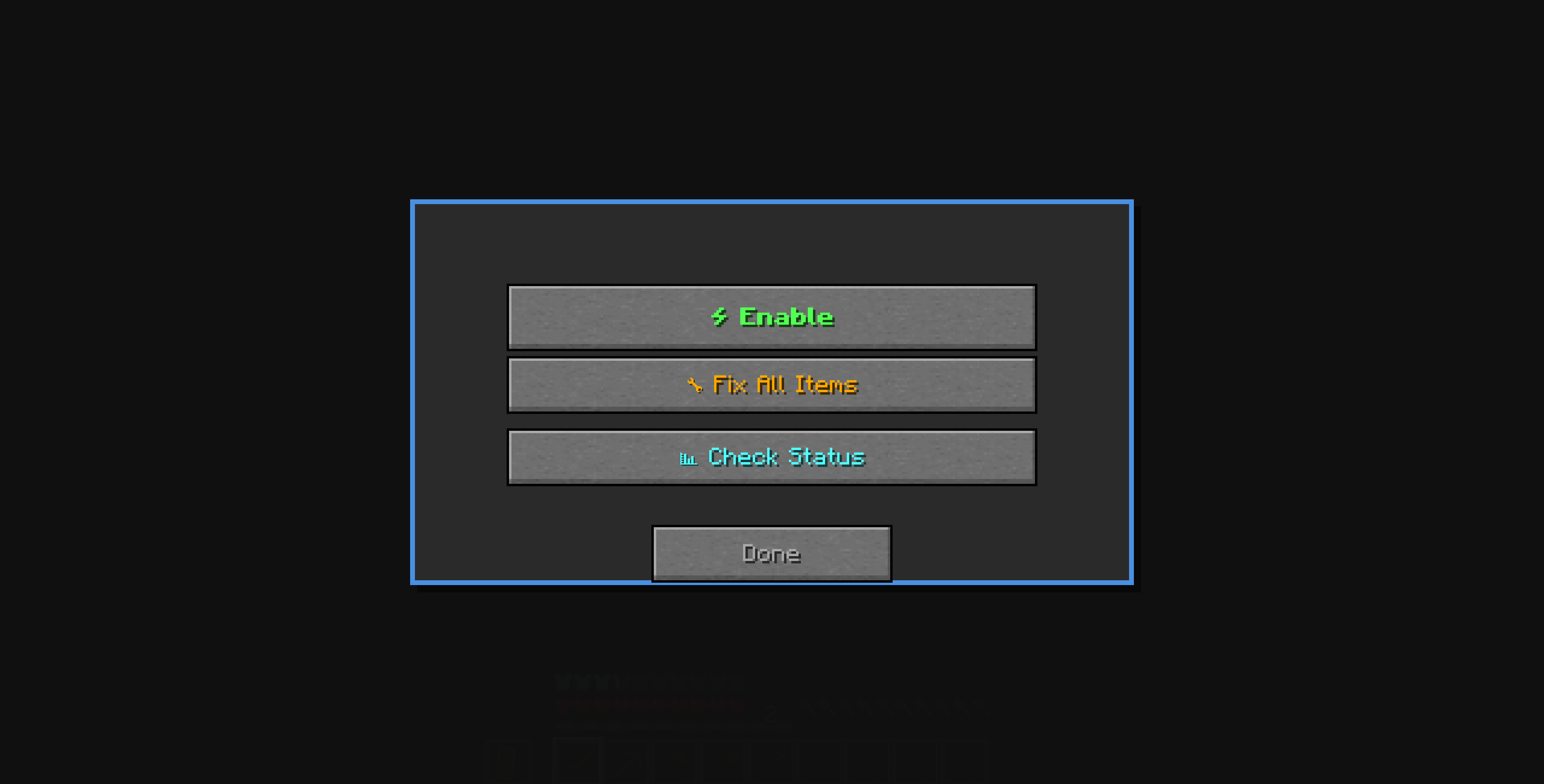
– Press `U` to open the interface (key can be changed in the settings)
– Click toggle to enable/disable protection
– View statistics in real-time
Chat Commands
“`
/foreveritems toggle # Enable/disable protection
/foreveritems status # Show current status
/foreveritems fixall # Repair all damaged items
“`
📊 Status Display
Your action bar continuously shows:
– `✅ ACTIVE` / `❌ INACTIVE` – Protection status
– `Protected: 127` – Number of items protected
– `Fix All: 8` – Times you used mass repair
—
🛠️ What Gets Protected
| Category | Items |
|———-|——-|
| ⚒️ Tools | Pickaxes, axes, shovels, hoes |
| ⚔️ Weapons | Swords, bows, crossbows, tridents |
| 🛡️ Armor | Helmets, chestplates, leggings, boots |
| ✨ Other | Any item with durability (fishing rods, shears, etc.) |
—
🌍 Multi-Language Support: English, German, Spanish, French, Japanese, Russian, Chinese
常见问题
ForeverItems 支持哪些 Minecraft 版本?
ForeverItems 支持 Minecraft Java 版 1.21.6,可用的加载器:Fabric。下载时注意选择和你游戏版本一致的文件。
ForeverItems 怎么安装?
先用 PCL2 或 HMCL 启动器安装对应版本的 Fabric,再把下载的 .jar 文件放进游戏目录的 mods 文件夹,重新启动游戏即可。开启了版本隔离的,mods 文件夹在 versions/版本名 下面。
720x4 的其他作品
查看全部 →
Modern Skills
by 720x4
Level up a unique skill for every block you mine and every mob you kill to mine faster and deal more damage.
52
1 个月前
CurseForge
Doubled Durability
by 720x4
Doubles the maximum durability of every damageable item so tools, weapons, armor, and elytra last twice as long.
50
1 个月前
CurseForge

QoLEnhancements
by 720x4
Auto Tool (T): Auto-selects best tool for mining. Unbreakable Items (U): All items become unbreakable. Auto Heal (H): Instantly heals you completely. Customizable in Controls → OGx.
42
1 个月前
CurseForge
评论
登录后评论和评分