
Forcebound – A Star Wars Themed Mod
Forcebound brings you Star Wars themed content like Lightsabers to Minecraft 1.21.4 and soon 1.21.8
截图



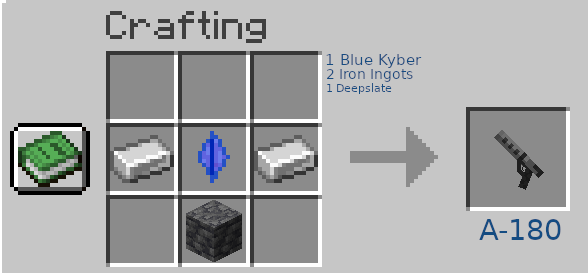
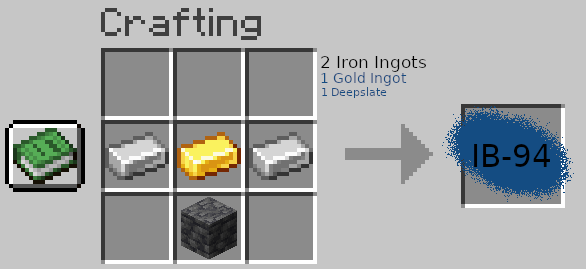
介绍
Unfortunately i have lost the files for the mod, i sadly cant update it anymore
_Forcebound_
IGNORE GALLERY RECIPES FOR ITEMS, MODRINTH IS BUGGED, I CANT DELETE THEM
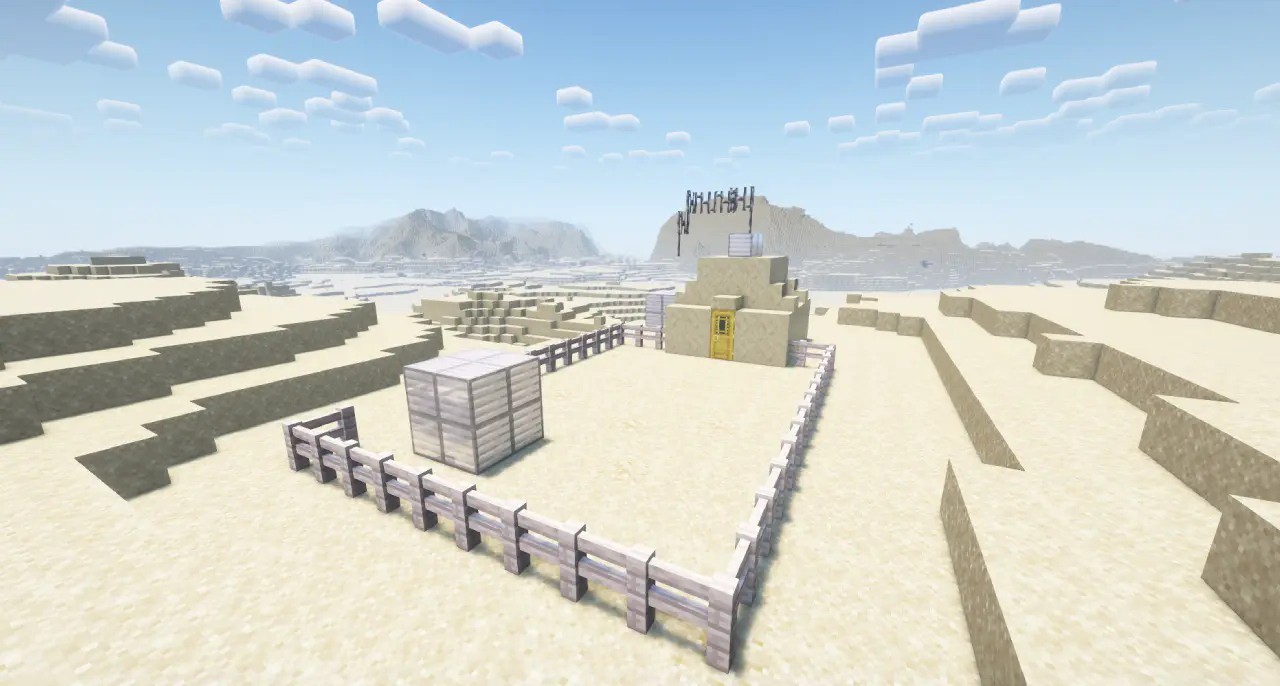
- _For Now German is incomplete and wont be completed until atleast V2_
- Forcebound adds Star Wars Themed Content like Lightsabers ,Blasters ,Tatooine and Mustafar to Minecraft 1.21.8
Features :
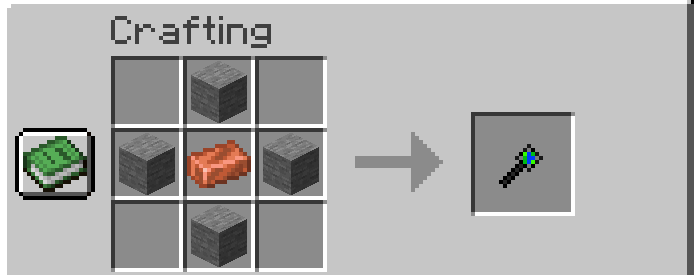
- Lightsabers in Gold and Steel with Sounds
- ETA2 Ship to travel to other Planets like Tatooine and Mustafar
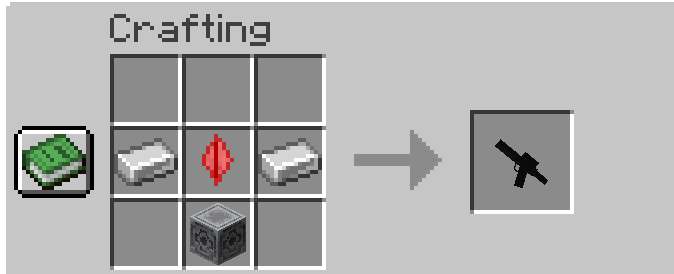
- Blasters
- Force Abilitys
- And More…
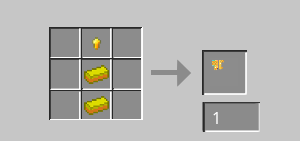
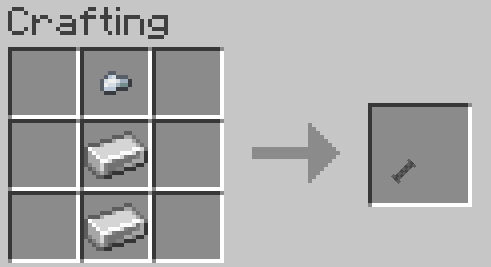
- Crafting Recipes in Tutorial Book and JEI
Spoiler
2.0 Goals :
- Mandalorian FINISHED
- More Siths
- More Jedis
- Hoth and Endor
- Space-Ship wrecks as Structures
- Small Jedi Tempel
- More Blasters FINISHED
- Lightsaber “Bench” to make them without the crafting Table FINISHED
- Lightsaber Expansion FINISHED
- # I and this Mod are not associated with Disney or the Star Wars Brand in any way
_LICENSE_
You are Allowed to :
- Use this Mod for Youtube Videos and such but you have to credit the Mod (via a Link or my Username on Modrinth)
- Create Resourcepacks without my Permission that change the Textures/Models that my Mod already has
- Create Addons that extend or modify the content of this mod without including assets of this mod
You are NOT Allowed to :
- Upload the compiled Mod to another Platform without my Permission
- Use my Assets for your Own/Commercial use without my Permission
,you can obtain Permission by DM´ing me on Discord (acnhgamrr)
Otherwise all Rules of the CC-BY-ND 4.0 License apply
常见问题
Forcebound – A Star Wars Themed Mod 支持哪些 Minecraft 版本?
Forcebound – A Star Wars Themed Mod 支持 Minecraft Java 版 1.21.4–1.21.8,共 2 个版本,可用的加载器:NeoForge。下载时注意选择和你游戏版本一致的文件。
Forcebound – A Star Wars Themed Mod 怎么安装?
先用 PCL2 或 HMCL 启动器安装对应版本的 NeoForge,再把下载的 .jar 文件放进游戏目录的 mods 文件夹,重新启动游戏即可。开启了版本隔离的,mods 文件夹在 versions/版本名 下面。运行环境:客户端和服务端都要装。
OneZ 的其他作品
查看全部 →
The Op Mod – A Beginners Dream
The Op Mod - Beginners Dream offers an overpowered yet beginner-friendly experience with unique ores, mysterious creatures, and exciting new features. My Side Project now.
The Op Mod – A Beginners Dream
The Op Mod - Beginners Dream offers an overpowered yet beginner-friendly experience with unique ores, mysterious creatures, and exciting new features. My Side Project now.

Goofy Additions
This Mod adds Elements like Ores, Ingots and Armor some might call "Goofy" (My Side Project)

Drybones
A Minimalistic, Trailer inspired Texture Pack
评论
登录后评论和评分