
截图
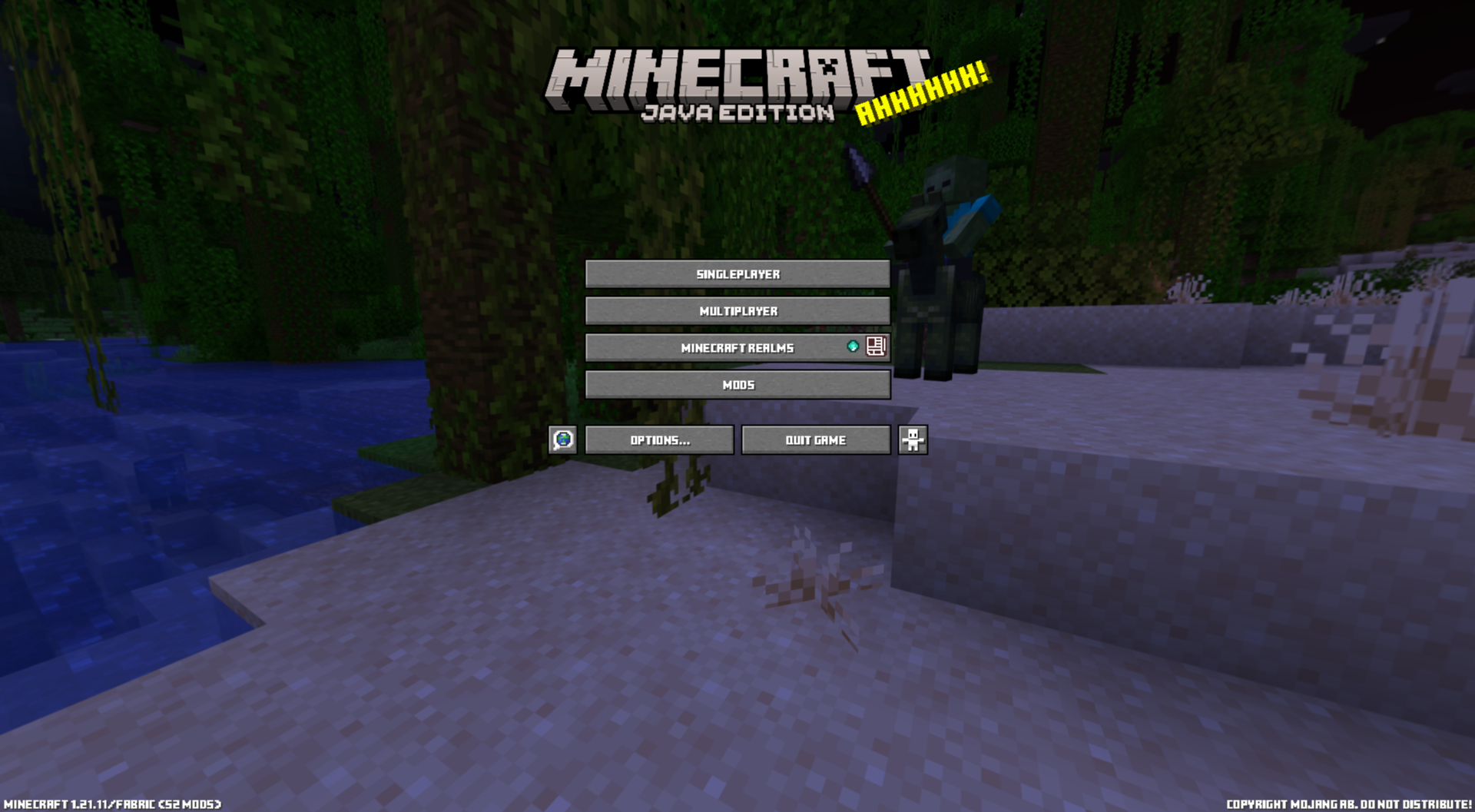
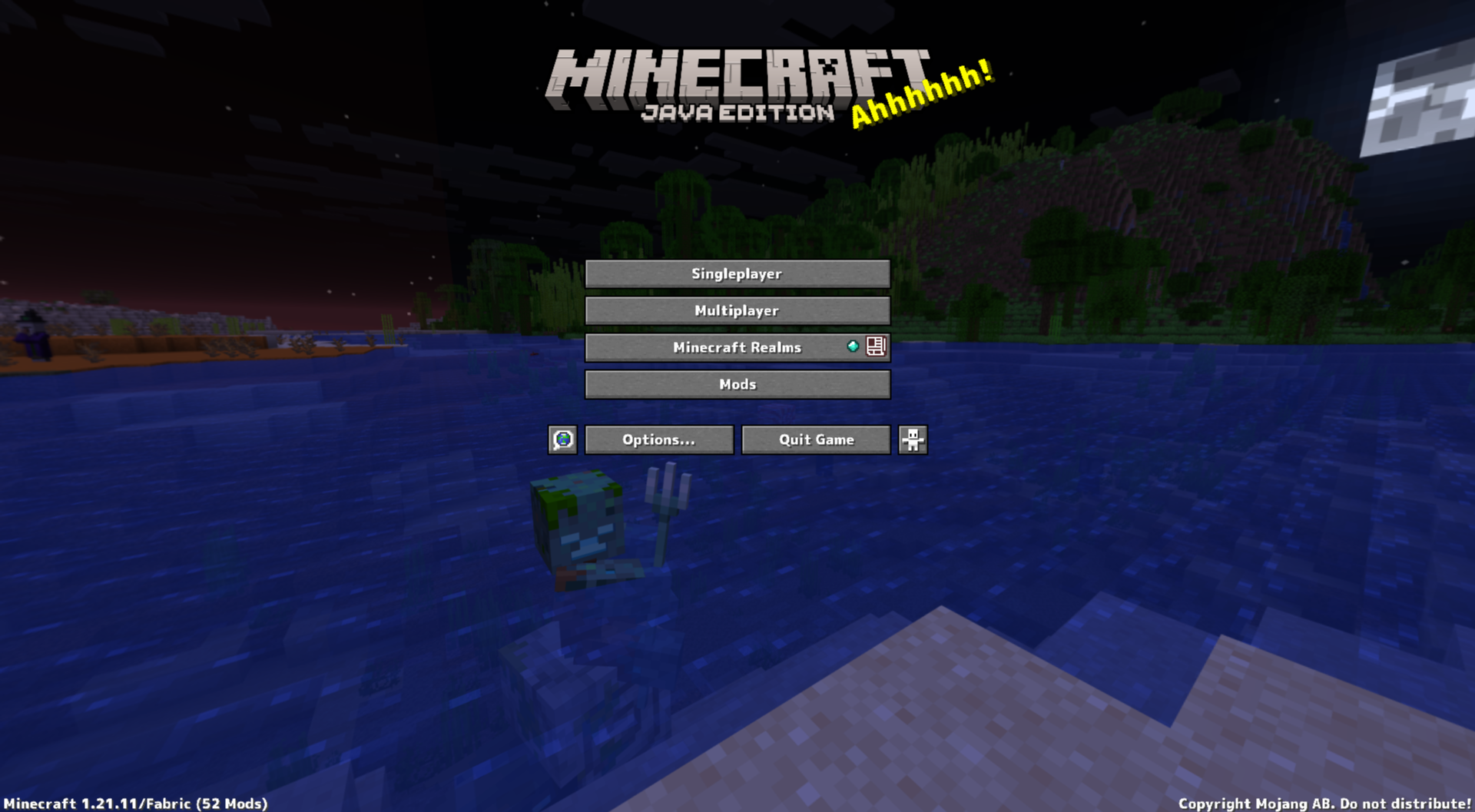
介绍
Font
Font is a client-side Fabric mod.
It allows you to replace the default in-game font with your favorite font file (.ttf/.otf).
Simply place the font file in the folder and select it in-game to apply it as the runtime font.
Please obtain the font from `Fonts.Google.com` or similar sources.
Features
- Replaces Minecraft’s default font with a custom font
- Supports both .ttf and .otf files
- Automatically detects files in the font folder
- Preview fonts before applying
- Adjust the size and toggle bold for each font
- Disable custom fonts to instantly revert to vanilla fonts
- Uses Minecraft’s fallback font for missing characters
How to Use
- By default, the font manager opens with
F7. You can also open it from the Mod menu.
- You can change the key to open it in the mod’s key settings if needed. 3. Click “Open Folder” and place your .ttf/.otf file in the font folder.
- If the game is already running, click “Refresh List”. 5. Select the font you want to use from the list.
- Adjust the size and bold settings.
- Check the preview.
- Press “Done” to save and apply the selected font.
Font Folder
The default folder is as follows:
<Game Directory>/Font/Fonts
Key Controls
- The default font key is
F7.
- The font key can be changed from the MOD settings screen.
Notes
- If the active font is deleted or becomes unreadable, it will be automatically disabled.
- Changes made in the manager will not be applied until you press “Done”.
- If some characters are missing, you can use Minecraft’s default font and unifonts as alternatives.
常见问题
Font 支持哪些 Minecraft 版本?
Font 支持 Minecraft Java 版 1.21–26.3,共 17 个版本,可用的加载器:Fabric / Forge / NeoForge。下载时注意选择和你游戏版本一致的文件。
Font 怎么安装?
先用 PCL2 或 HMCL 启动器安装对应版本的 Fabric / Forge / NeoForge,再把下载的 .jar 文件放进游戏目录的 mods 文件夹,重新启动游戏即可。开启了版本隔离的,mods 文件夹在 versions/版本名 下面。运行环境:仅客户端。
ProjectMichi 的其他作品
查看全部 →
Simple GUI API
This is a GUI API dedicated to my own project.

DarkGUI
This is a resource pack that is a little darker without changing the look of vanilla

Trajectorys
Display the trajectory of the launch section.

Crops
We'll make it easy to see which vegetables are ready to harvest.
评论
登录后评论和评分