
FogBeGone
作者:Skorlex
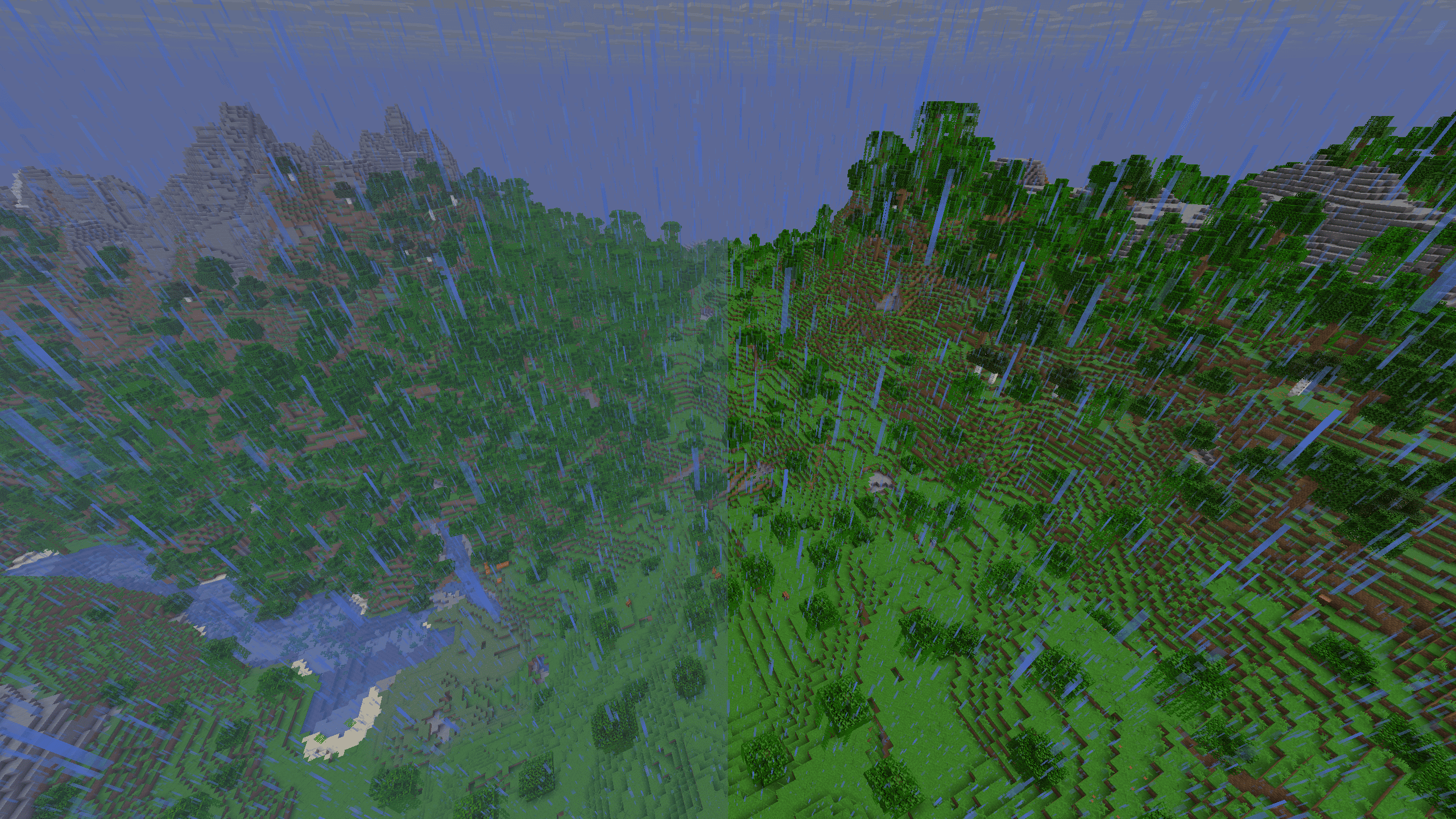
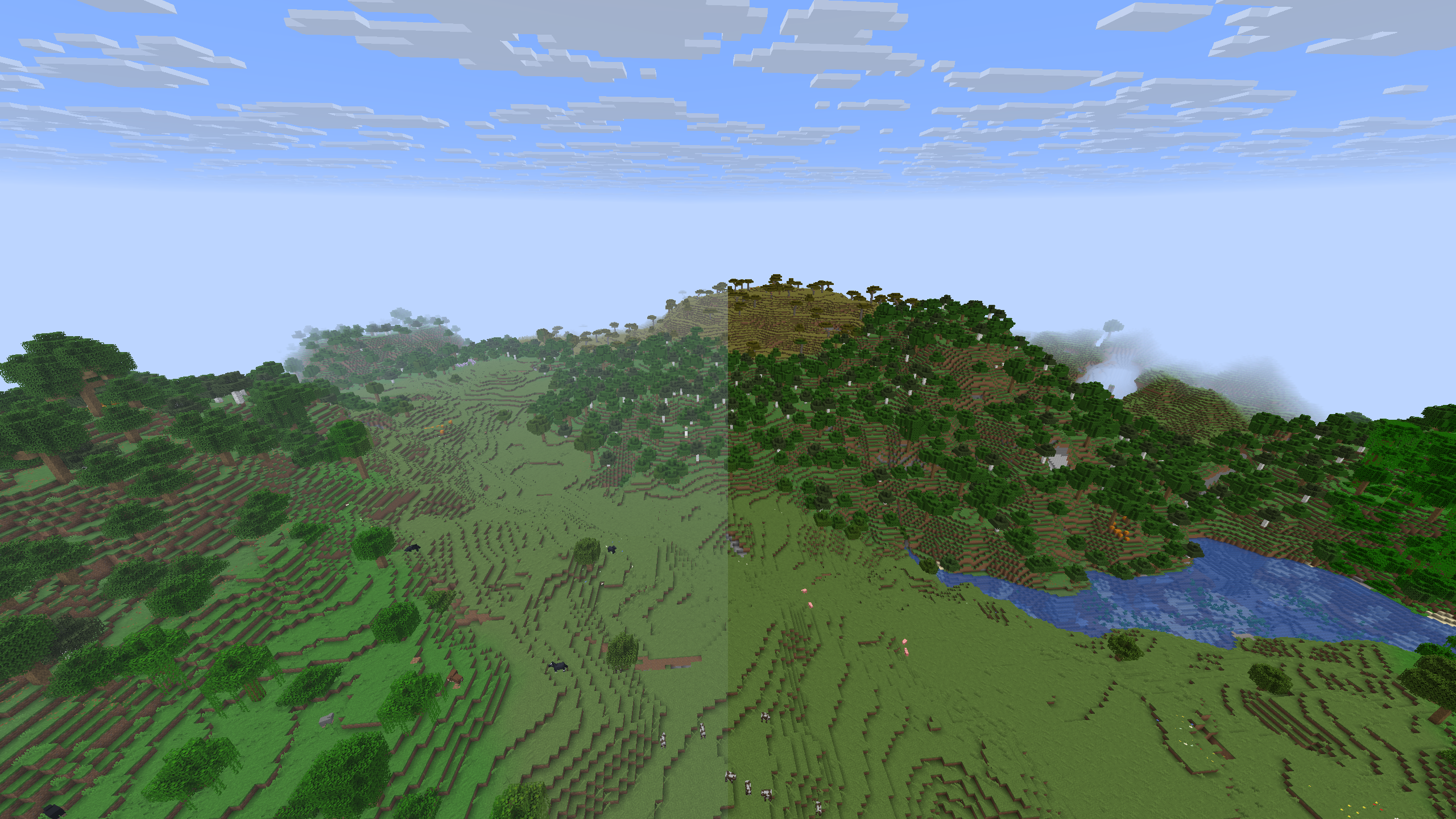
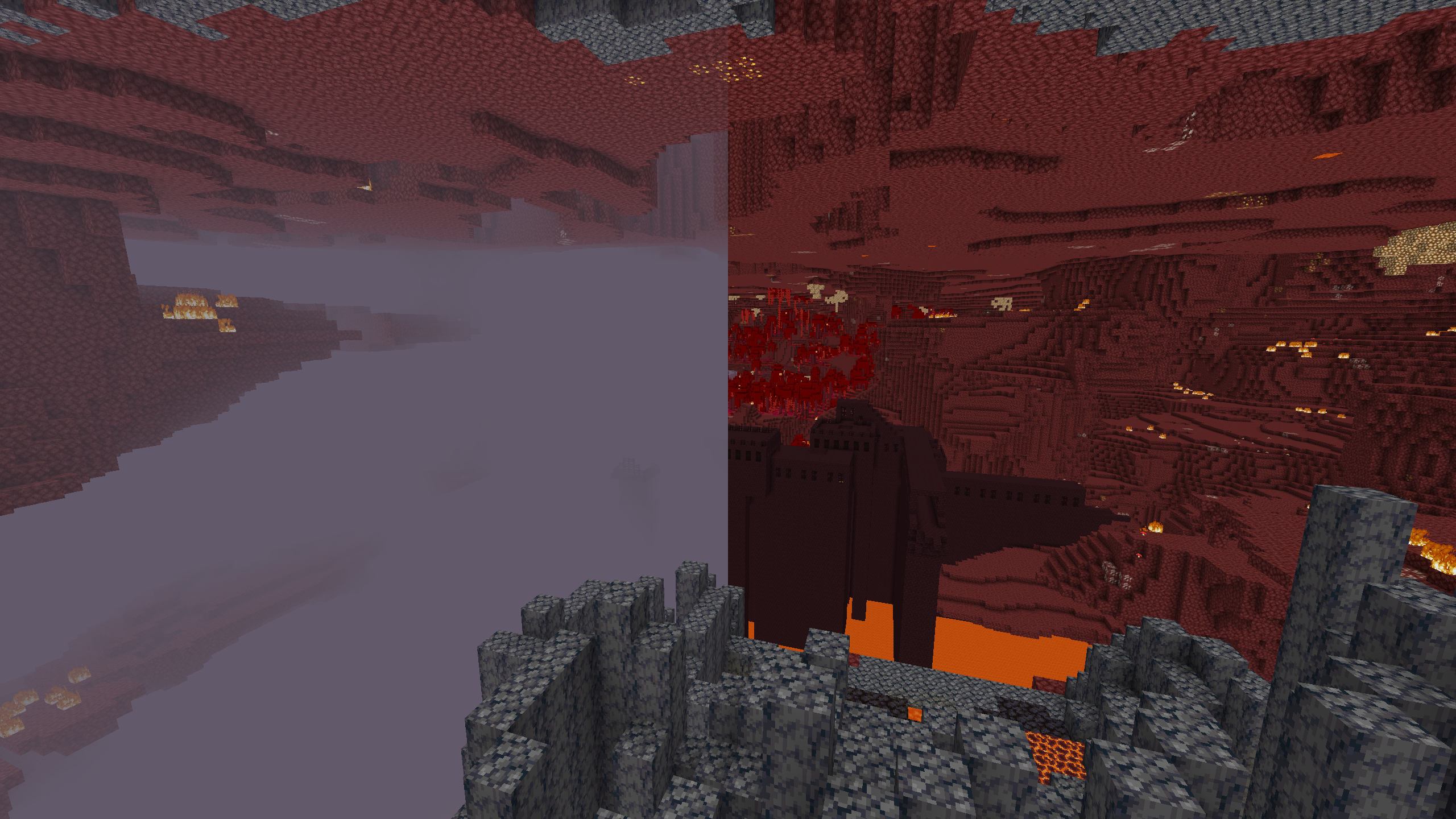
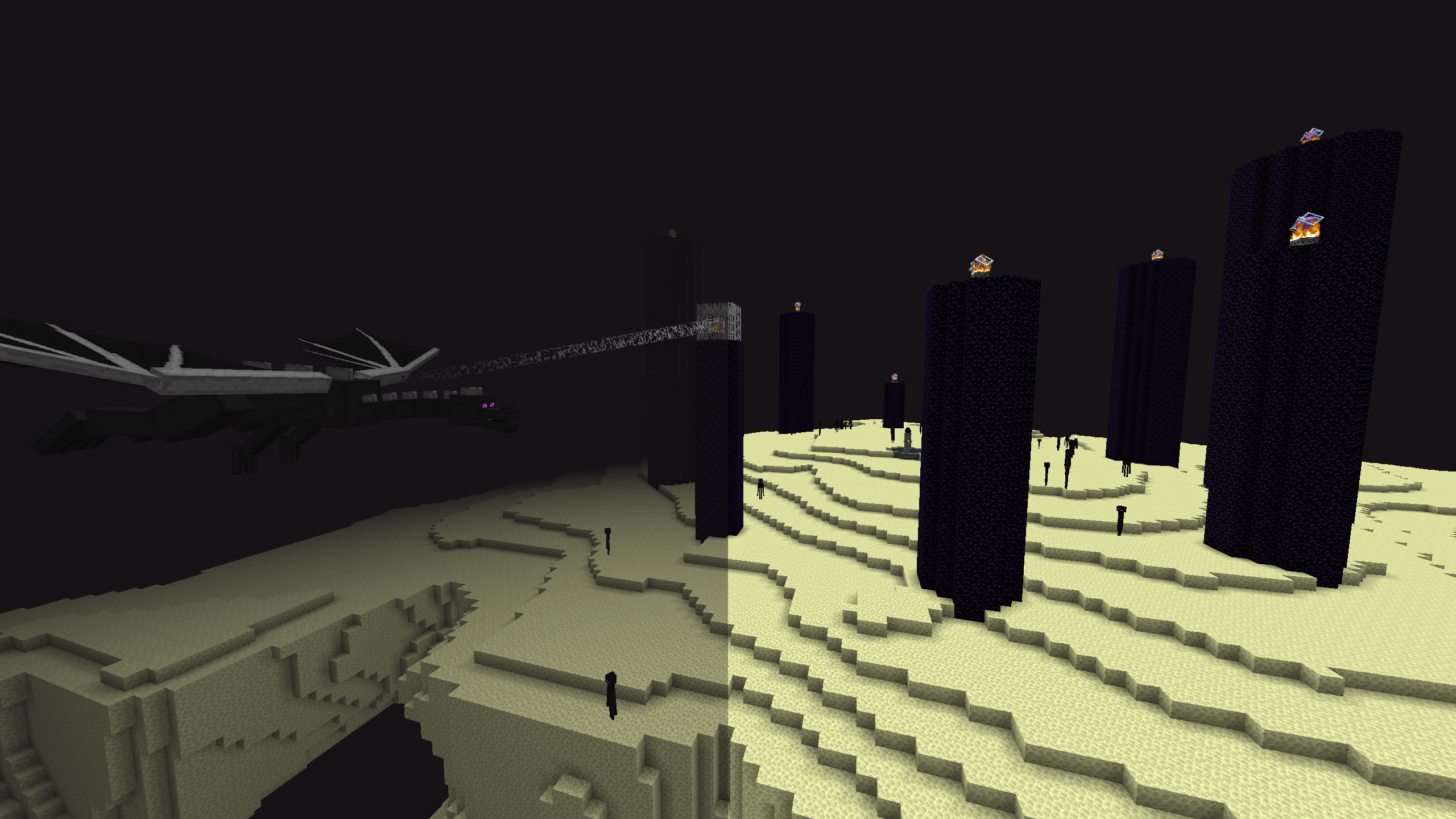
Tweak underwater, lava fogs, disable status effect fogs (Blindness & Darkness), and remove Overworld, Nether, End environmental fogs as well as border fog. In short: no fog!
截图
介绍
中文介绍正在准备中,下面暂时显示原文。
FogBeGone is a client-side Fabric mod that lets you customize different types of fog in the game to let you play how you want.
Features
Liquid Fog Controls
- Underwater Fog: Adjust water fog from 0% (completely clear) to 100% (default Minecraft fog).
- Lava Fog: Adjust lava fog from 0% (see clearly through lava) to 100% (default Minecraft fog).
Status Effect Fogs
- Blindness Fog: Turn off the black screen effect caused by Blindness.
- Darkness Fog: Turn off the dark pulsing effect caused by Wardens and the Deep Dark.
Dimension & World Fogs
- Overworld Fog: Remove distant fog in the Overworld.
- Nether Fog: Clear out thick biome fog in the Nether.
- End Fog: Remove fog in The End during the Ender Dragon fight.
- World Border Fog: Remove fog at the edge of your render distance.
Easy Access
- Keybind: Press F9 in-game to open settings instantly (changeable in Options ➔ Controls ➔ Key Binds).
- Mod Menu: Open settings by clicking the gear icon next to FogBeGone in your mod list.
常见问题
FogBeGone 支持哪些 Minecraft 版本?
FogBeGone 支持 Minecraft Java 版 26.2–26.3,共 2 个版本,可用的加载器:Fabric。下载时注意选择和你游戏版本一致的文件。
FogBeGone 怎么安装?
先用 PCL2 或 HMCL 启动器安装对应版本的 Fabric,再把下载的 .jar 文件放进游戏目录的 mods 文件夹,重新启动游戏即可。开启了版本隔离的,mods 文件夹在 versions/版本名 下面。运行环境:仅客户端。
评论
登录后评论和评分