
FoFlatAllDimensions
作者:Carrotio
Adds a Flat All Dimensions world type for Overworld, Nether, and End.
截图
介绍
中文介绍正在准备中,下面暂时显示原文。
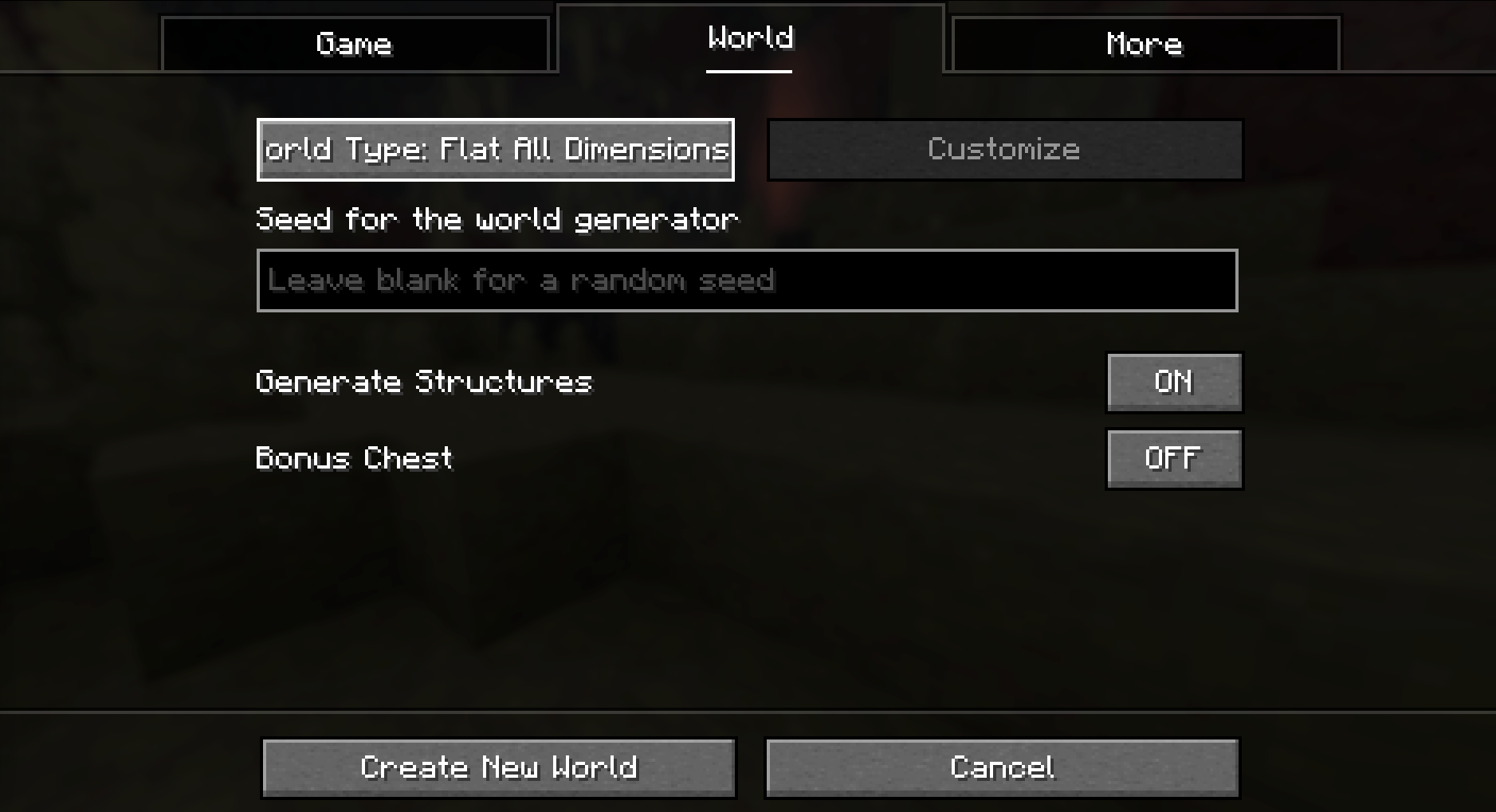
FoFlatAllDimensions is a tiny Fabric mod that adds Flat All Dimensions to Minecraft’s normal world type selector. Pick it when creating a new world to generate flat-style terrain in the Overworld, Nether, and End without adding commands, config screens, items, blocks, or extra gameplay systems.
Features
- Adds Flat All Dimensions to the standard
World Typebutton in the Create New World menu. - Uses Minecraft’s vanilla
flat_all_dimensionsworld preset entry instead of a code-heavy custom generator. - Applies flat-style terrain across the Overworld, Nether, and End, not only the Overworld.
- Keeps the mod lightweight with no commands, config files, items, blocks, or custom GUI screens.
- Useful for testing, building, mapmaking, and clean worlds where every vanilla dimension should be flat.
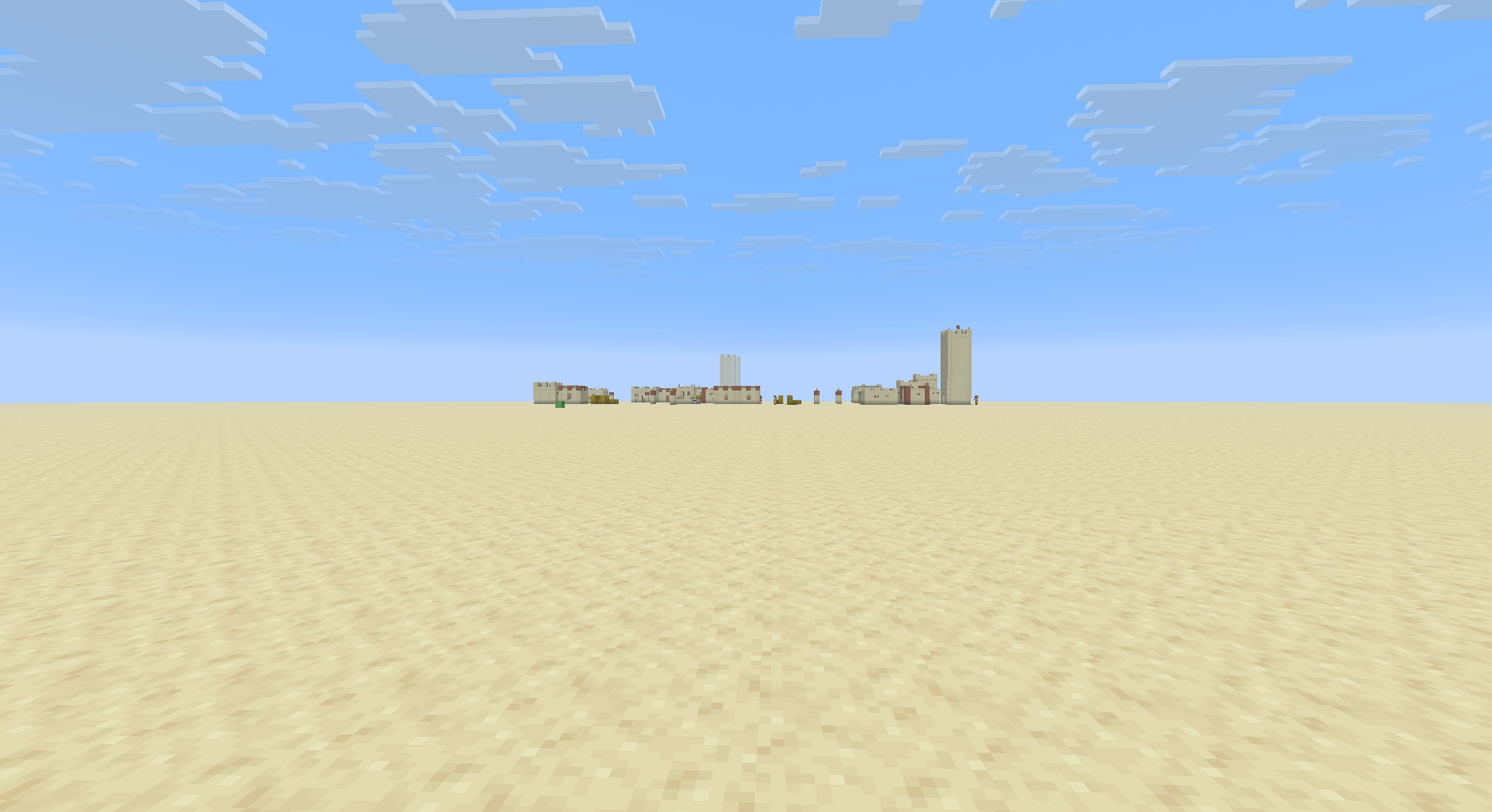
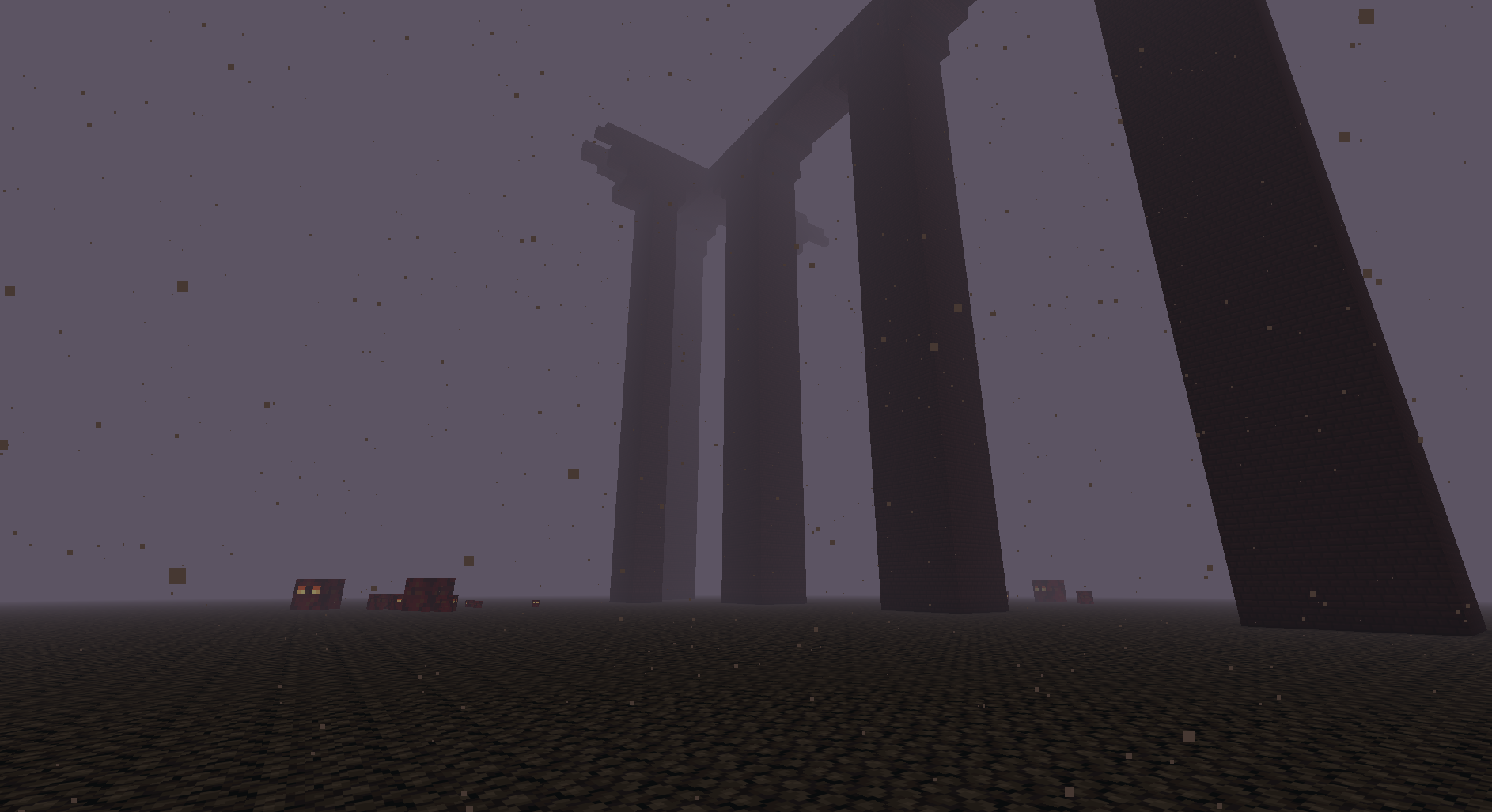
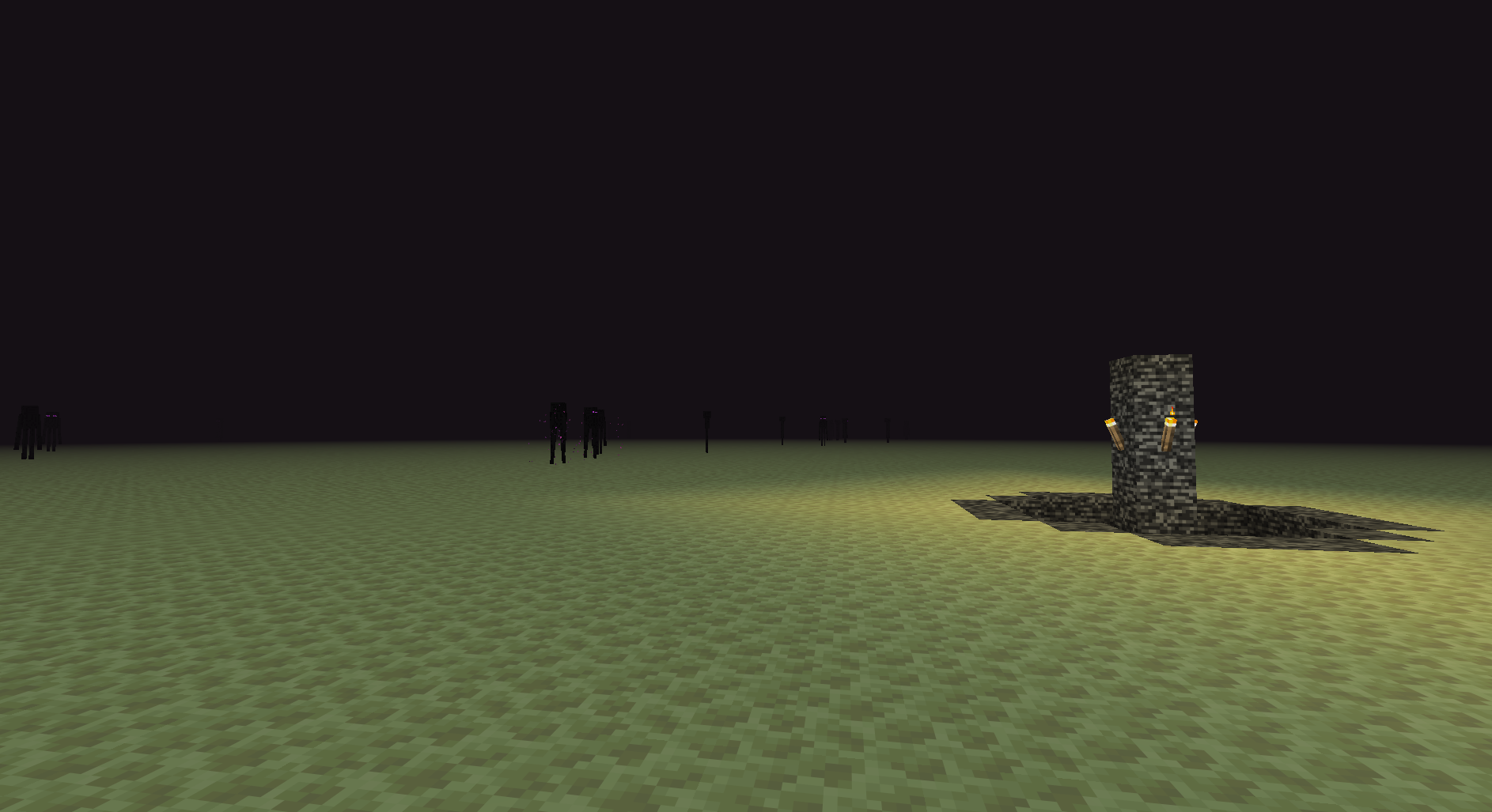
Flat Dimensions
The preset keeps every vanilla dimension simple to inspect, build in, and test against.
Usage
- Install the mod with Fabric.
- Create a new world.
- Cycle the
World Typebutton until Flat All Dimensions appears. - Create the world and use the normal vanilla world creation options.
常见问题
FoFlatAllDimensions 支持哪些 Minecraft 版本?
FoFlatAllDimensions 支持 Minecraft Java 版 26.2,可用的加载器:Fabric。下载时注意选择和你游戏版本一致的文件。
FoFlatAllDimensions 怎么安装?
先用 PCL2 或 HMCL 启动器安装对应版本的 Fabric,再把下载的 .jar 文件放进游戏目录的 mods 文件夹,重新启动游戏即可。开启了版本隔离的,mods 文件夹在 versions/版本名 下面。运行环境:仅服务端。
评论
登录后评论和评分