
截图


介绍

FlowUI
Smooth, lightweight animations for the Minecraft interface.





About
FlowUI makes Minecraft’s interface feel smoother without replacing its
original design. It adds short, responsive animations to frequently used UI
elements while keeping the vanilla behavior intact.
No menus are redesigned. No gameplay mechanics are changed. Everything simply
flows a little better.
Features
Animated containers
Inventories, chests, crafting tables, furnaces and other container screens
open with a quick scale animation. The interface background, slots, items and
player model move together as a single window.
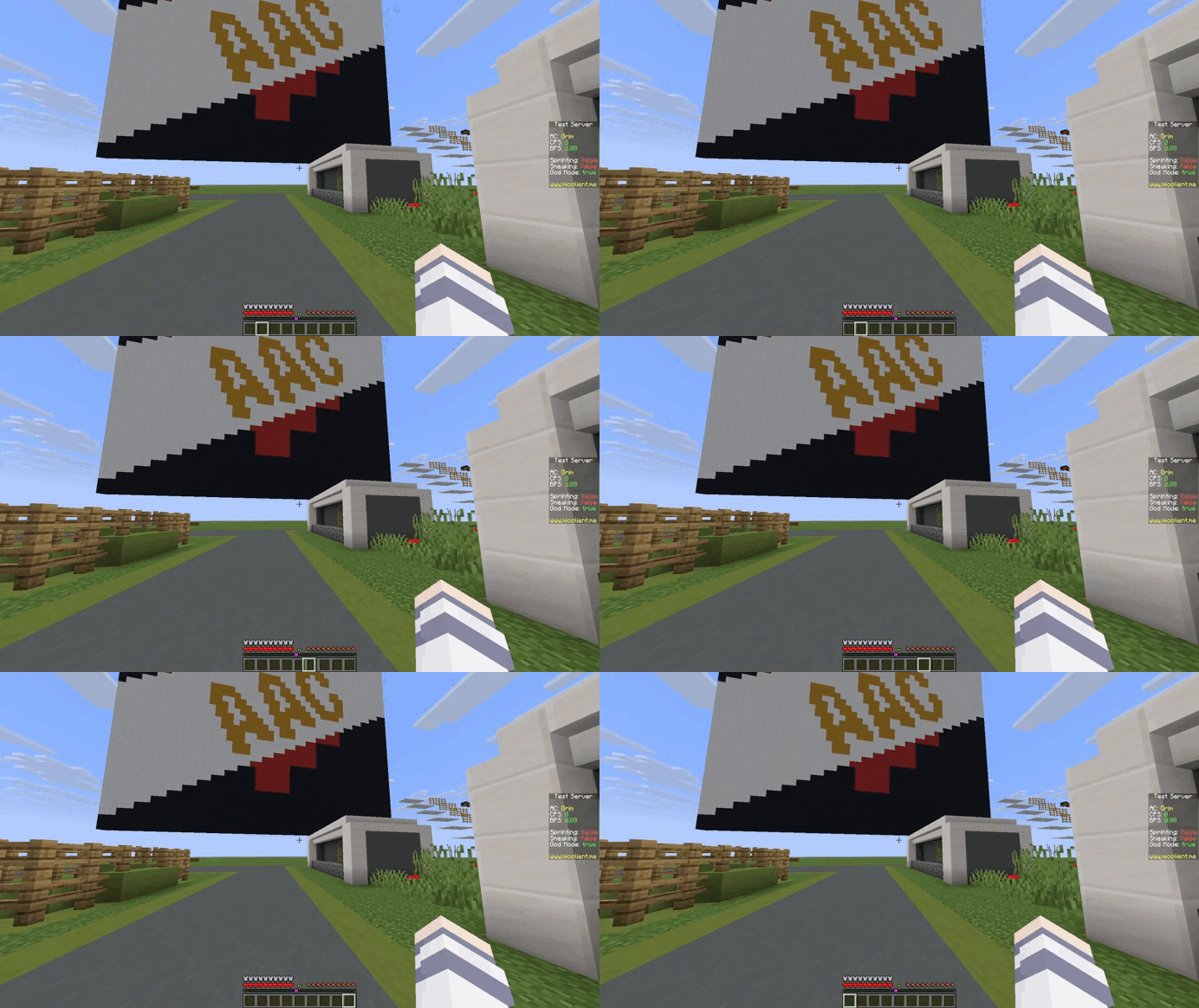
Smooth hotbar selection
The selected-slot indicator glides between hotbar slots instead of instantly
jumping to its new position.
Animated player list
The player list smoothly slides in from the top of the screen and slides back
out when closed. Its original content and behavior remain unchanged.
Design goals
- Vanilla-friendly: preserves Minecraft’s original visual language.
- Responsive: animations are short and do not slow down interaction.
- Lightweight: focused only on interface animation.
- Client-side: servers and other players do not need to install FlowUI.
Installation
- Install Fabric API.
- Download a FlowUI version compatible with your Minecraft version from Modrinth.
- Place the FlowUI JAR in your Minecraft
modsfolder. - Launch the game using your Fabric profile.
Issues and feedback
If an interface from Minecraft or another mod behaves incorrectly with FlowUI,
include the following information in your report:
- Minecraft version;
- FlowUI version;
- Fabric Loader and Fabric API versions;
- installed UI or rendering mods;
- screenshot, video or game log showing the problem.
Report issues on GitHub.
Links
License
FlowUI is available under the MIT License.
Make Minecraft flow.
常见问题
FlowUI 支持哪些 Minecraft 版本?
FlowUI 支持 Minecraft Java 版 1.21.11,可用的加载器:Fabric。下载时注意选择和你游戏版本一致的文件。
FlowUI 怎么安装?
先用 PCL2 或 HMCL 启动器安装对应版本的 Fabric,再把下载的 .jar 文件放进游戏目录的 mods 文件夹,重新启动游戏即可。开启了版本隔离的,mods 文件夹在 versions/版本名 下面。运行环境:仅客户端。

评论
登录后评论和评分