
FlowInventory
smart inventory sorting + activity-based hotbar for Fabric 1.20.1 (singleplayer & dedicated server).
截图

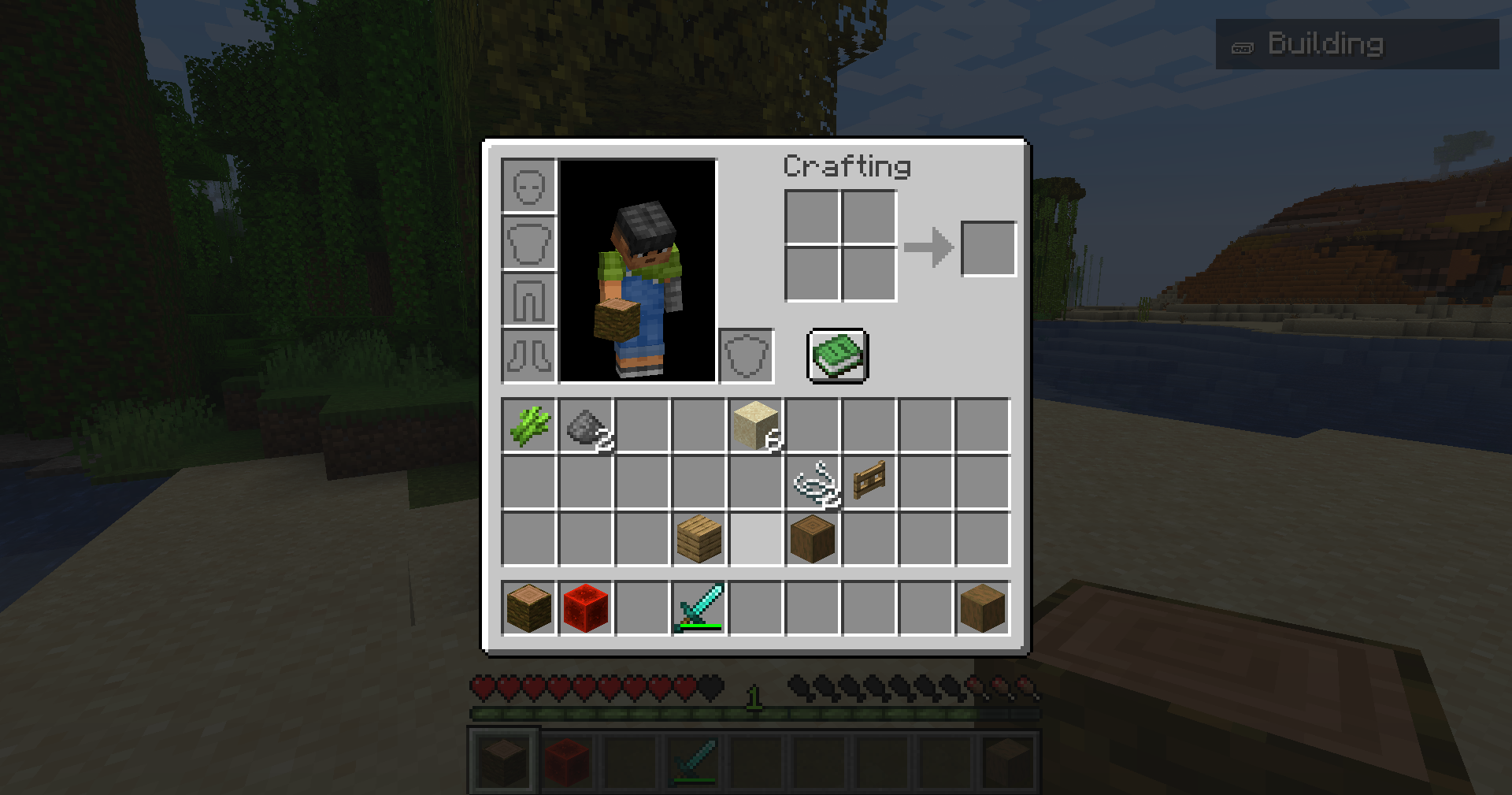
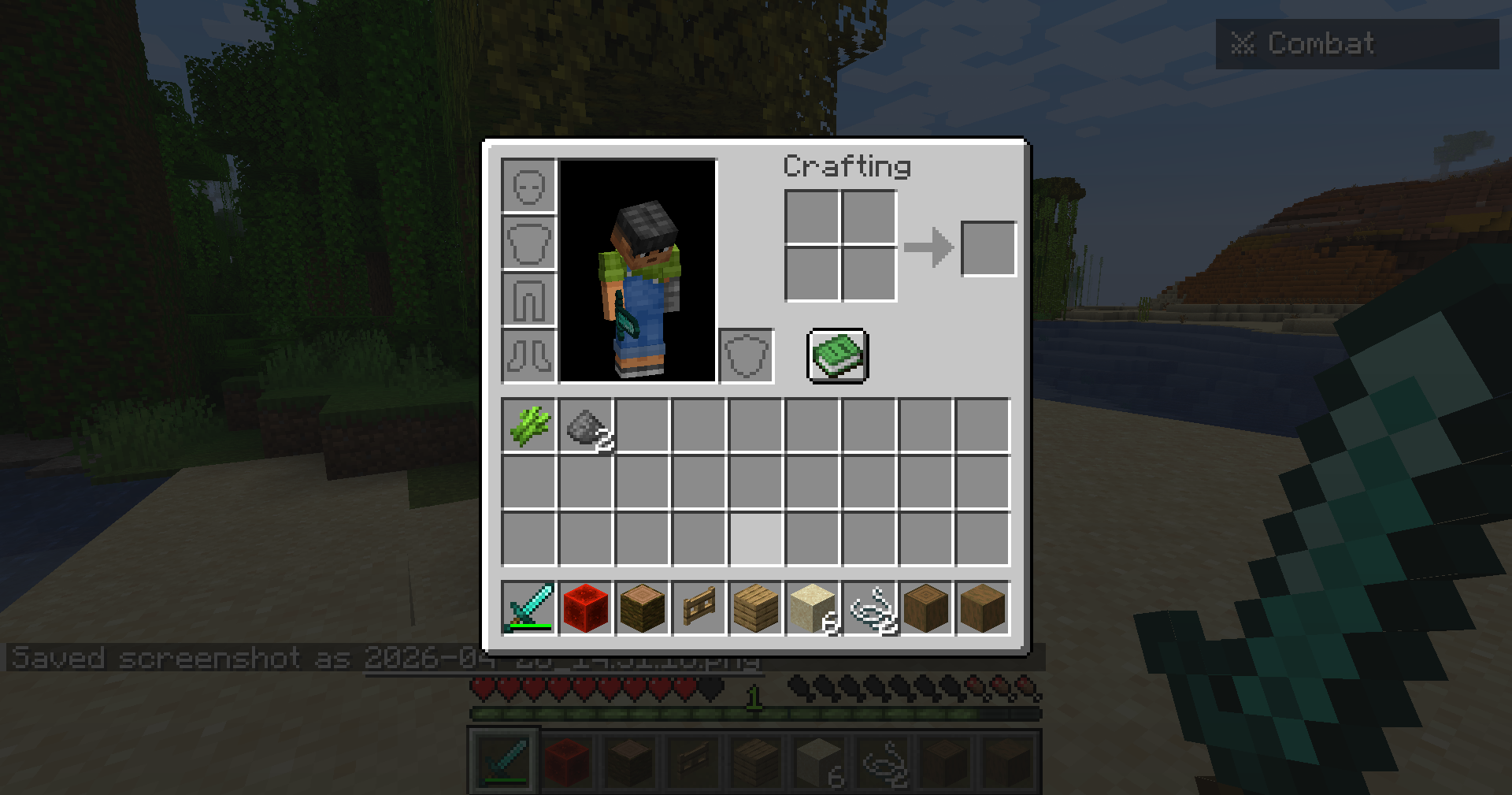
介绍
Overview
FlowInventory helps you stay organized: press R to sort your inventory by smart categories, and use G / V to switch activity profiles (mining, combat, building, farming, exploration, etc.). The mod picks sensible main-hand items for each profile and works on dedicated servers when installed on both server and client.
Requirements
- Minecraft 1.20.1
- Fabric Loader (0.15+)
- Fabric API
- Java 21
Important: For multiplayer, put FlowInventory in the server mods folder and client mods.
Optional: Mod Menu for in-game settings.
Features
- Smart sort — Categories (tools, armor, food, blocks, redstone…), then name; optional stack merge; modes: Smart / Alphabetical / Tier.
- Activity profiles — Auto-detect with optional HUD, or manual G / V cycling with rules so empty profiles are skipped.
- Hotbar layout — Server applies presets per activity; main hand prefers the right tool (e.g. compass before sword for exploration).
- Configurable — JSON + Mod Menu (Cloth Config is bundled inside this JAR).
Controls (default)
| Key | Action |
|—–|—————|
| R | Sort inventory |
| G | Next profile |
| V | Previous profile |
| B | Toggle auto-detect |
All keys are rebindable.
License
MIT — see the mod file list on GitHub for LICENSE and NOTICE (bundled libraries).
Links
- Issues / source: GitHub (see mod metadata)
- Changelog:
CHANGELOG.mdon GitHub
常见问题
FlowInventory 支持哪些 Minecraft 版本?
FlowInventory 支持 Minecraft Java 版 1.20.1–1.20.3,共 2 个版本,可用的加载器:Fabric。下载时注意选择和你游戏版本一致的文件。
FlowInventory 怎么安装?
先用 PCL2 或 HMCL 启动器安装对应版本的 Fabric,再把下载的 .jar 文件放进游戏目录的 mods 文件夹,重新启动游戏即可。开启了版本隔离的,mods 文件夹在 versions/版本名 下面。运行环境:客户端和服务端都要装。
评论
登录后评论和评分