
Floating Chain
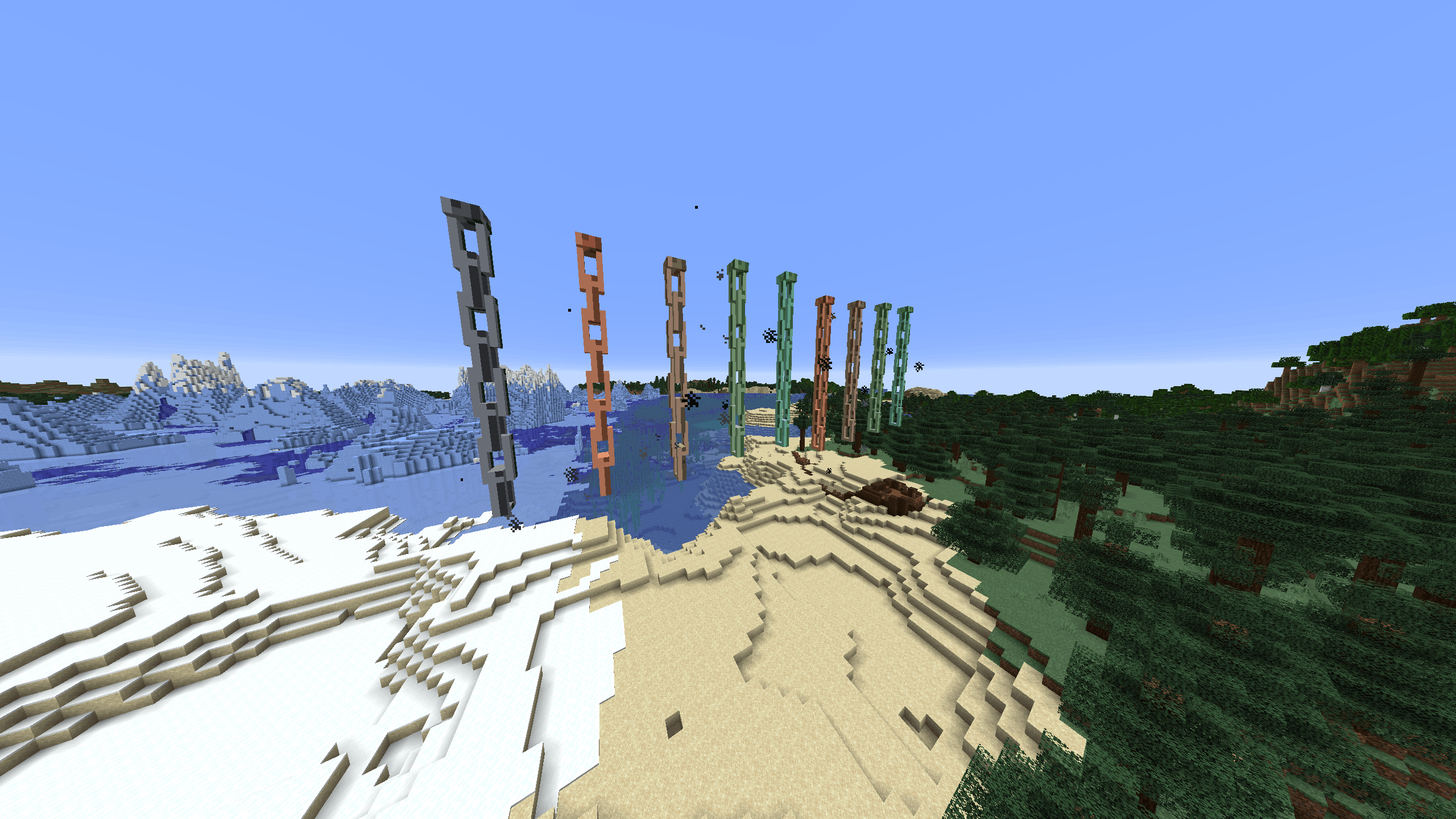
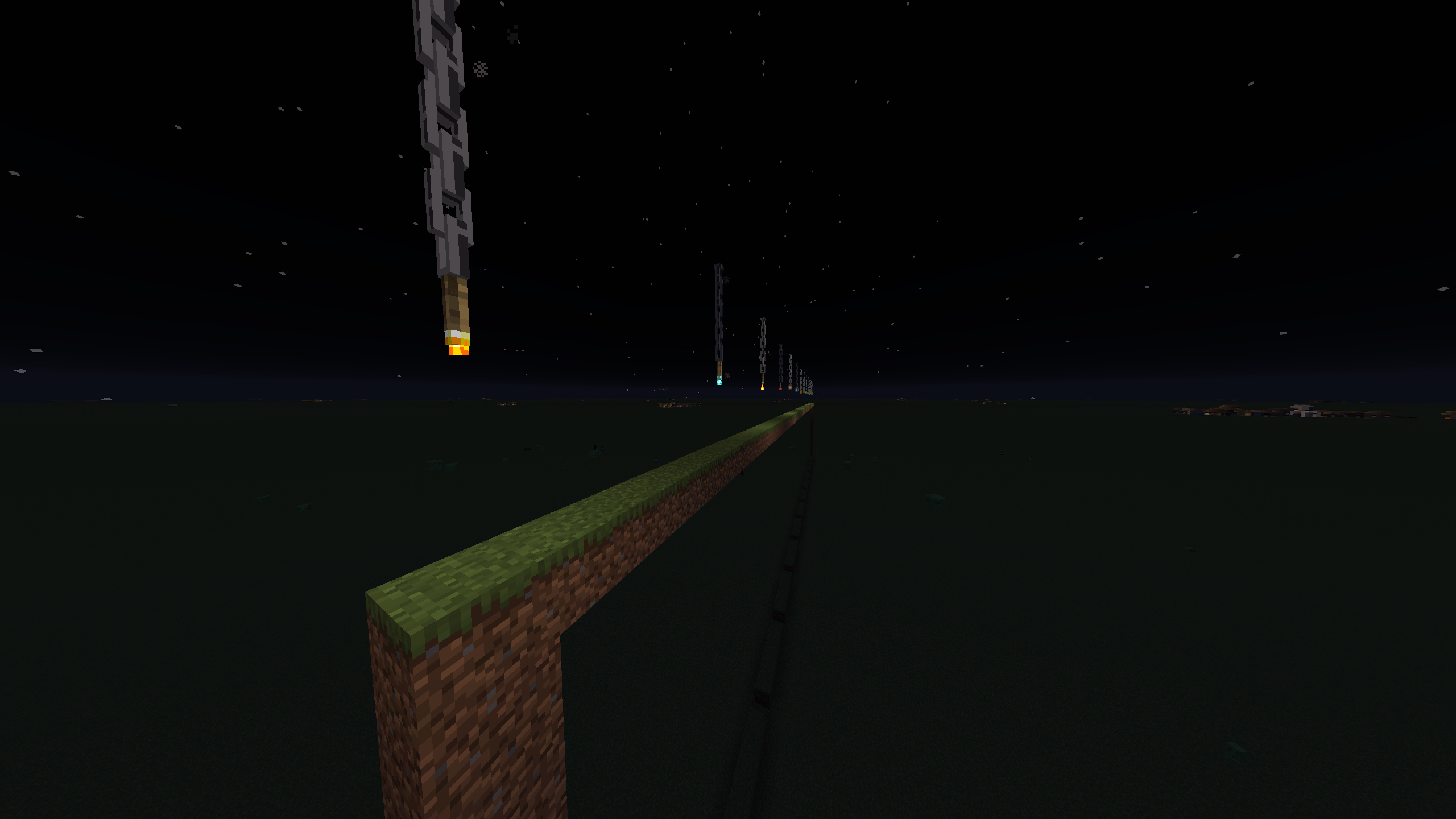
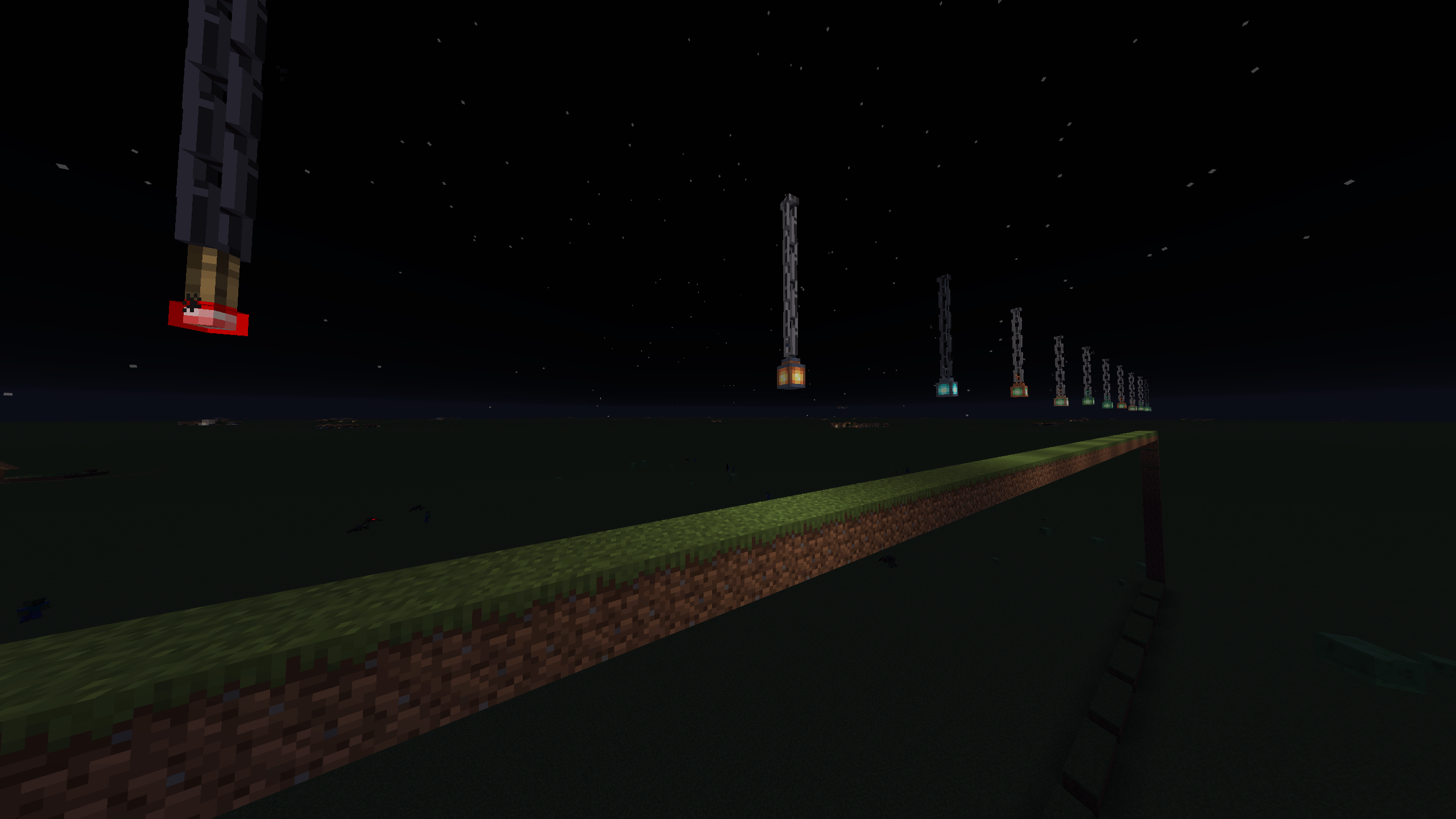
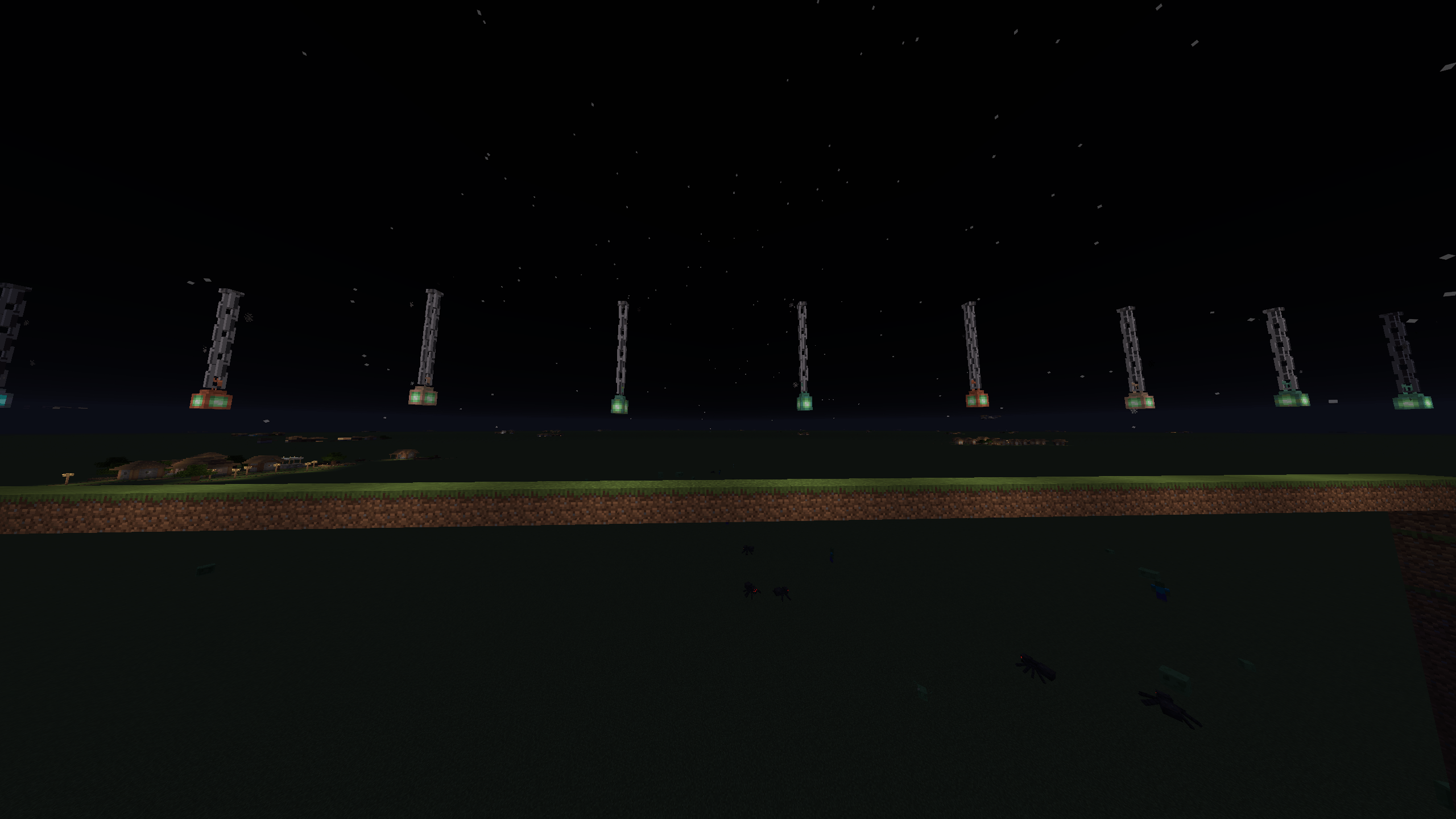
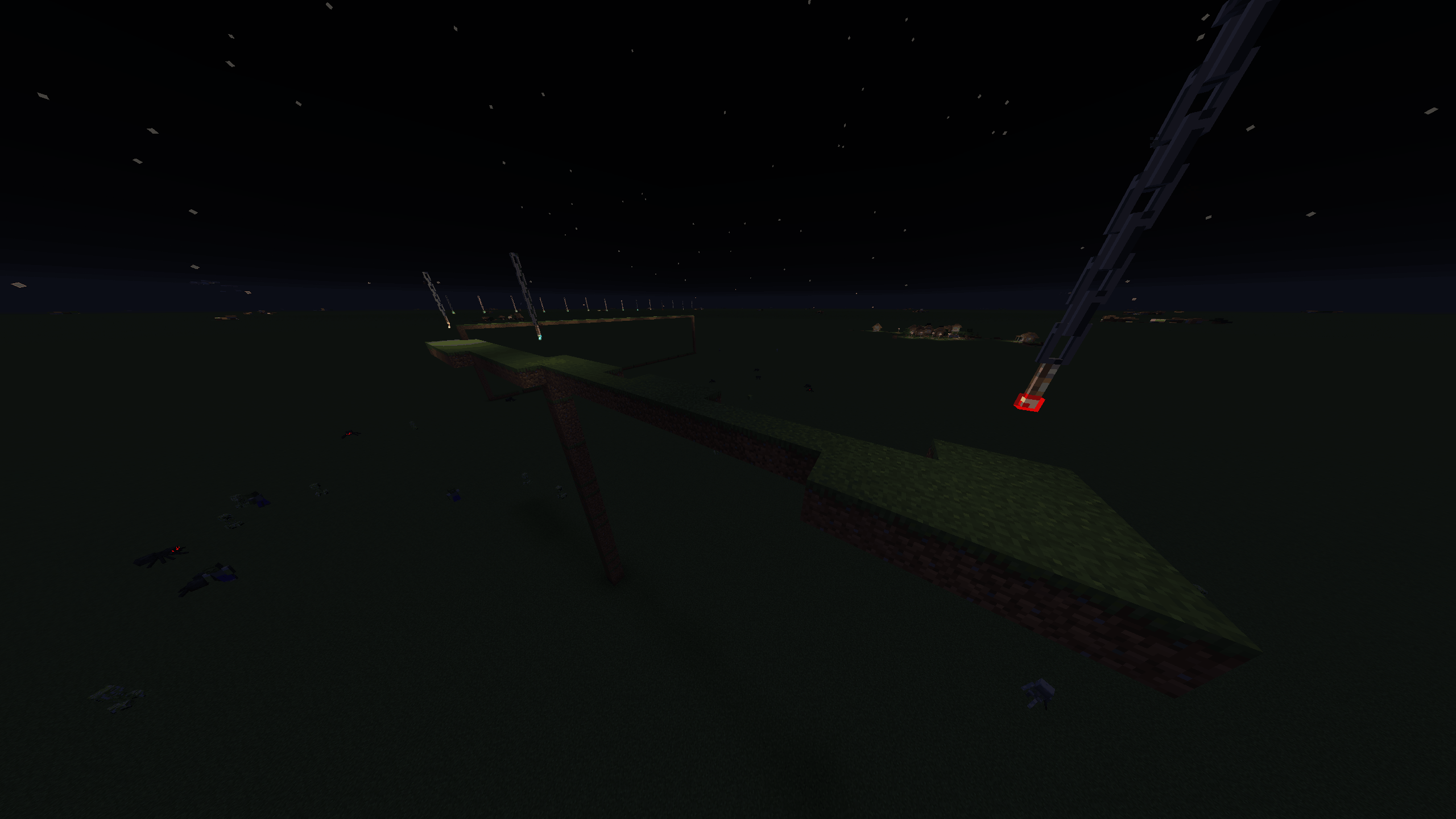
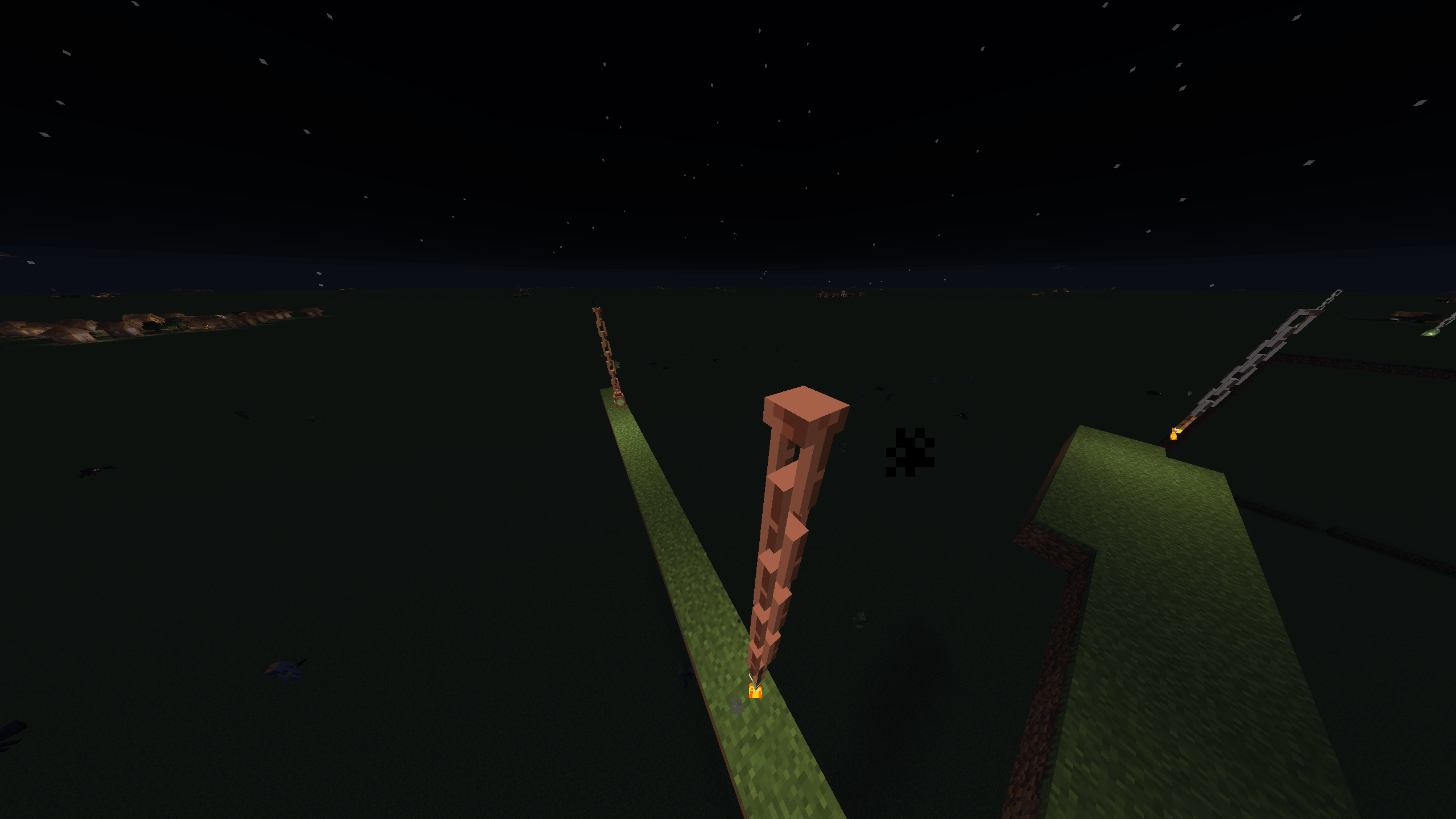
Right-click an End Rod with any Chain to create a floating, gently bobbing 3D chain anchored 20 blocks up. Attach lanterns or torches to illuminate your sky!
截图
介绍
中文介绍正在准备中,下面暂时显示原文。
Floating Chain
Turn a simple End Rod into a mysterious, floating chain that hangs majestically in the sky!
✦ Features
- 3D Floating Chain: A 3-block-tall, 1-block-wide construct featuring a sleek metal cap on top and fully 3D links. The base chain itself does not emit light.
- Chain Varieties: Works with Iron Chains as well as Copper Chains in all oxidation and waxed stages (steel grey, copper, brownish, greenish, and turquoise). Breaking the chain returns the exact chain type used.
- Fixed Height: Smoothly rises exactly 20 blocks above placement and stays anchored in the air—even if supporting blocks are removed.
- Gentle Animation & Mist: Smooth, organic bobbing motion with calm smoke particles rising naturally around it.
- Lantern & Torch Support: Attach standard Lanterns, Soul Lanterns, or Copper Lanterns (all 4 oxidation stages, waxed included). You can also attach Torches, Soul Torches, Redstone Torches, or Copper Torches hanging upside-down with tiny animated flames!
- Dynamic Lighting: Light is emitted only when a light source is attached, matching its original brightness (e.g., Soul light level 10, Redstone Torch level 7).
🛠️ How to Use
- Hold any Chain (Iron or Copper variant) and Right-Click an End Rod.
- The End Rod turns into a floating chain and smoothly ascends 20 blocks into the sky.
- Hold a Lantern or Torch variant and Right-Click the bottom of the chain to attach it.
- Hit the chain to dismantle it and retrieve all your original items (Chain, End Rod, and Lantern/Torch).
📋 Requirements
- Minecraft Version: 26.3
- Mod Loader: Fabric Loader & Fabric API
- Java: Version 25
- Side: Required on both Server and Client
常见问题
Floating Chain 支持哪些 Minecraft 版本?
Floating Chain 支持 Minecraft Java 版 26.3,可用的加载器:Fabric。下载时注意选择和你游戏版本一致的文件。
Floating Chain 怎么安装?
先用 PCL2 或 HMCL 启动器安装对应版本的 Fabric,再把下载的 .jar 文件放进游戏目录的 mods 文件夹,重新启动游戏即可。开启了版本隔离的,mods 文件夹在 versions/版本名 下面。
评论
登录后评论和评分