
Flashbatch – A Flashback Addon
Queue and render every scene of a Flashback replay at once, with full control over naming, export settings, and time ranges — instead of adding scenes to the queue one by one.
截图
介绍
FlashBatch
FlashBatch is a companion mod for Flashback that lets you queue and render every scene of the same replay at once, instead of adding each scene to the export queue one by one.
What it does
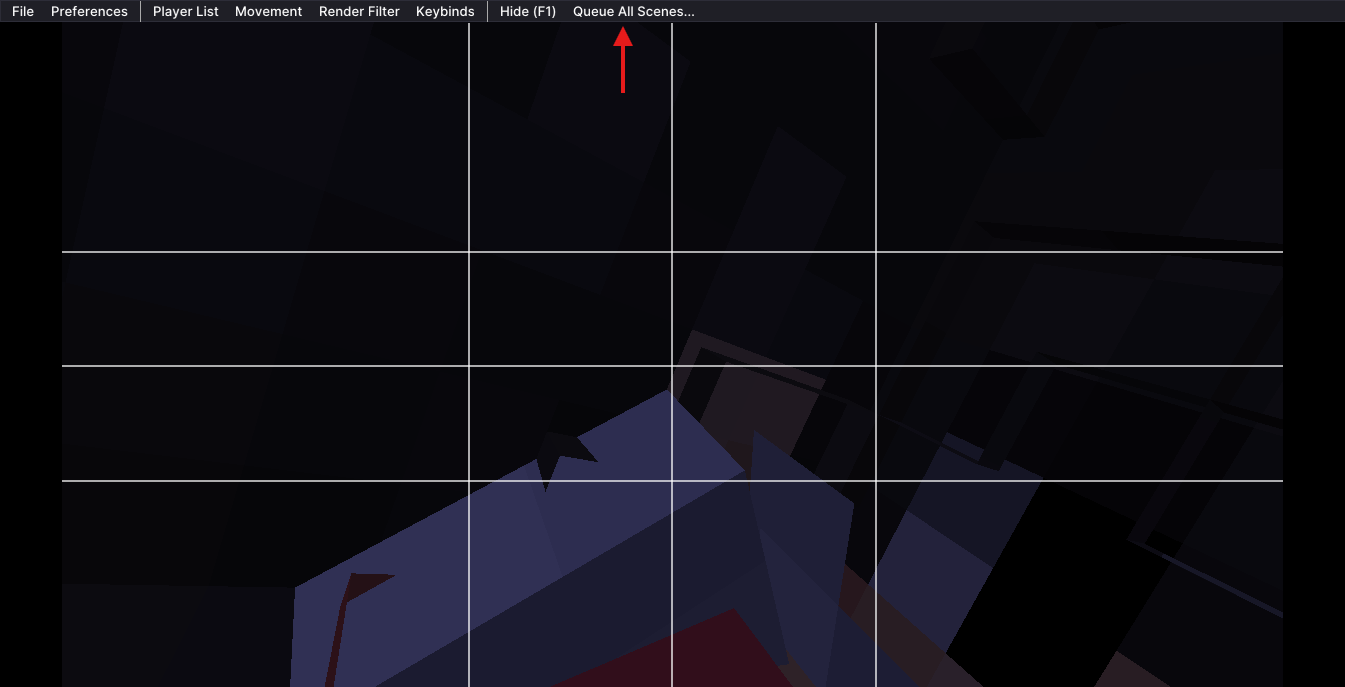
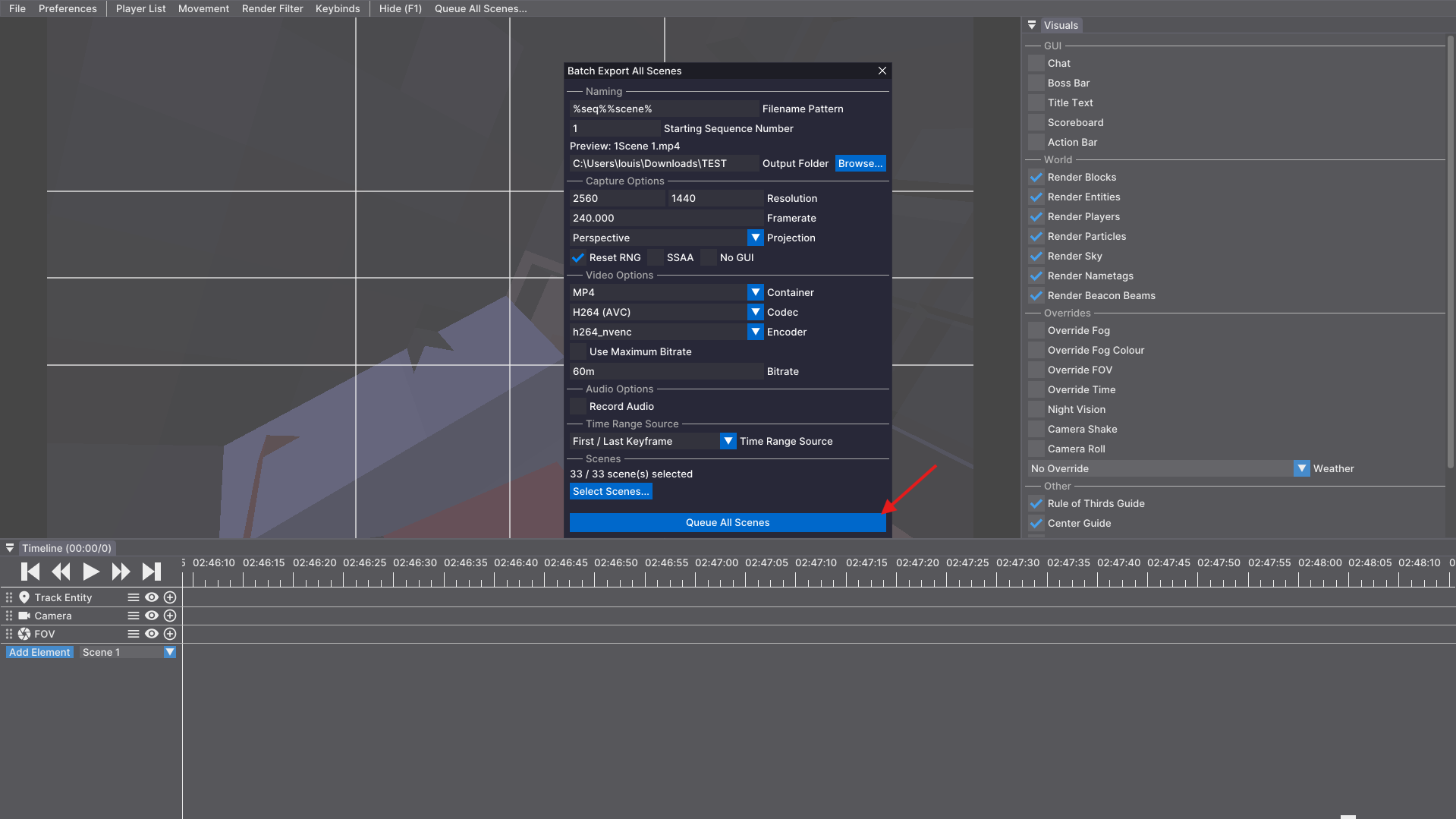
FlashBatch adds a Queue All Scenes… entry to Flashback’s main menu bar. Clicking it opens a batch export window, styled to match Flashback’s own editor UI, where you can configure exactly how every scene gets exported before queuing them all in one click.
Features
- Custom filename patterns – use Flashback’s own placeholders (
%seq%,%scene%,%date%,%time%,%replay%) with a live preview of the resolved name. Set a custom starting number for%seq%whenever you need one. - Full export options – resolution, framerate, projection, container/codec/encoder, bitrate, transparency, SSAA, audio settings… the same options Flashback’s own export window offers, kept independent from your saved Preferences so batch exports never overwrite your usual defaults.
- Custom output folder per batch, with a folder picker.
- Time range selector – choose whether each scene exports using its In/Out points, its first/last keyframe, or the full recorded footage, with automatic fallback if the chosen source is empty for a given scene.
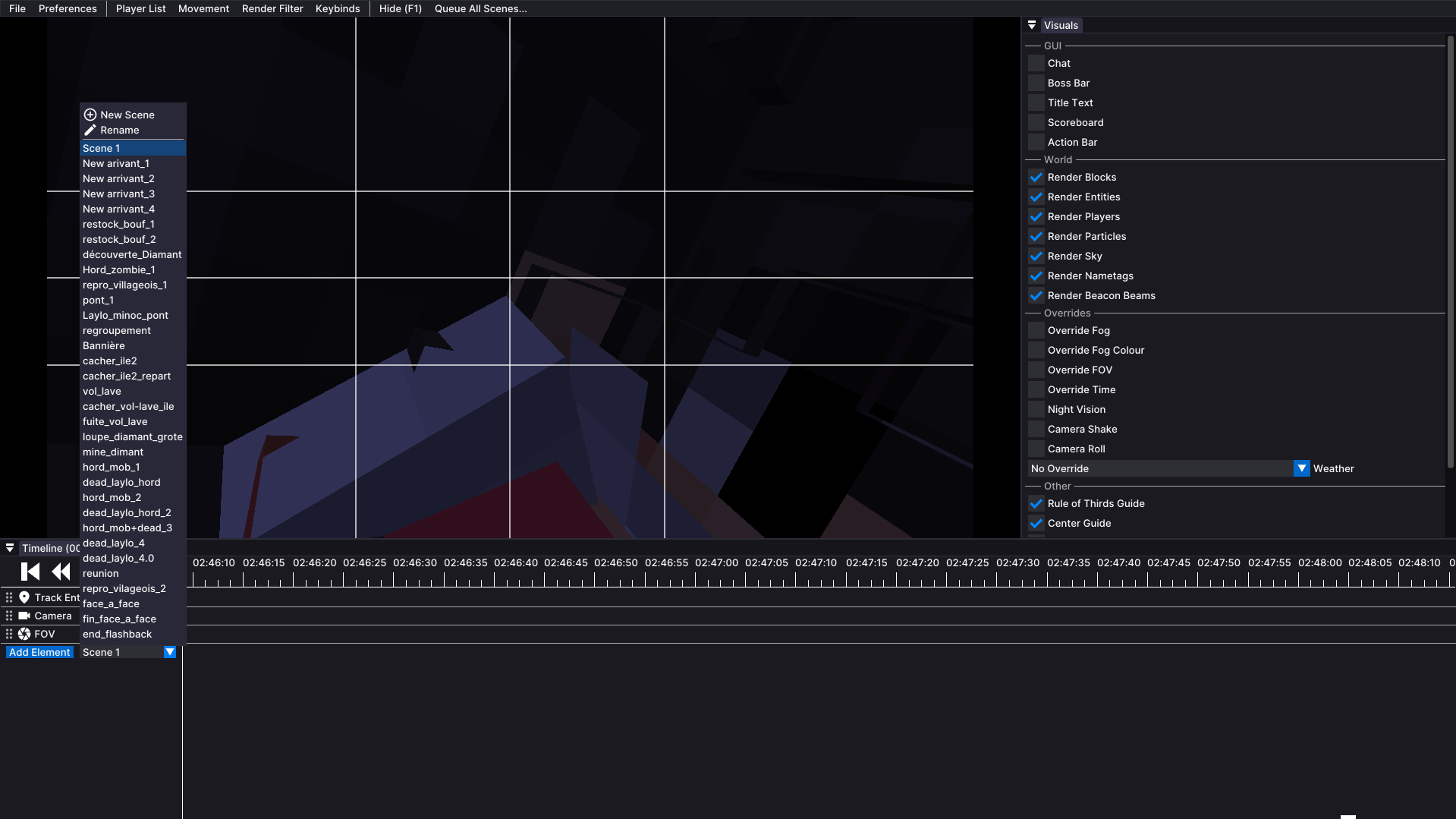
- Per-scene selection – all scenes are included by default, with an optional checklist to exclude specific ones.
- Settings are remembered between game sessions.
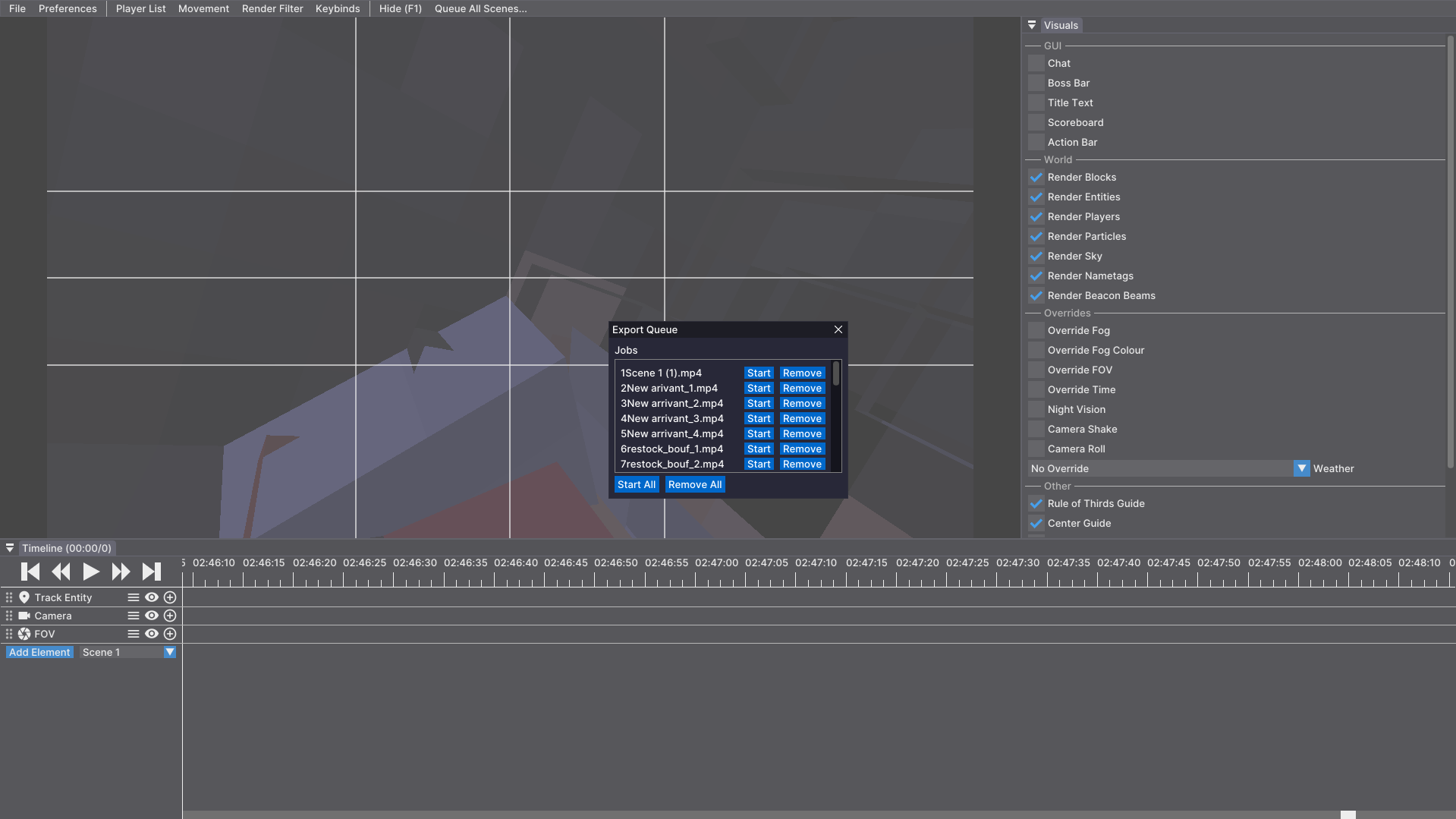
Nothing renders automatically: FlashBatch only queues the jobs into Flashback’s own render queue, exactly as if you had clicked “Add to Queue” on every scene yourself.
Requirements
Source
Source code: https://github.com/louisjnrt1-hash/Flashbatch
常见问题
Flashbatch – A Flashback Addon 支持哪些 Minecraft 版本?
Flashbatch – A Flashback Addon 支持 Minecraft Java 版 26.1–26.2,共 4 个版本,可用的加载器:Fabric。下载时注意选择和你游戏版本一致的文件。
Flashbatch – A Flashback Addon 怎么安装?
先用 PCL2 或 HMCL 启动器安装对应版本的 Fabric,再把下载的 .jar 文件放进游戏目录的 mods 文件夹,重新启动游戏即可。开启了版本隔离的,mods 文件夹在 versions/版本名 下面。运行环境:仅客户端。
评论
登录后评论和评分