
Flashback Keystrokes Bridge
Records keystrokes during Flashback recording and plays them back as a synced HUD overlay, matching Clean Keystrokes' style.
截图
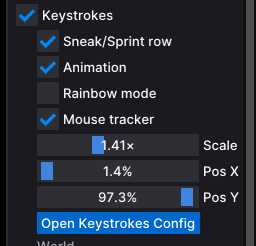
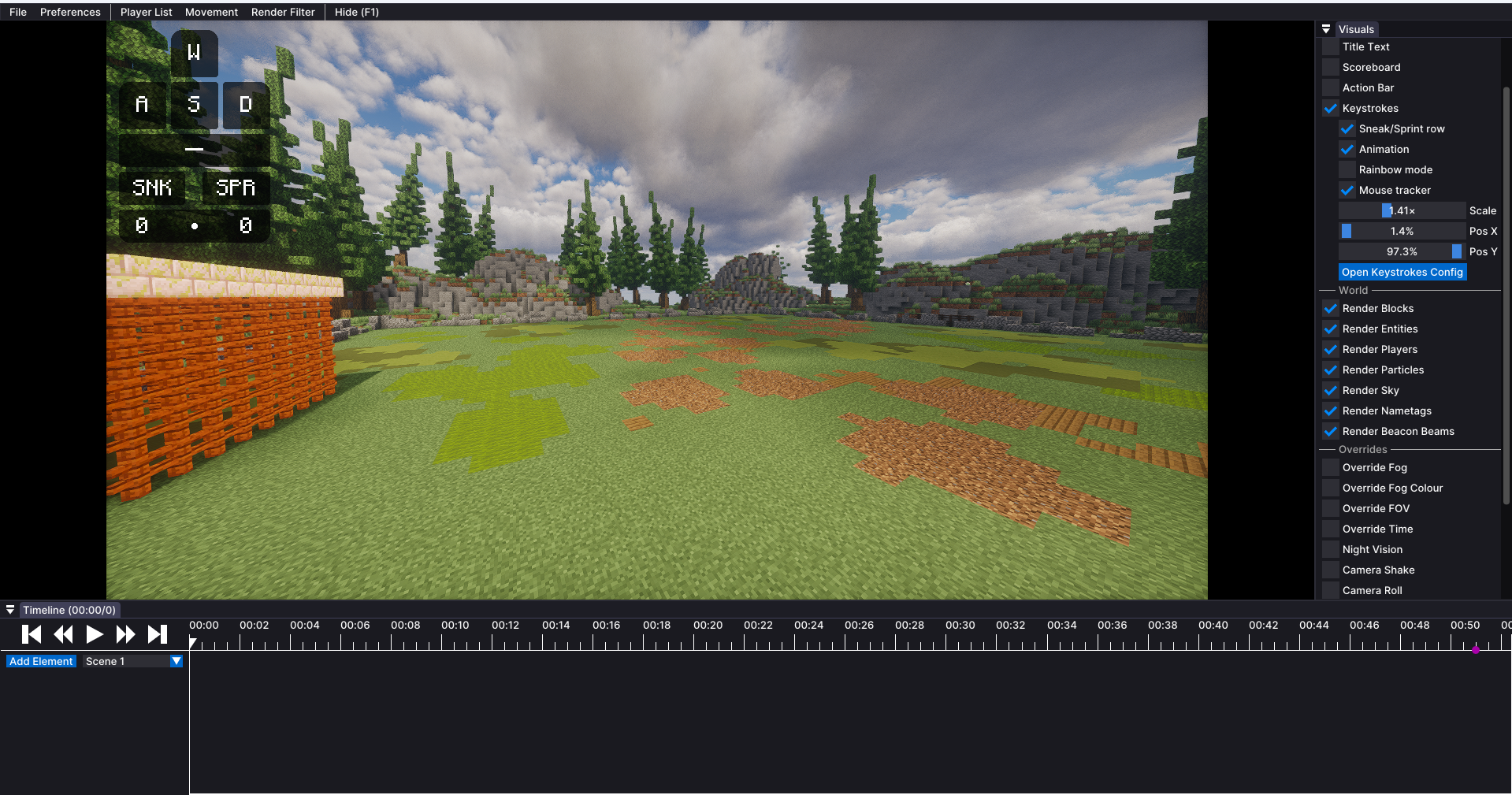
介绍
Flashback Keystrokes Bridge
Records your keystrokes while Flashback records a replay, then plays them back as a synced HUD overlay when you watch it. Perfect for PvP clips and highlight exports where you want to show off your keystrokes without recording a separate overlay live.
The HUD looks identical to Clean Keystrokes‘ HUD, reusing its textures and styling, but it’s synced to the replay’s timeline instead of real time.
Features
- Automatically records keystrokes (WASD, Space, Sneak, Sprint, LMB, RMB) whenever Flashback is recording
- Auto-matches the recording to the right replay when you open it for playback
- HUD overlay with the same look as Clean Keystrokes: key press animation, rainbow mode, mouse movement tracker, CPS counter
- Configurable scale, position, and color presets via
/fkbridgecommands - Manual override commands (
/fkbridge list,/fkbridge use,/fkbridge status) if auto-matching picks the wrong recording
Requirements
- Flashback
- Clean Keystrokes
- Fabric API
Commands
| Command | What it does |
|—|—|
| /fkbridge list | List saved recordings |
| /fkbridge use <number> | Pick a recording manually |
| /fkbridge auto | Back to automatic matching |
| /fkbridge status | Check which recording is active |
| /fkbridge stylelist | List color presets |
| /fkbridge style <name> | Apply a color preset |
| /fkbridge scale <0.5-2.0> | Change HUD scale |
| /fkbridge position <corner> | Move HUD to a corner |
常见问题
Flashback Keystrokes Bridge 支持哪些 Minecraft 版本?
Flashback Keystrokes Bridge 支持 Minecraft Java 版 1.21.11,可用的加载器:Fabric。下载时注意选择和你游戏版本一致的文件。
Flashback Keystrokes Bridge 怎么安装?
先用 PCL2 或 HMCL 启动器安装对应版本的 Fabric,再把下载的 .jar 文件放进游戏目录的 mods 文件夹,重新启动游戏即可。开启了版本隔离的,mods 文件夹在 versions/版本名 下面。运行环境:仅客户端。
评论
登录后评论和评分