
Flashback Extras
作者:bitbeats
Extra tools and quality-of-life improvements for the Flashback replay editor.
截图
介绍
中文介绍正在准备中,下面暂时显示原文。
Flashback Extras
Flashback Extras extends the Flashback replay editor with additional features and fixes.
All features can be toggled on or off.
Features
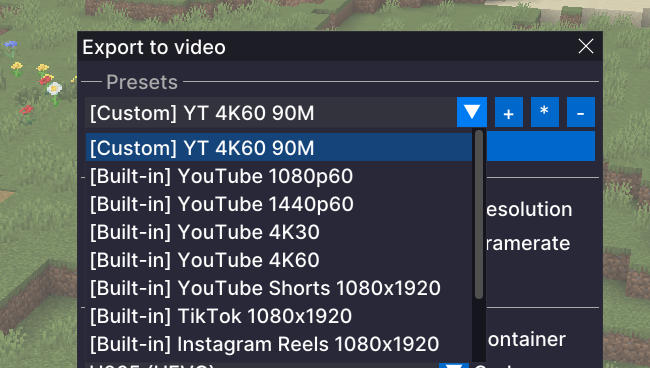
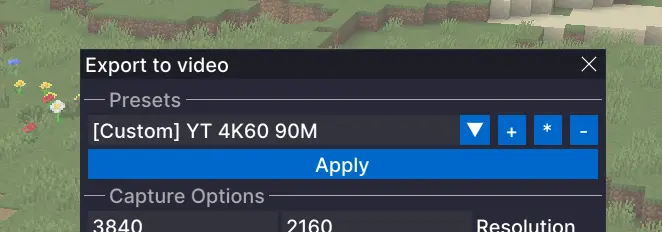
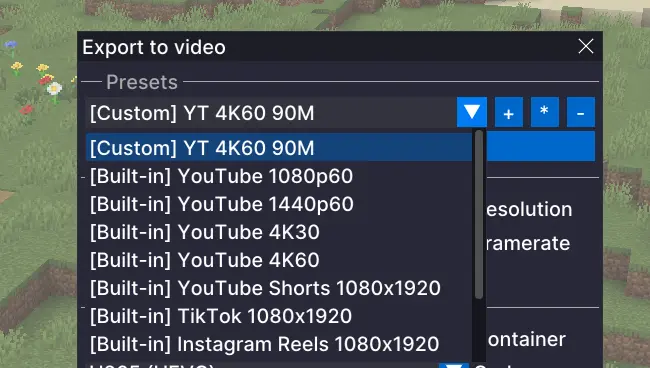
Export PresetsAdds built-in presets for common output targets, such as YouTube 1440p, and lets you create your own presets so you can save the settings you use again and again instead of rebuilding them every time. This is especially useful if you are exporting the same replay in multiple formats.
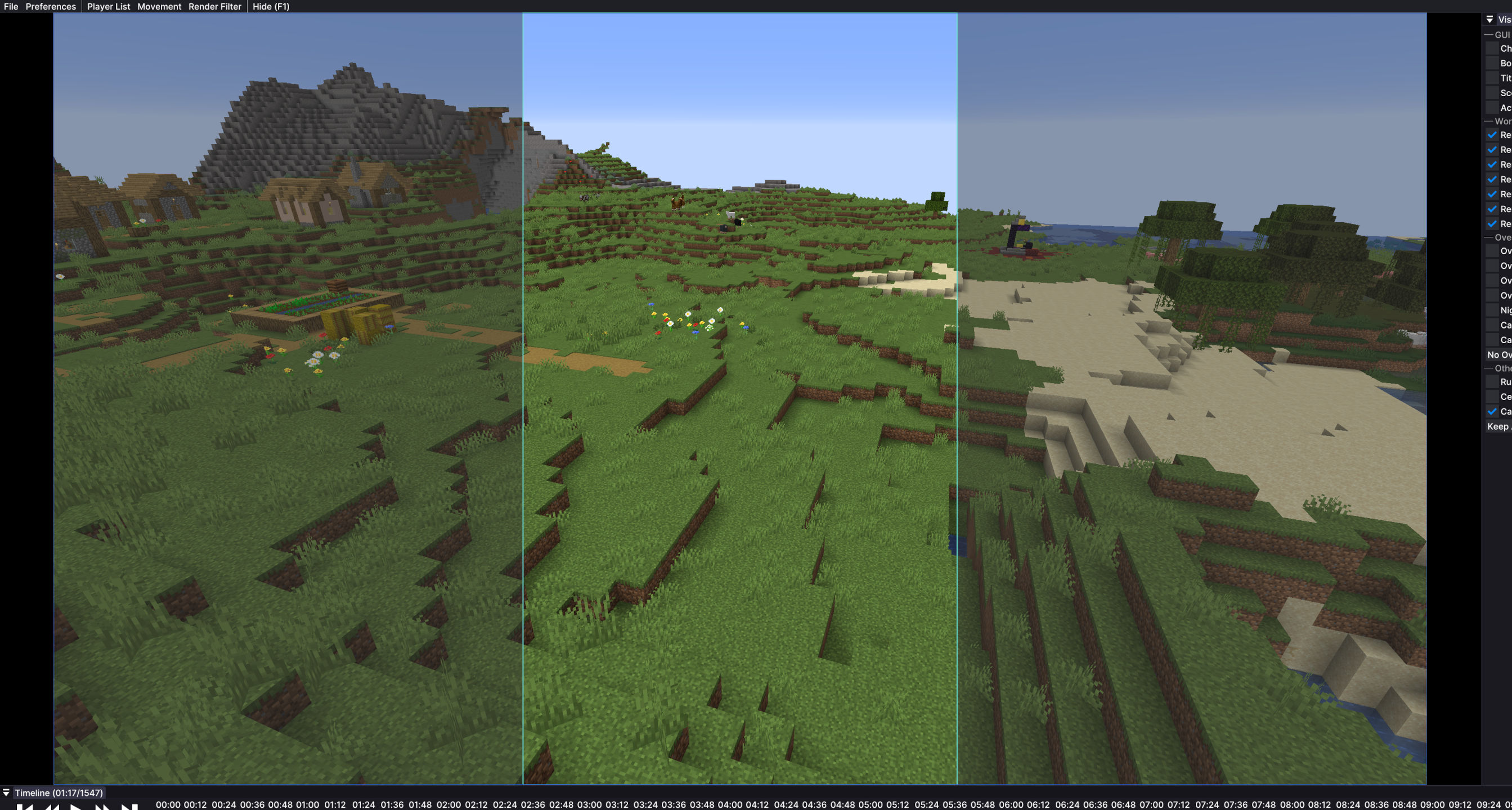
Export Preview OverlayWhen you are exporting for formats like TikTok or YouTube Shorts, it is not always clear how the final video will look inside a vertical frame. This adds an overlay that shows that shape on screen, so you can line things up more easily before exporting.
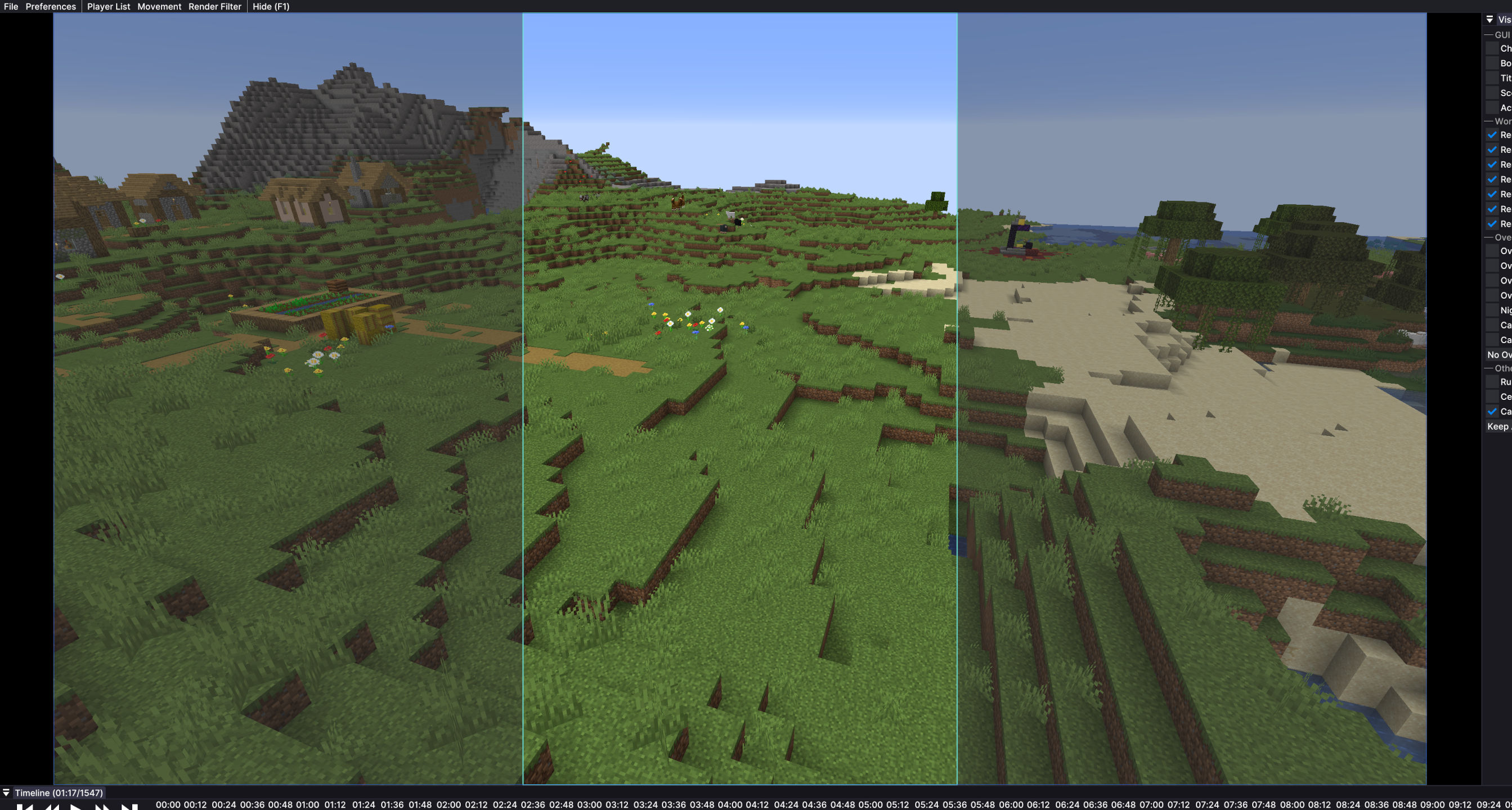
Timeline Horizontal ScrollEnables horizontal scrolling of the Flashback timeline with a mouse side wheel, horizontal wheel, or trackpad.
Fixes
Faster First ExportOpening the export menu can freeze Flashback for a couple of seconds. This mod prepares export tools in the background shortly after you open a replay, so the export window opens without long waiting times.
Audio Track Sync for TimelapsesTimelapses and other speed changes in Flashback can make audio sound wrong and break the waveform display. This mod fixes that, so audio plays normally and the visual audio track scales correctly with timeline speed.
Configure
- You can open the Flashback Extras menu with
Right Alt + Pby default. - The shortcut can be changed in Minecraft Controls.
- You can also open the menu through the Mod Menu mod.
Requirements
- Fabric
- Flashback
常见问题
Flashback Extras 支持哪些 Minecraft 版本?
Flashback Extras 支持 Minecraft Java 版 1.21.6–26.3,共 11 个版本,可用的加载器:Fabric。下载时注意选择和你游戏版本一致的文件。
Flashback Extras 怎么安装?
先用 PCL2 或 HMCL 启动器安装对应版本的 Fabric,再把下载的 .jar 文件放进游戏目录的 mods 文件夹,重新启动游戏即可。开启了版本隔离的,mods 文件夹在 versions/版本名 下面。运行环境:仅客户端。
bitbeats 的其他作品
查看全部 → Flashback Extras
by bitbeats
Extra tools and quality-of-life improvements for the Flashback replay editor.
9.9万
1 个月前
Modrinth

Fluid Levels
by bitbeats
Designed for technical Minecraft players working with fluid mechanics. See water and lava levels directly in-world without the F3 menu. Source blocks show "S", flowing blocks show their level (8 down to 1). Toggle with F7.
585
8 个月前
Modrinth
评论
登录后评论和评分