
Fireball Predictor
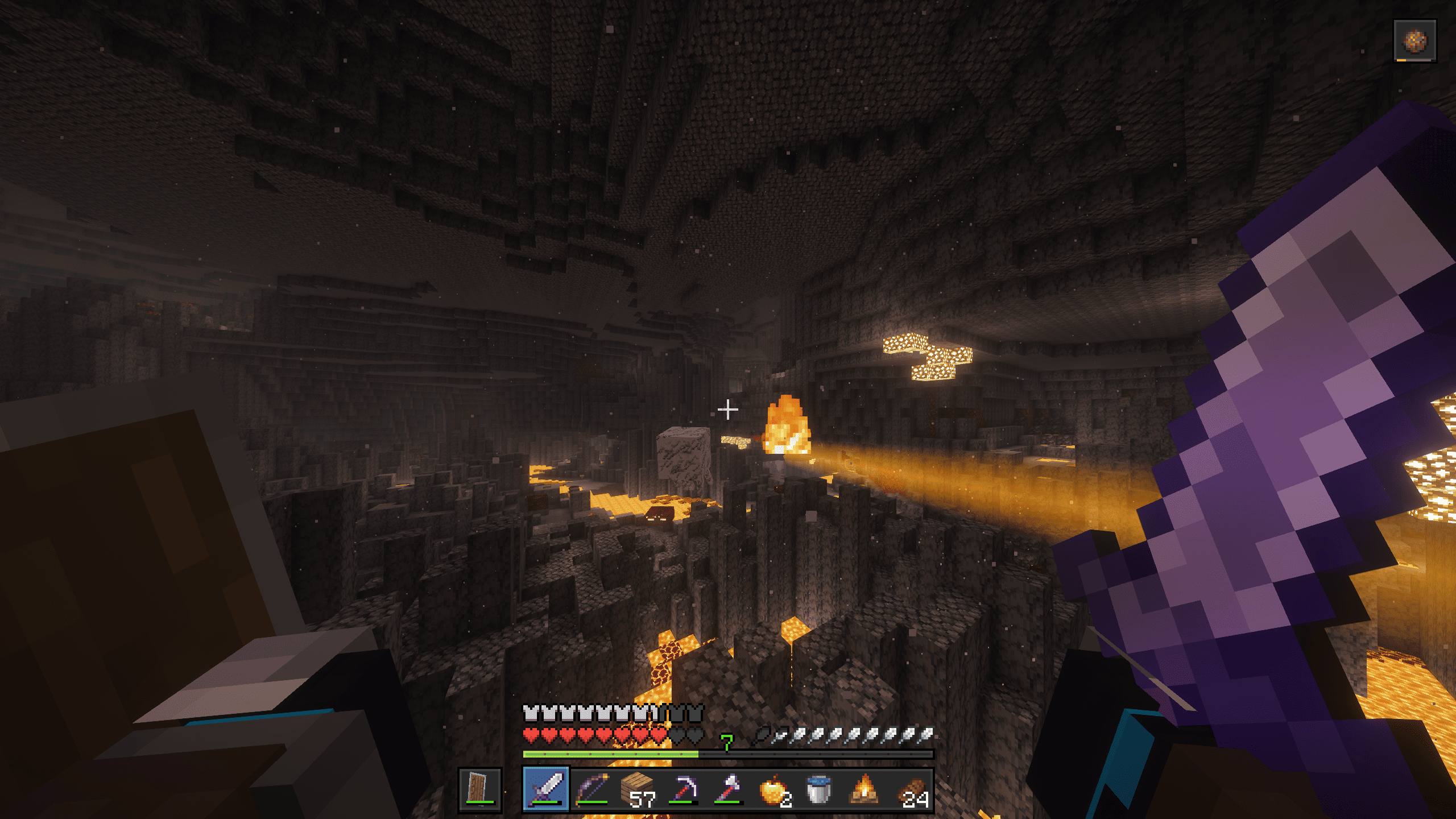
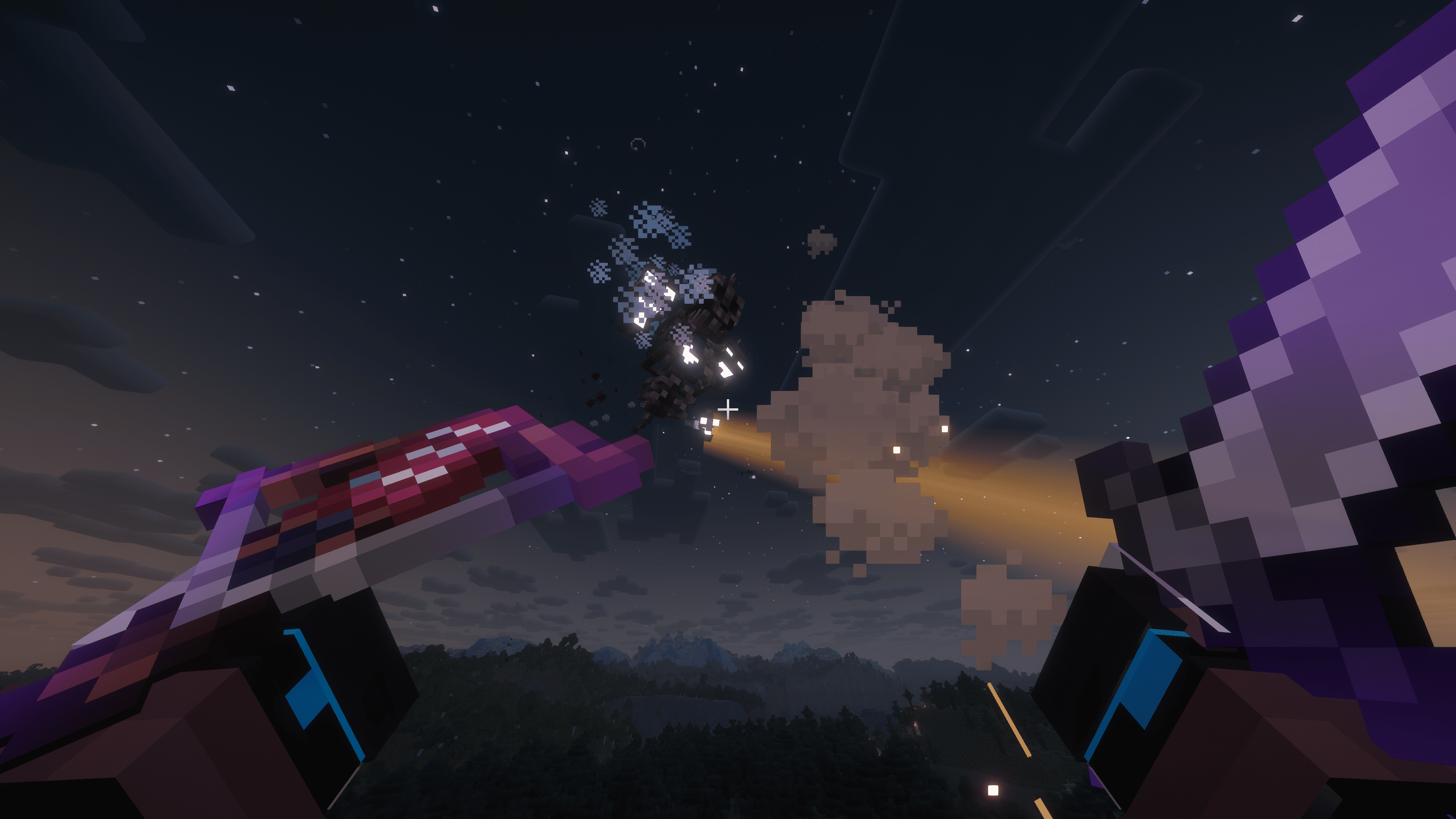
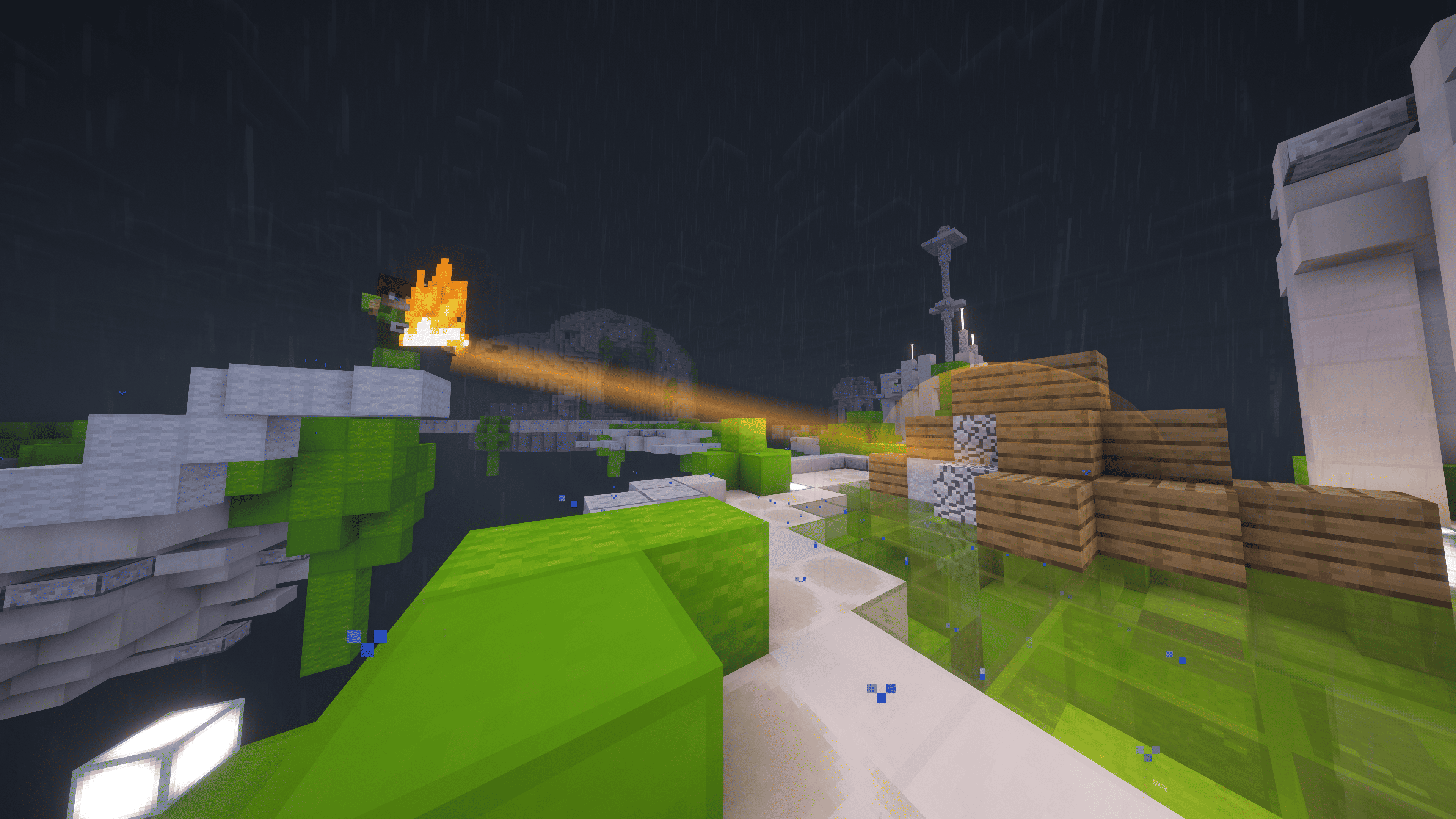
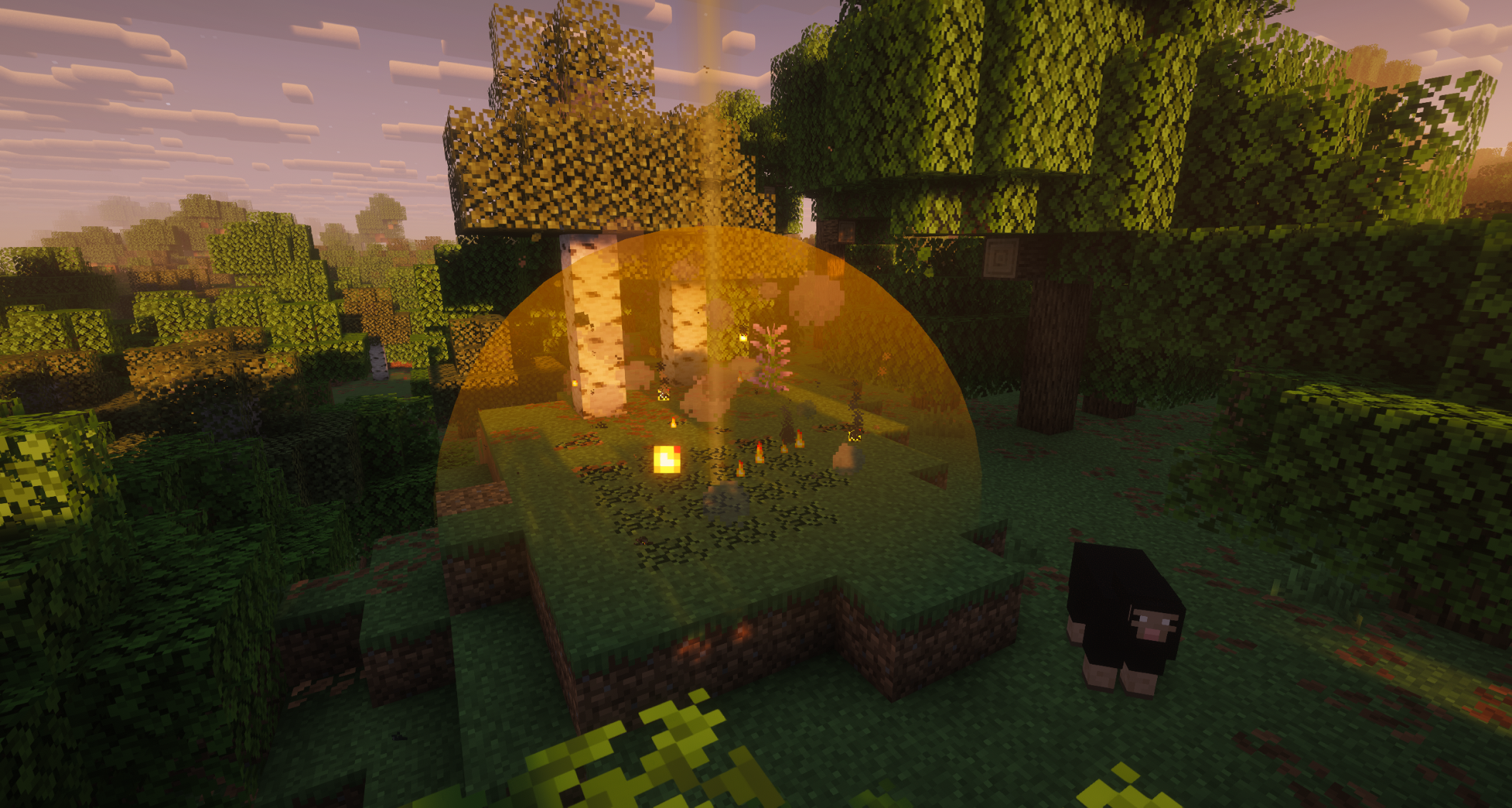
Predicts and visualizes the trajectory and explosive impact of ghast fireballs, wither skulls and wind charges in real-time.
截图
介绍
Fireball Predictor
A ghast fireball takes about three seconds to hit you. That’s enough time to move, if you know where it’s going.
Fireball Predictor draws the flight path of incoming fireballs, wither skulls and wind charges into the world, marks where they’ll land, outlines the blocks they’ll destroy, and puts the hearts you’re about to lose on your health bar before the hit lands.
<iframe
width=”560″
height=”315″
src=”https://www.youtube-nocookie.com/embed/_VXAXr188n0?autoplay=1&mute=1&loop=1&playlist=_VXAXr188n0″
title=”YouTube video player”
frameborder=”0″
allow=”accelerometer; autoplay; clipboard-write; encrypted-media; gyroscope; picture-in-picture; web-share”
allowfullscreen>
What you’ll see
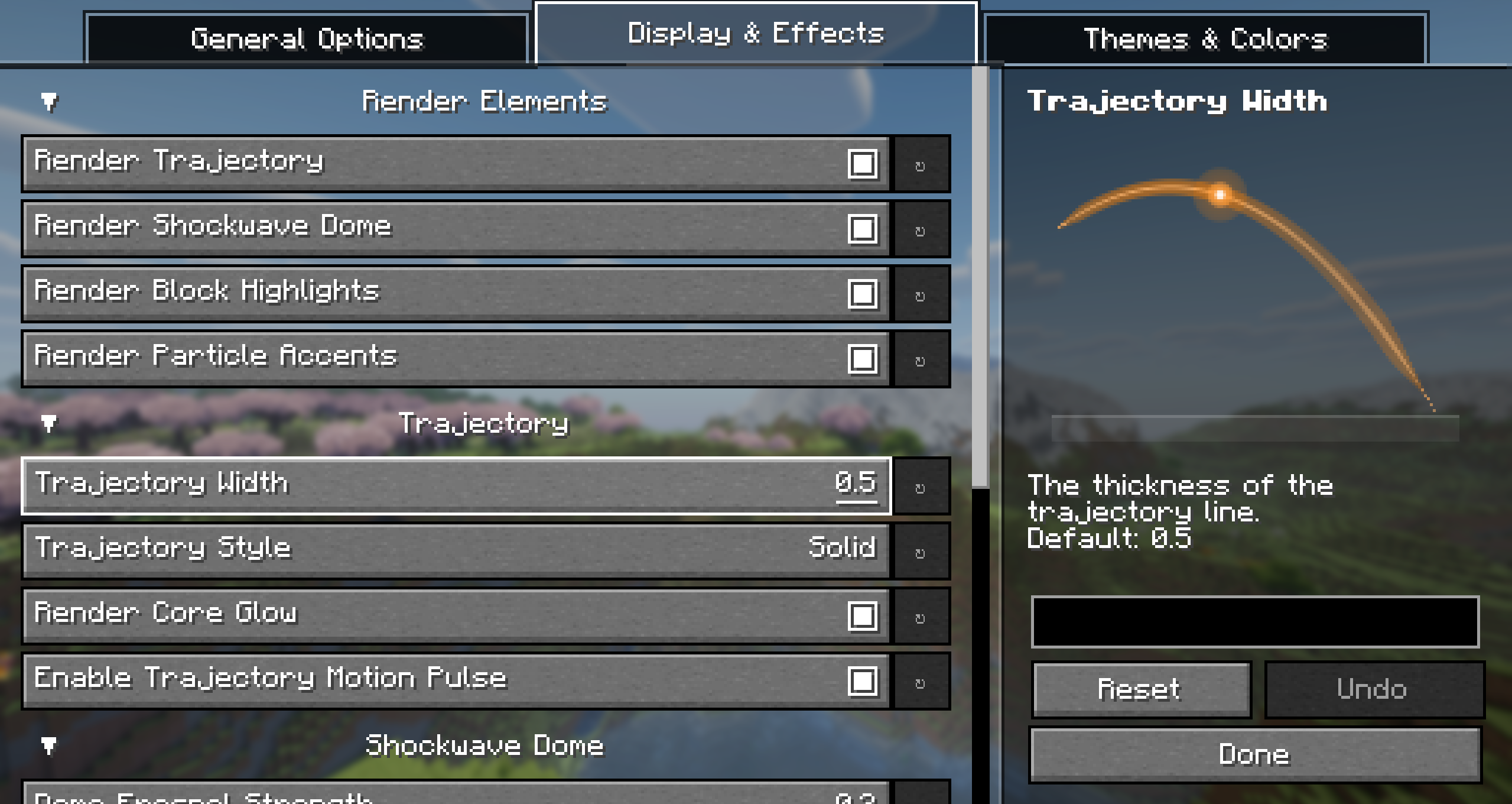
- Trajectory: A trajectory arc from the shooter to the impact point.
- Shockwave Dome: A dome at the impact point, roughly the size of the coming explosion.
- Block Highlights: Outlines on the exact blocks the blast will break.
- Warning Badge: A countdown badge when something is on a collision course with you.
- Cracking hearts over your health bar: the damage the hit will deal after armor, Protection, Blast Protection, absorption and Resistance are all accounted for.
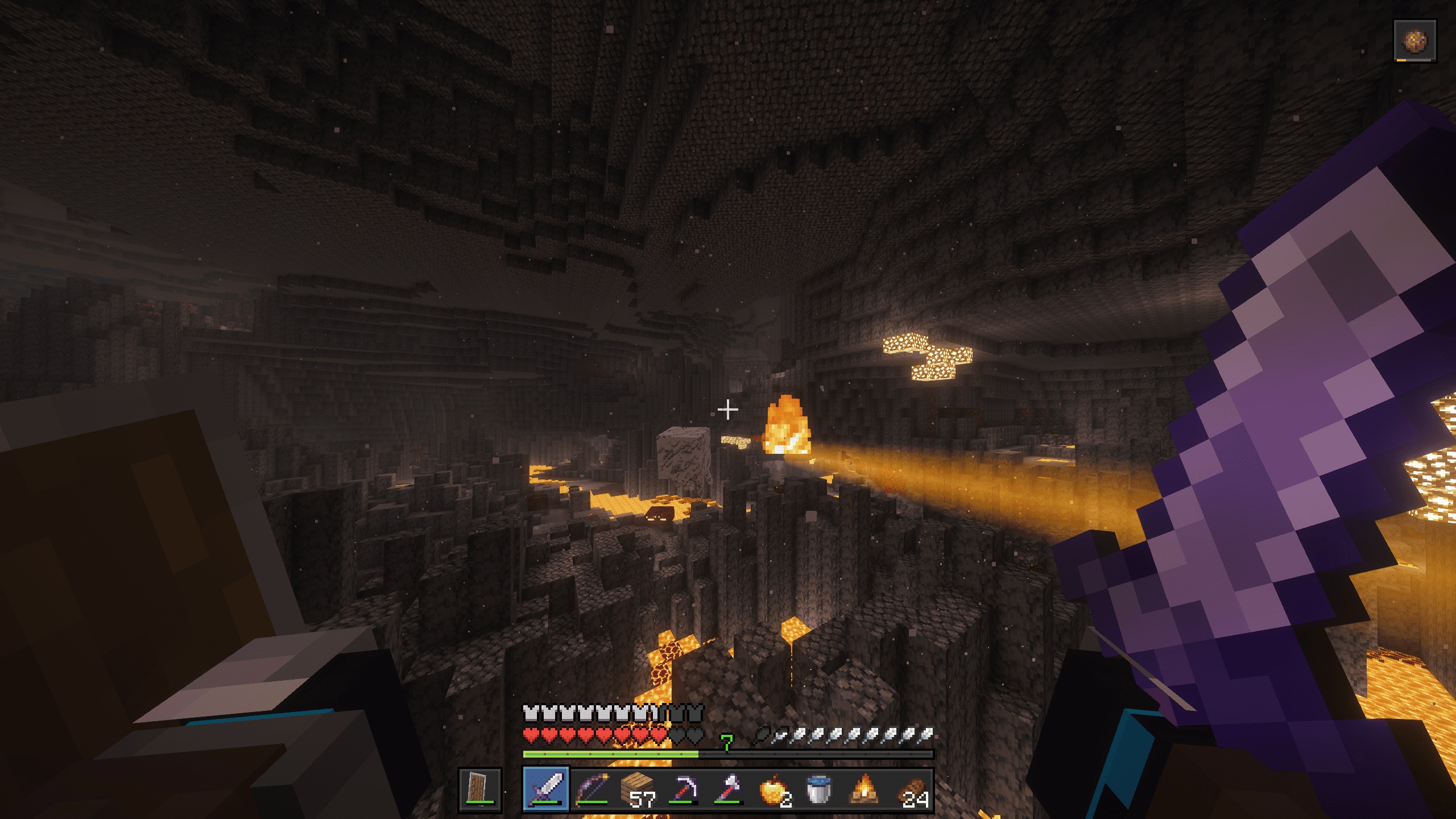

It tracks ghast fireballs, wither skulls, wind charges, dragon fireballs, and shots from players, dispensers and commands. The mod works out who fired what, so you can highlight ghast fire only and ignore wither projectiles.
The prediction runs vanilla’s own explosion code on the client, so the highlighted blocks are the ones that will actually break.
Fair play
Some servers might classify this mod as Extra-Sensory Perception (ESP), which is a bannable offense on competitive networks. Always play fair and only use this mod on servers where it is explicitly allowed.
Server owners who want it off can disable tracking of player-fired shots for all connected clients: https://github.com/IsAvaible/FireballPredictor#server-configuration
Config
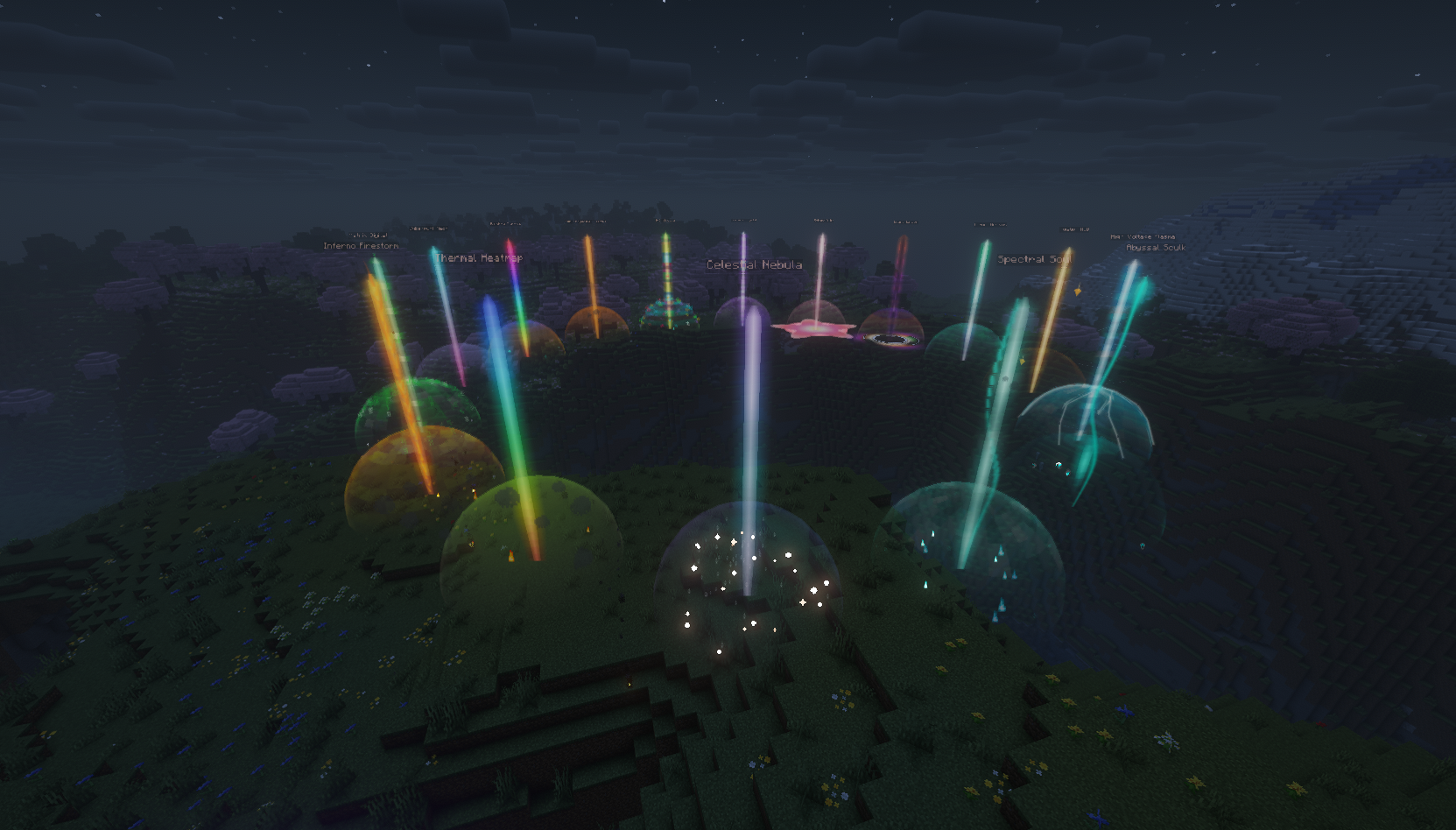
Colors, line width, domes, HUD anchors, owner filters are all customizable in the config screen. You can find the config in ModMenu.
Support
Please visit the repository for any support requests.
The logo was drawn by hand, time lapse here: https://www.youtube.com/watch?v=YSf3srJhrIo
If you want to cover the mod in a video or short you can find a press-kit with pre-recorded b-roll here: link
Thank you for using the mod 🙂
常见问题
Fireball Predictor 支持哪些 Minecraft 版本?
Fireball Predictor 支持 Minecraft Java 版 1.8.9–26.3,共 4 个版本,可用的加载器:Fabric / Forge / NeoForge。下载时注意选择和你游戏版本一致的文件。
Fireball Predictor 怎么安装?
先用 PCL2 或 HMCL 启动器安装对应版本的 Fabric / Forge / NeoForge,再把下载的 .jar 文件放进游戏目录的 mods 文件夹,重新启动游戏即可。开启了版本隔离的,mods 文件夹在 versions/版本名 下面。运行环境:客户端 / 服务端。
评论
登录后评论和评分