
Find My Blimp
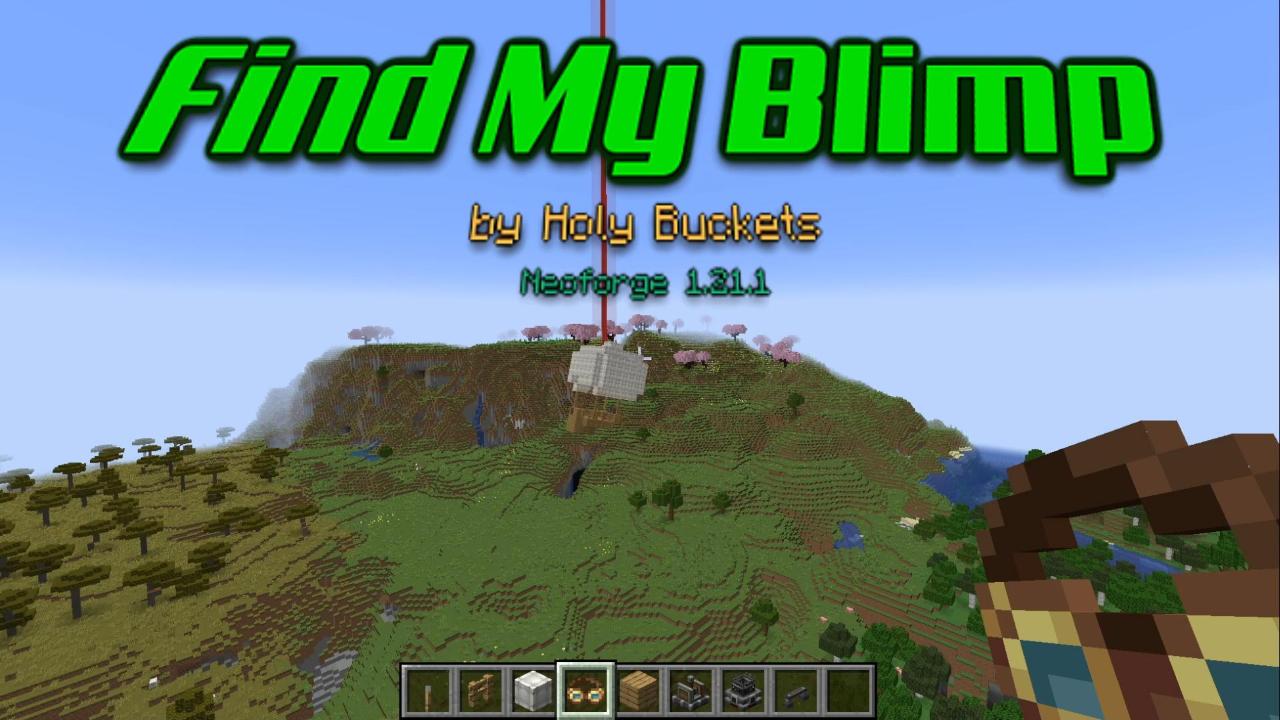
HB's Find My Blimp - set waypoints to Aeronatics Vehicles and Create Contraptions
截图
介绍
Allows setting in-game waypoints on Create Contraptions and Aeronautics vehicles — just right-click with your Create Goggles in hand. Waypoints can be configured to be visible ONLY while wearing goggles or crouching.
Instructions
- Build an Aeronautics vehicle or a Create contraption.
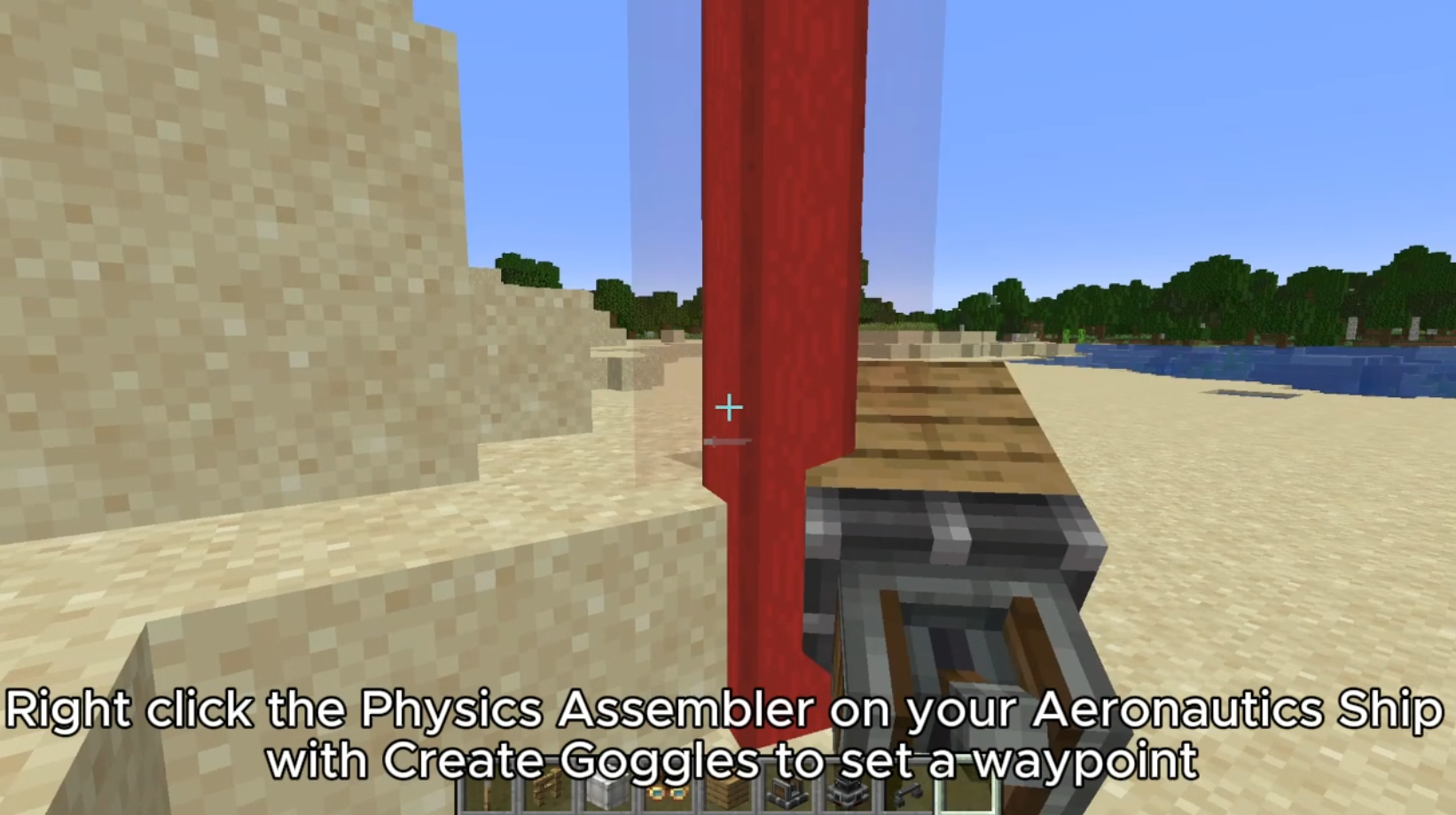
- Right-click it while holding a pair of Create Engineer’s Goggles. For Aeronautics, you MUST right-click the Physics Assembler itself while its connected to your Aeronautics Sublevel to initialize the waypoint
- A waypoint is set on the vehicle and moves with it. Right-click again with Goggles in hand to remove it.
The waypoint is removed if the vehicle is deconstructed and is not rebuilt in the exact same location. If the vehicle is reconstructed in the same location, the waypoint stays visible for a few seconds after reconstruction.
Configuration
Waypoint Beam Visibility
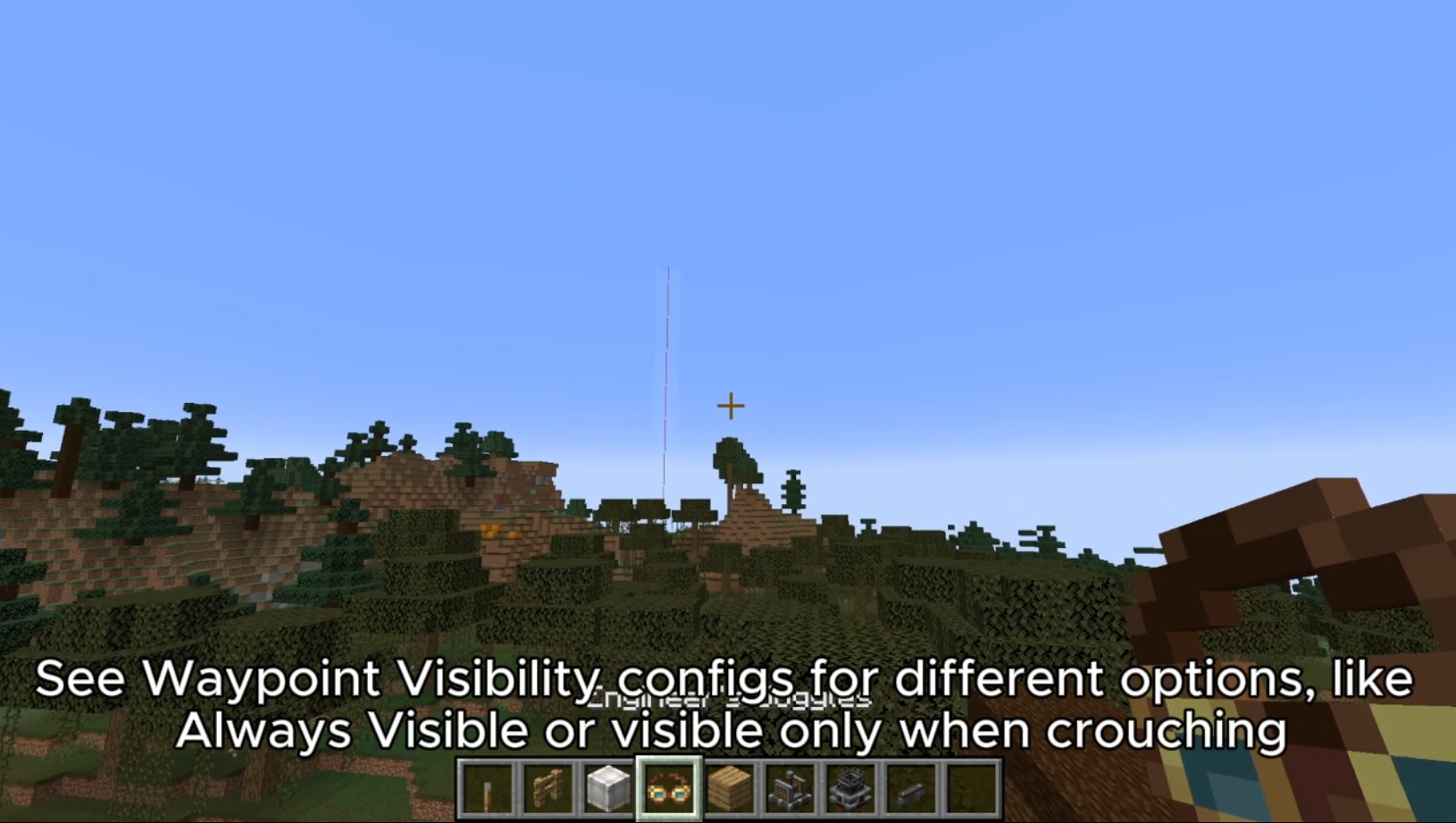
Controls when the waypoint beam is rendered:
ALWAYS— always visible (Default)GOGGLES— only while wearing or holding Create Engineer’s GogglesCROUCH— only while crouchingGOGGLES_AND_CROUCH— only while wearing goggles and crouching
Name-Tag Visibility (Not yet implemented)
Controls when a waypoint’s floating name label is shown:
ALWAYS— always visible (Default)GOGGLES— only while wearing or holding gogglesLOOKING— only when your crosshair is on the waypointLOOKING_AND_GOGGLES— only when looking at the waypoint while wearing goggles
常见问题
Find My Blimp 支持哪些 Minecraft 版本?
Find My Blimp 支持 Minecraft Java 版 1.21.1,可用的加载器:NeoForge。下载时注意选择和你游戏版本一致的文件。
Find My Blimp 怎么安装?
先用 PCL2 或 HMCL 启动器安装对应版本的 NeoForge,再把下载的 .jar 文件放进游戏目录的 mods 文件夹,重新启动游戏即可。开启了版本隔离的,mods 文件夹在 versions/版本名 下面。运行环境:客户端和服务端都要装。
holy_buckets 的其他作品
查看全部 →
HB’s Foundation
HBs Foundation is an API for fundamental methods and utility methods related to all my Minecraft modded projects. Integrated with and dependent on Balm API.

HB’s Foundation
HBs Foundation is an API for fundamental methods and utility methods related to all my Minecraft modded projects. Integrated with and dependent on Balm API. Not intended to add end user features to the game on its own.

HB’s Ore Clusters and Regen
Adds large clusters of ore to your world that regenerate over many days. An entry in Holy Bucket's Minecraft mod series. Real time altering of ore spawning to produce large and shaped clusters of ore in addition to vanilla style smaller veins.

HB’s Satellites
Monitor distant chunks and entities; launch attacks from the comfort of your base. Holy Buckets mod series.
评论
登录后评论和评分