
FelixSkins
A client-only Fabric mod for Minecraft 1.20.1 that allows players to drag and drop PNG skin files directly into the game and apply them immediately without restarting.
截图
介绍
FelixSkin – Minecraft Fabric Mod
A client-only Fabric mod for Minecraft 1.20.1 that allows players to drag and drop PNG skin files directly into the game and apply them immediately without restarting.
✨ Features
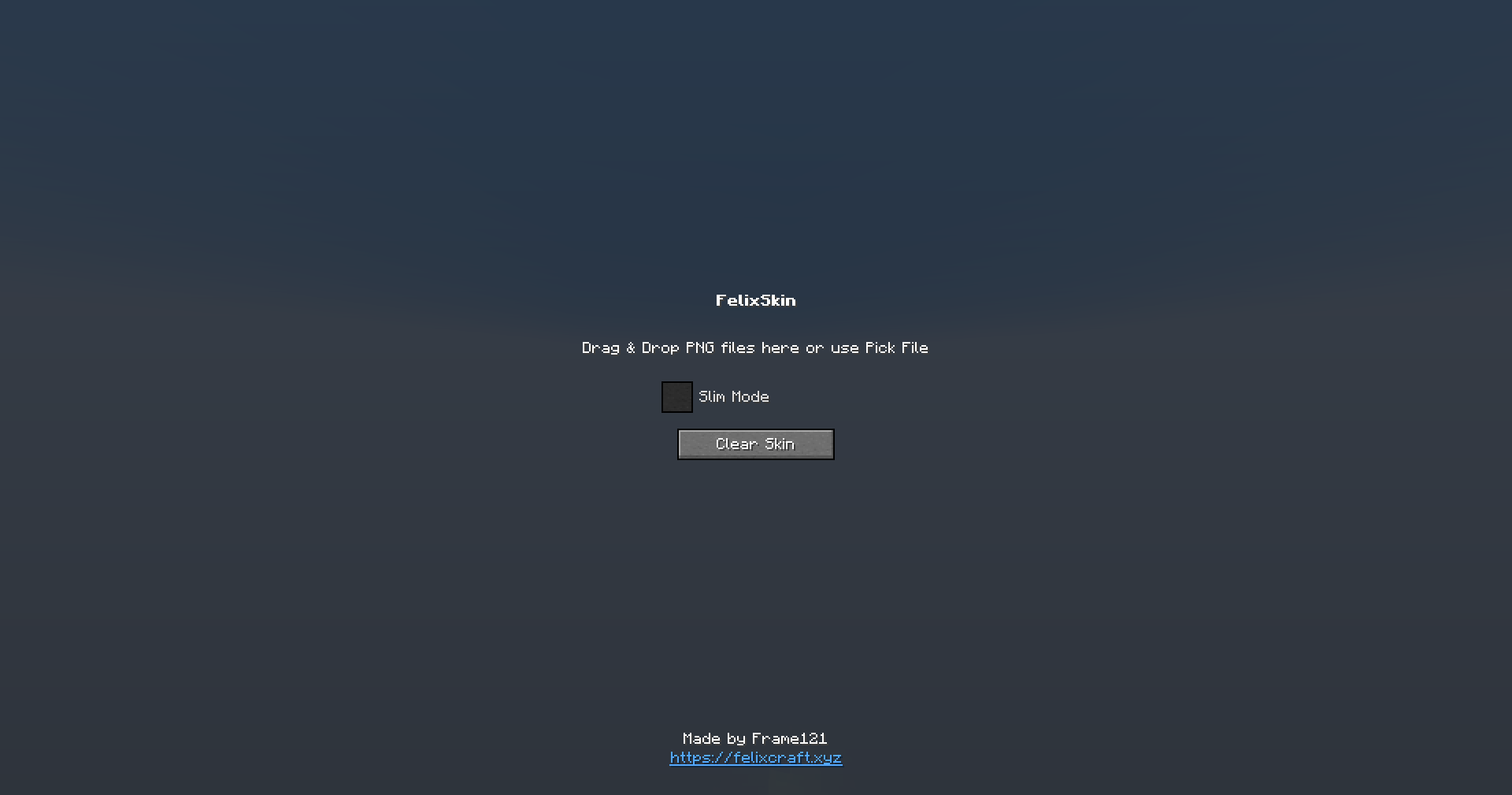
- 🎯 Drag & Drop Interface: Open GUI with K key, drag PNG files from your OS into the drop zone
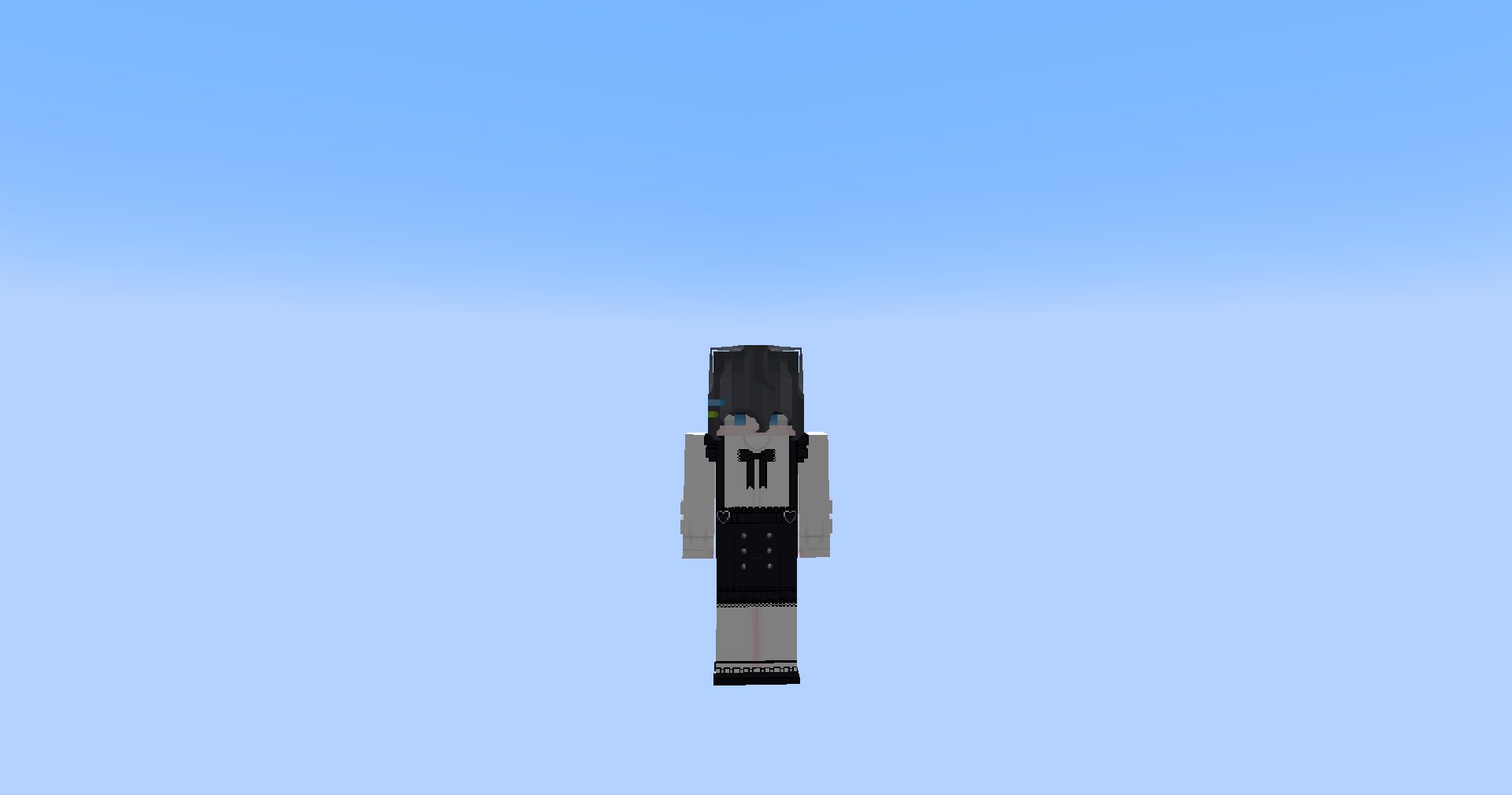
- ⚡ Immediate Application: Skins are applied instantly to your player model
- 🎨 HD Support: Supports skins of any resolution (128×128, 256×256, 512×512, etc.)
- 🤖 Auto-Detection: Automatically detects slim (Alex) vs classic (Steve) models based on filename
- Files containing
_slimor_alex→ Alex model - All other files → Steve model
- 🌐 Client-Only: No server-side changes required
- 💾 Memory Efficient: Proper cleanup of old textures to prevent memory leaks
📋 Requirements
- Minecraft 1.20.1
- Fabric Loader 0.16.12+
- Fabric API 0.92.6+
- Java 17+
🚀 Installation
For Players
- Download the latest
.jarfile from releases - Place it in your
%minecraft%/modsfolder - Launch Minecraft with Fabric Loader
- Press K in-game to open the skin manager
For Developers
- Clone this repository
- Run
./gradlew build(orgradlew.bat buildon Windows) - Find the built JAR in
build/libs/
🎮 Usage
- Open the GUI: Press K in-game
- Drag & Drop: Drag a PNG file from your file explorer into the drop zone
- Alternative: Click “Pick File” to browse for PNG files
- Apply: Click “Apply Skin” to apply the skin
- Clear: Use “Clear Skin” to remove the custom skin
- Close: Click “Close” or press ESC
GLFW Integration
- Uses GLFW drop callback to receive file drops from the OS
- Safely handles file path encoding and validation
- Only accepts PNG files with reasonable size limits
⚠️ Troubleshooting
Common Issues
- Mod not loading: Ensure you have the correct Fabric Loader version
- K key not working: Check if the key binding conflicts with other mods
- Skin not applying: Verify the PNG file is valid and not corrupted
- Performance issues: Large HD skins (>2048×2048) may impact performance
Logs
Check the Minecraft logs for any error messages. The mod logs important events with the prefix [FelixSkin].
📞 Support
- GitHub: https://github.com/dotprepare/FelixSkins
- Discord: Join our community for support
- Issues: Report bugs on GitHub Issues
🤝 Contributing
Contributions are welcome! Please feel free to submit issues, feature requests, or pull requests.
📄 License
This project is licensed under the MIT License – see the LICENSE file for details.
Made with ❤️ by Frame121
常见问题
FelixSkins 支持哪些 Minecraft 版本?
FelixSkins 支持 Minecraft Java 版 1.20.1,可用的加载器:Fabric。下载时注意选择和你游戏版本一致的文件。
FelixSkins 怎么安装?
先用 PCL2 或 HMCL 启动器安装对应版本的 Fabric,再把下载的 .jar 文件放进游戏目录的 mods 文件夹,重新启动游戏即可。开启了版本隔离的,mods 文件夹在 versions/版本名 下面。运行环境:仅客户端。
评论
登录后评论和评分