
截图
介绍
FBX Player Models
FBX Players Models mod is now moved to CurseForge.
This mod is experimental.
It was made for fun, so some models may not work perfectly.
The mod supports mainly current version of the game and 1.21.1.
The mod have client-only variants available for limited versions.
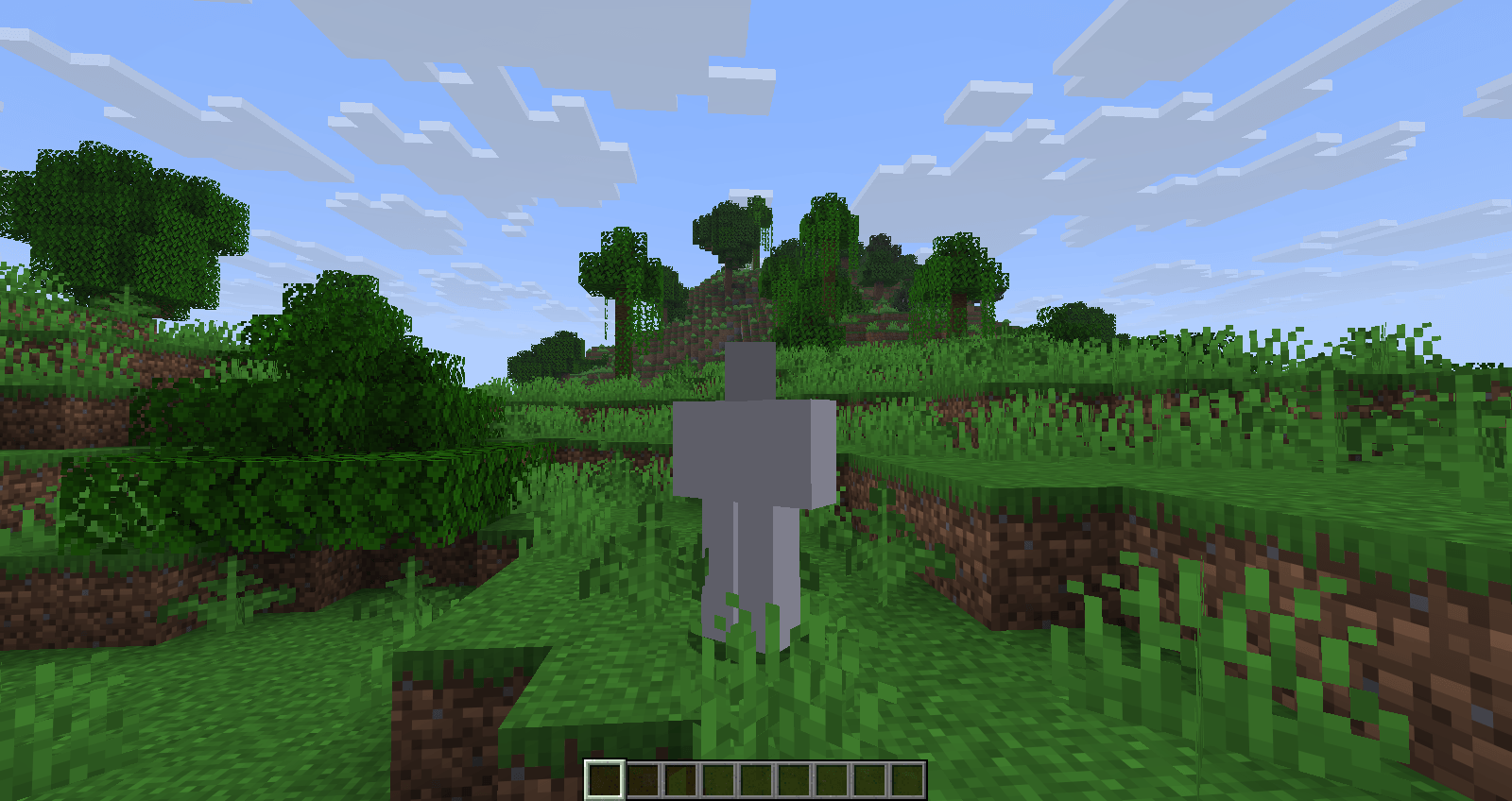
Use a 3D model as your Minecraft player skin.
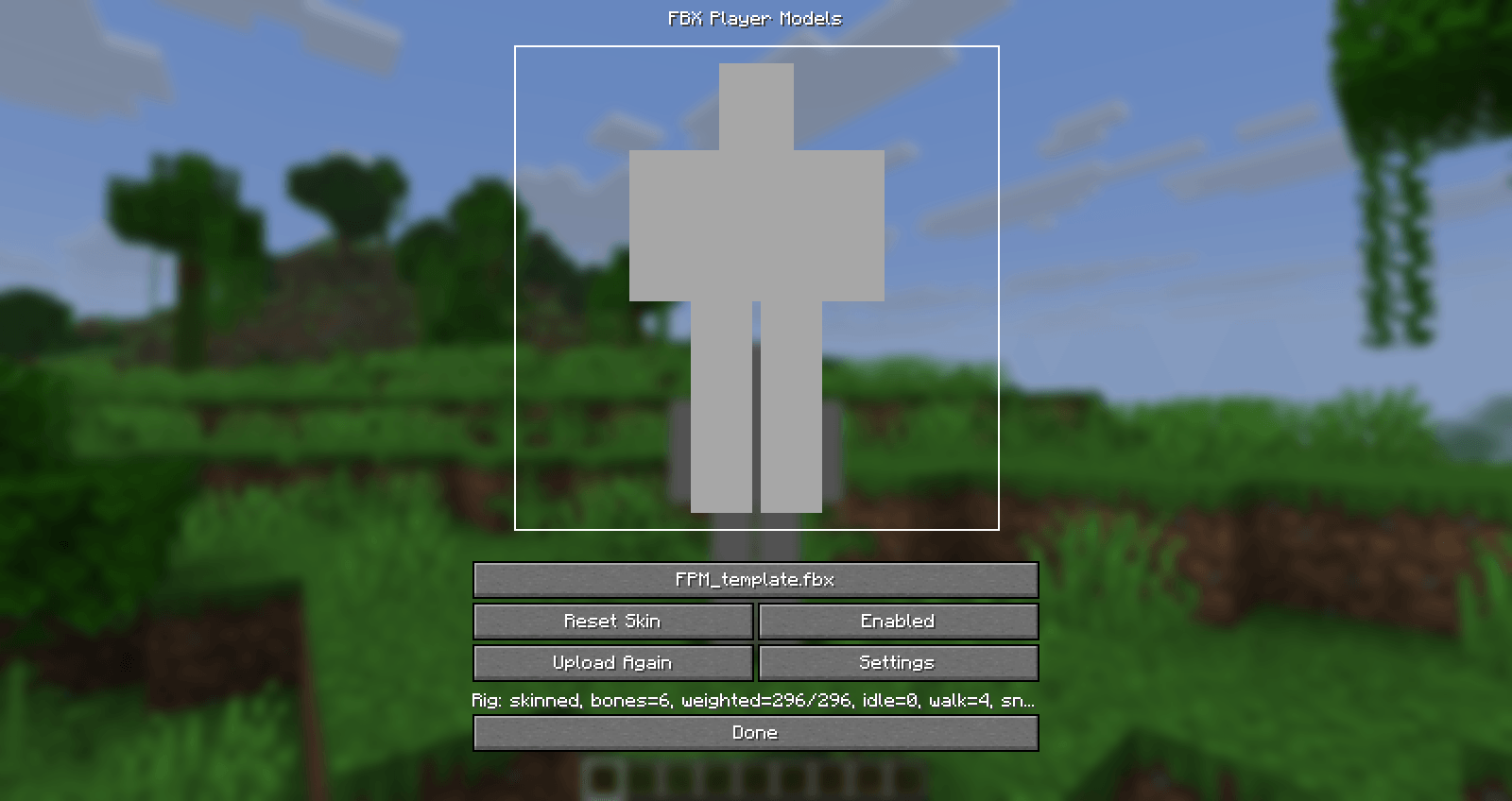
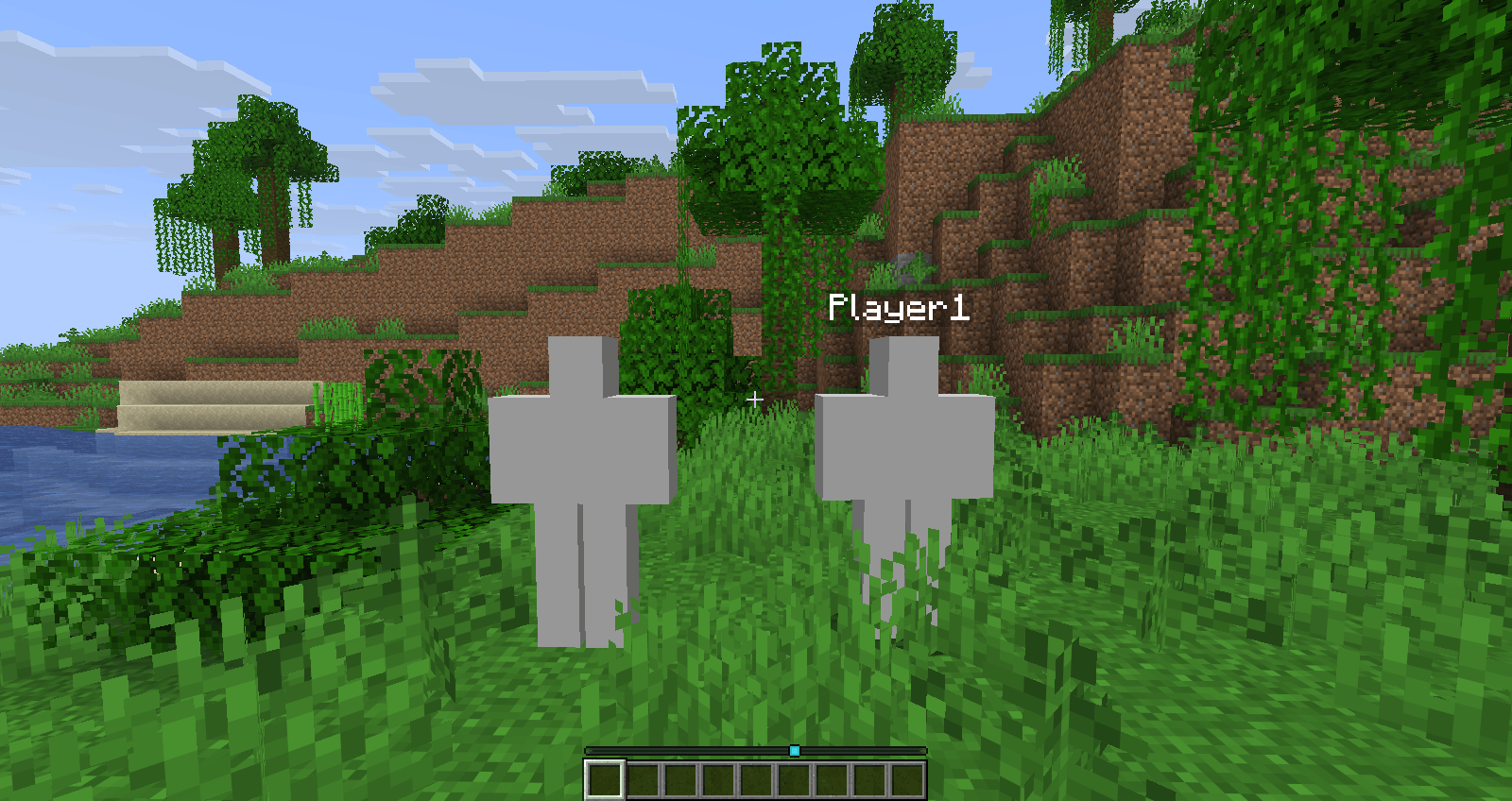
FBX Player Models lets you pick an .fbx model and show it on your player.
Other players can see it too when they also have the mod installed.
Changes to the source code and some of the text
were created using artificial intelligence. However, the mod’s
design and assets were created by humans.
This is a AI-assisted fork of AllTheSkins by 1TheCrazy.
About builds
All builds are always experimental and alpha.
The client version of the mod runs entirely within your client
and does not send models to the server.
What You Can Do
- Use an
.fbxmodel instead of a normal Minecraft skin. - See your model on the main menu.
- Change your model in game with
/skin. - Use custom models on multiplayer servers.
- Let server players upload models if they have permission.
How To Use A Model
- Install the mod.
- Join a world or server.
- Run
/skin. - Choose your
.fbxfile. - Open Edit Model Rig if the arms, legs, head, or body do not move correctly.
- Use Auto Bind first. If needed, click each body part and choose the right bone by hand.
Your settings are saved after you choose and edit your model.
Best Model Type
For the best chance of working, use a simple model exported from Blender.
Good models usually have:
- Low detail.
- One material.
- A texture.
- Clear bone names.
- A file size under 2 MB.
The rig names like Head, Chest, Right Arm, Left Arm, Right Leg, and Left Leg can help the mod guess the right body parts.
If you’re looking for a model template, you can find one here:
https://github.com/aksulightning/FBXPlayerModels/tree/new-template
Multiplayer Uploads
Servers store uploaded models in the world save.
Operators can upload models by default.
Operators can also allow or block uploads for other players:
Allow players:
/fbxplayermodels uploadperm <playername> yes
Deny players:
/fbxplayermodels uploadperm <playername> no
Uploaded files must be under 2 MB.
FBX Mobs
The mod can also show FBX models on special entities.
Example commands:
/summon fbxplayermodels:view_entity ~ ~ ~ {Model:"this_file.fbx"}
/summon fbxplayermodels:hostile_entity ~ ~ ~ {Model:"this_file.fbx"}
/summon fbxplayermodels:tameable_entity ~ ~ ~ {Model:"this_file.fbx",TameItem:"minecraft:apple"}
The model file must already be on the server in its FBX mob model folder.
Help And Feedback
Credits
FBX Player Models is based on AllTheSkins by 1TheCrazy.
常见问题
FBX Player Models 支持哪些 Minecraft 版本?
FBX Player Models 支持 Minecraft Java 版 1.21.1–26.3,共 2 个版本,可用的加载器:Fabric。下载时注意选择和你游戏版本一致的文件。
FBX Player Models 怎么安装?
先用 PCL2 或 HMCL 启动器安装对应版本的 Fabric,再把下载的 .jar 文件放进游戏目录的 mods 文件夹,重新启动游戏即可。开启了版本隔离的,mods 文件夹在 versions/版本名 下面。
aksulightning 的其他作品
查看全部 →
(AI Mod) FBX Player Models
厌倦了原版皮肤?FBX Player Models 让你可以上传任何 3D 模型并将其用作你的玩家皮肤。

Aksu’s Peaceful Gameplay Pack
Aksu的和平游戏包将你的Minecraft体验转变为宁静和谐的冒险。

Aksupack Addon Edition
Aksupack is a half-simplistic resource pack. Now it's a addon...
评论
登录后评论和评分