Fauna Compat Manager
Configurable compatibility manager for fauna mods — pick which mod's version of each duplicate animal you want, with no lost crafting recipes.
截图
介绍
Fauna Compat Manager lets you resolve duplicate animals between fauna mods (Alex’s Mobs, Naturalist, Critters and Companions) without losing any crafting recipes, brewing recipes, or unique drops.
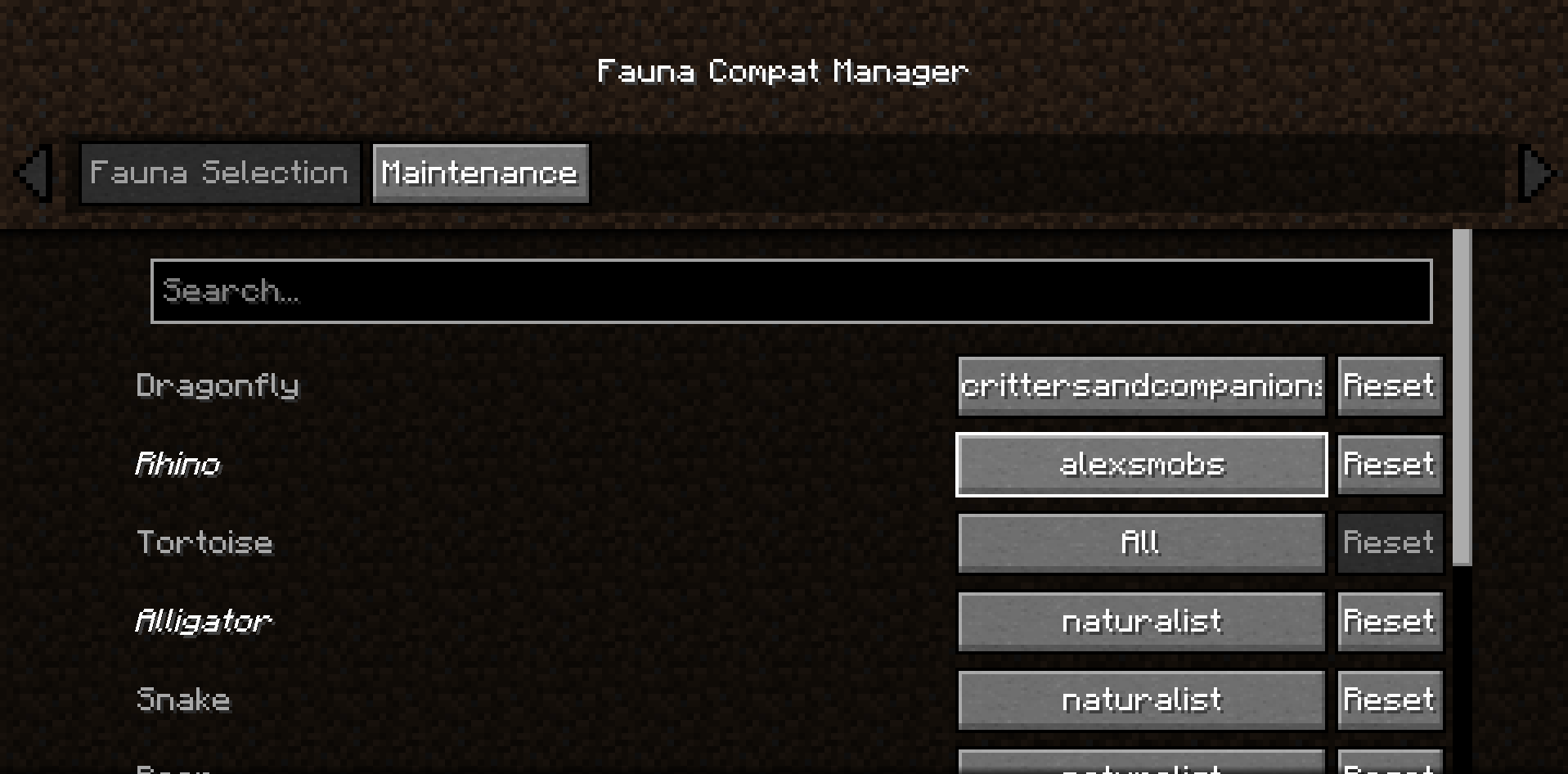
By default, nothing changes — every mod behaves exactly as if this mod weren’t installed. Open the in-game config screen (requires Cloth Config API) to choose, per species, which mod’s version you want to keep. The other version’s spawns are suppressed, and any unique items, recipes, or behaviors it provided are automatically backfilled onto the version you kept, so nothing becomes permanently uncraftable.
FEATURES
- Per-species selection via an in-game GUI, or leave everything on "All" for zero interference
- Automatic drop backfilling with correct probabilities (not just a flat item swap)
- Crafting recipes adapted so they accept whichever mob’s version you’re using
- Brewing recipes and special interactions (like taming requirements) ported across mods where needed
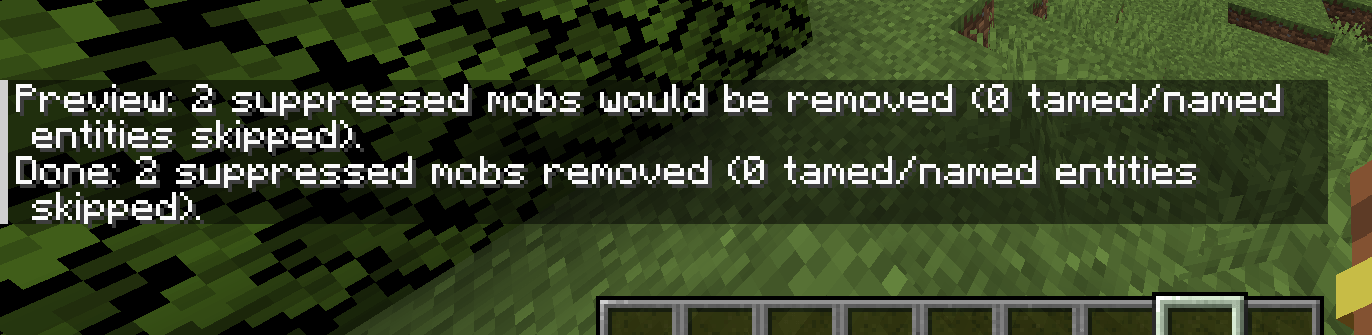
- A manual cleanup command to remove already-spawned suppressed mobs, never touching tamed animals or named entities
- English and Spanish translations
CURRENTLY SUPPORTED
- Alex’s Mobs
- Naturalist
- Critters and Companions
None of the above are required — install any combination and Fauna Compat Manager detects what’s present at runtime.
See the full species list, configuration guide, and known limitations on the GitHub page.
常见问题
Fauna Compat Manager 支持哪些 Minecraft 版本?
Fauna Compat Manager 支持 Minecraft Java 版 1.20.1,可用的加载器:Forge。下载时注意选择和你游戏版本一致的文件。
Fauna Compat Manager 怎么安装?
先用 PCL2 或 HMCL 启动器安装对应版本的 Forge,再把下载的 .jar 文件放进游戏目录的 mods 文件夹,重新启动游戏即可。开启了版本隔离的,mods 文件夹在 versions/版本名 下面。
评论
登录后评论和评分