
Farfield
Farfield is a Far-distance terrain rendering for Minecraft, using levels of detail (LOD): render hundreds to thousands of chunks at a low cost, seamlessly.
截图
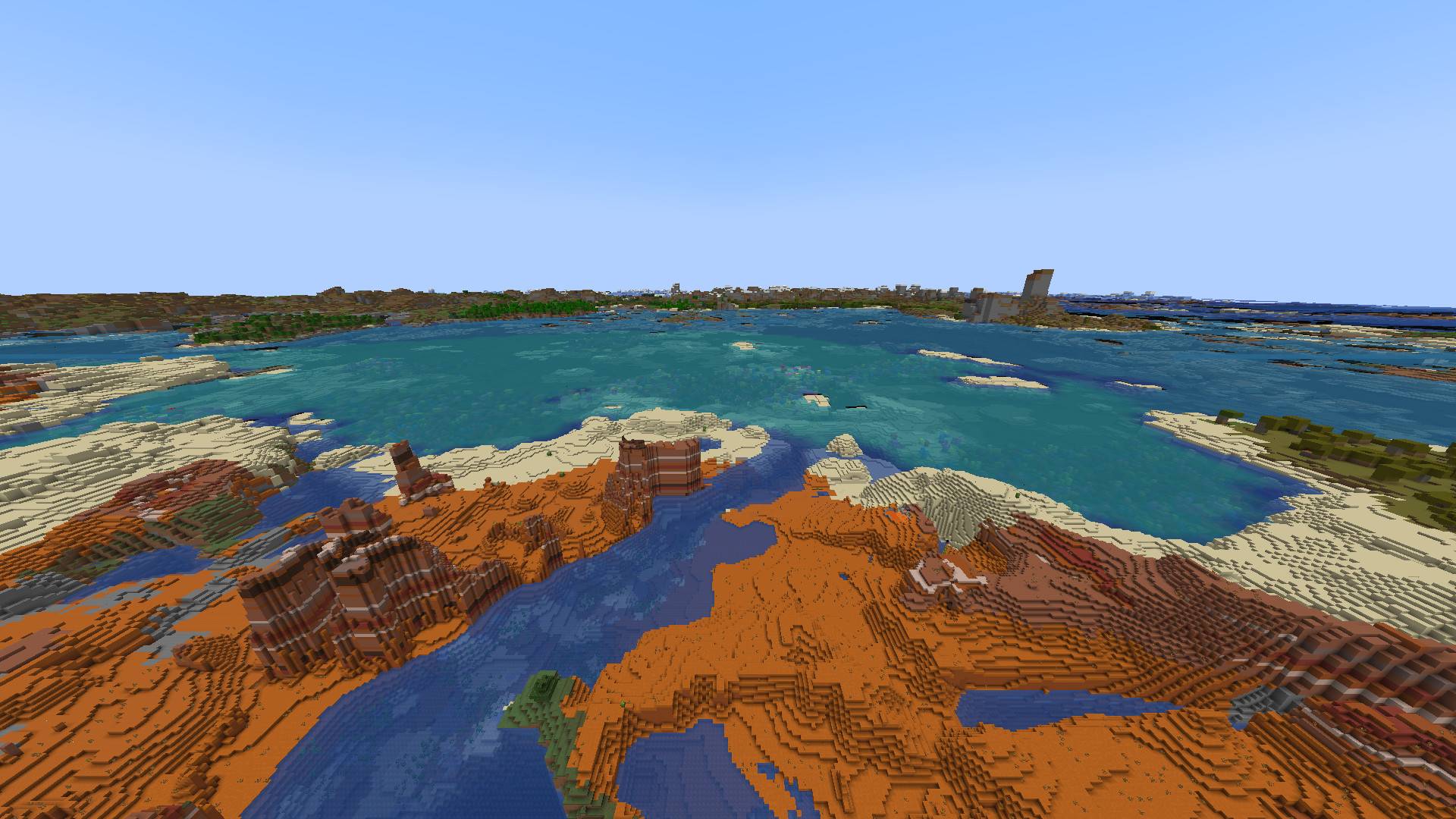
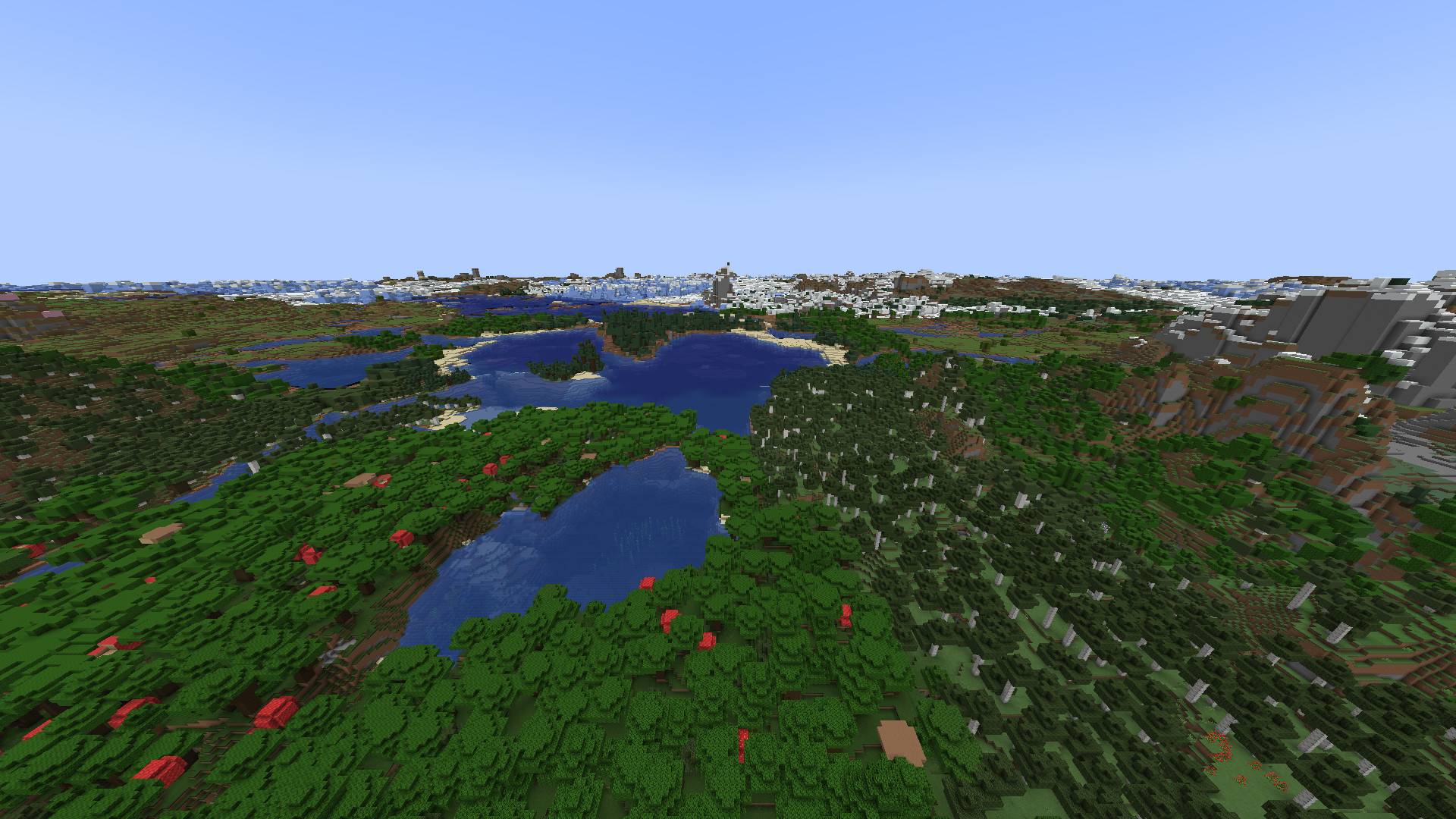
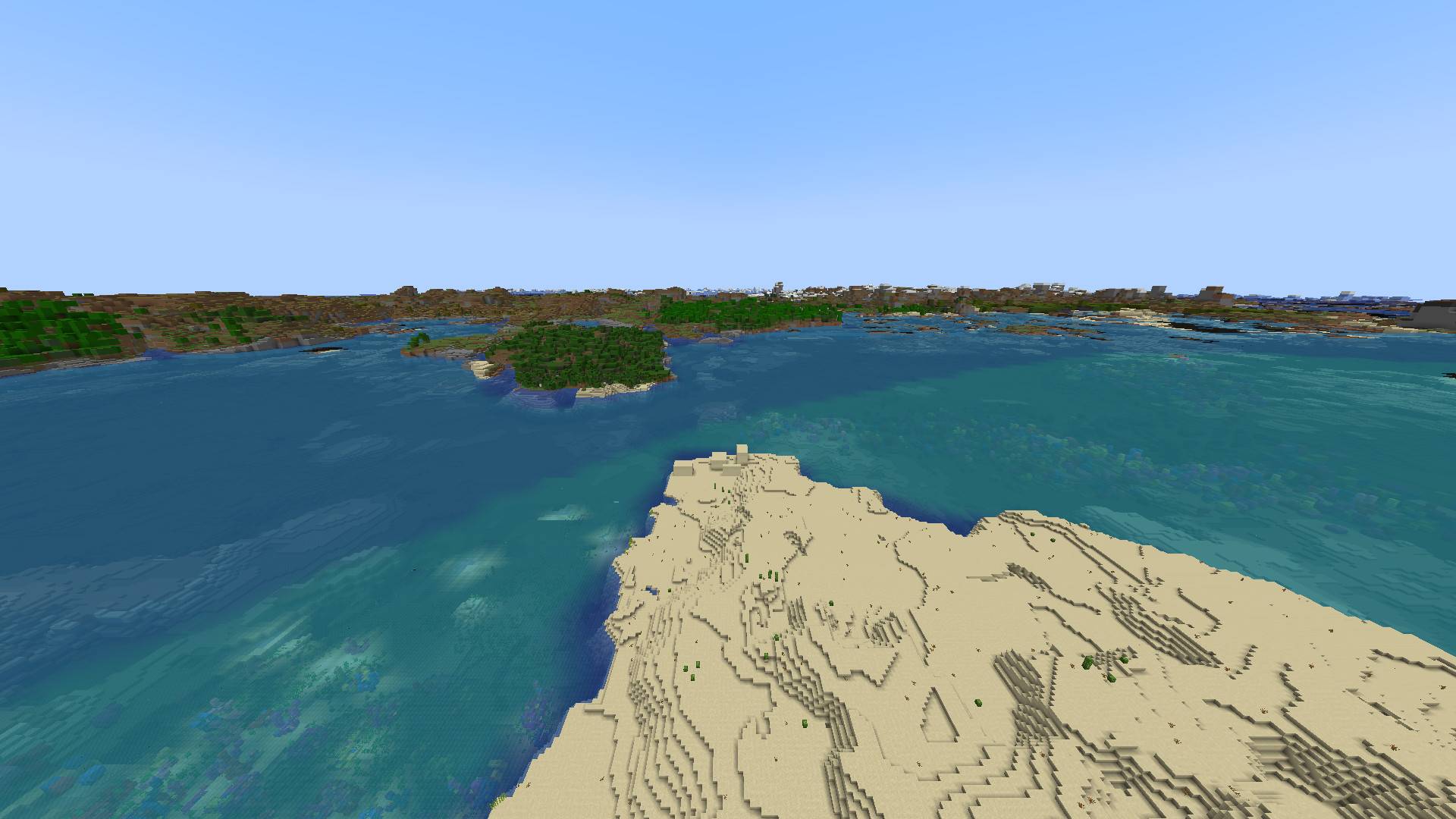
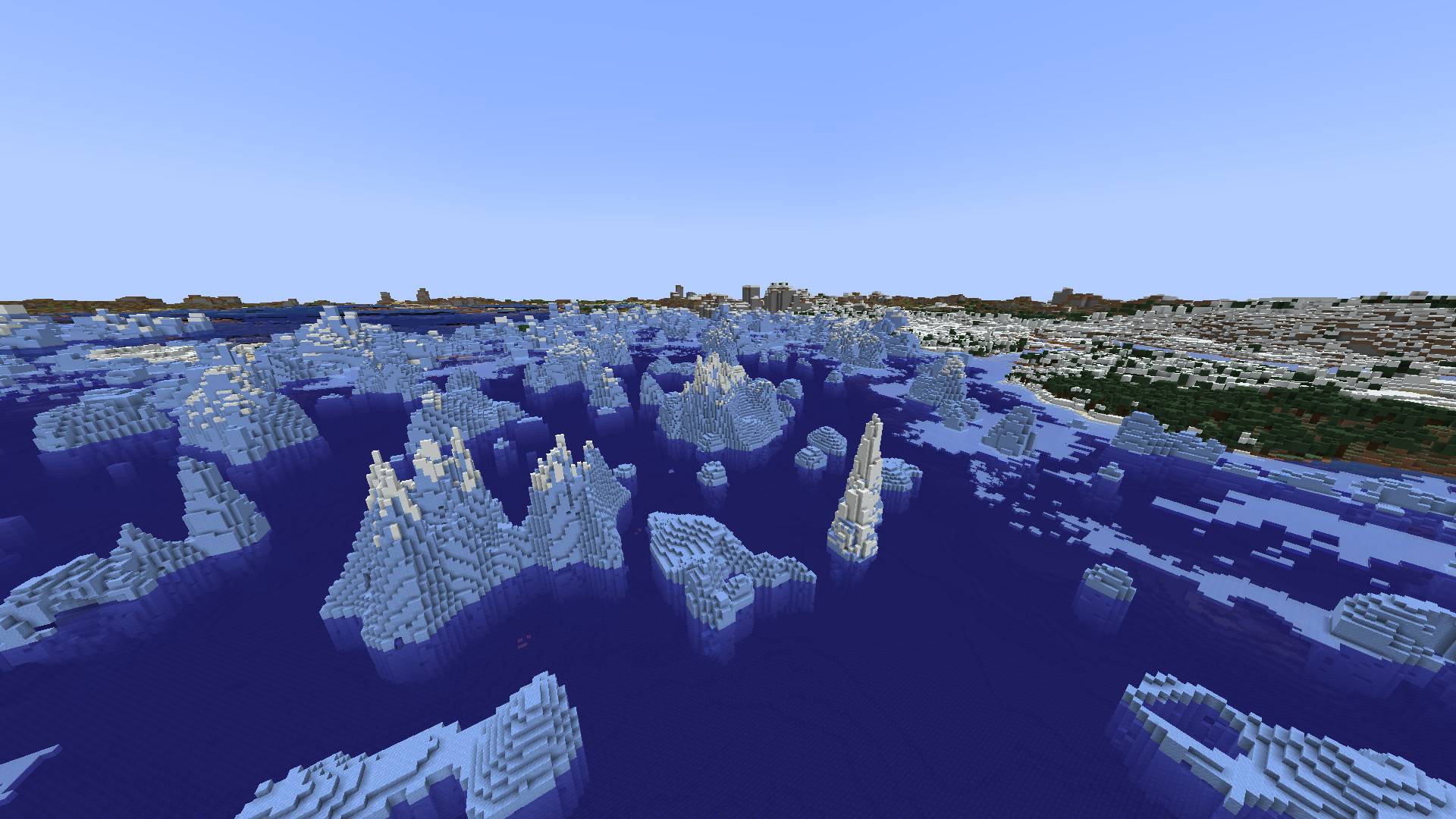
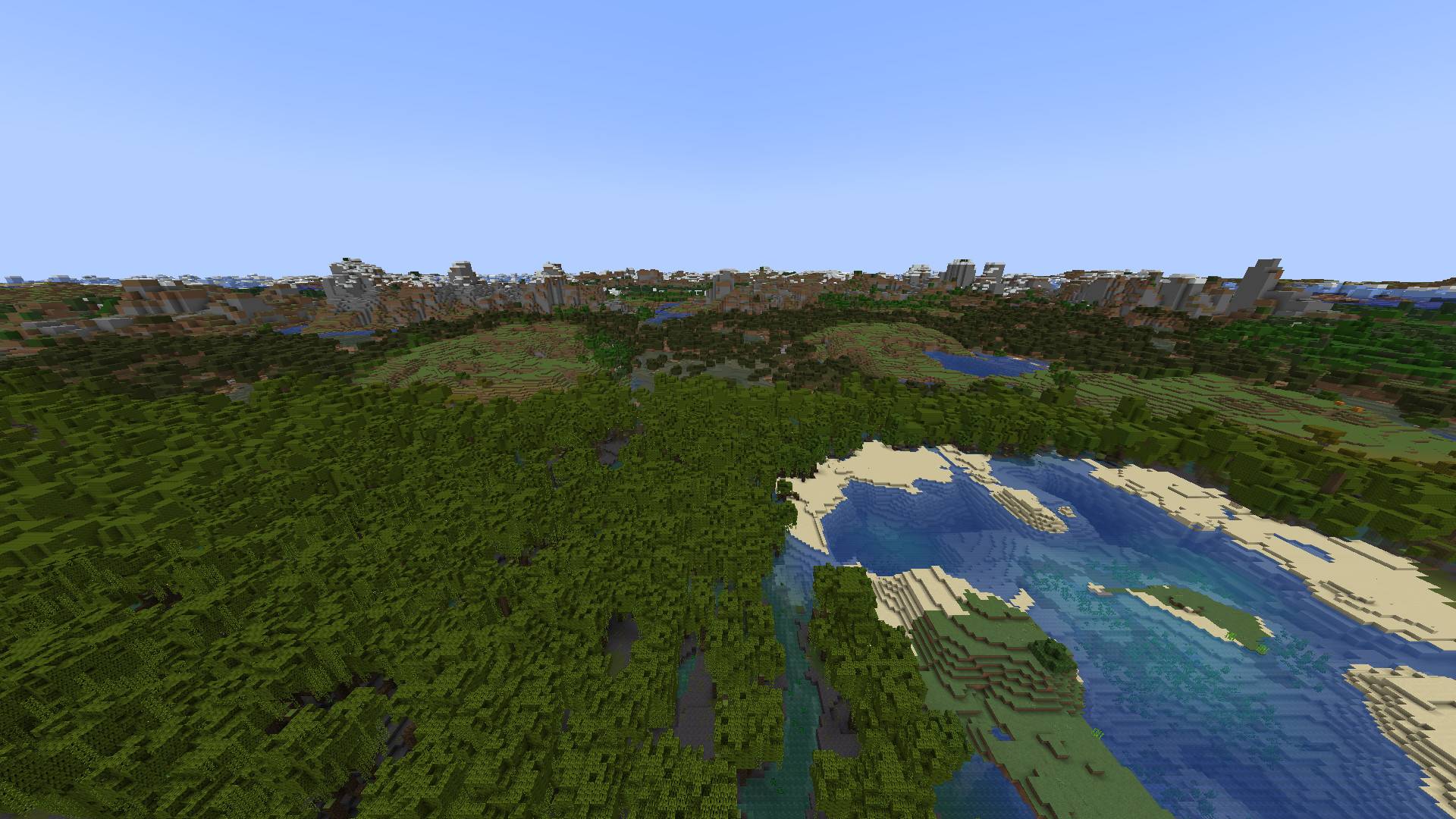
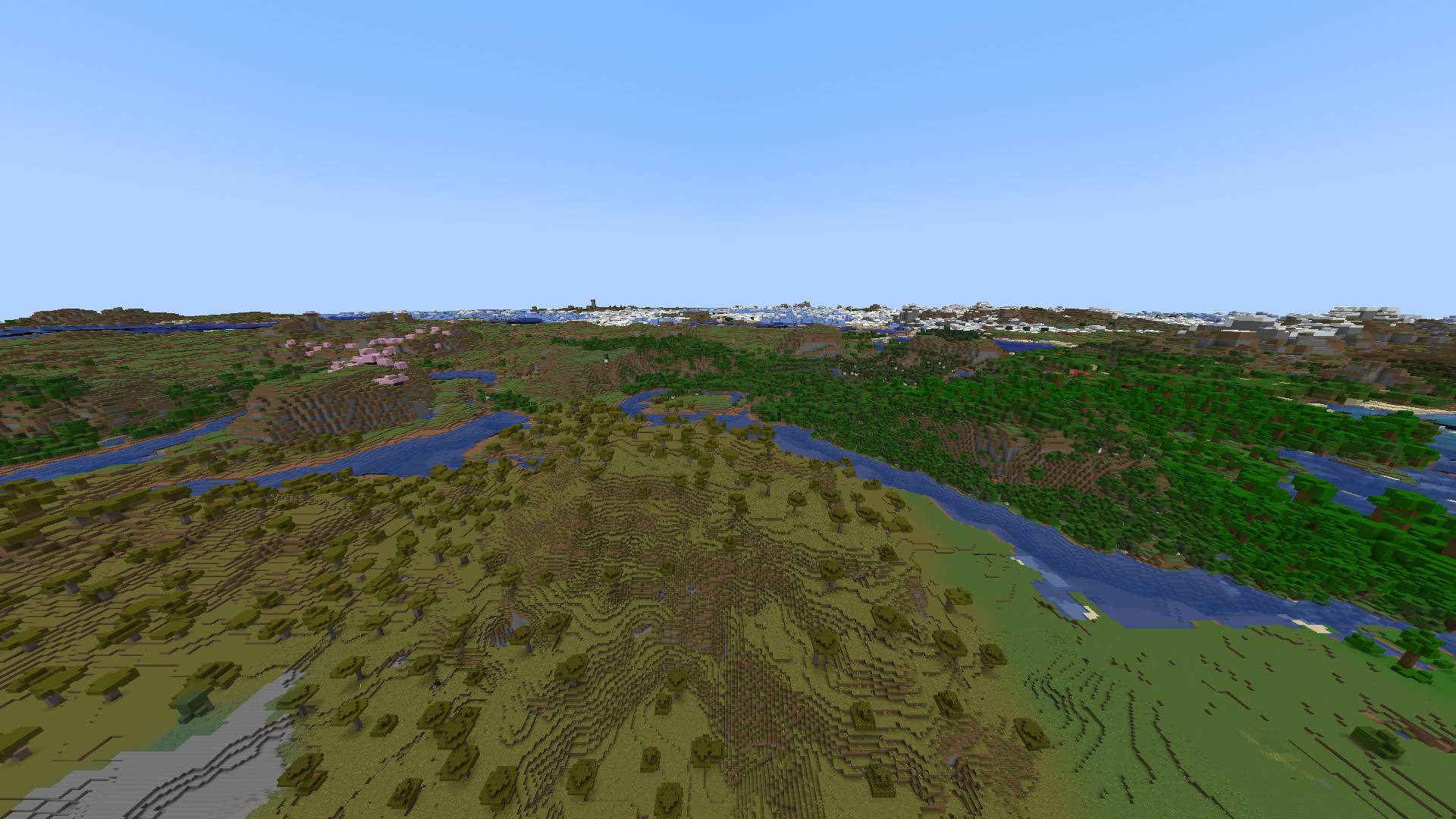
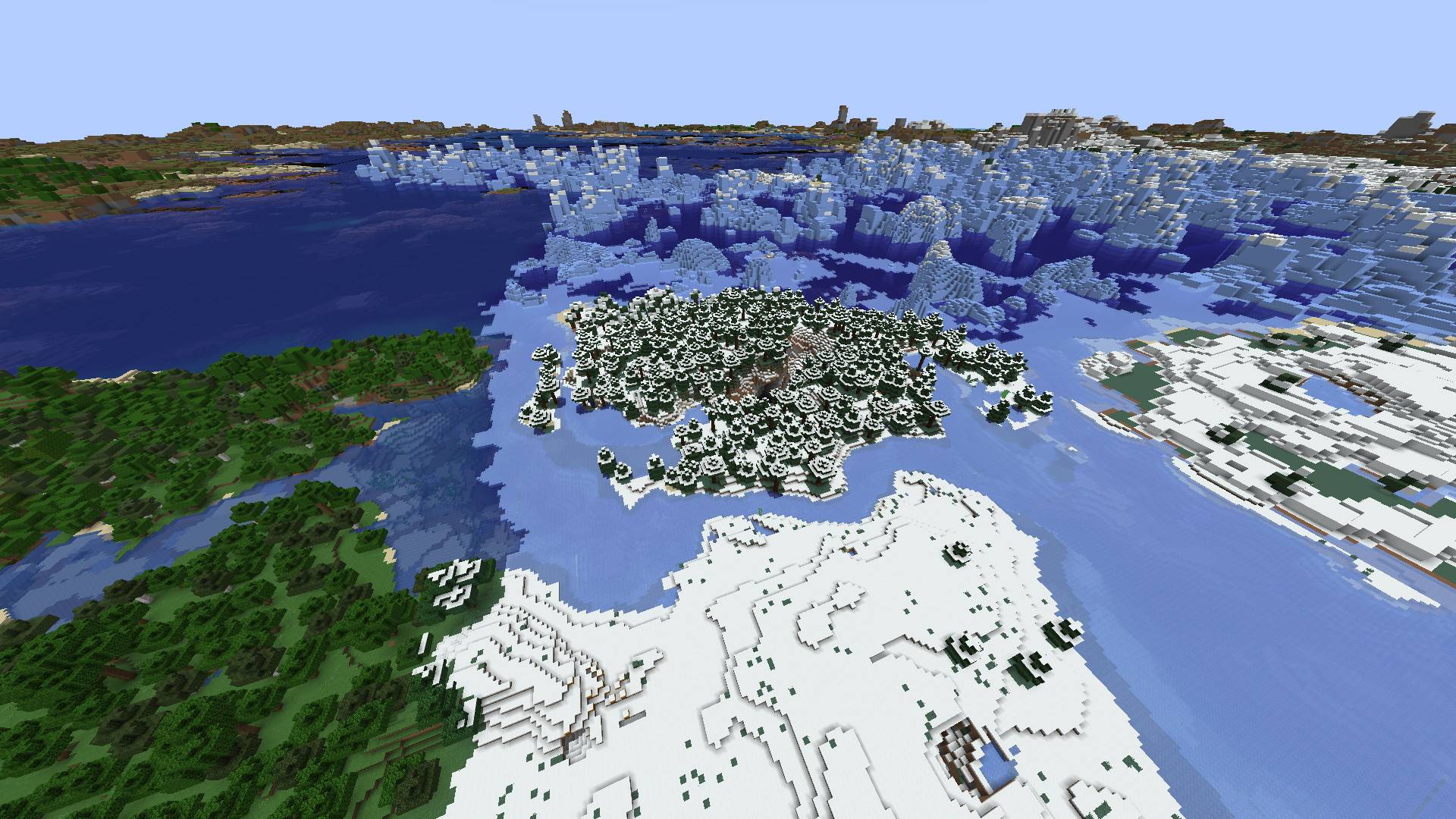
介绍

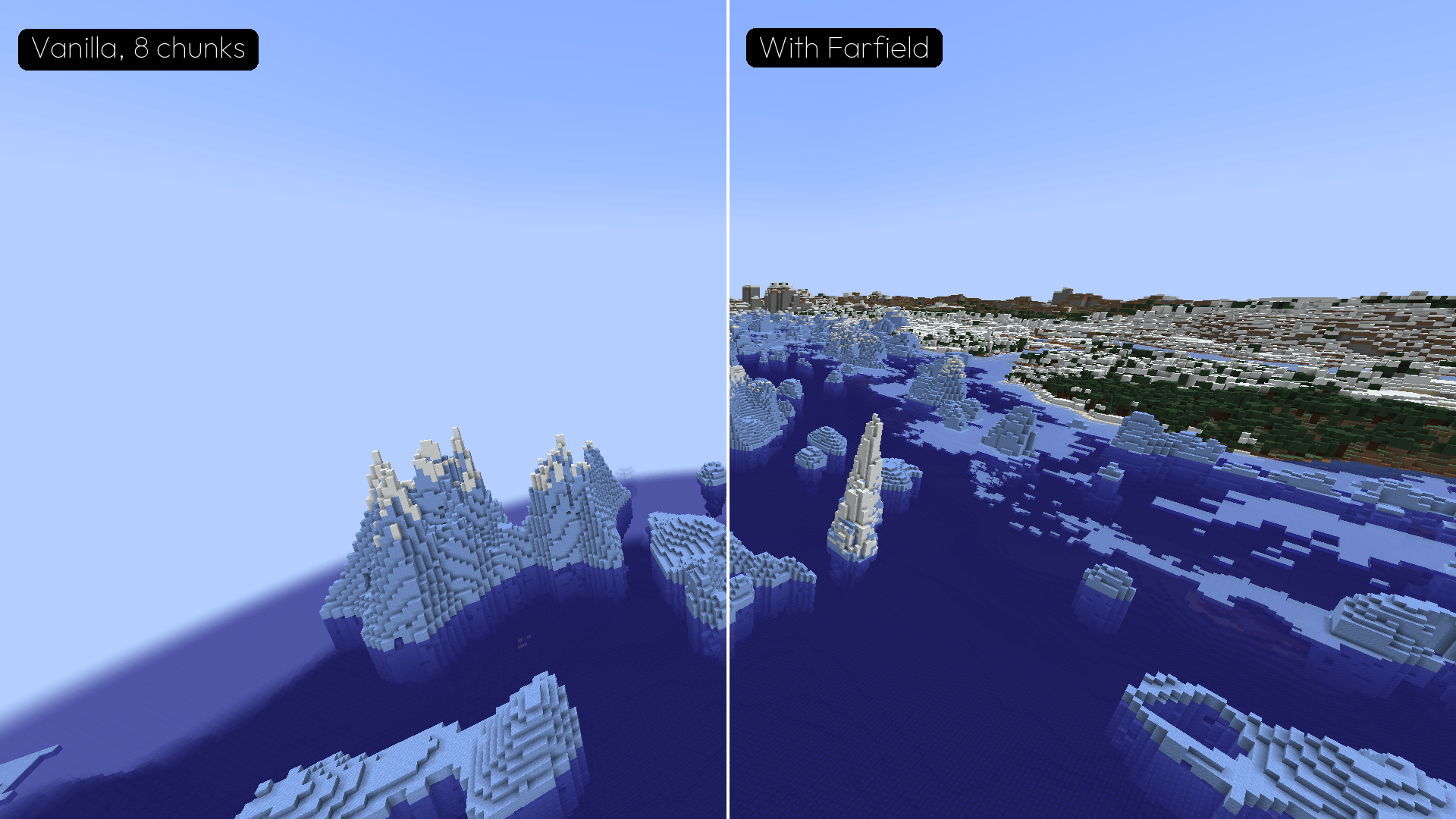
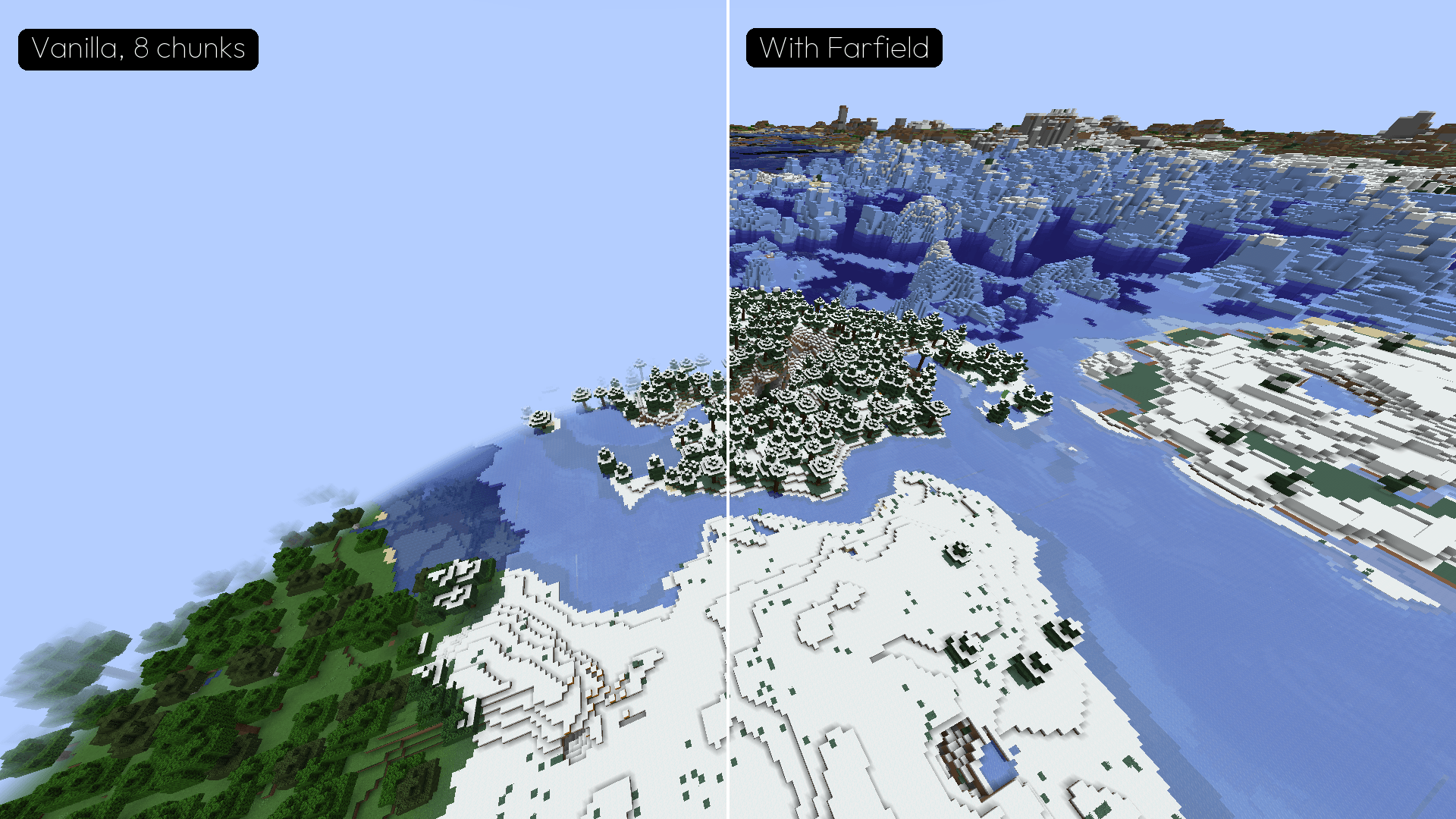
Farfield shows your world up to 4,096 blocks away. Mountains, coasts, forests and seas beyond your render distance are drawn as levels of detail (LOD), for a fraction of what real chunks would cost, and the terrain your world has not generated yet is drawn too, so the horizon is never empty.
Minecraft 1.21.1 · NeoForge and Fabric · single player and servers

Far terrain that blends in
- The LODs start exactly where the game’s own terrain ends, with its block colors and textures (modded blocks included), biome tints and Biome Blend, smooth lighting, day and night, and its fog.
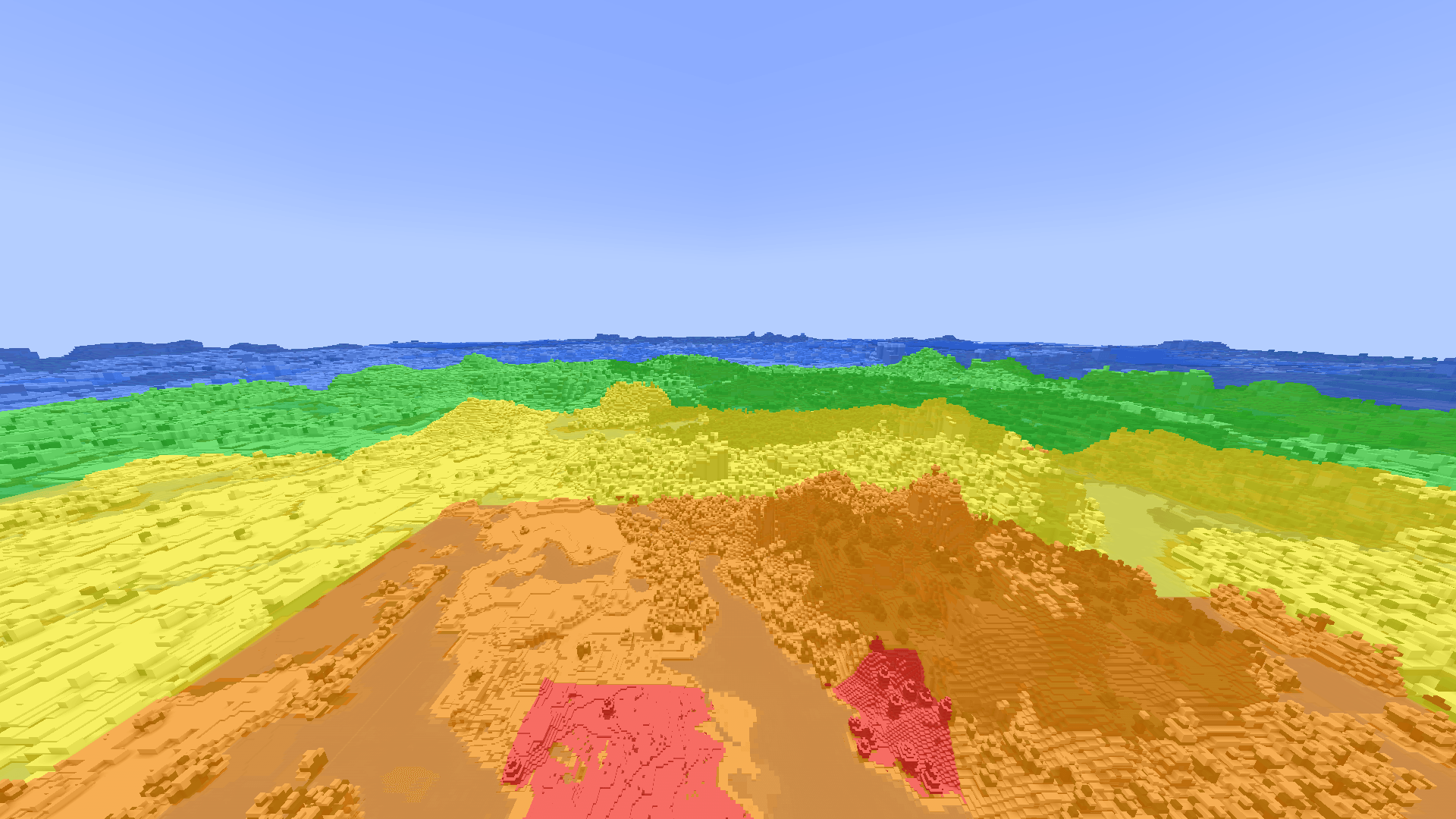
- Up close they keep the details that read from afar: water at vanilla’s height, grass and flowers, kelp, and the shapes of fences, walls, panes and stairs. Farther away, coarser levels take over where a block would be smaller than a few pixels on screen (the Detail setting).
- Works with Sodium.

A horizon that is never empty
The terrain your world has not generated yet is previewed from its seed:
- relief, rivers, seas, ice and icebergs, and villages;
- the ground the world’s own surface rules lay there: sand, snow, terracotta, the blocks of biome mods;
- trees, plants and rocks grown where the game will place them, from every mod that adds them;
- the sea floor’s kelp, seagrass and coral reefs.
Real terrain replaces the preview chunk by chunk as you explore. The preview is built in the background, on threads you set. More biomes in the gallery.


Single player and servers
| Where you play | What you get |
|---|---|
| Single player | LODs of every chunk your world has, and the preview |
| Server with Farfield | The server builds the LODs and the preview and sends them to you, nearest first |
| Server without Farfield | Your client builds the LODs from the chunks it receives, kept per server; no preview (it needs the seed) |
/farfield import builds the LODs of every chunk a world already has, in the background: in single player, or from the server console.
For server owners
Install Farfield on the server and on the players’ clients; both need the same Farfield version (0.2.x) to stream. Settings in config/farfield-server.properties:
streaming_radius: how far around a player LODs are sent (default 4,096 blocks).player_kbpsandtotal_kbps: bandwidth caps per player and for all players (defaults 1,024 and 10,240 KB/s); the game’s own packets always pass first.full_data: off by default, so only what is seen from the sky down is sent. Caves and ores stay out of the LODs your players receive.previewandpreview_features: the preview around each player, with the world’s features, built on low-priority threads (on by default).preview_feature_excludeleaves out features by id (biomesoplenty:*,*:patch_*).
Compatibility
Tested with Sodium 0.8, Iris installed (shader pack off), C2ME, ModernFix, Lithium, FerriteCore and Sinytra Connector, in a NeoForge pack of 386 mods and a Fabric pack of 76, with Biomes O’ Plenty and Terralith in the preview. Other LOD mods (Distant Horizons, Voxy) are not tested beside it: use one at a time.

Settings
Mod Menu on Fabric, the mods list on NeoForge, or a key you bind in Controls > Key Binds > Farfield: distant terrain on or off, detail, textures, fog distances, the preview, building threads, level colors and performance logs.
Commands: /farfield render, detail, textures, fog, preview, import, debug levels in single player; on a server, players use /farfieldclient for the drawing ones.
Requirements
- A graphics card with OpenGL 4.6. macOS stops at OpenGL 4.1, so Farfield draws nothing there.
- Fabric: Fabric API. Mod Menu is optional.
Not there yet
- Shader packs (Iris, Oculus): planned next.
- Light from blocks in the preview (glowing plants, sea pickles): with shader pack support; the real LODs have it already.
- Beyond 4,096 blocks: planned.
Feedback
Bugs and ideas: GitHub issues. Source: github.com/JordanOlivet/farfield.
常见问题
Farfield 支持哪些 Minecraft 版本?
Farfield 支持 Minecraft Java 版 1.21.1,可用的加载器:Fabric / NeoForge。下载时注意选择和你游戏版本一致的文件。
Farfield 怎么安装?
先用 PCL2 或 HMCL 启动器安装对应版本的 Fabric / NeoForge,再把下载的 .jar 文件放进游戏目录的 mods 文件夹,重新启动游戏即可。开启了版本隔离的,mods 文件夹在 versions/版本名 下面。

评论
登录后评论和评分