
截图


介绍
Join my discord server! https://discord.gg/Xtkt9f6R2f





FancyFormatDock
📋• Info
While playing on servers like Modernbeta, I kept running into the same problem, constantly needing to look up chat formatting codes. That frustration sparked the idea for this mod. FancyFormatDock adds a simple dock to your chat screen. Just open chat, click a color button, and the formatting code is instantly inserted for you.
🔧• Features
dock-like button panel
When opening chat, an overlay at the top right appears. Clicking on a button will import the formatting code in chat. Format label can be toggled off in the config.
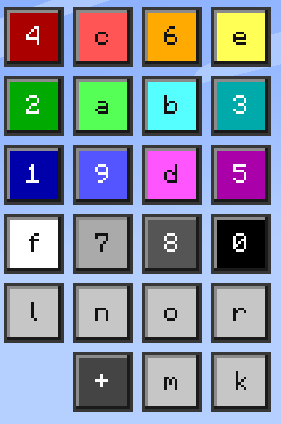
4 preset color buttons
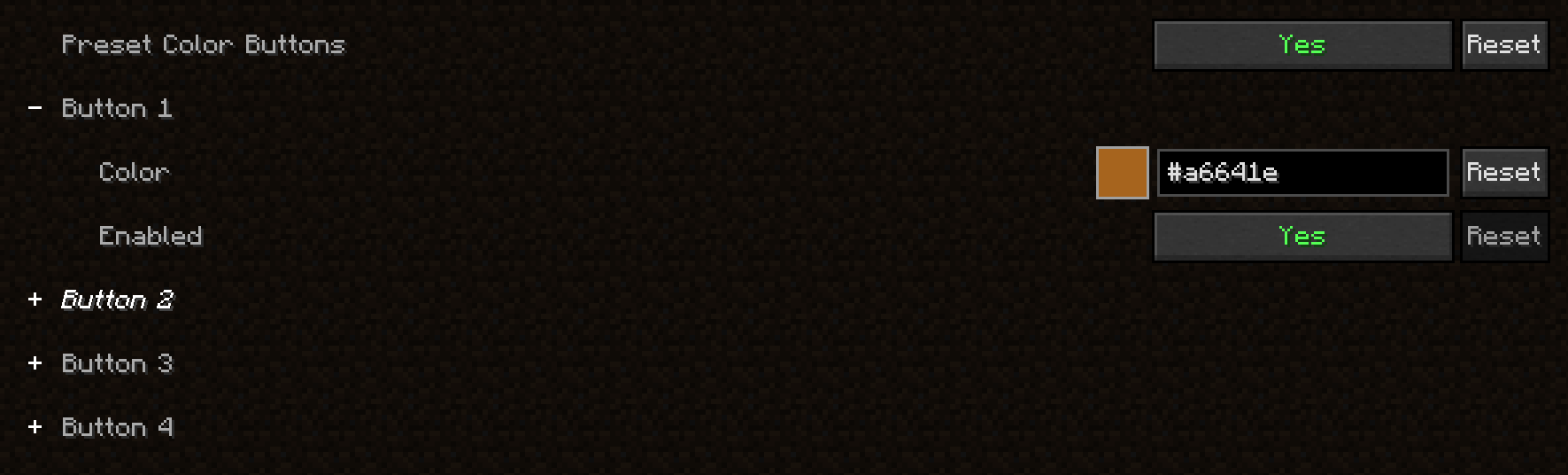
Choose 4 custom colors and add them as a button to the button panel. Each button can be enabled/disabled.
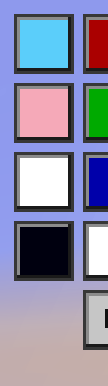
custom color
By clicking on the + button, a menu pops up. Here you can pick a custom color and import it in chat!

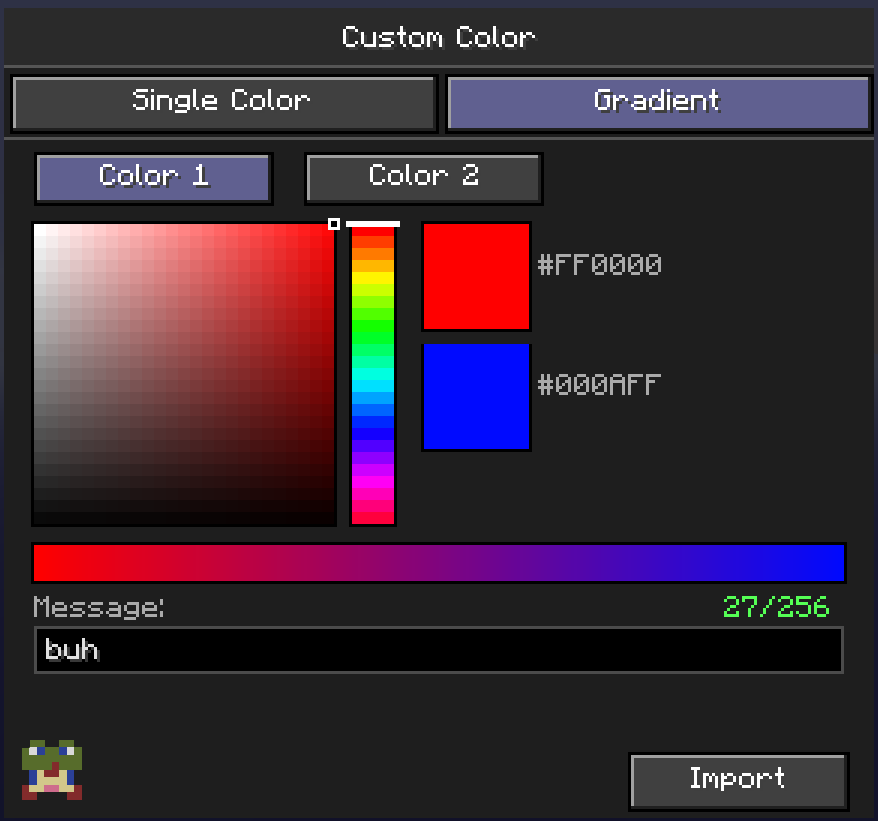
custom gradient color
By clicking on the + button, a menu pops up, from there you can go to the gradient tab. You can pick 2 custom colors here, insert your message and hit _Import_! This will automaticly make your text have a gradient with the 2 colors you selected
quick show/hide button
By clicking this button, the button-like dock shows/hides.

Text prefix before a color prefix warning
1.21.1 version only
When using text formatting (bold, italc…) before a color prefix, the color overrides the text formatting. Enable the warning in the config to get a warning!

config
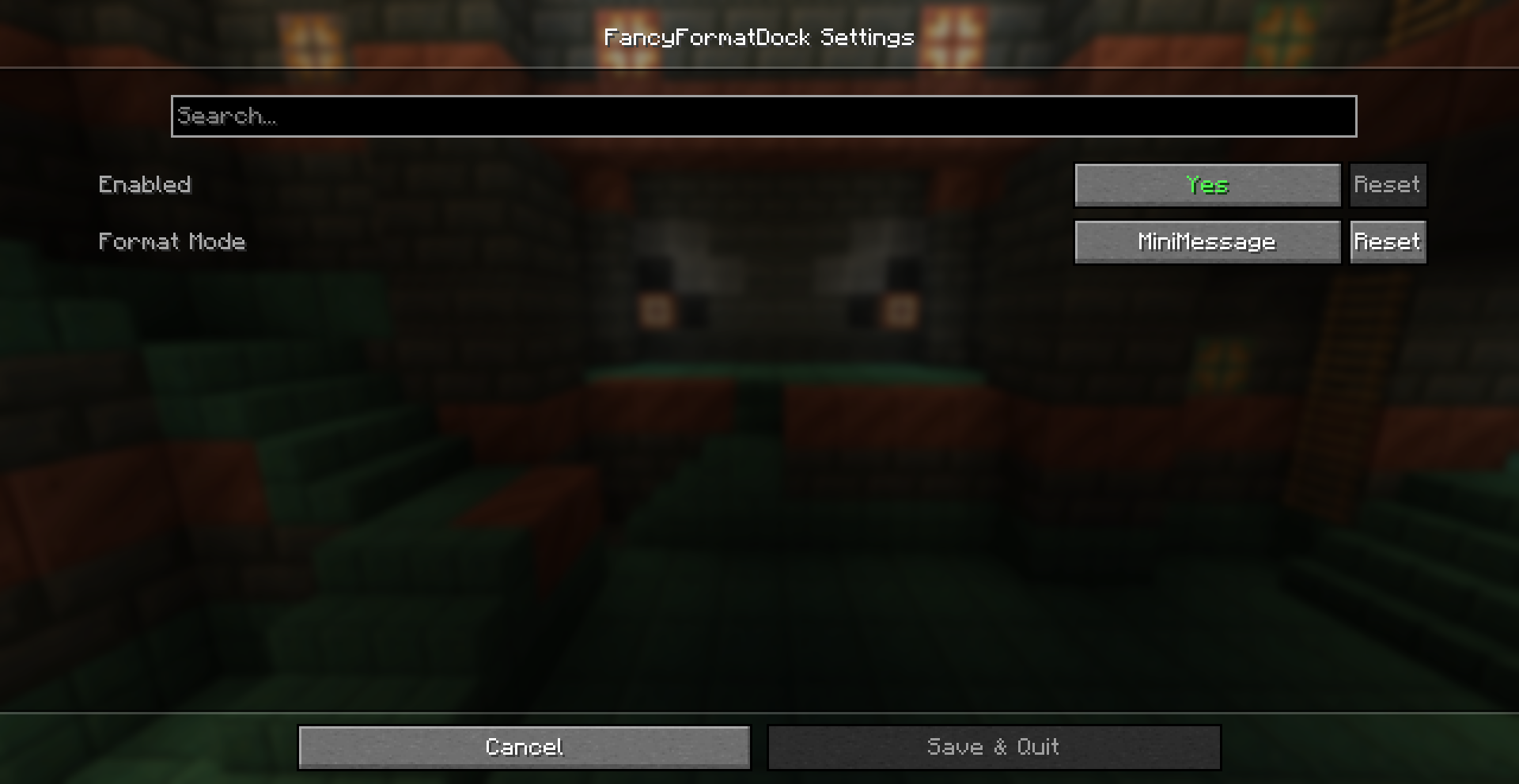
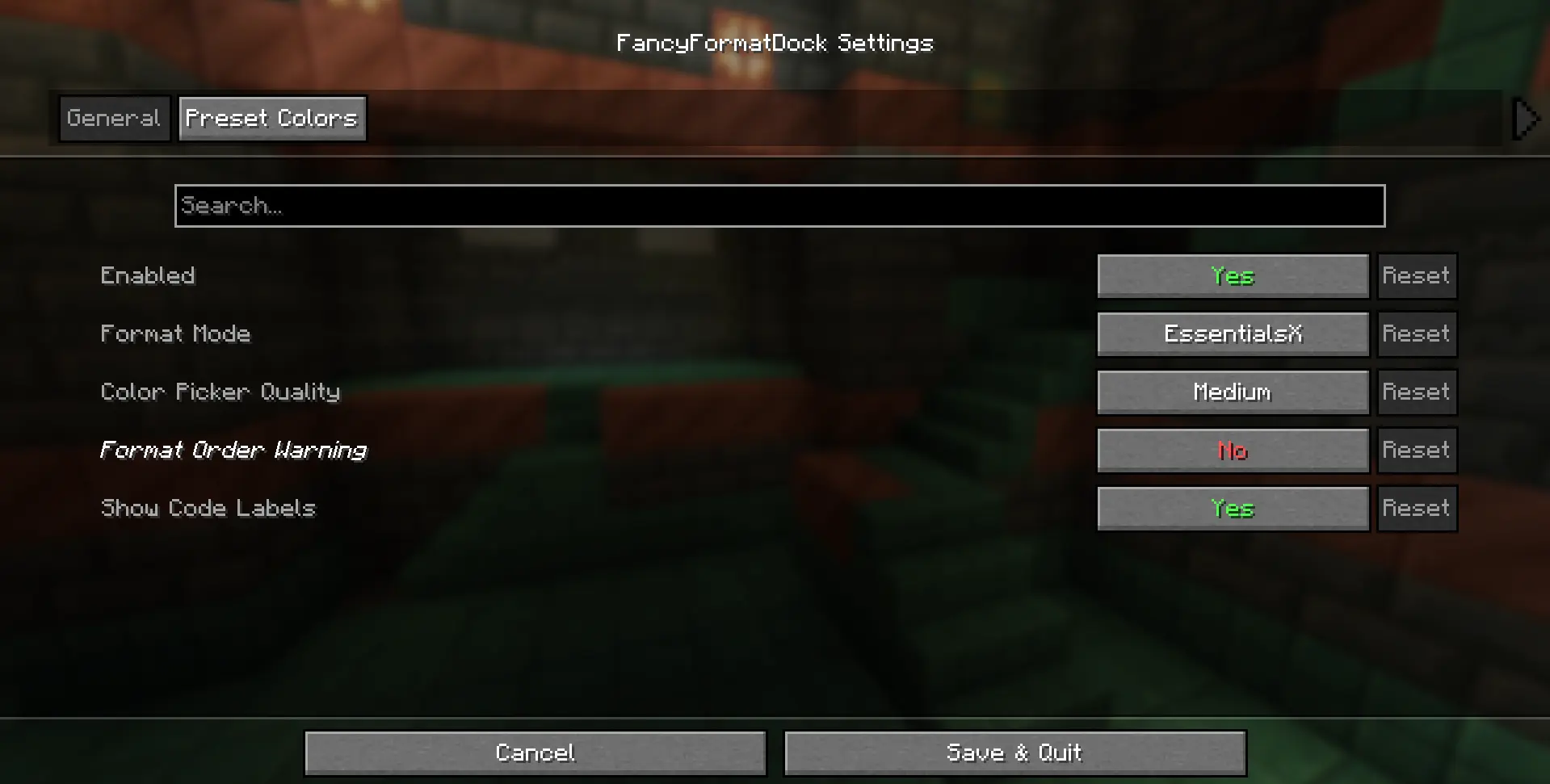
By using Mod Menu, you can acces the config, here you can:
- enable/disable the button overlay
- change format code, currently supports:
- Vanilla formatting (_§c_)
- EssentialsX formatting (_&c_) – [default]
- MiniMessage formatting (__)
- change color picker quality, current options:
- Low
- Medium – [default]
- High
- toggle format labels on buttons (on by default) 1.21.1 version only
- toggle waring (off by default) 1.21.1 version only
- choose 4 preset custom colors
- toggle preset button on/off
🧩• Dependencies
- Fabric API
- Cloth API
- Mod Menu (only needed if you want to acces the config)
🚀• Version support
✅ Currently supported
fabric 1.21.1
fabric 1.21.2
fabric 1.21.3
fabric 1.21.4
fabric 1.21.5
fabric 1.21.6
fabric 1.21.7
fabric 1.21.8
fabric 1.21.9
fabric 1.21.10
fabric 1.21.11
❎ Currently not supported
fabric 26.1
fabric 26.2
🐛• Updates & Report bugs
Want to know exactly when the mod updates or when bugs get patched? Join my discord server!
📜• Credits
Idea – _debrooo_
Code – _debrooo_ with help from _Claude_
Software – _IntelliJ IDEA_
常见问题
FancyFormatDock 支持哪些 Minecraft 版本?
FancyFormatDock 支持 Minecraft Java 版 1.21.1–1.21.11,共 11 个版本,可用的加载器:Fabric。下载时注意选择和你游戏版本一致的文件。
FancyFormatDock 怎么安装?
先用 PCL2 或 HMCL 启动器安装对应版本的 Fabric,再把下载的 .jar 文件放进游戏目录的 mods 文件夹,重新启动游戏即可。开启了版本隔离的,mods 文件夹在 versions/版本名 下面。运行环境:仅客户端。


评论
登录后评论和评分