
Fakeplayer Chunkloader
Keep chunks loaded automatically with fake players! Features live HUDs, interactive chunk map, dual-mode operation (mob spawning or tickets only), and robust configuration. Perfect for maintaining farms and automated systems even when you're away.
截图
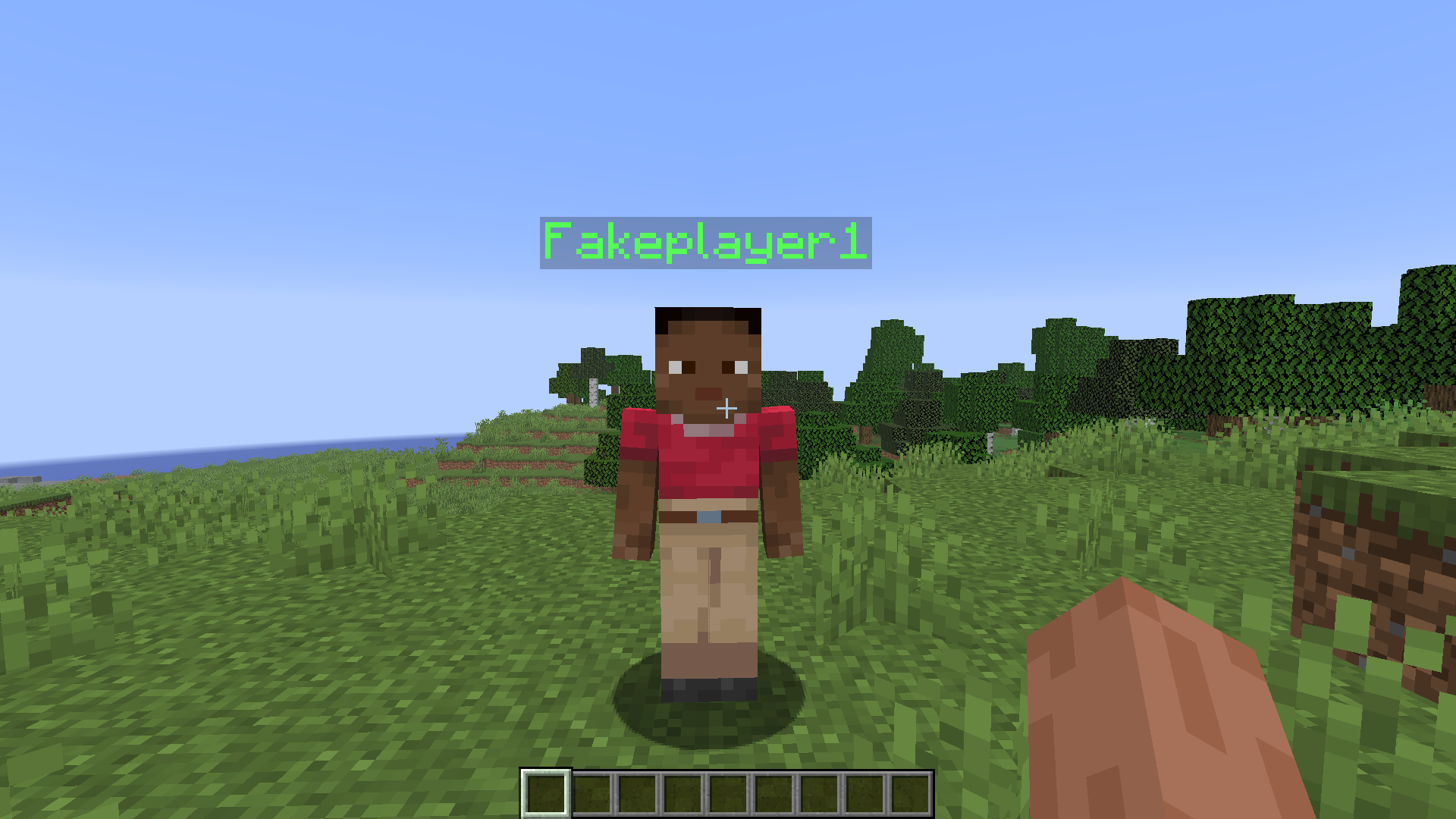
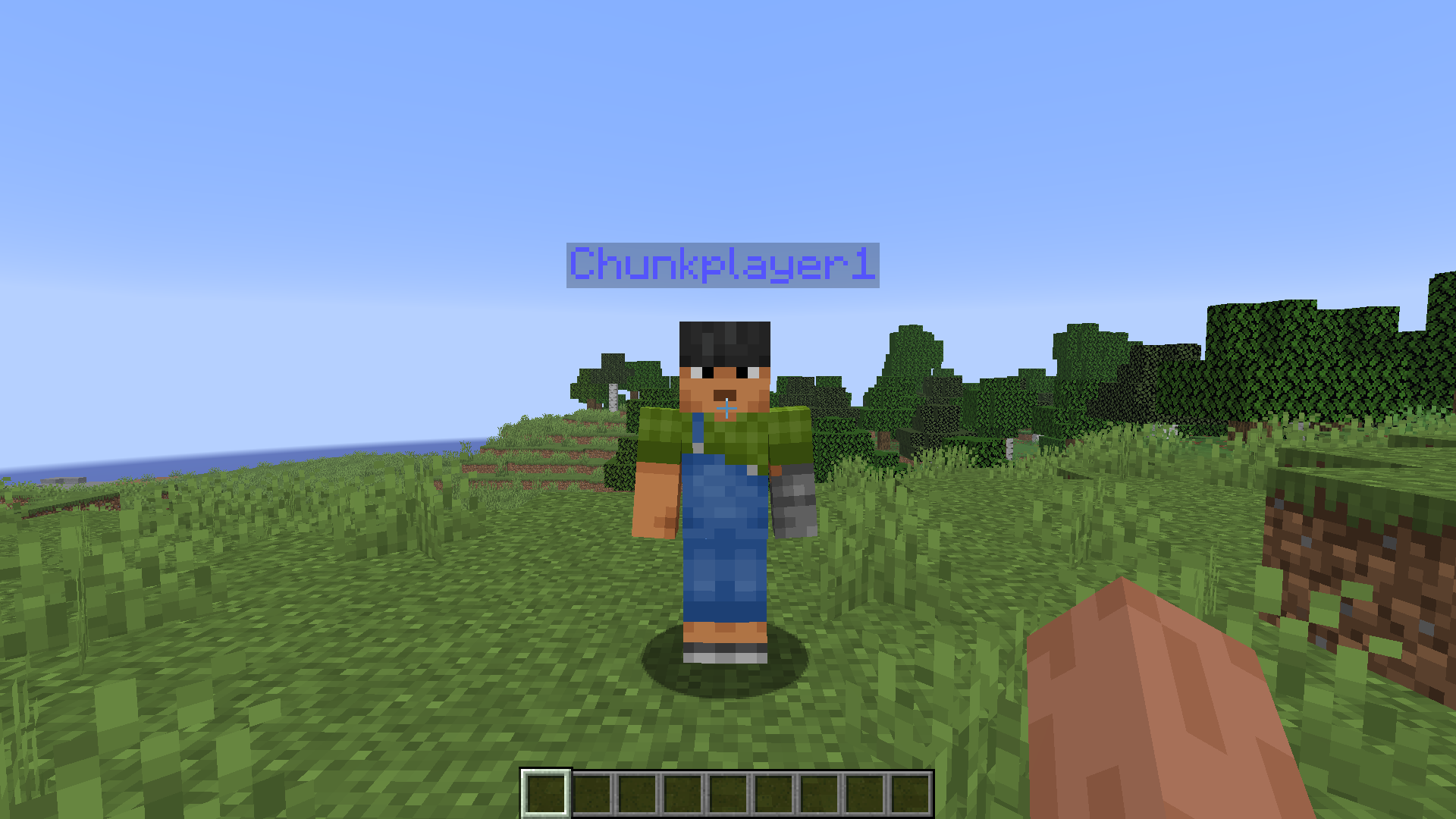
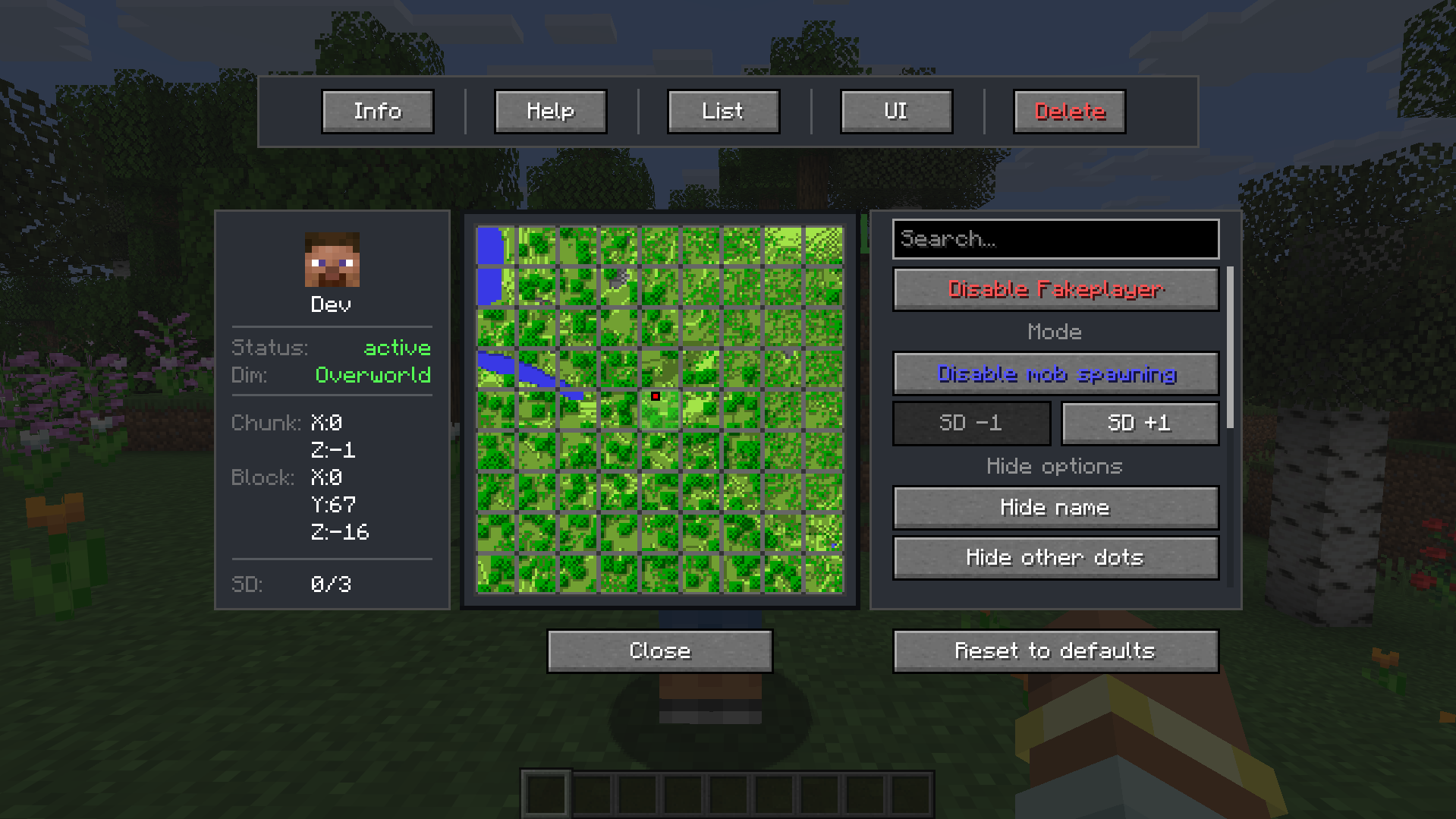
介绍
Fakeplayer Chunkloader
A Minecraft mod that keeps chunks loaded with fake players while providing live HUDs and map controls for monitoring without relying on real players.
Supported versions
| Minecraft | Loaders |
|———–|———|
| 1.21 / 1.21.1 | Fabric, Forge, NeoForge |
| 1.21.2 / 1.21.3 | Fabric, Forge, NeoForge |
| 1.21.4 | Fabric, Forge, NeoForge |
| 1.21.5 | Fabric, Forge, NeoForge |
| 1.21.6 / 1.21.7 / 1.21.8 | Fabric, Forge, NeoForge |
| 1.21.9 / 1.21.10 | Fabric, Forge, NeoForge |
| 1.21.11 | Fabric, Forge, NeoForge |
| 26.1 / 26.1.1 / 26.1.2 | Fabric, Forge, NeoForge |
| 26.2 | Fabric, Forge, NeoForge |
| 26.3 | Fabric |
Highlights
- Dual mode: Fakeplayer (mob spawning + simulation distance) or Chunkplayer (chunk tickets only)
- Mob Target: Optional Fakeplayer-only toggle so mobs may aggro/pathfind (AFK farm target). Default off; no inventory, armor, or combat
- Visual markers & HUDs: Color-coded markers, live Simulation/Chunkplayer HUDs, and interactive chunk map
- Interactive map: Terrain-rendered chunk map with controls for toggling, radius adjustments, and mode switch
- Panel color & skins: Live UI color editor and custom skin PNGs for fakeplayers (per world / server-authoritative)
- Resilient config: Per-world JSON file with backups, limits, and auto-restoration
How to Use
Note: Commands require OP rights. OPs can grant permissions to other players using /fakeplayer permission grant <player>.
- Add a player: Type
/fakeplayer add(or/fp add) in chat at the location where you want to keep chunks loaded - Open menu: Right-click on the player to open the interactive menu
- Disable a player: Attack the player (left-click) to disable it. It will be moved to the disabled players list (accessible via F8)
- Remove a player: Sneak and attack (or sneak and right-click) the player to permanently remove it, or use
/fakeplayer remove <name> - All information: Click the Info button in the menu to access all mod information, features, and details
- Commands: Under the Info button, you’ll find a Commands button with a complete list of all available commands
Key Controls
| Key | Function |
|—–|———-|
| F6 | Toggle Simulation Status HUD |
| F7 | Toggle Chunkplayer Status HUD |
| F8 | Open Disabled Players List |
All keybindings are configurable under Minecraft’s Controls > Miscellaneous section or under Keybinds in the Menu.
Configuration
The mod automatically creates and manages configuration in <world-directory>/chunkloader/. Main file: chunkloader_config.json. All settings can be changed via commands or the interactive map.
Automatic features:
- Configuration is created automatically when you add your first player
- Up to two timestamped backups are kept in
chunkloader/backups/(plus a latest alias) - Corrupted configs are automatically restored from backups
- One config per world; each player entry is keyed by dimension + chunk coordinates
Important Notes
- Fakeplayers never break blocks or use items
- Name lookups are case-insensitive and suggest alternatives if a name isn’t found
- The system prevents overlapping players and warns when positions conflict
- Works across Overworld, Nether, and End
- Default UI radius is 0 (1 chunk center). Fakeplayer mode with mob spawning still uses a larger effective spawn/ticket radius (default system minimum ~8 simulation / ~10 loading rings) so vanilla-like mob spawning works, expect much higher chunk load than Chunkplayer mode at the same UI radius
- Chunkplayer mode respects the selected UI radius more closely (tickets only)
- Map/network actions require ownership of the player or admin permission (
chunkloader.admin); destructive commands like reload/removeall also require admin - Custom skins are server/world-authoritative (stored under
chunkloader/skins/); the client clears local skin cache on join/disconnect so skins do not leak across worlds or Minecraft versions - Mob Target is Fakeplayer-only. enabling it does not add inventory, armor, or combat, only aggro/pathfinding for AFK farms
- Open chunk maps refresh other player markers and occupied overlays live on create/delete/radius/disable; terrain tiles are not live
- Replacing the mod JAR keeps world data (players, names, skins, disabled list); only the code changes
- Players can only be disabled/removed by real players, not by mobs
Credits
- Chunk map design inspired by SuperMartijn642
Community

常见问题
Fakeplayer Chunkloader 支持哪些 Minecraft 版本?
Fakeplayer Chunkloader 支持 Minecraft Java 版 1.21–26.3,共 17 个版本,可用的加载器:Fabric / Forge / NeoForge。下载时注意选择和你游戏版本一致的文件。
Fakeplayer Chunkloader 怎么安装?
先用 PCL2 或 HMCL 启动器安装对应版本的 Fabric / Forge / NeoForge,再把下载的 .jar 文件放进游戏目录的 mods 文件夹,重新启动游戏即可。开启了版本隔离的,mods 文件夹在 versions/版本名 下面。运行环境:客户端和服务端都要装。
评论
登录后评论和评分