
Fabis Chatfilter
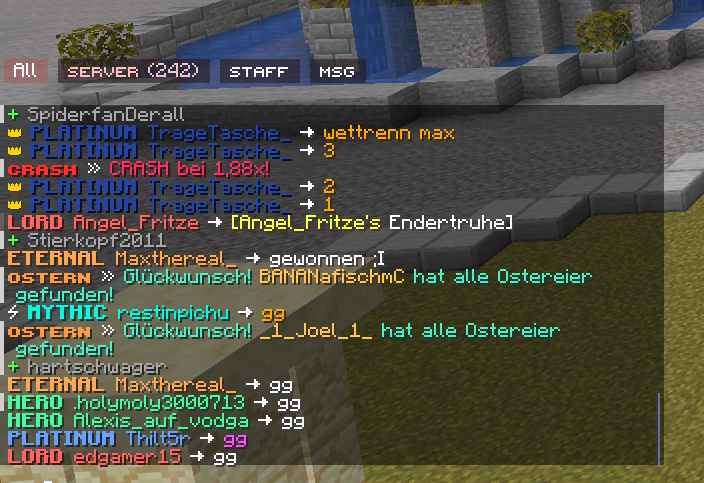
ChatFilter organizes your Minecraft chat into custom, rule-based tabs. Sort messages by sender, content, or origin to keep your chat clean, organized, and clutter-free.
截图
介绍
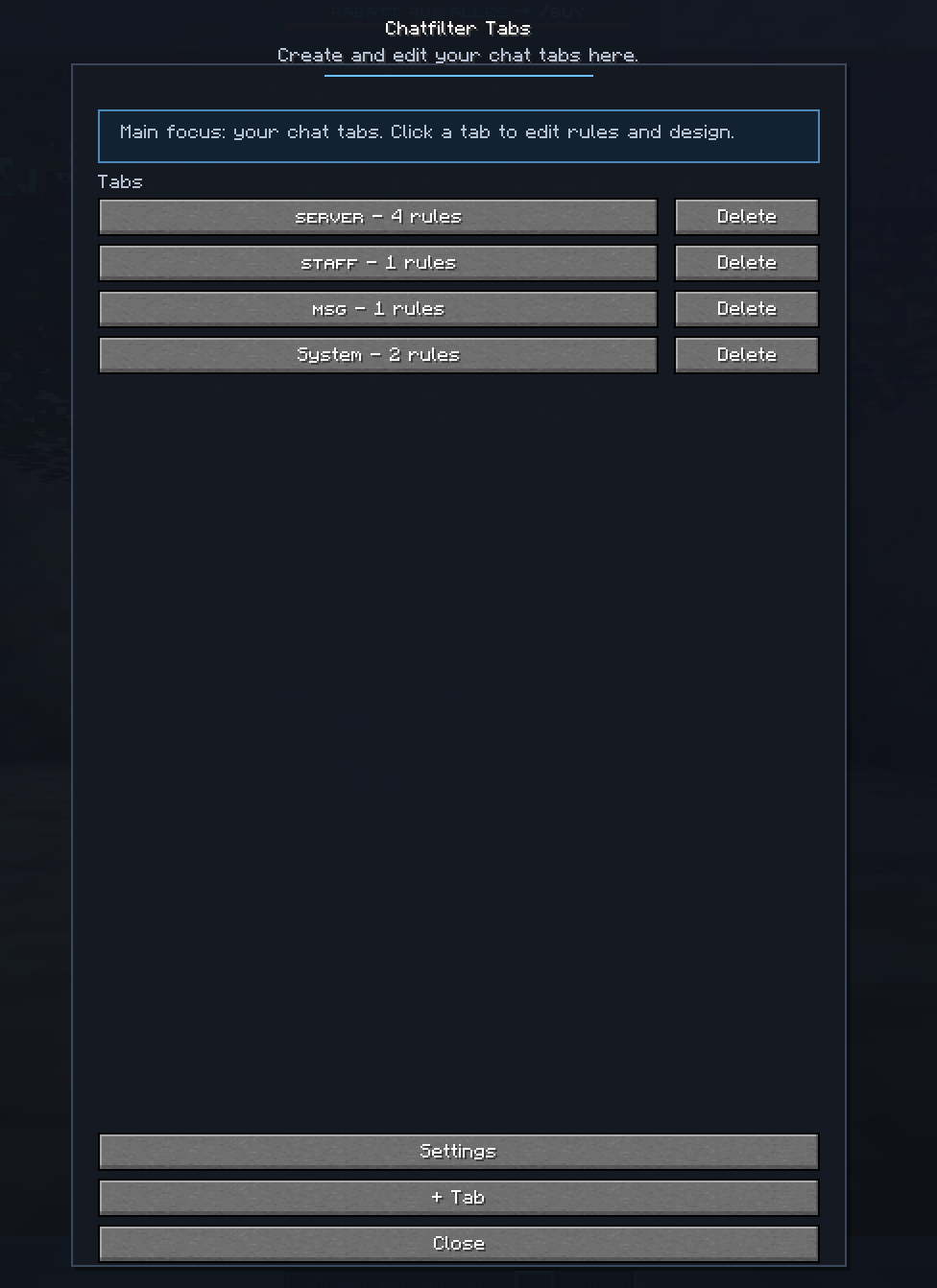
My ChatFilter automatically organizes incoming messages into dedicated tabs (e.g., Server, Private, Staff) instead of cluttering the default chat. Messages are saved in their respective tab histories and can be customized using specific filtering rules.
Key Features
- Multiple Chat Tabs: Create custom tabs with individual rule sets.
- Filter Types:
- CONTAINS: Matches specific keywords.
- STARTS WITH: Matches messages beginning with specific text.
- SENDER: Filters based on the player’s name.
- REGEX: Advanced filtering using regular expressions.
- ORIGIN: Filter by source (Player / Private / Server).
- Unread Indicators: Notification counters for each tab.
Customization:
Set unique tab colors.
Toggle tab-specific notifications (disabled by default).
Flexible UI: Position tabs at the top or bottom; align them left, center, or right.
Profile Management: Save, load, import, and export your configurations.
Quick Start Guide:
F10 Opens the settings menu.
Tab Menu: Edit rules individually for each tab.
Navigation: Simply click a tab to switch views.
Rearrange: Right-click and drag the tab bar to move it horizontally.
Configuration & Profiles
On Windows, you can find your exported profiles and settings in the Minecraft config folder:
%APPDATA%\.minecraft\config\chatfilter_mailboxes_export.json
%APPDATA%\.minecraft\config\chatfilter_profile_export.jsonIndividual profile files are stored in:
%APPDATA%\.minecraft\config\chatfilter_profiles\常见问题
Fabis Chatfilter 支持哪些 Minecraft 版本?
Fabis Chatfilter 支持 Minecraft Java 版 1.21.11,可用的加载器:Fabric。下载时注意选择和你游戏版本一致的文件。
Fabis Chatfilter 怎么安装?
先用 PCL2 或 HMCL 启动器安装对应版本的 Fabric,再把下载的 .jar 文件放进游戏目录的 mods 文件夹,重新启动游戏即可。开启了版本隔离的,mods 文件夹在 versions/版本名 下面。运行环境:仅客户端。
评论
登录后评论和评分