
截图
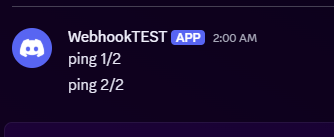
介绍
EzWebhookCommandSender is a simple Fabric mod that lets server operators send custom messages to a webhook directly from in‑game commands.
Can be usefull to send messages to discord server for example directly through datapack or ingame chat.
It’s designed to be lightweight, fast, and easy to configure.
How to use it ?
For Any Webhook URL
First :
/webhook set "<url>"_example : /webhook set “https://webhook.api.mywebsite/484654524654” ._
now the url is set up, and saved.
Then :
/webhook send message_example : /webhook send I like apple juice ._
will send the text “I like apple juice.” to the webhook url https://webhook.api.mywebsite/484654524654 .
Specifically on discord webhook
- Go to your discord server settings > Integrations > Webhook.
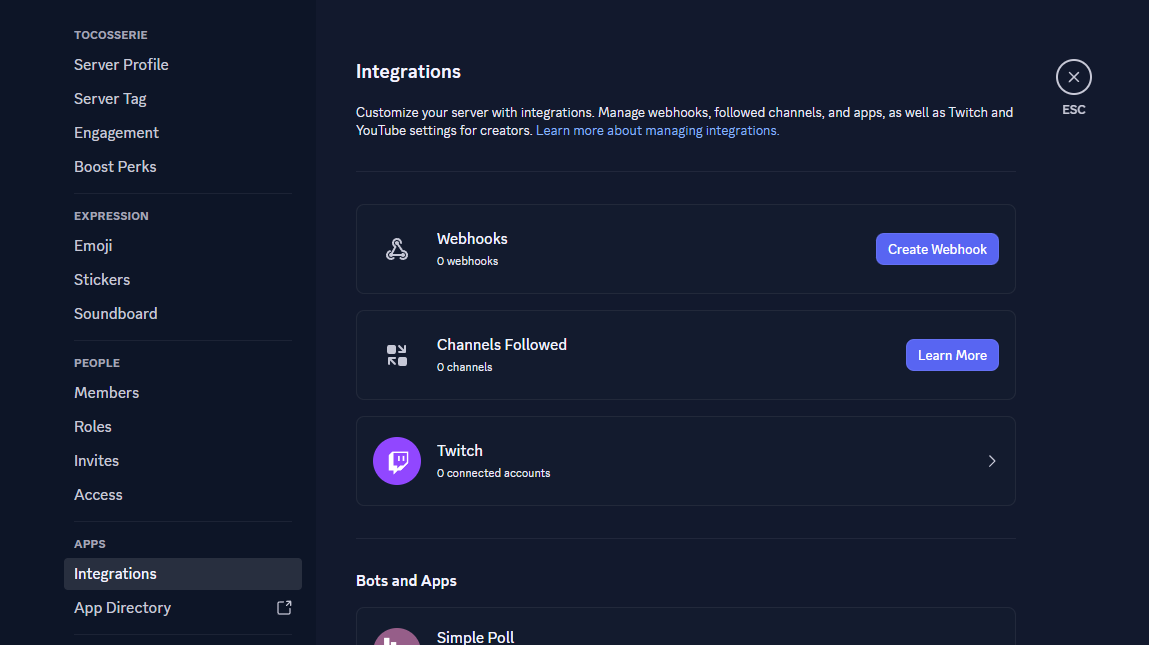
- Create a webhook and set up the channel and the name/icon of the webhook.
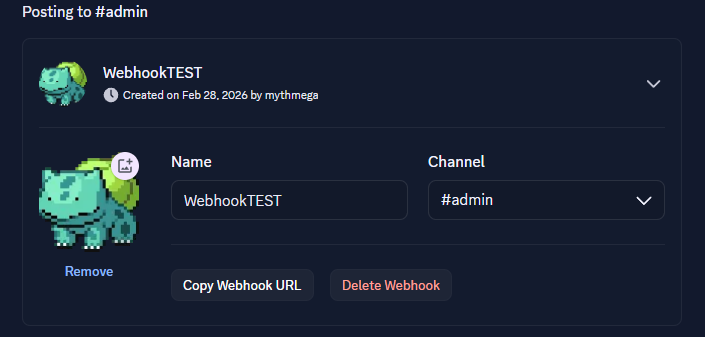
- Copy the link of the webhook with the button copy webhook url.
- In Game > Link the webhook to the mod
/webhook set "<url>"_example : /webhook set “https://discord.com/api/webhooks/123456789132456798/this_is_an_example_url” ._
now the url is set up, and saved.
- In Game > Send a message to discord
/webhook send message_example : /webhook send I like apple juice ._
will send the text “I like apple juice.” to the webhook url https://webhook.api.mywebsite/484654524654 .
常见问题
EZ Webhook Command Sender 支持哪些 Minecraft 版本?
EZ Webhook Command Sender 支持 Minecraft Java 版 1.21.1–1.21.11,共 11 个版本,可用的加载器:Fabric。下载时注意选择和你游戏版本一致的文件。
EZ Webhook Command Sender 怎么安装?
先用 PCL2 或 HMCL 启动器安装对应版本的 Fabric,再把下载的 .jar 文件放进游戏目录的 mods 文件夹,重新启动游戏即可。开启了版本隔离的,mods 文件夹在 versions/版本名 下面。运行环境:仅服务端。
MythMega 的其他作品
查看全部 →
Random Animals Size
A little datapack to make animal mobs with random size.

CoralCraft
You can convert coral flowers into fans and vice versa (1:1), or craft 4 flowers into a coral block and vice visera (4:1)/(1:4). Works for all coral types.
评论
登录后评论和评分