
截图
介绍
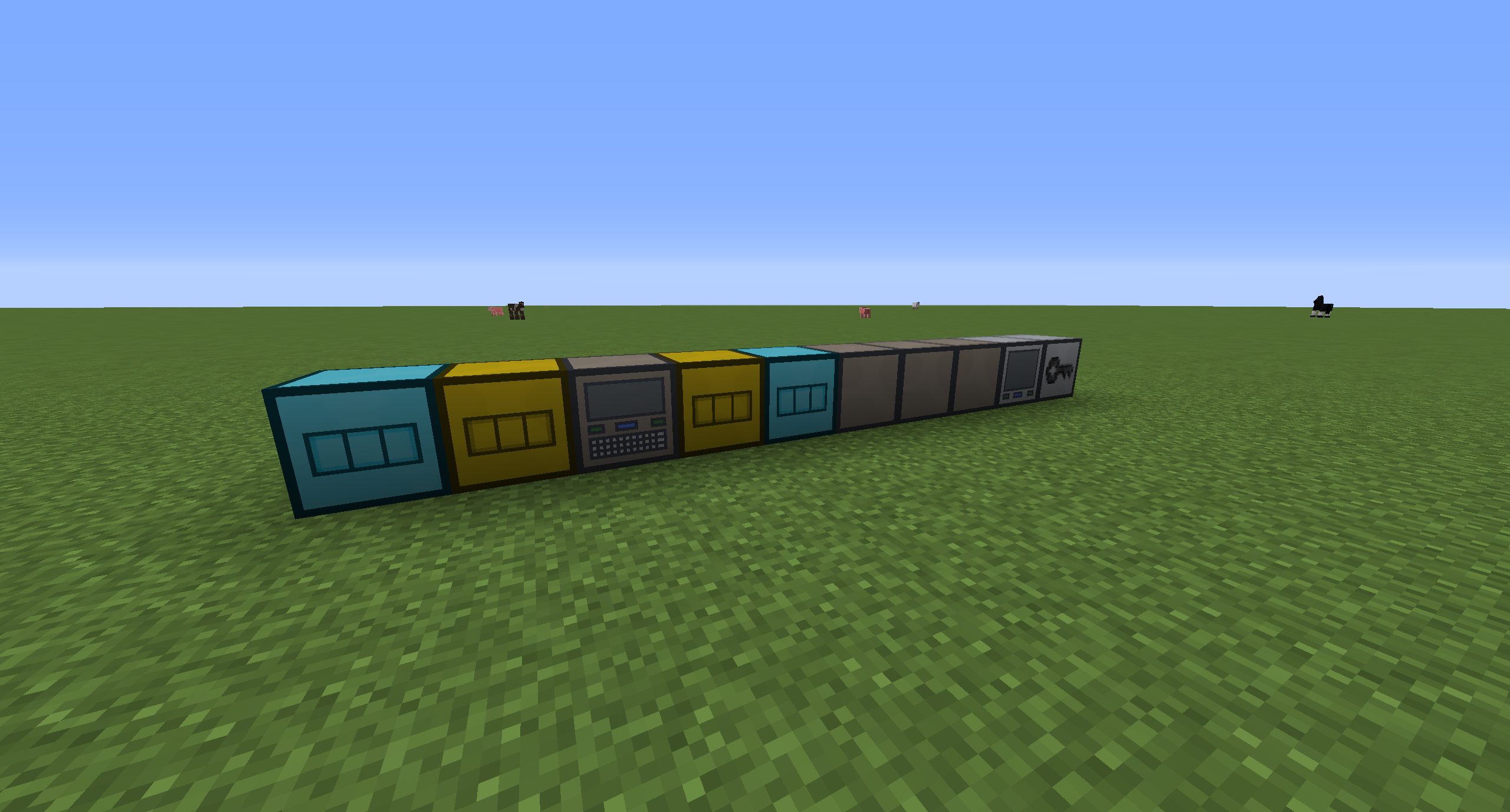
EZ Extended is an addon for EZ Storage by zero__fall that has some neat stuff. It has access terminals which allow you to access your storage core from any point on the system, extra storage box sizes, blank boxes for simple extension, and the ability to secure your storage system against unwanted access on servers and shared worlds.
All aspects of the mod are configurable, too.
EZ Storage 2 is here for 1.9.4 and 1.10.X with these additions and more, so check it out!
Take a look!
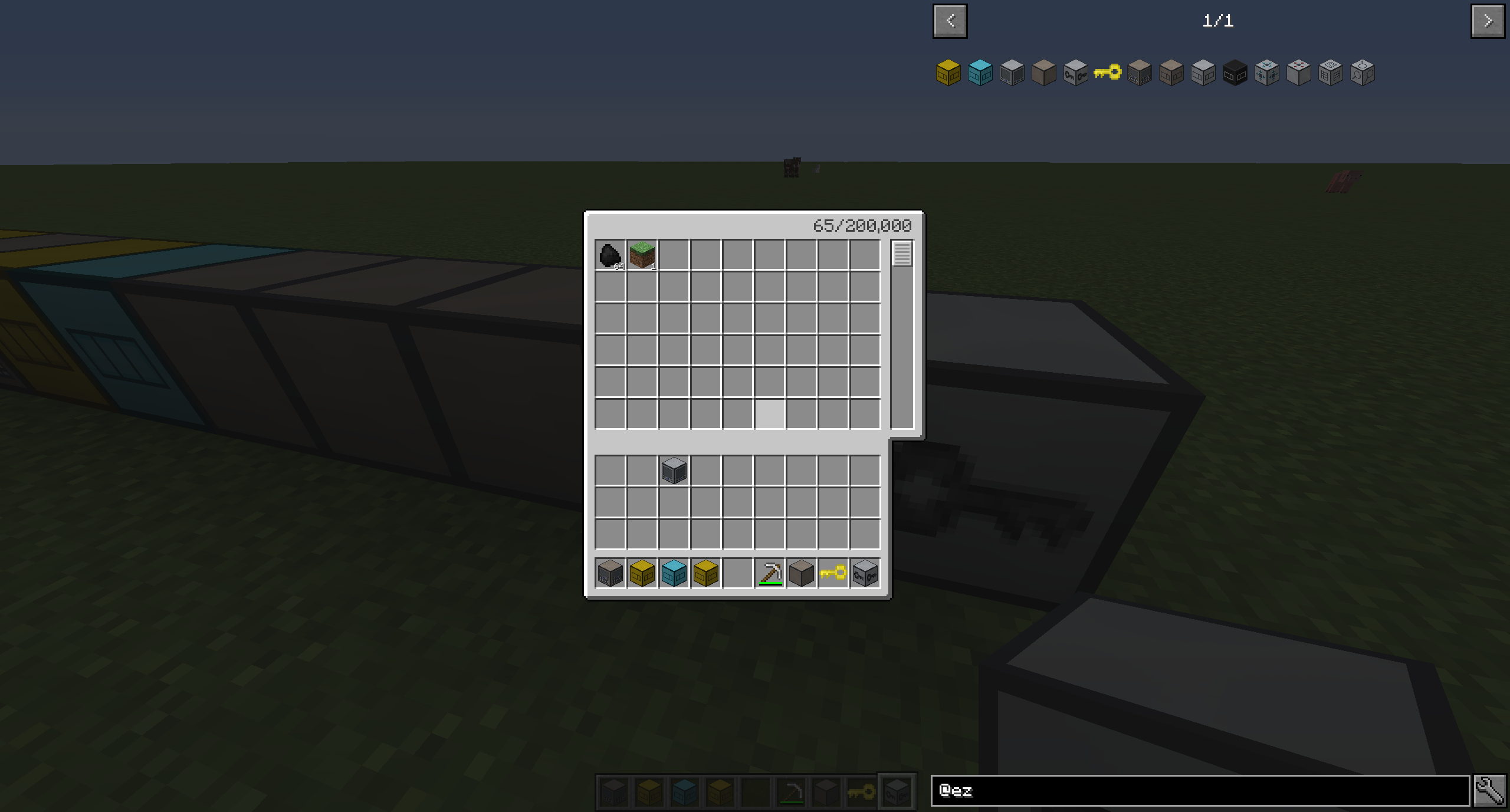
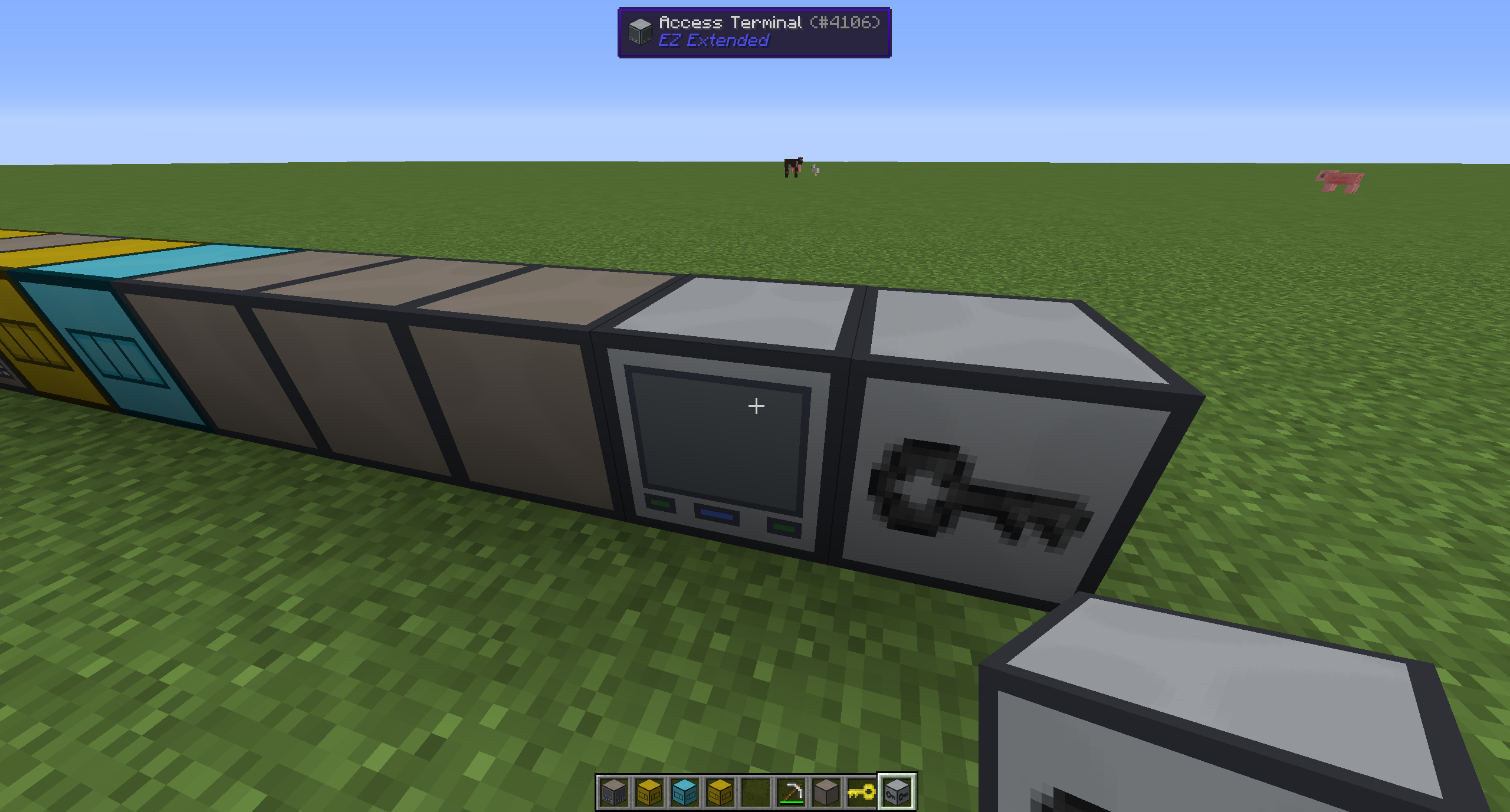
The access terminal:
Right clicking it will make it as if you were right at the core!
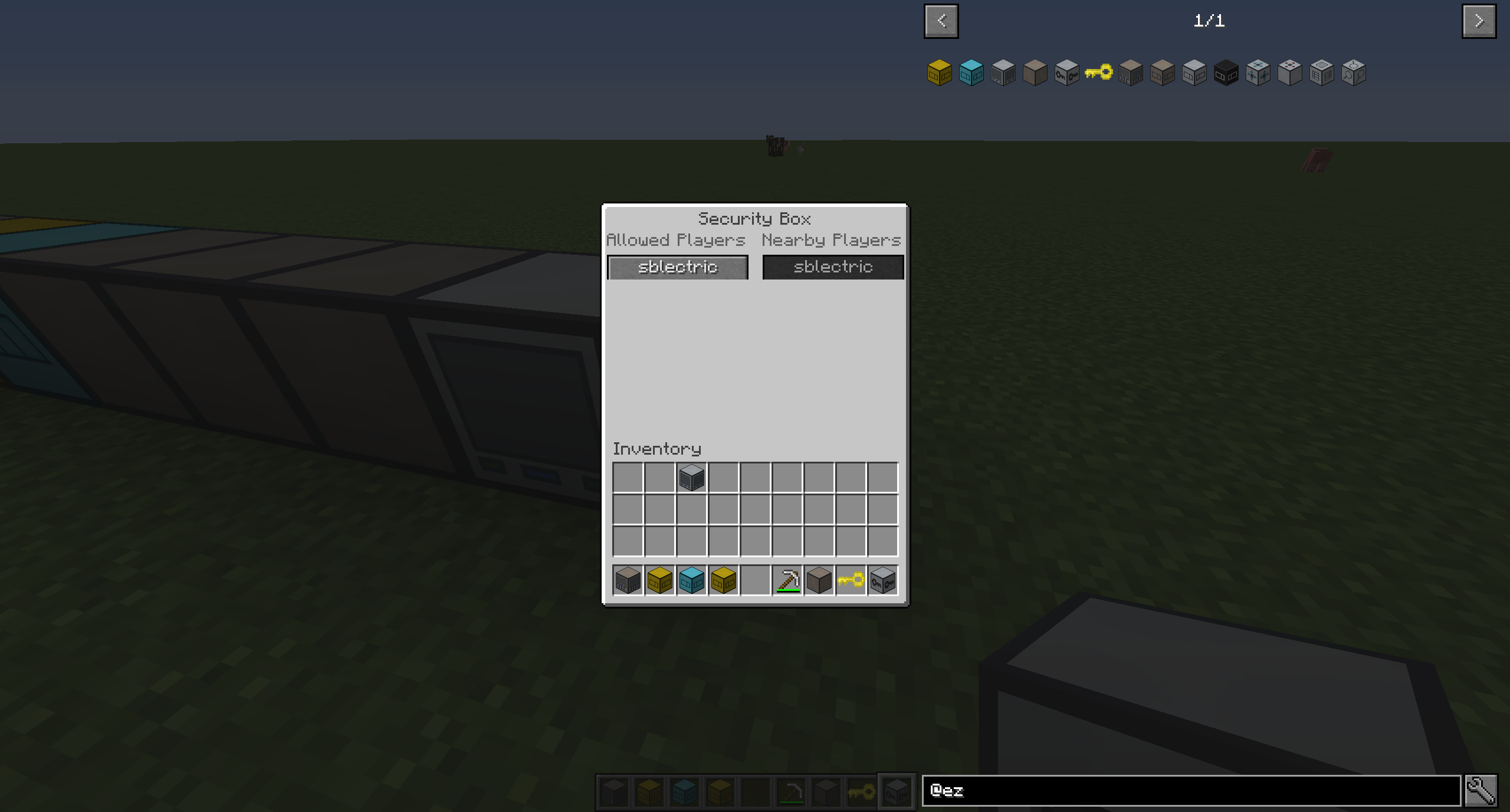
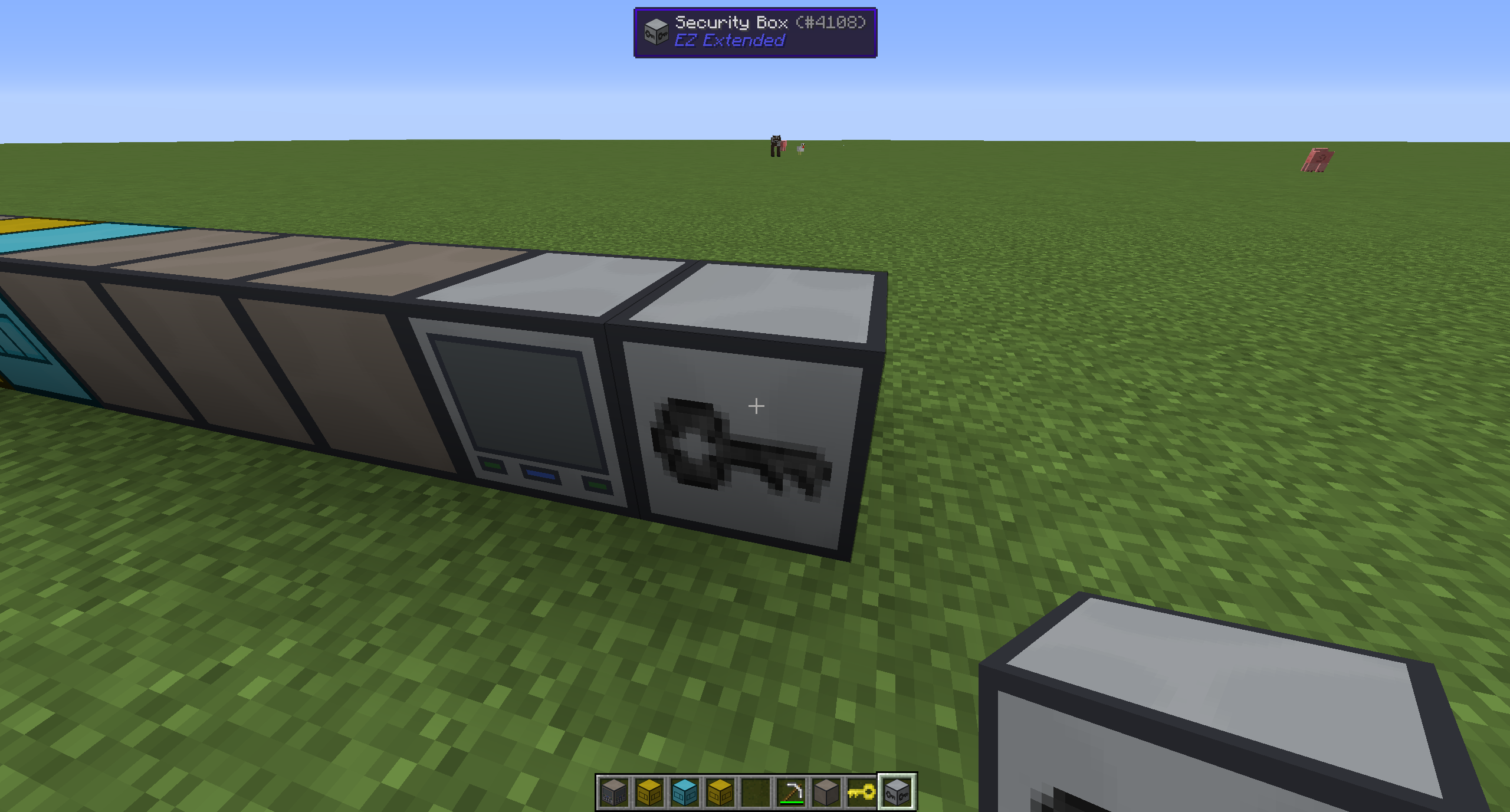
The security box:
The GUI allows you to click to add/remove whitelisted players that can use the system. Players that aren’t on the whitelist will not be able to interact with the entire system in any way.
To remove the security box, simply right click it with the EZ key.
Enjoy the mod!
If you enjoy this mod, be sure to check out my other projects here.
Also consider donating above.
常见问题
EZ Extended 支持哪些 Minecraft 版本?
EZ Extended 支持 Minecraft Java 版 1.8.9–1.9,共 2 个版本,可用的加载器:Forge。下载时注意选择和你游戏版本一致的文件。
EZ Extended 怎么安装?
先用 PCL2 或 HMCL 启动器安装对应版本的 Forge,再把下载的 .jar 文件放进游戏目录的 mods 文件夹,重新启动游戏即可。开启了版本隔离的,mods 文件夹在 versions/版本名 下面。
SBlectric 的其他作品
查看全部 →
LightningCraft
驾驭狂暴的雷电之力,随心塑造世界!

Advanced Combat
该模组提供了极为强力的剑以及更灵活的物品附魔。

Advanced Addons
Useful additions to Advanced Swords

Everything Blocks
Make blocks out of any item for dense storage and decoration!
评论
登录后评论和评分