Extremo Mod
Cooperative, attempt-based hardcore: if one player dies, the attempt ends for the whole team and a brand-new world starts without anyone disconnecting. Defeat the Ender Dragon to win.
截图
介绍
Extremo Mod is a mod for Minecraft 26.3 on Fabric Loader: a cooperative, attempt-based hardcore challenge. If one player dies, the attempt ends for the whole team and a new one starts with a brand-new Overworld, Nether and End, without anyone disconnecting. You win by defeating the Ender Dragon.
It can be played on its own (it only needs Fabric API) or with Extremo ModPack, a set of packs with performance mods (coming soon).
It is a from-scratch reimplementation inspired by the mechanics of Hardcore Extremo (Forge 1.21.8). It contains no code or assets from that mod.
How to play: the challenge works in two modes:
- Player host: one player hosts from their own game (LAN, e4mc, Essential or similar) and the others join.
- Server host: a dedicated server runs the challenge and every player joins it (see Dedicated server below).
In both modes the mod must be installed everywhere: on the host (the hosting player’s game or the server) and on every player’s game.
Installation
Every player (host and guests) needs:
- Minecraft 26.3 with Fabric Loader 0.19.5 or newer.
- Fabric API for 26.3.
- Extremo Mod in the instance’s
modsfolder.
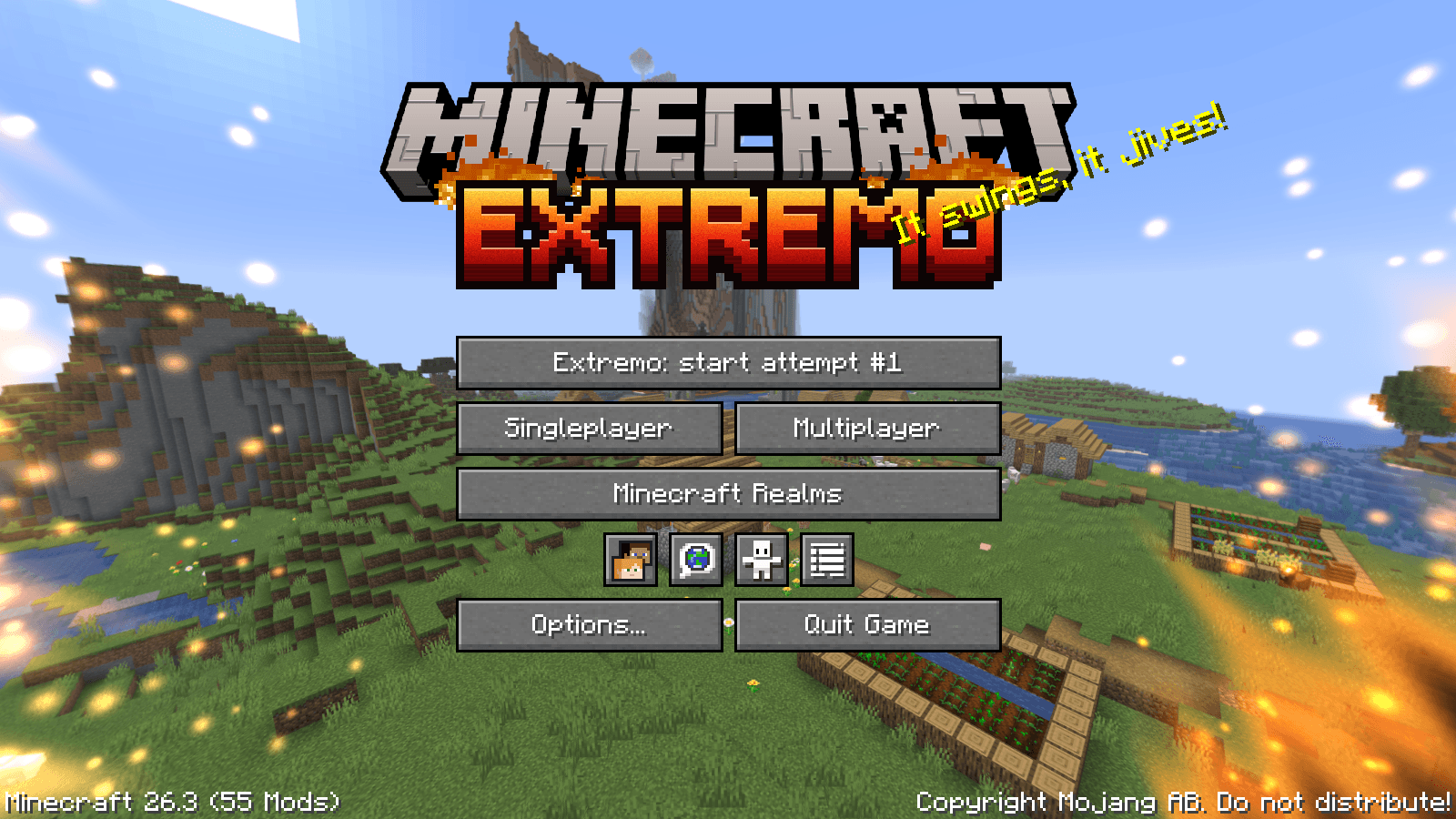
Then press Extremo on the title screen to start the challenge.
Dedicated server
Install Fabric Loader, Fabric API and the mod on the server, set hardcore=true and difficulty=hard in server.properties, and run /extremo start once as an operator (or from the console). That world becomes the challenge world; from then on the server moves to each new attempt by itself.
Features
-
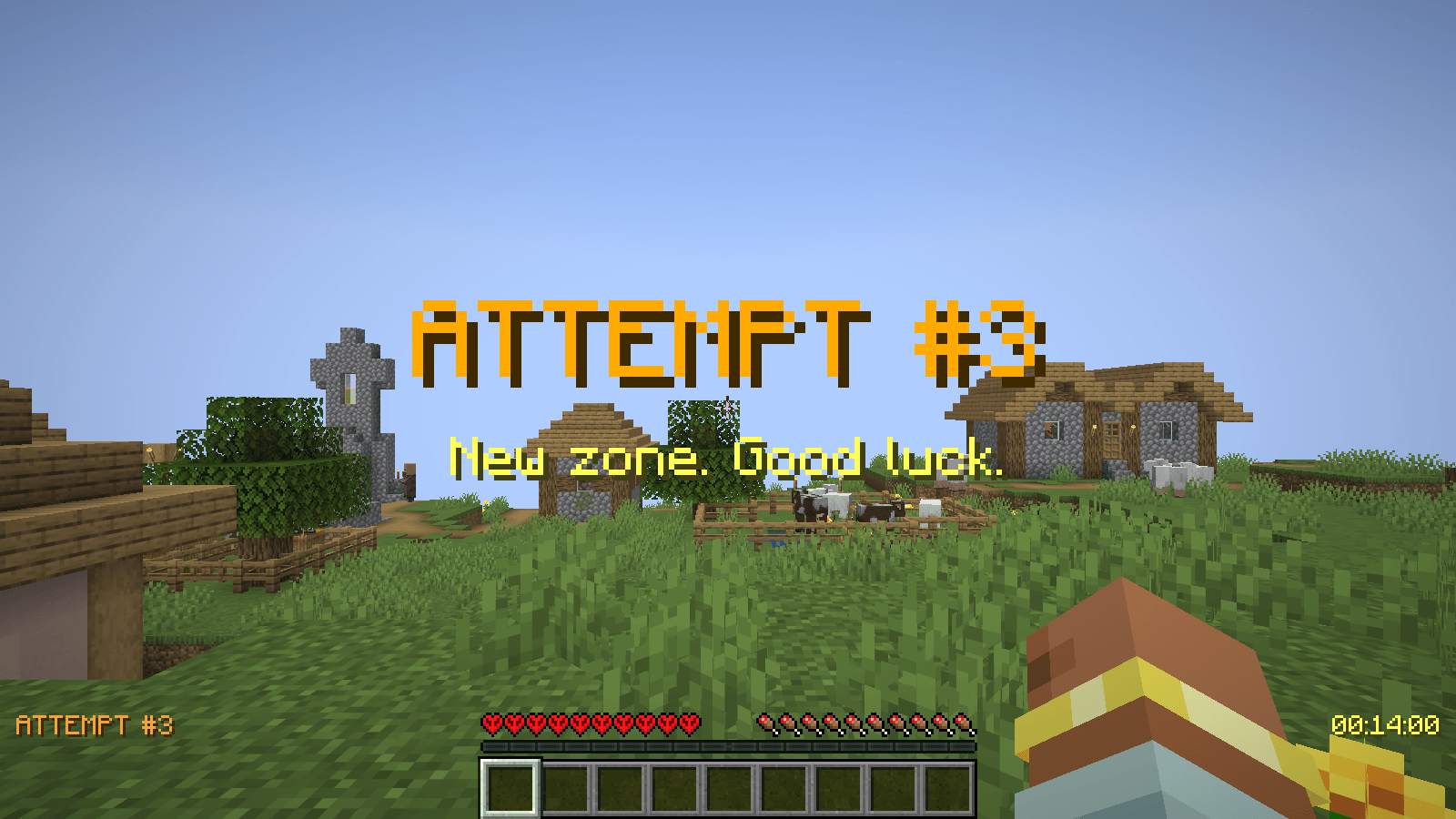
New dimensions for every attempt. The whole challenge lives in one hardcore world (Hard), but every attempt gets its own Overworld, Nether and End with a new seed, created on the fly. The server never closes, so nobody disconnects and the address (LAN or tunnel) stays the same. When an attempt starts everyone is reset as in a new world (inventory, ender chest, experience, effects, health, hunger, spawn point, advancements and recipes) and gets a welcome title. The previous attempt’s dimensions are deleted. Portals, the dragon fight and the End exit work as usual. If you delete the challenge world, the current attempt counts as abandoned and the button starts a new one.
-
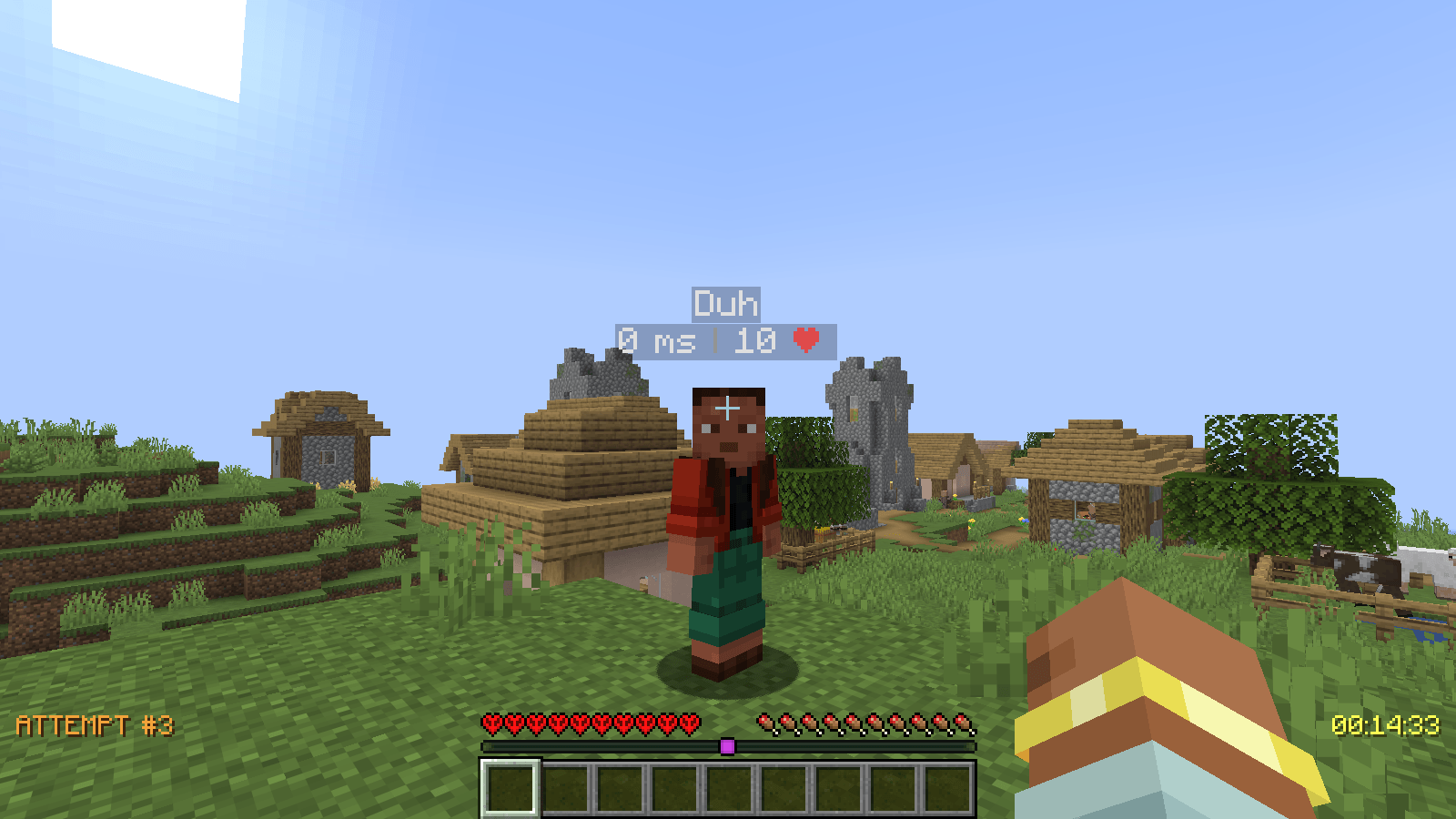
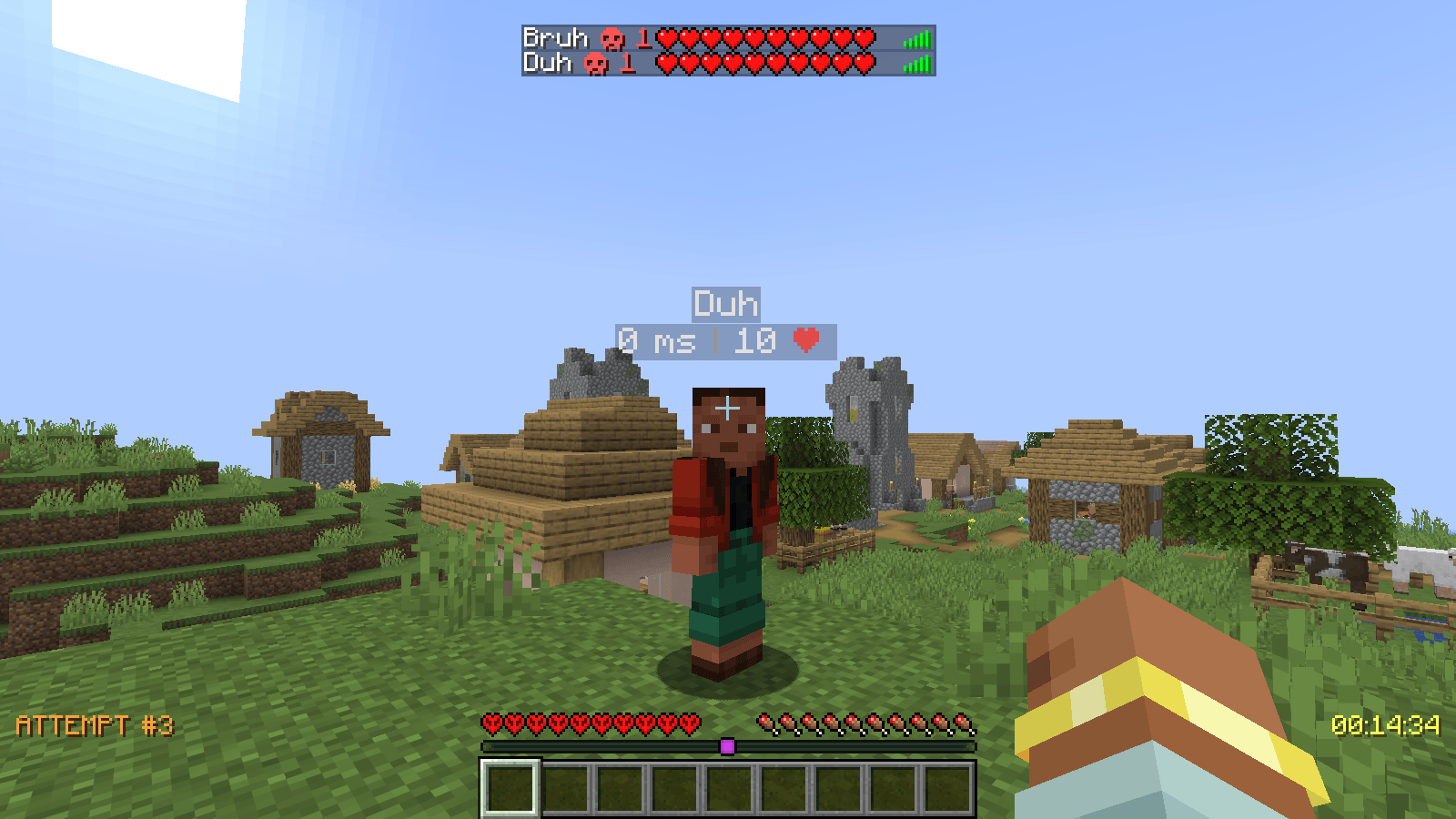
Attempt HUD and player info. The attempt number on the left and the team’s time on the right. Above each player: their ping and remaining hearts.
-
Player list (TAB). Every player’s accumulated deaths and current health.
-
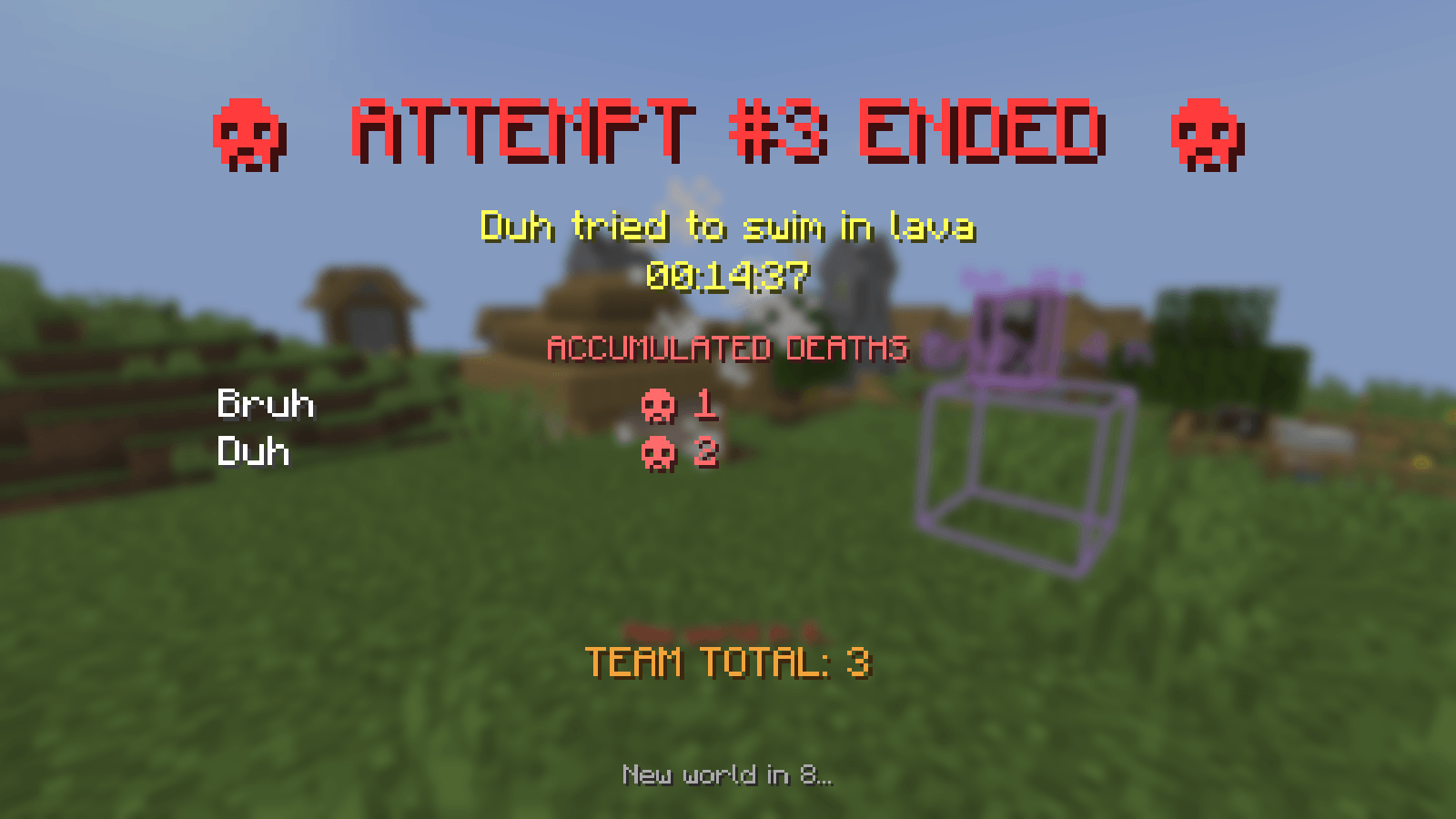
Shared failure. If anyone dies, the attempt ends for everyone: the cause of death, the time and the team’s accumulated deaths are shown, a death sound plays, and ten seconds later the next attempt starts for everyone.
-
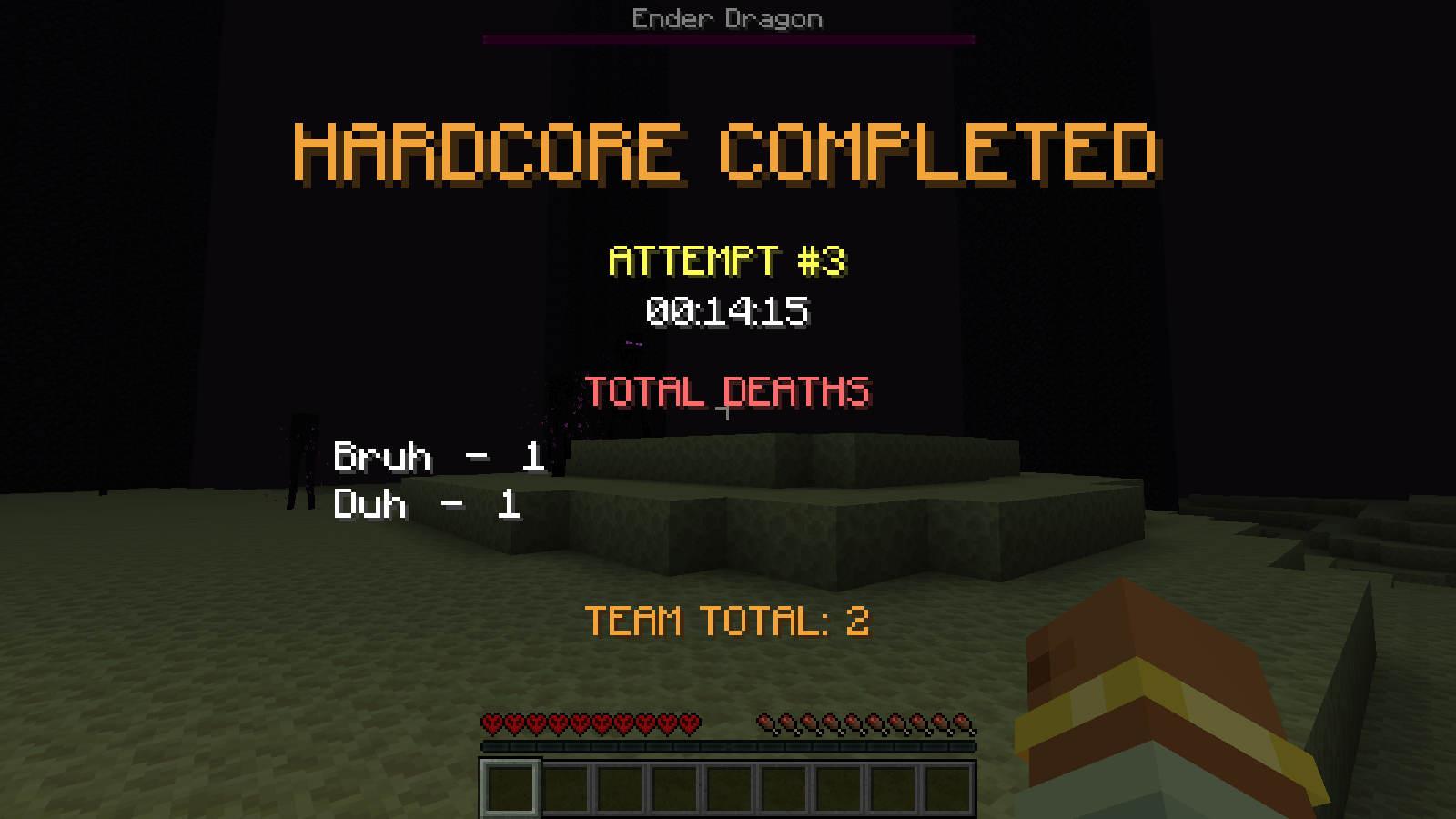
Victory. When the Ender Dragon finishes its death animation, the team sees the “Hardcore completed” summary and can keep playing in normal survival. The next attempt starts with
/extremo nextor the title screen button. -
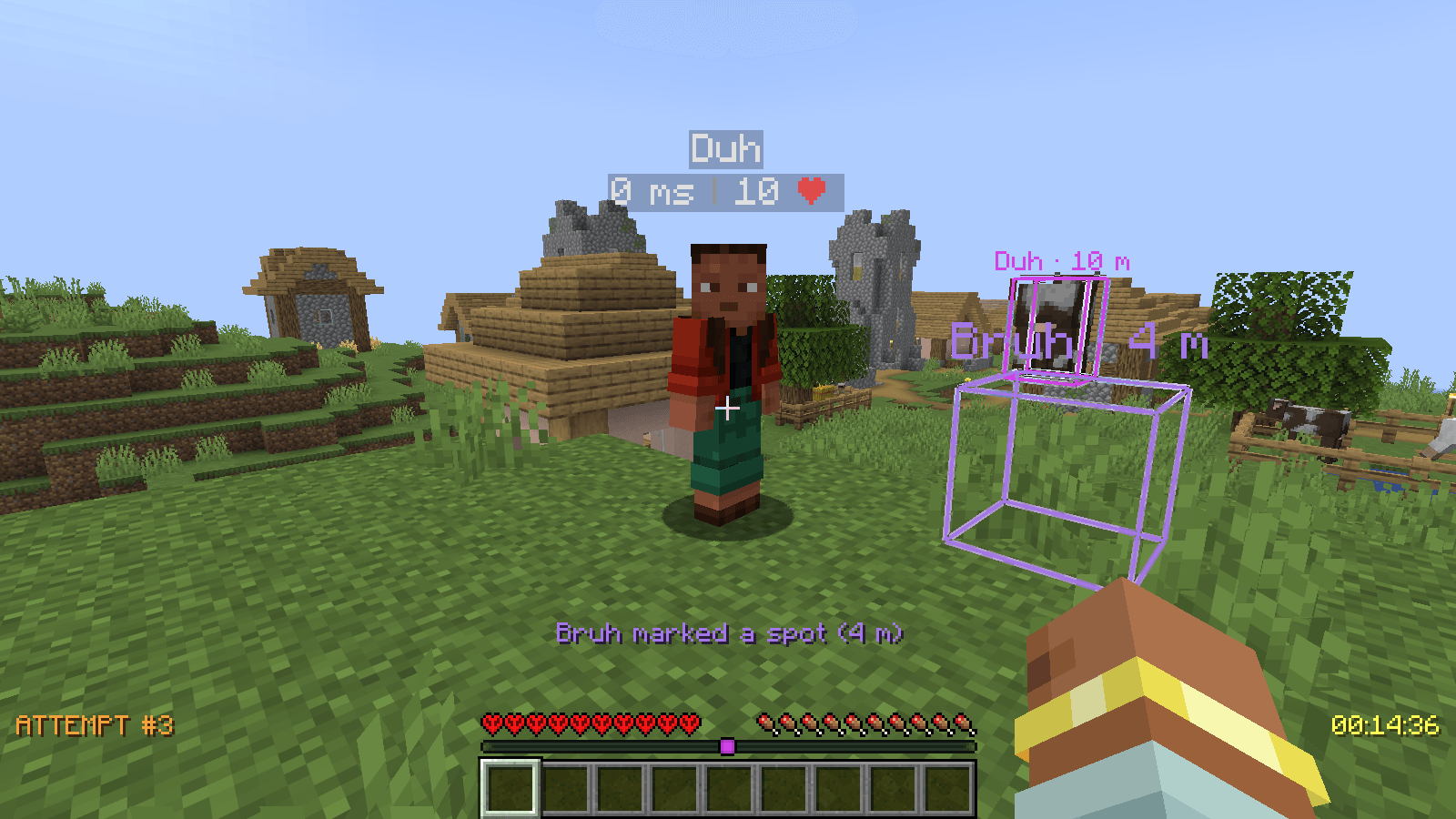
Team marker. Press the middle mouse button to mark a block or a mob for the whole team. It is visible through walls, in the color of your locator-bar dot, with your name and the distance. The key can be changed in Options → Controls → Extremo Mod.
-
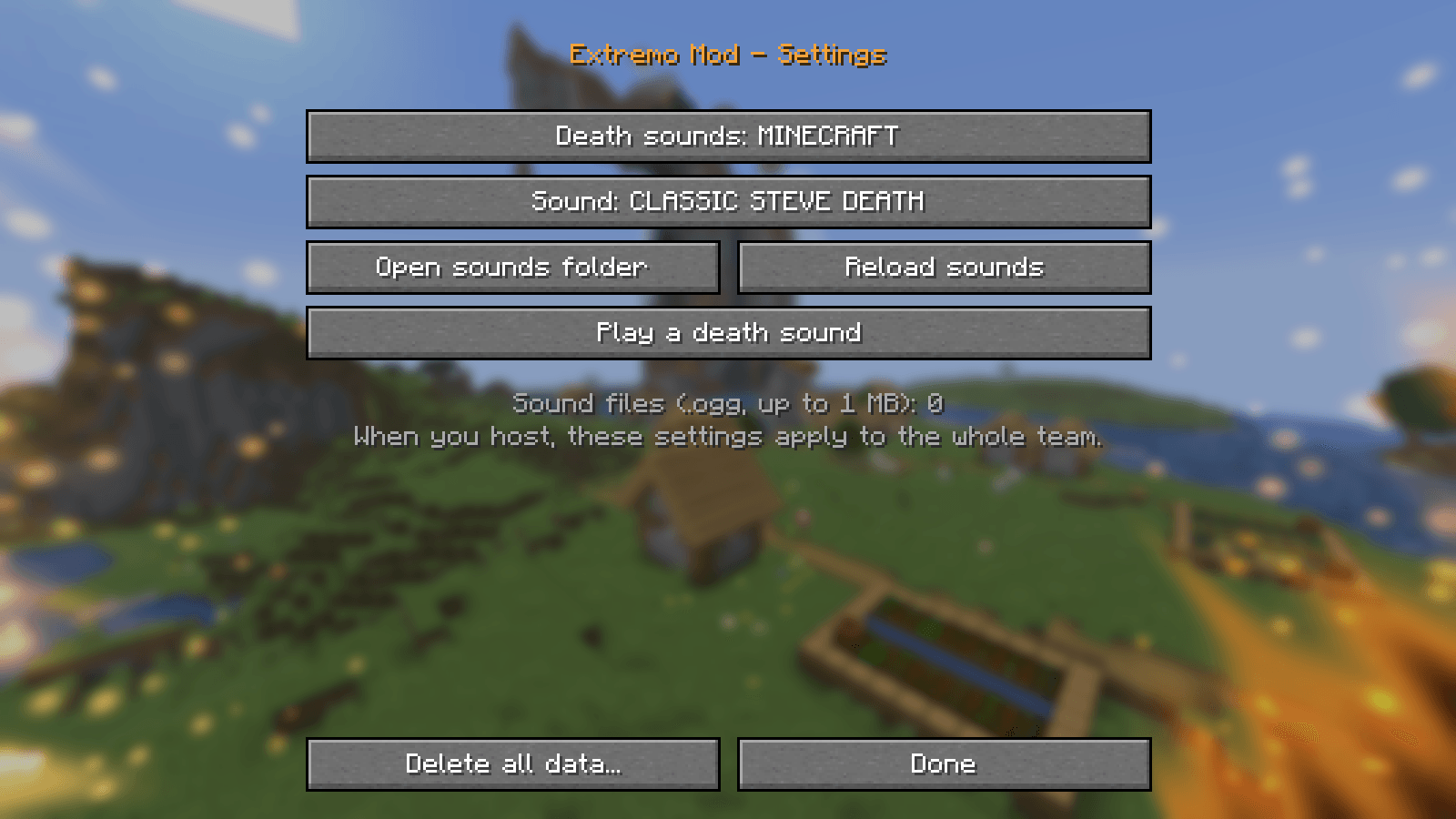
Settings (Mod Menu). Choose the death sound (one of Minecraft’s, including the classic “oof”, or your own
.oggfiles, sent to every player) or delete all challenge data to start over at attempt #1.
Commands
| Command | What it does |
|---|---|
/extremo |
Current attempt, time, longest attempt and total deaths |
/extremo history |
The last attempts and how they ended |
/extremo players |
Deaths per player |
/extremo start |
Makes the current world the challenge world and starts a new attempt (for dedicated servers; host or operators) |
/extremo next |
Starts the next attempt right away (host or operators) |
/extremo reset confirm |
Deletes every statistic and starts again from attempt #1 (host or operators) |
Files
All of them live in the host’s (or the server’s) game folder:
| Path | What it holds |
|---|---|
extremomod/stats.json |
Attempts, times, deaths and history. It is kept outside the world so it survives if the world is deleted. |
config/extremomod.json |
Settings (death sound and order). |
config/extremomod/sounds/ |
Your own death sounds (.ogg, up to 1 MB each). |
Languages
English and Spanish (every Spanish variant of Minecraft uses the same translation).
Credits
Includes Fantasy by NucleoidMC, unmodified, under the LGPL-3.0.
常见问题
Extremo Mod 支持哪些 Minecraft 版本?
Extremo Mod 支持 Minecraft Java 版 26.3,可用的加载器:Fabric。下载时注意选择和你游戏版本一致的文件。
Extremo Mod 怎么安装?
先用 PCL2 或 HMCL 启动器安装对应版本的 Fabric,再把下载的 .jar 文件放进游戏目录的 mods 文件夹,重新启动游戏即可。开启了版本隔离的,mods 文件夹在 versions/版本名 下面。

评论
登录后评论和评分