
截图
介绍
Extra Chat
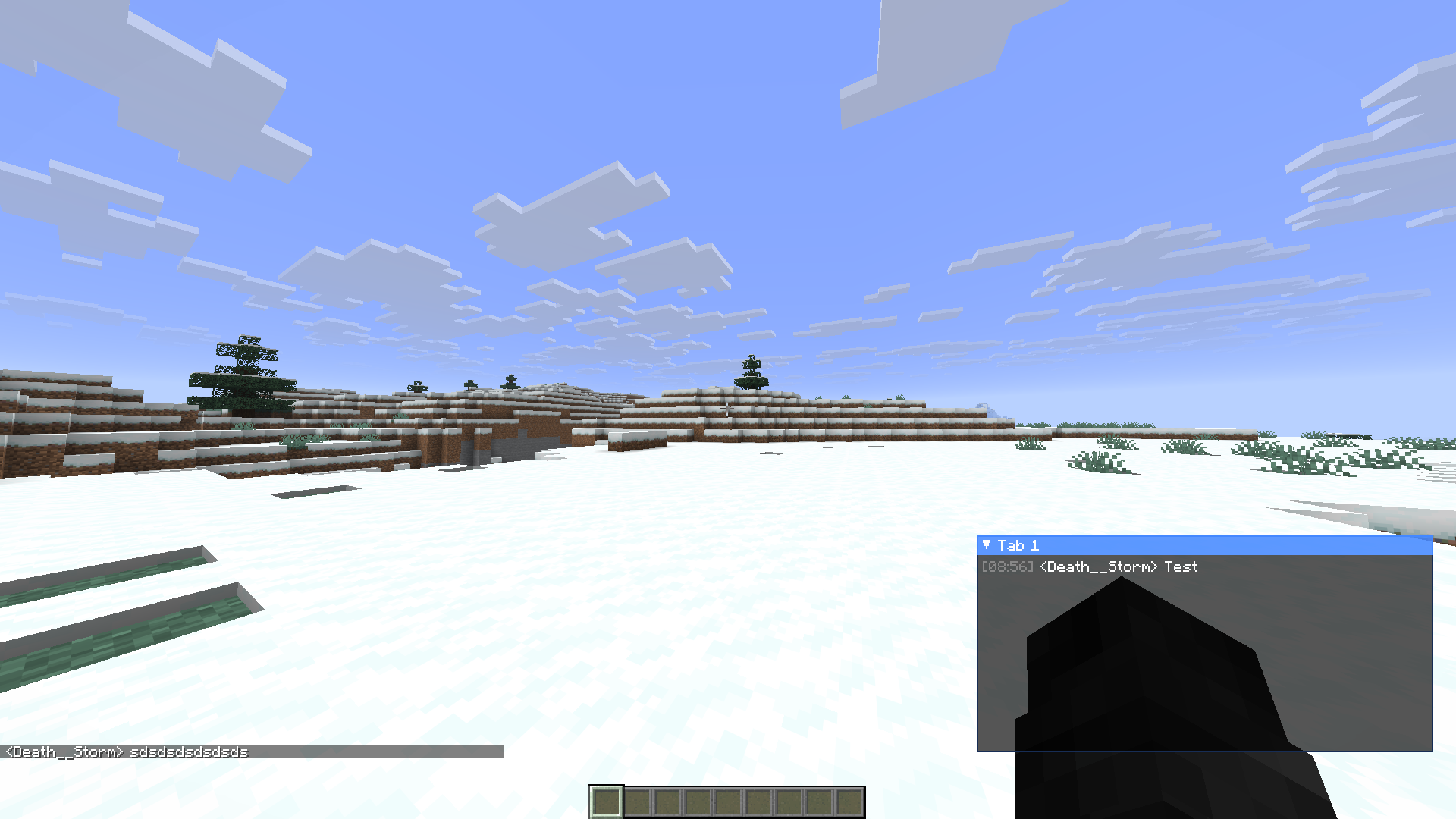
Extra Chat lets you split your chat into custom, filterable tabs — so you never have to scroll through a wall of trade spam to find the whisper you actually cared about.
Create as many chat windows as you want, each with its own set of rules deciding exactly which messages land in it. Every tab is a fully independent, movable, resizable HUD box that lives right alongside your normal chat.
How It Works
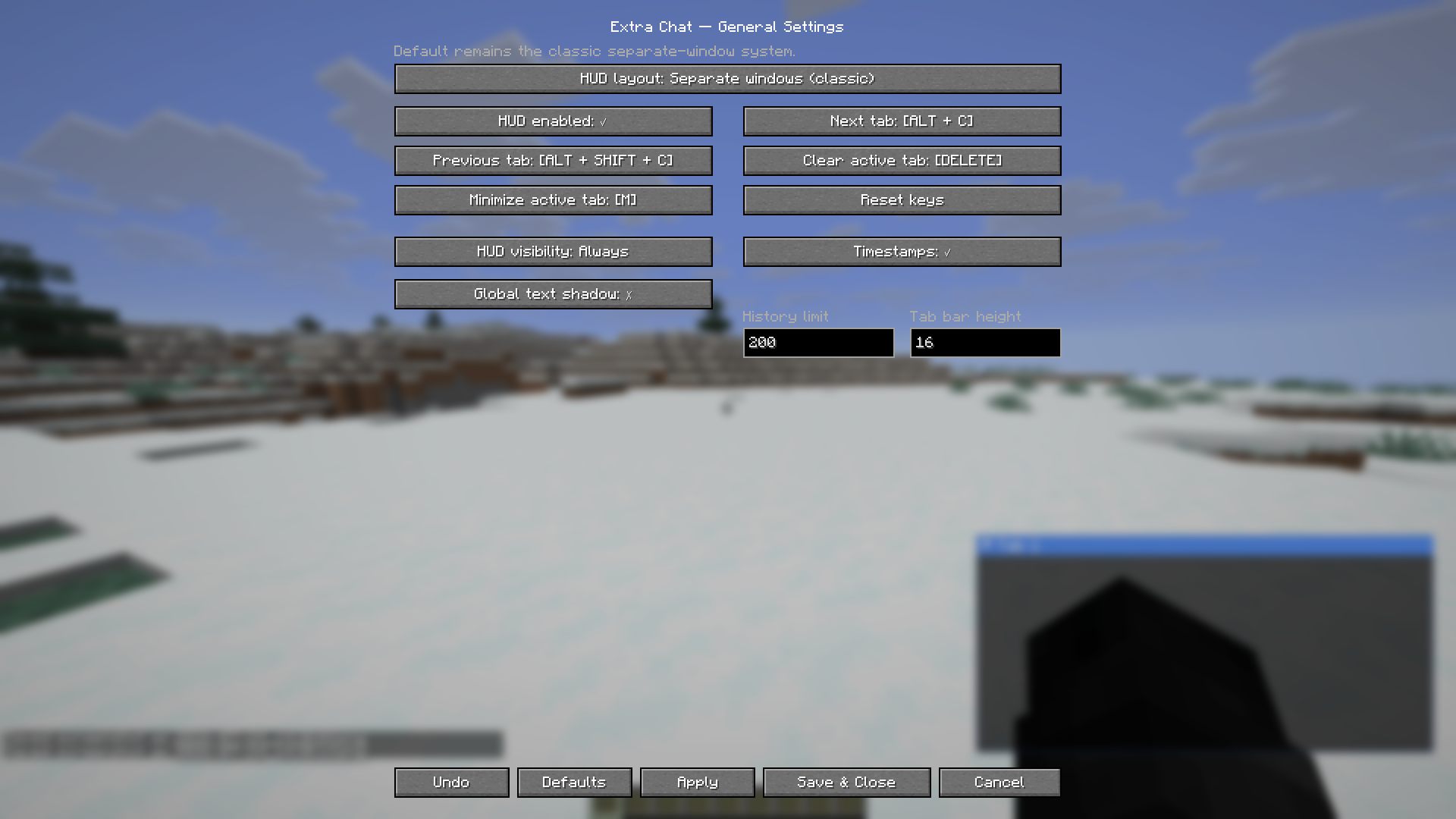
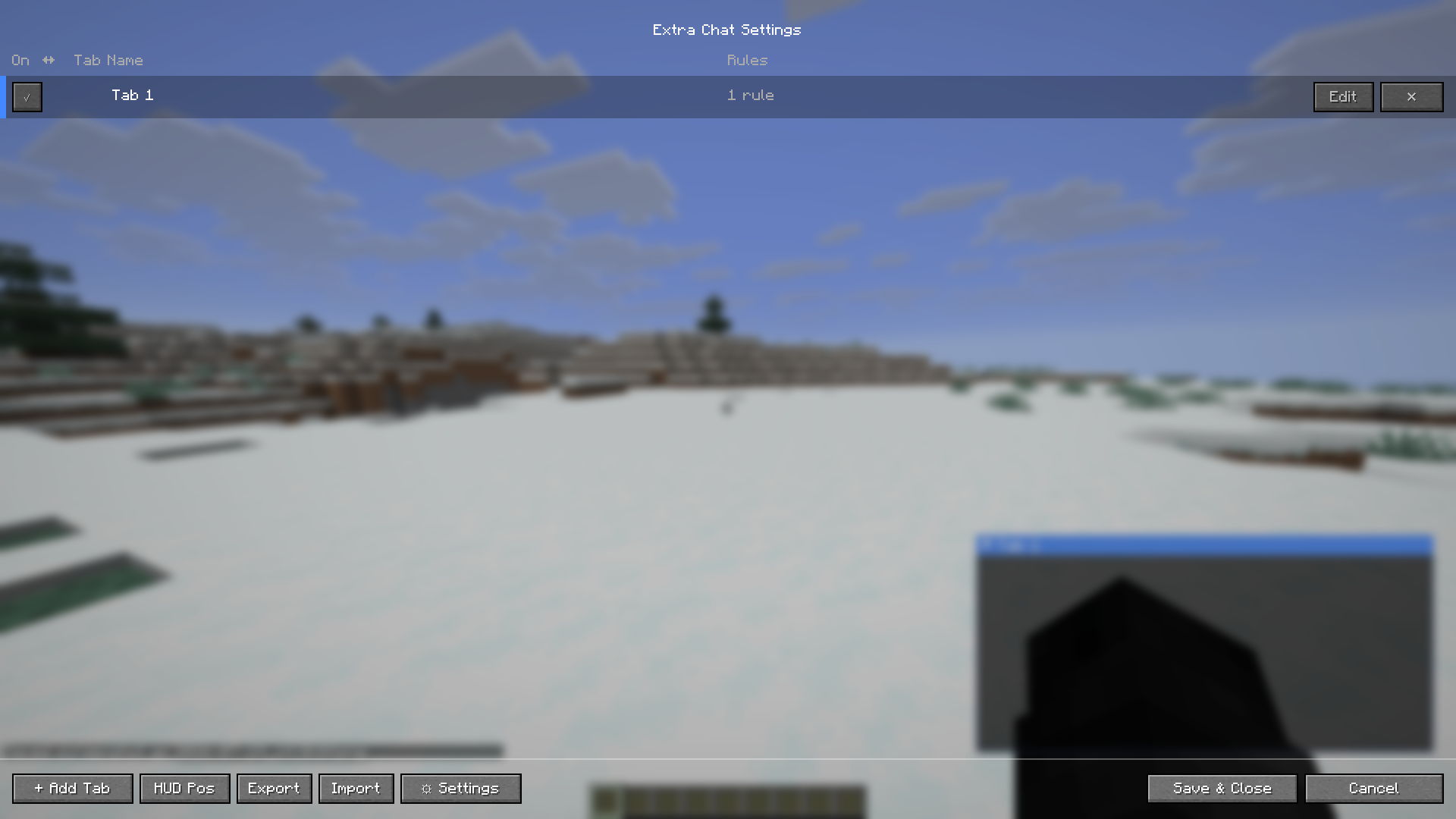
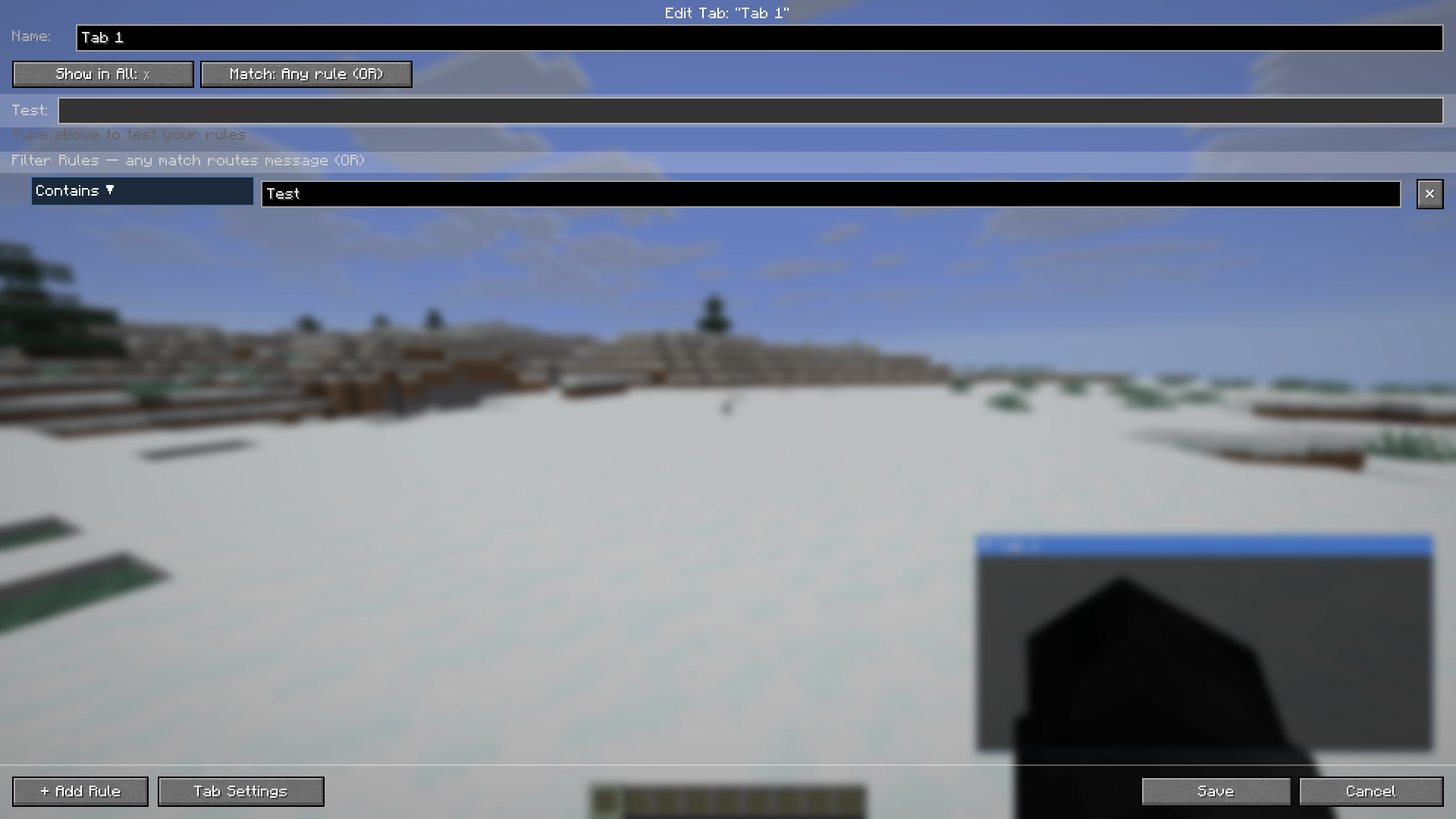
- Open Mod Menu → Extra Chat → Configure
- Click \+ Add Tab and give it a name
- Add one or more filter rules (e.g.
Contains: /msgto catch private messages, orContains: [Staff]for staff chat) - Choose whether matched messages should also show in normal chat (Show in All)
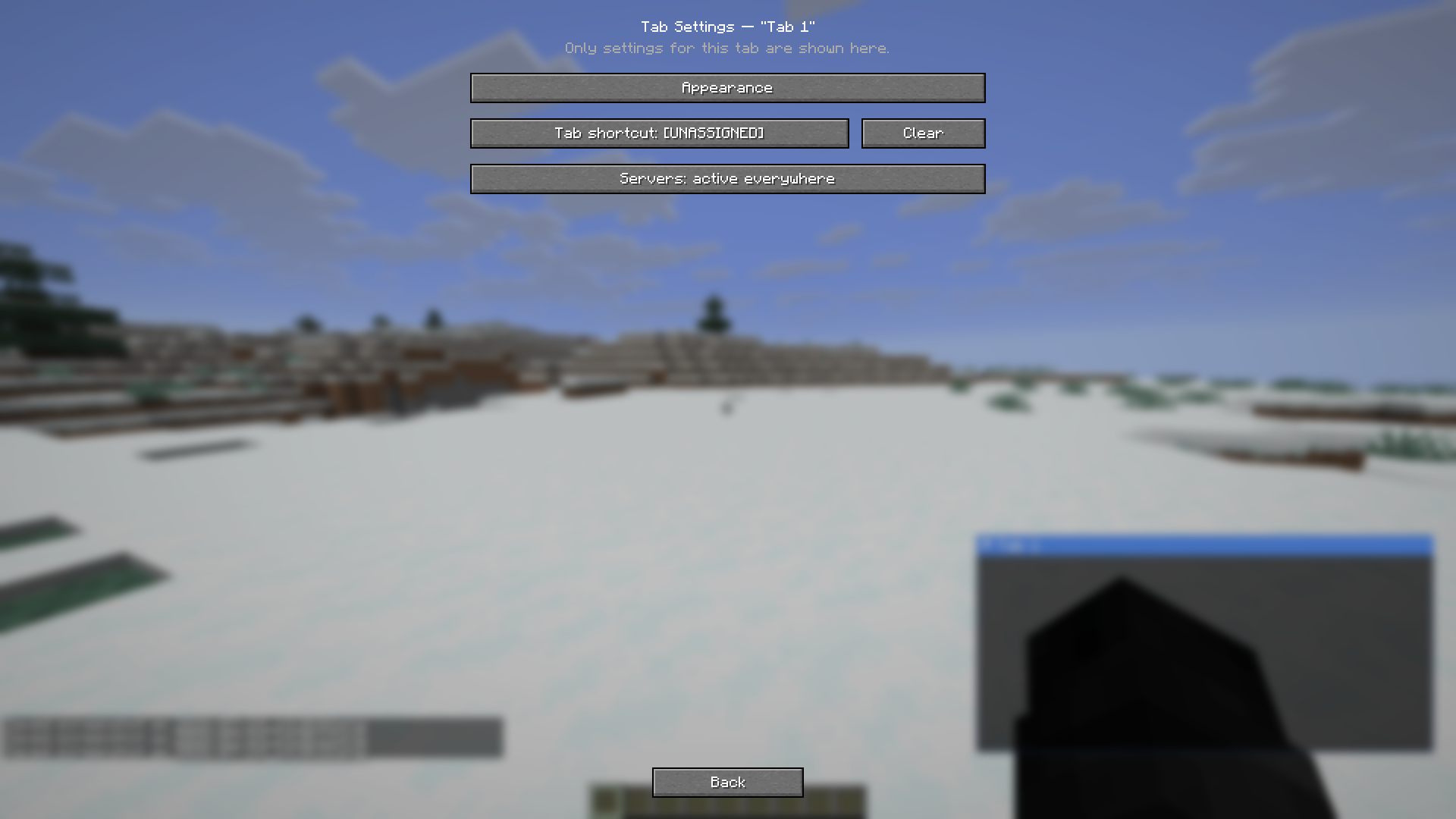
- Customize the tab’s color, opacity, and border in 🎨 Appearance
- Position and resize your tabs from HUD Pos
- Hit Save & Close — your new tab is live immediately
Requirements
| Requirement |Version |
| ————- |————————————————– |
| Minecraft |26.2 |
| Fabric Loader |0.19.3+ |
| Fabric API |Required |
| Mod Menu |Optional, but required for the in-game settings UI |
| Java |25+ |
This mod is client-side only. It does not need to be installed on servers, and installing it won’t affect other players.
FAQ
Does this replace my normal chat? No — your normal Minecraft chat still works exactly as before. Extra Chat adds separate, additional chat windows alongside it.
Can I use this on servers I don’t run? Yes. Since it’s entirely client-side, you can use it on any server without needing permission or server-side installation.
Can I hide a tab’s border completely? Yes — turn off “Show border” in a tab’s Appearance settings and only the message text will render, with no title bar, icon, or outline.
Can I use this mod in my modpack? Yes, of course you can use Extra Chat in your modpack.
Found a Bug or Have a Suggestion?
Please report issues or feature requests through the our Discord.
常见问题
Extra Chat 支持哪些 Minecraft 版本?
Extra Chat 支持 Minecraft Java 版 26.2,可用的加载器:Fabric。下载时注意选择和你游戏版本一致的文件。
Extra Chat 怎么安装?
先用 PCL2 或 HMCL 启动器安装对应版本的 Fabric,再把下载的 .jar 文件放进游戏目录的 mods 文件夹,重新启动游戏即可。开启了版本隔离的,mods 文件夹在 versions/版本名 下面。运行环境:仅客户端。

评论
登录后评论和评分