
截图




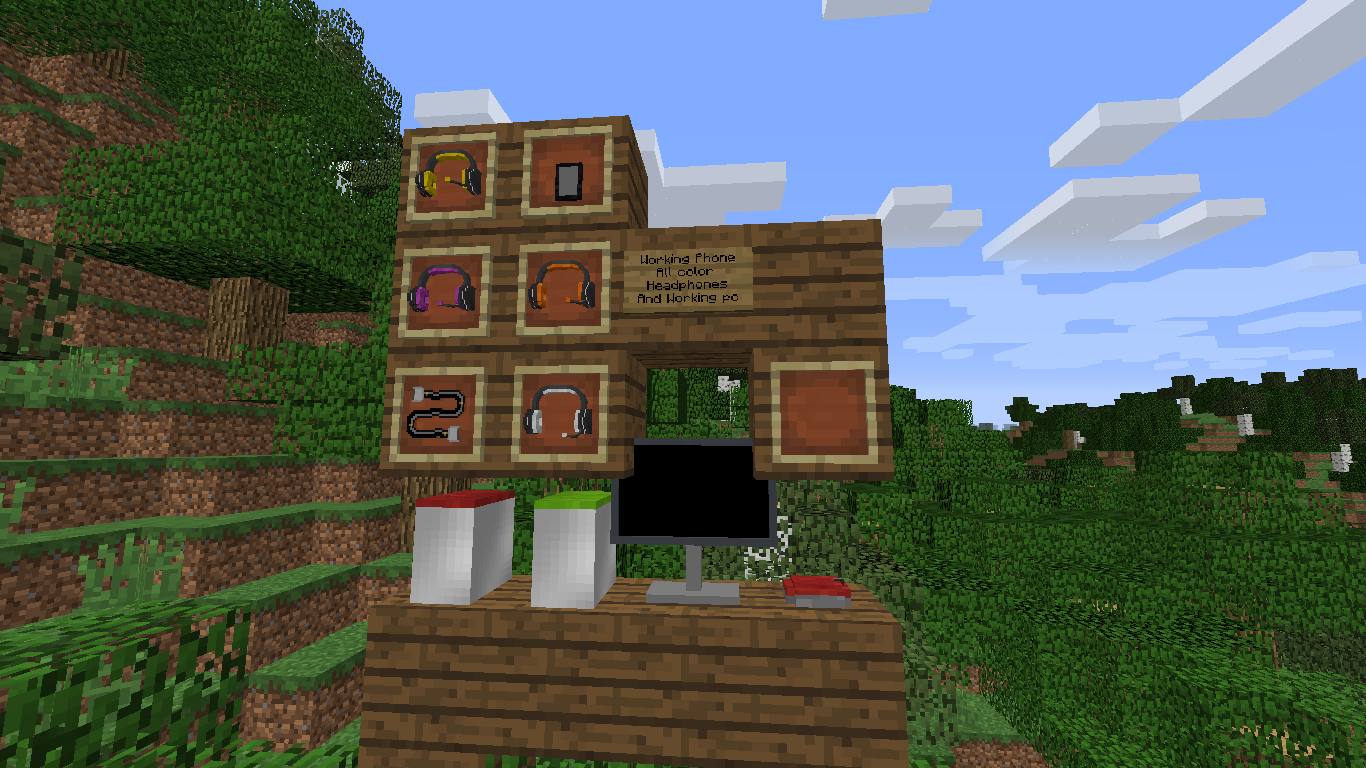
介绍
IMPORTANT!: For this mod to work you MUST to follow these steps listed down below.
1. Download MrCrayfish’s device mod Here. (Extra-Ons 1.0 – 4.0 only work with Device Mod version 1.2.1. Extra-Ons version 5.0 works with 1.3.1. Extra-Ons 5.3 works with 0.4.0 – 0.4.1.)
2. go to http://www.javazoom.net/jlgui/api.html and download the 3.0 version (If you are using Extra-Ons version 5.1 or higher steps 2, 3, and 4 can be skipped)
3. open the .zip file and open the folder inside and then go to the lib folder
4. all the .jar files in there need to be placed in your mods folder
Discord: https://discord.gg/pcYE7Ej
F.A.Q:
Q: Please update the mod to Device mod version [SOME VERSION HERE].
A: Extra-Ons is currently (as of 2/10/22) updated to the latest version of the Device mod. As the device mod is now abandon, chances are low it will be updated again
Q: So wait. Is this mod abandon?
A: Not exactly. New features are not guaranteed to come but bug-fixes can be submitted in the discord (although, its not guaranteed they will be fixed right away if ever).
常见问题
Extra-Ons 支持哪些 Minecraft 版本?
Extra-Ons 支持 Minecraft Java 版 1.12–1.12.2,共 3 个版本,可用的加载器:Forge。下载时注意选择和你游戏版本一致的文件。
Extra-Ons 怎么安装?
先用 PCL2 或 HMCL 启动器安装对应版本的 Forge,再把下载的 .jar 文件放进游戏目录的 mods 文件夹,重新启动游戏即可。开启了版本隔离的,mods 文件夹在 versions/版本名 下面。


评论
登录后评论和评分