
Extended Stats
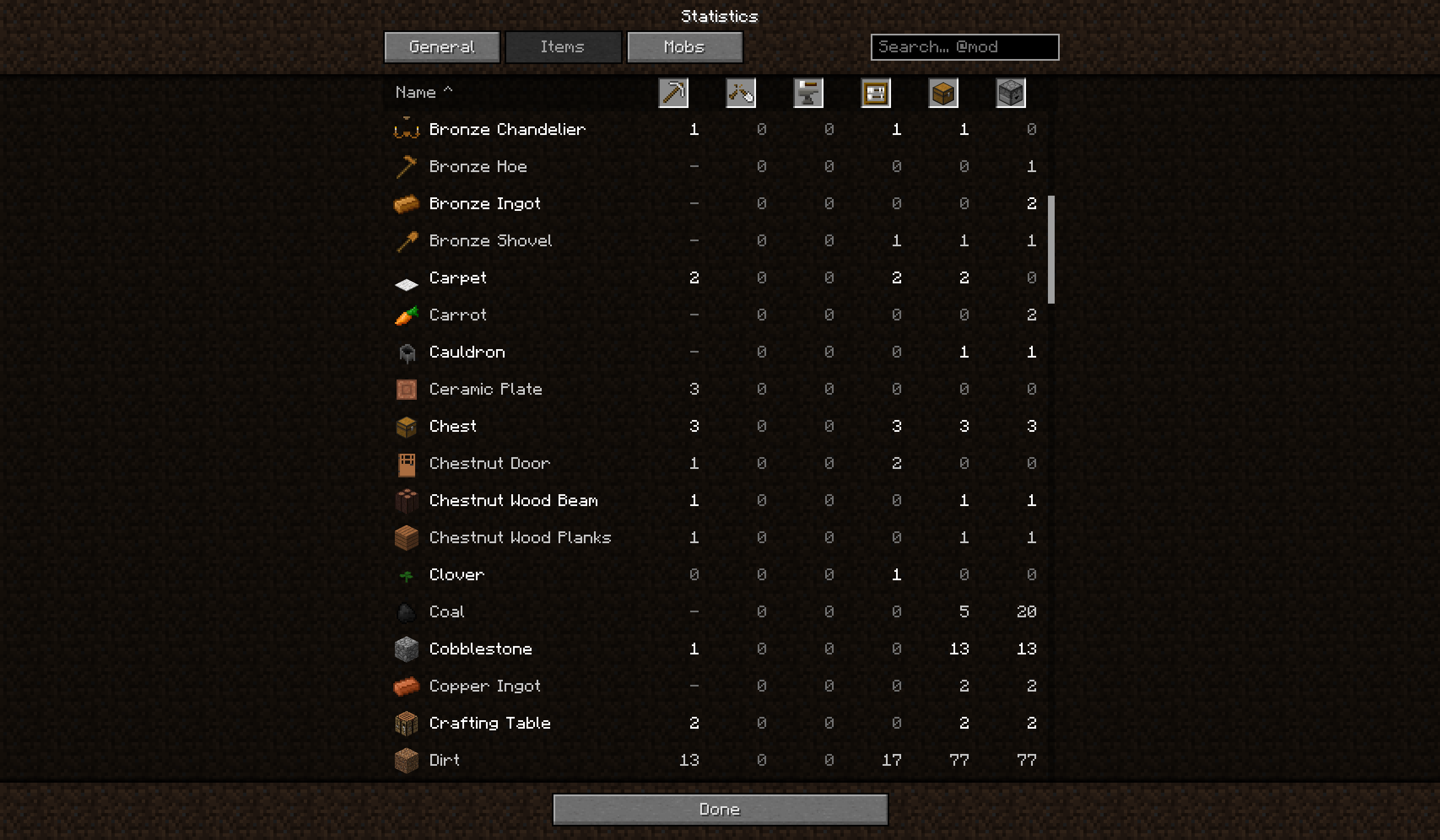
Statistics for modded blocks, items and mobs, a new statistics screen with search and a mod filter.
截图
介绍
In 1.7.10 the vanilla statistics are created before other mods register their blocks and items, so modded things are never counted. Extended Statistics fills this in and adds a better statistics screen.
What you get
- Mined, Broken, Crafted and Used for every block and item, including modded ones
- Picked up and Dropped
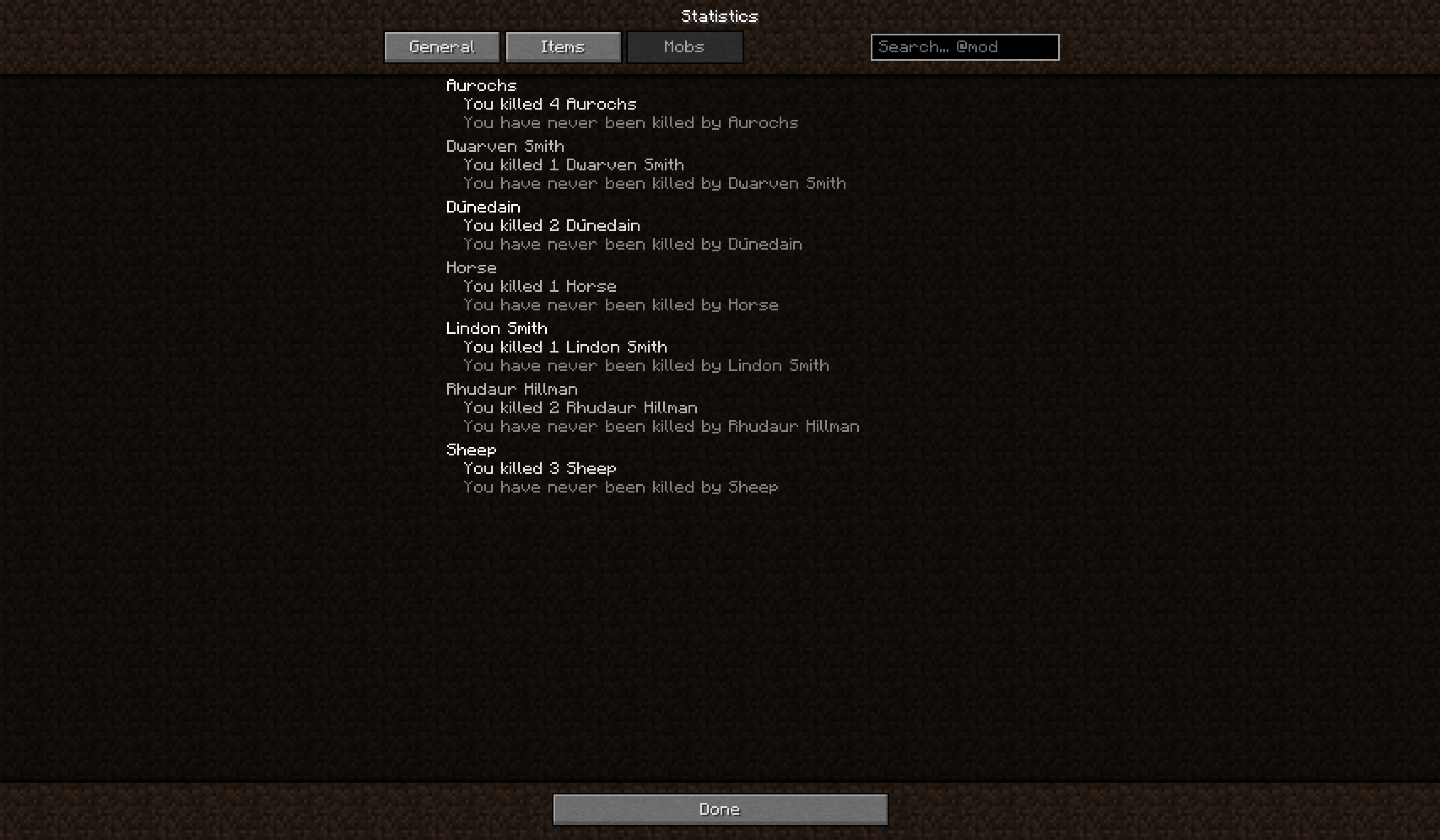
- Killed and Killed by for mobs that vanilla does not count
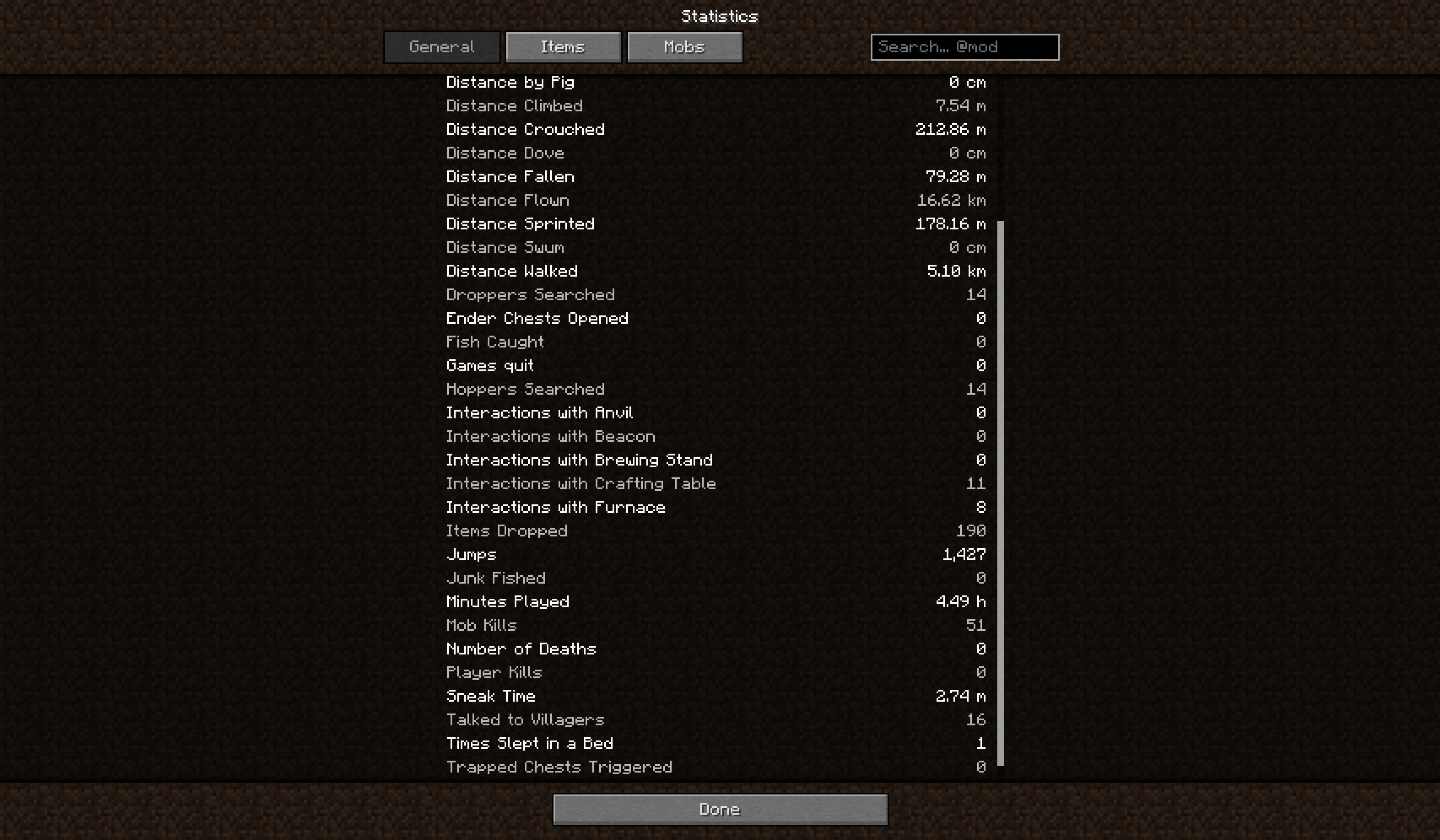
- 16 general statistics from newer versions: Distance Sprinted and Crouched, Sneak Time, Times Slept in a Bed, Chests / Ender Chests Opened, Trapped Chests Triggered, Dispensers / Droppers / Hoppers Searched, Interactions with Crafting Table / Furnace / Brewing Stand / Anvil / Beacon, Talked to Villagers
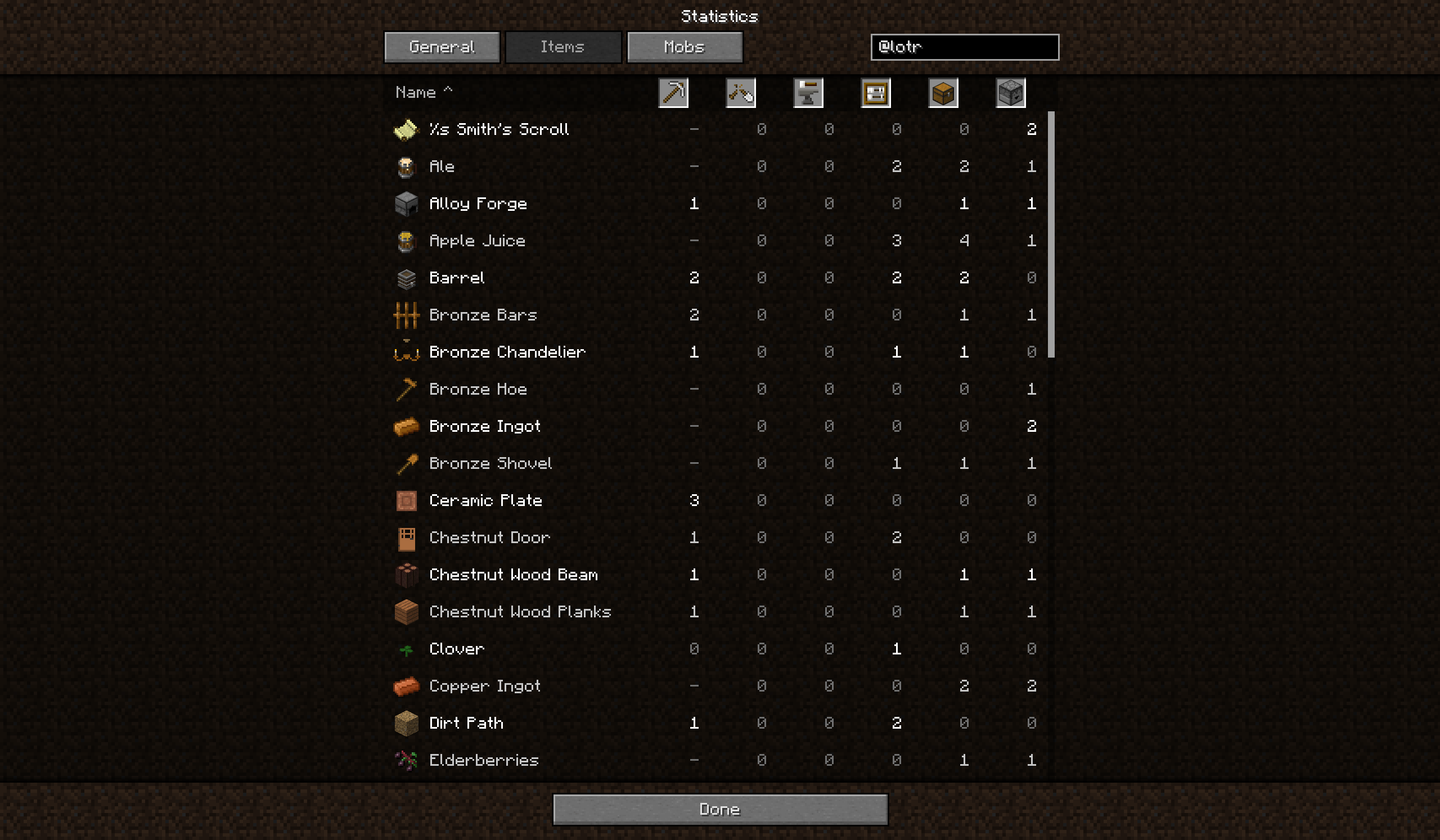
- A new statistics screen: General, Items and Mobs tabs, vanilla clay look and icons, six sortable columns, search, and a mod filter (type
@modidto show only items of one mod) - A backup file per player, so your numbers survive removing and re-adding the mod
- Translations: English and Slovak are included, and more languages can be added
Installation
Minecraft 1.7.10 with Forge 10.13.4.1614, no other mods needed.
- Singleplayer: put the jar into
mods. That’s all. - Server: put the same jar on the server and on every client. There is no separate server version.
Why both? The server counts the statistics, the client only shows them.
- Mod on the server only: everything is counted and saved, but players without the mod see only the vanilla statistics screen.
- Mod on the client only: you get the new screen, but the server doesn’t count modded blocks, items and mobs, so you see only vanilla statistics.
Neither case crashes or breaks anything, so players without the mod can still join a server with it.
Configuration (client)
config/extendedstats-merge.txt merges or renames rows (for example the item and block of a mug in The Lord of the Rings Mod, with pairs lotr:item. lotr:tile.). config/extendedstats-hidden-items.txt hides items.
Translations
The texts of the statistics screen are in lang files (assets/extendedstats/lang/). If you would like to translate the mod into your language, copy en_US.lang to xx_XX.lang (for example de_DE.lang), translate the text after each =, keep the keys unchanged and save it as UTF-8. Send it to me on Discord and I will add it to the mod.
Community
Questions, bug reports, suggestions and translations are welcome on the Discord server.
Notes
Tested with The Lord of the Rings Mod. Crafting tables of other mods are not counted as the vanilla one.
常见问题
Extended Stats 支持哪些 Minecraft 版本?
Extended Stats 支持 Minecraft Java 版 1.7.10,可用的加载器:Forge。下载时注意选择和你游戏版本一致的文件。
Extended Stats 怎么安装?
先用 PCL2 或 HMCL 启动器安装对应版本的 Forge,再把下载的 .jar 文件放进游戏目录的 mods 文件夹,重新启动游戏即可。开启了版本隔离的,mods 文件夹在 versions/版本名 下面。

评论
登录后评论和评分