
Extended Hotbar Updated (Unofficial)
A mod that adds a longer scrollable hotbar. Updated for my personal use but now published in the 2 versions I updated it for.
截图
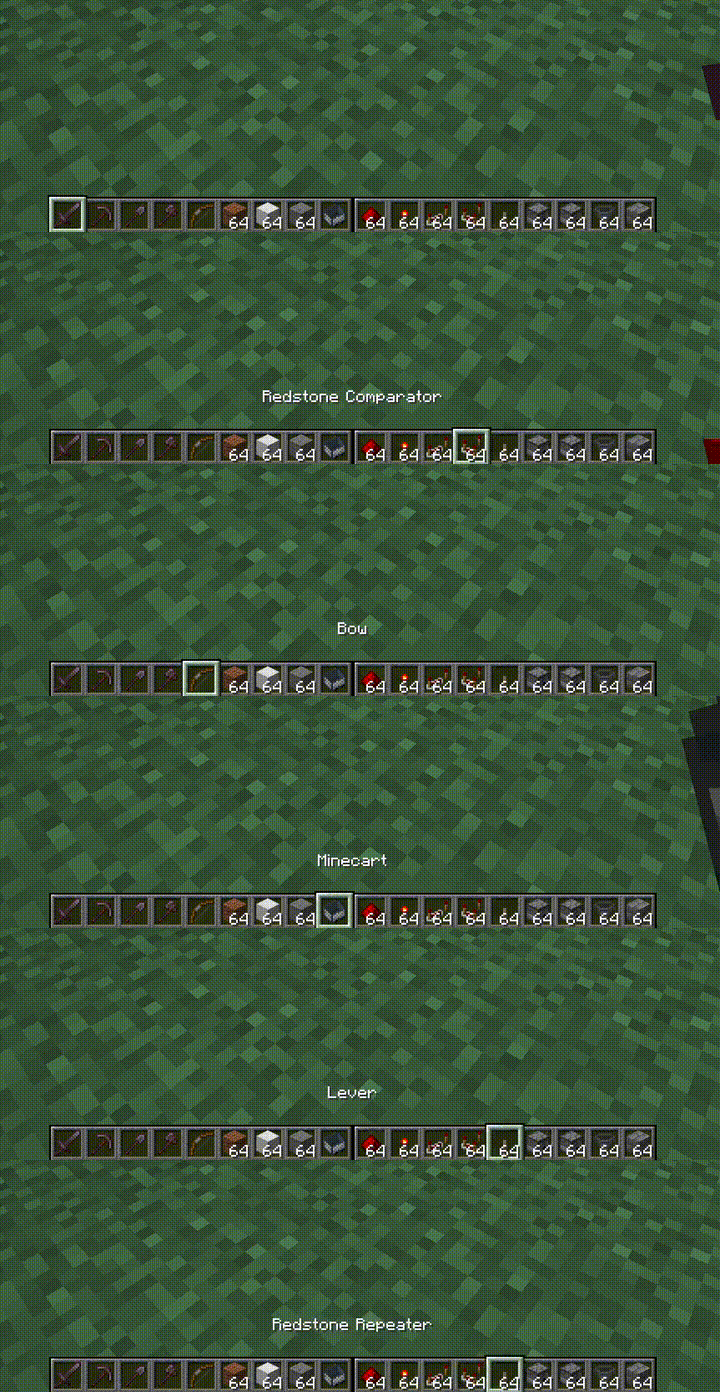
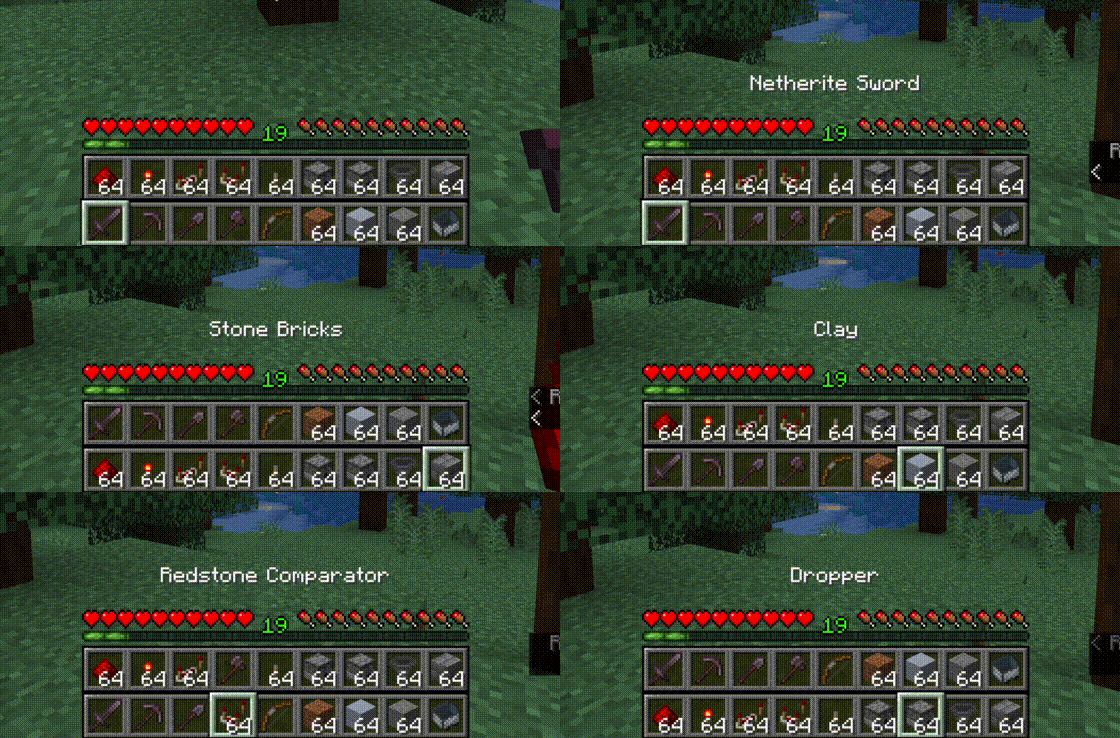
介绍
Original Desc: Extended Hotbar
===============

Top bar is the bottom bar of the player’s inventory.
- Press
Rto swap the rows - Press
Shift-Rto swap only the items in your hand. (Disabled by default) - Press
=to disable/enable
Hotkeys are configurable in the standard Minecraft controls settings.
Additional configuration is in the mod’s menu page. ModMenu is required for the extra configuration.
Fluent Mode
Fluent mode can be enabled in the mod’s config menu (using ModMenu). This disabled manual swapping using the R key,
and instead does the swapping transparently as the user scrolls along a double-wide hotbar, created by rendering the
second hotbar alongside the first, rather than on top.
A note from me.
This mod is an unofficial fork of the extended hotbar mod originally made by DenWav and unilock I originally updated this for the purpose of my own use but ended up having my 1.21.4 fork merged into the repo but it was never uploaded to modrinth. So here is my 1.21.4 and 1.21.11 versions. Due to immense rendering changes this was a difficult updating process, versions between 1.21.2 and 1.21.10 that I have not covered may not be supported. But if you want a middle version make an issue on the github page about it and i might get to it.
常见问题
Extended Hotbar Updated (Unofficial) 支持哪些 Minecraft 版本?
Extended Hotbar Updated (Unofficial) 支持 Minecraft Java 版 1.21.4–1.21.11,共 2 个版本,可用的加载器:Fabric。下载时注意选择和你游戏版本一致的文件。
Extended Hotbar Updated (Unofficial) 怎么安装?
先用 PCL2 或 HMCL 启动器安装对应版本的 Fabric,再把下载的 .jar 文件放进游戏目录的 mods 文件夹,重新启动游戏即可。开启了版本隔离的,mods 文件夹在 versions/版本名 下面。运行环境:仅客户端。
UnicornMaster 的其他作品
查看全部 →
Fps Booster Command
这个模组添加了一个简单的命令 /fps max,能大幅提升你的帧率。

Tnt Limiter
一个限制客户端渲染 TNT 数量的模组,能大幅减少大规模 TNT 爆炸造成的卡顿。

Avaritia at Home
这款模组加入了许多与 Avaritia 相同的物品,包括能瞬间击杀任何目标的宇宙之剑。现已支持极限合成,并可使用 REI 查看配方。

ItemEdit fabric
为 Fabric 客户端 1.20.5 至 1.21.6 完全重写的 ItemEdit 插件版本
评论
登录后评论和评分