
截图

介绍
中文介绍正在准备中,下面暂时显示原文。
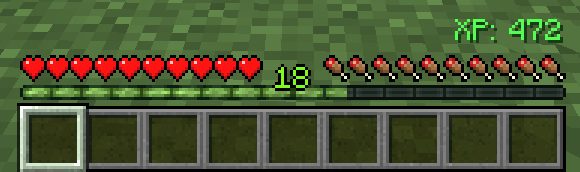
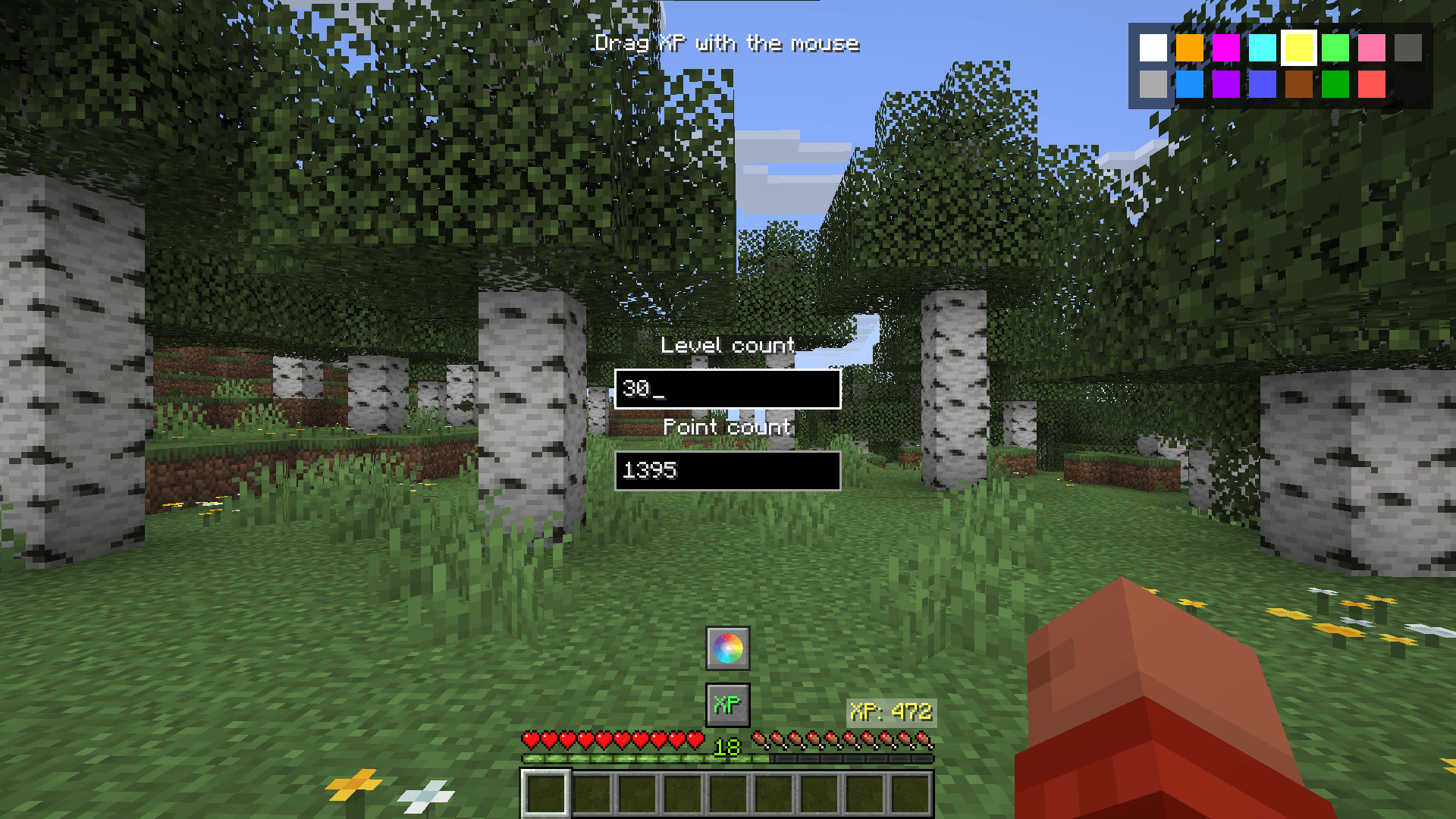
This mod displays your experience points directly on the screen.
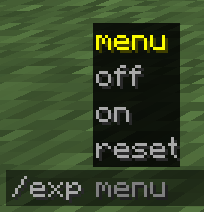
Mod Comands
- /exp menu – show menu
- /exp off – hides the XP counter on the screen
- /exp on – shows the XP counter on the screen
- /exp reset – resets the XP counter position to default
Menu Functionality
This menu can also be opened using the “Y” key. This key can be rebound in the Minecraft control settings.
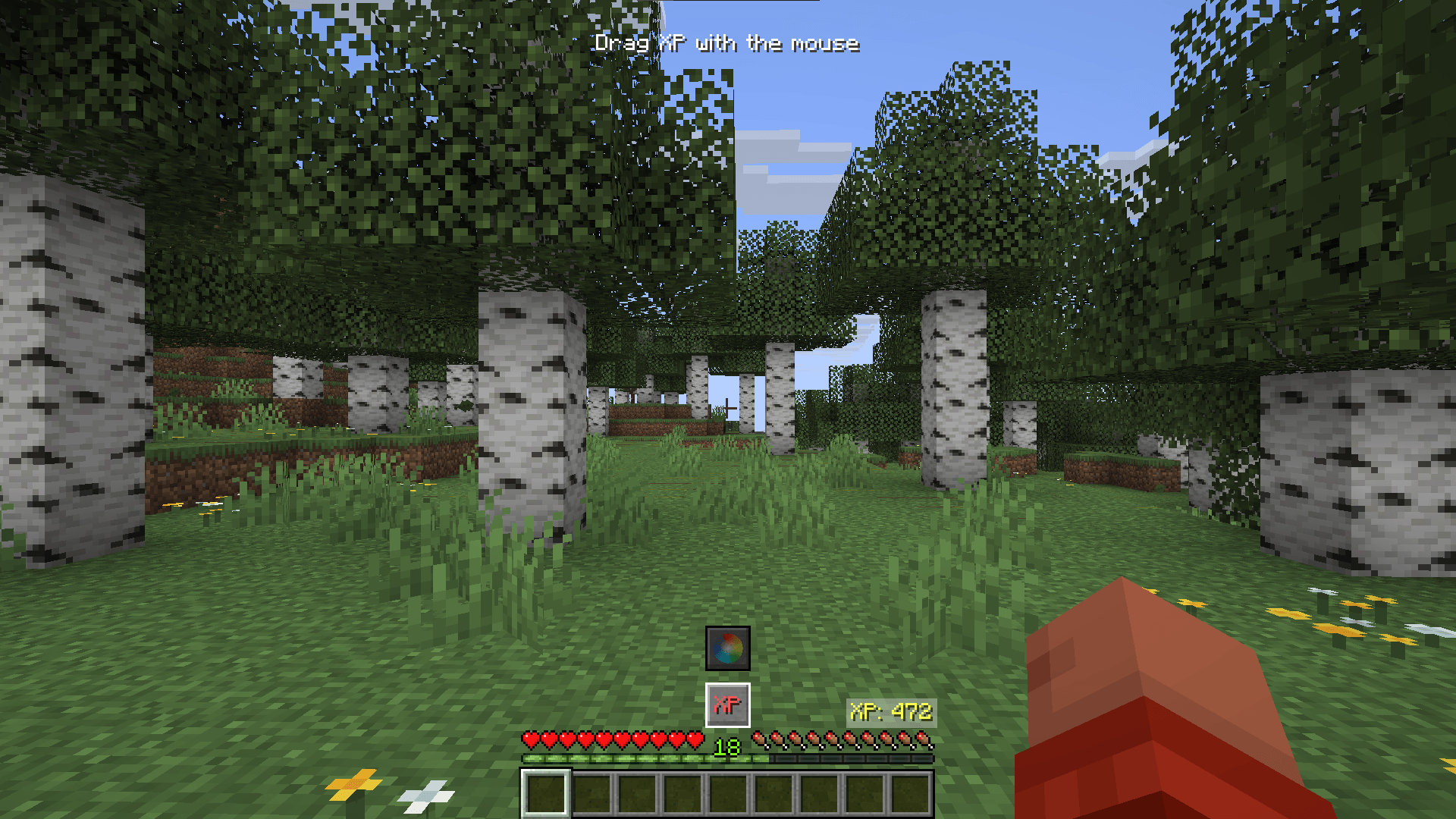
- Ability to drag the XP counter with your mouse.
- Ability to recalculate experience points into levels and vice versa.
- The “XP” button allows you to enable/disable text fields for converting experience.
- Ability to change the color of the XP counter using a palette.
- The palette button allows you to enable/disable the display of the palette.
GitHub

常见问题
ExpView 支持哪些 Minecraft 版本?
ExpView 支持 Minecraft Java 版 1.21–26.3,共 17 个版本,可用的加载器:Fabric。下载时注意选择和你游戏版本一致的文件。
ExpView 怎么安装?
先用 PCL2 或 HMCL 启动器安装对应版本的 Fabric,再把下载的 .jar 文件放进游戏目录的 mods 文件夹,重新启动游戏即可。开启了版本隔离的,mods 文件夹在 versions/版本名 下面。



评论
登录后评论和评分