
截图
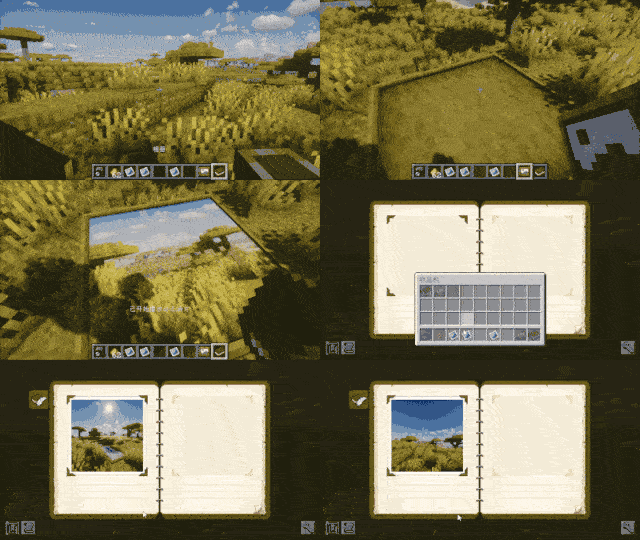
介绍
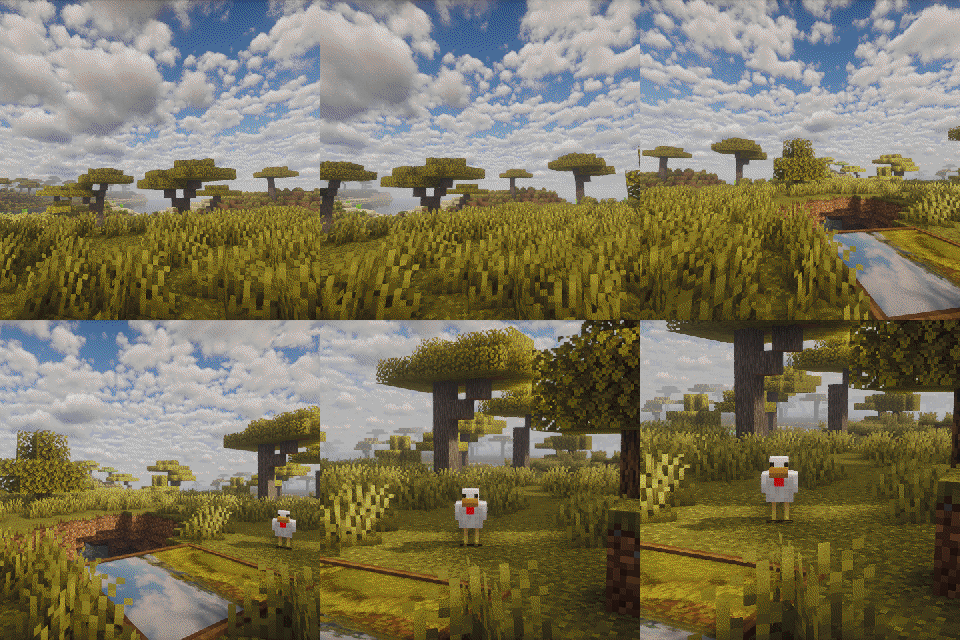
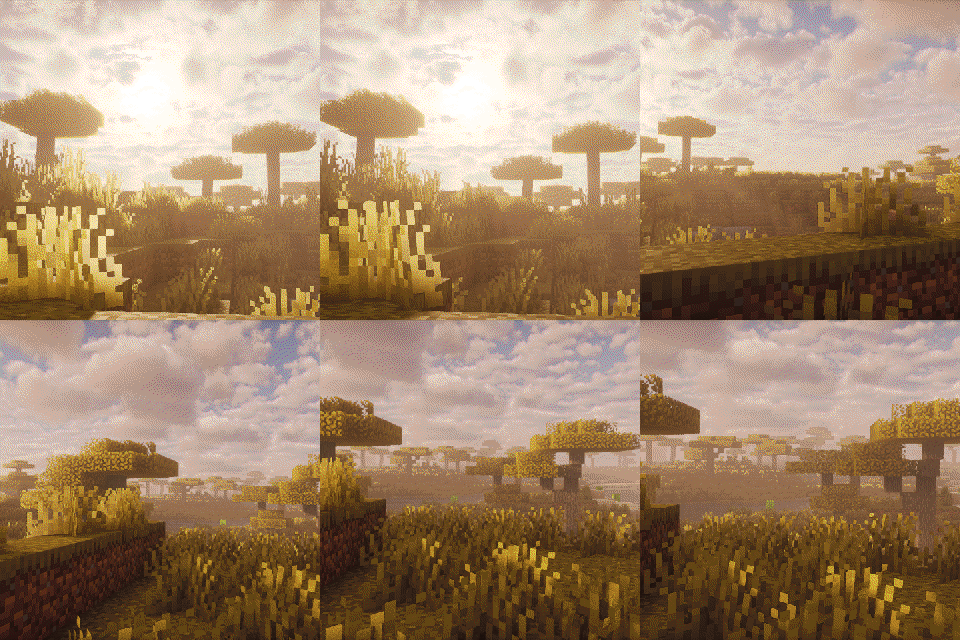
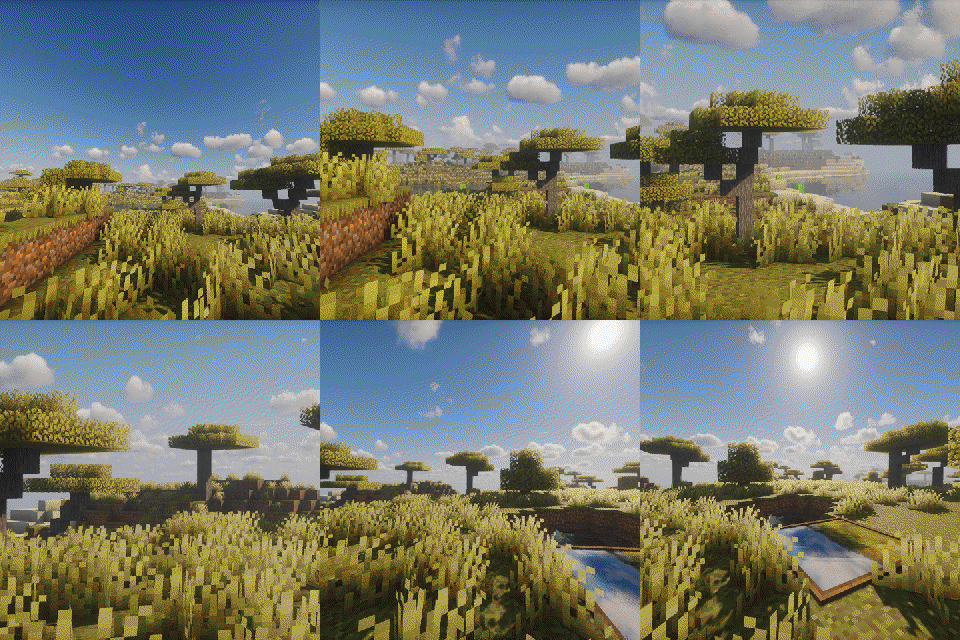
Exposure Camcorder 不是一台独立的新相机,而是 Exposure 生态里的动态照片扩展。
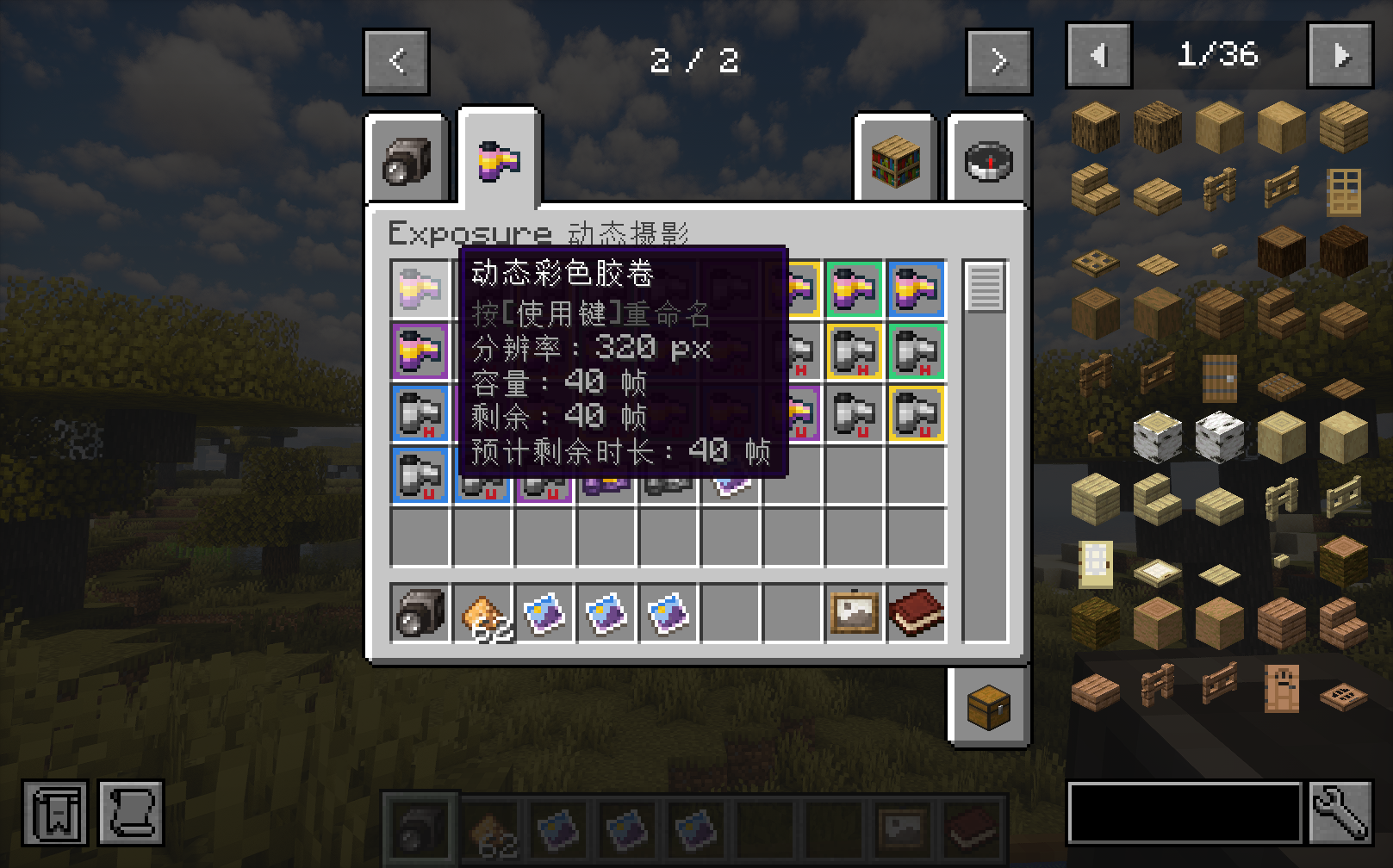
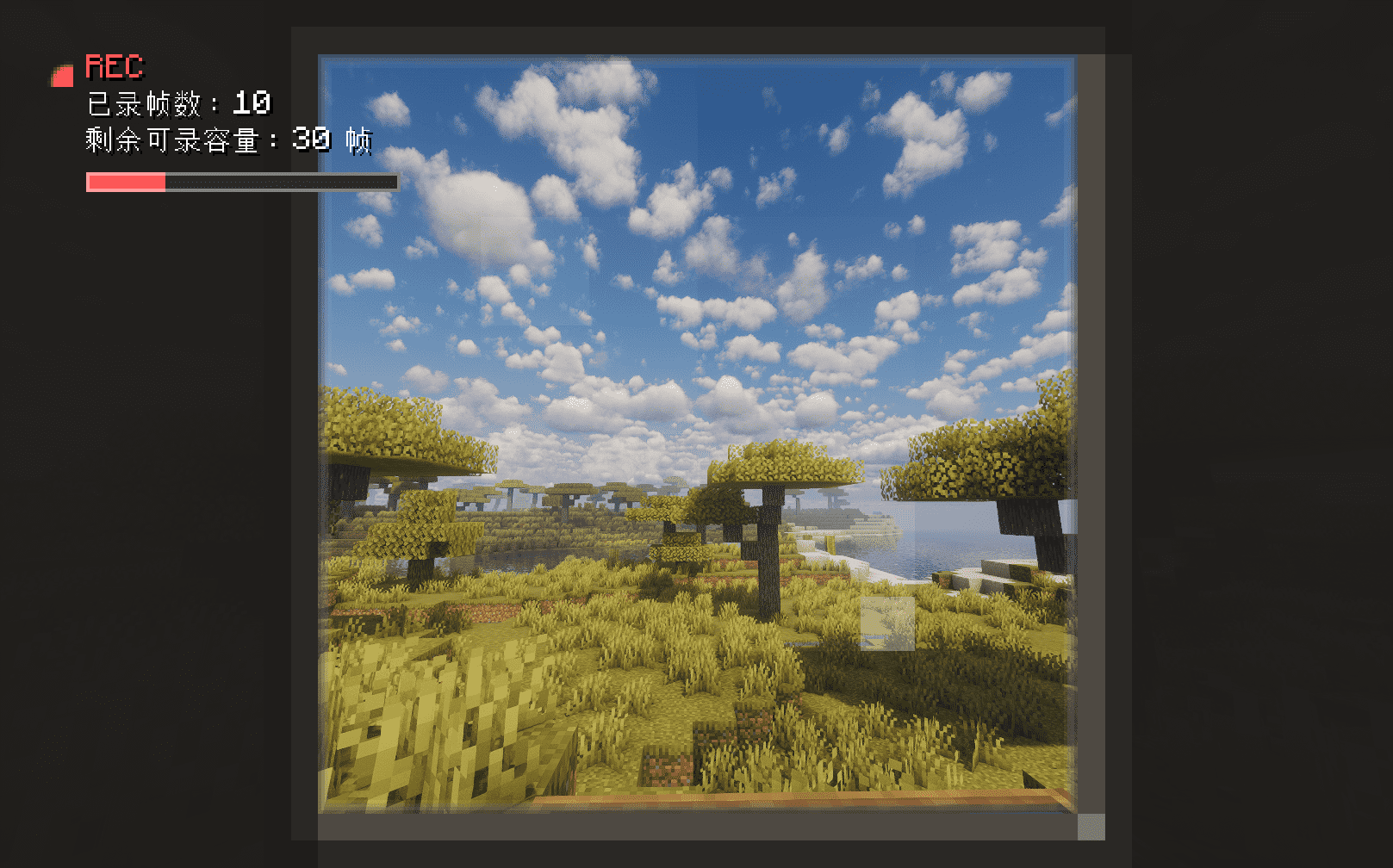
它把 Exposure 的相机、胶卷、相册和相框系统接起来,让你能把连续录下来的画面封装成一张可播放的动态照片。
主要功能:
给 Exposure 相机加入录制模式
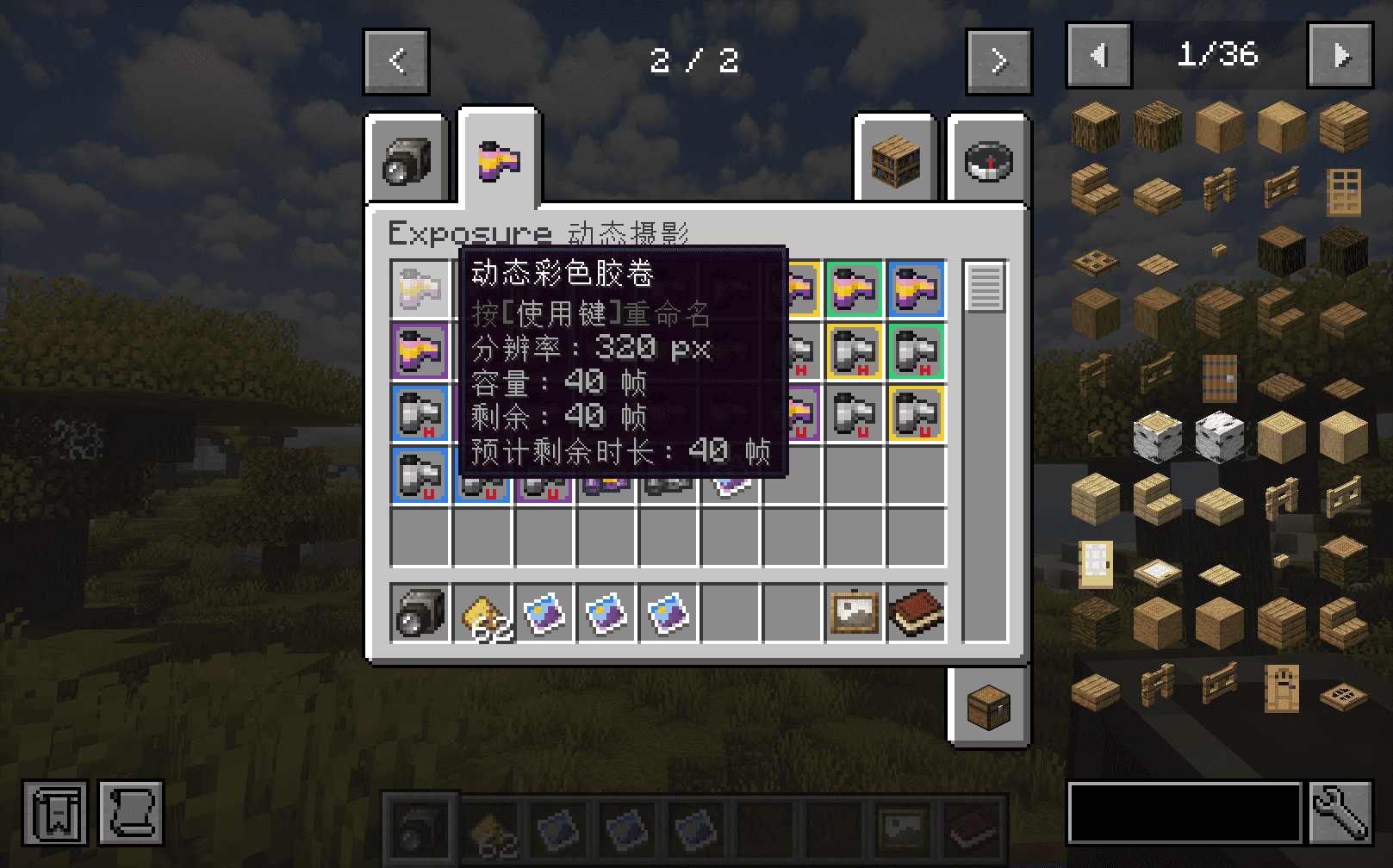
支持多种动态胶卷:普通、高分辨率、超高分辨率,含彩色和黑白版本
录制结束后生成动态照片,不丢帧数、间隔和会话信息
动态照片可在查看器中播放,也能放入相册和相框
支持导出 GIF
支持 Create 兼容配方
使用方式很简单:
合成并装入动态胶卷
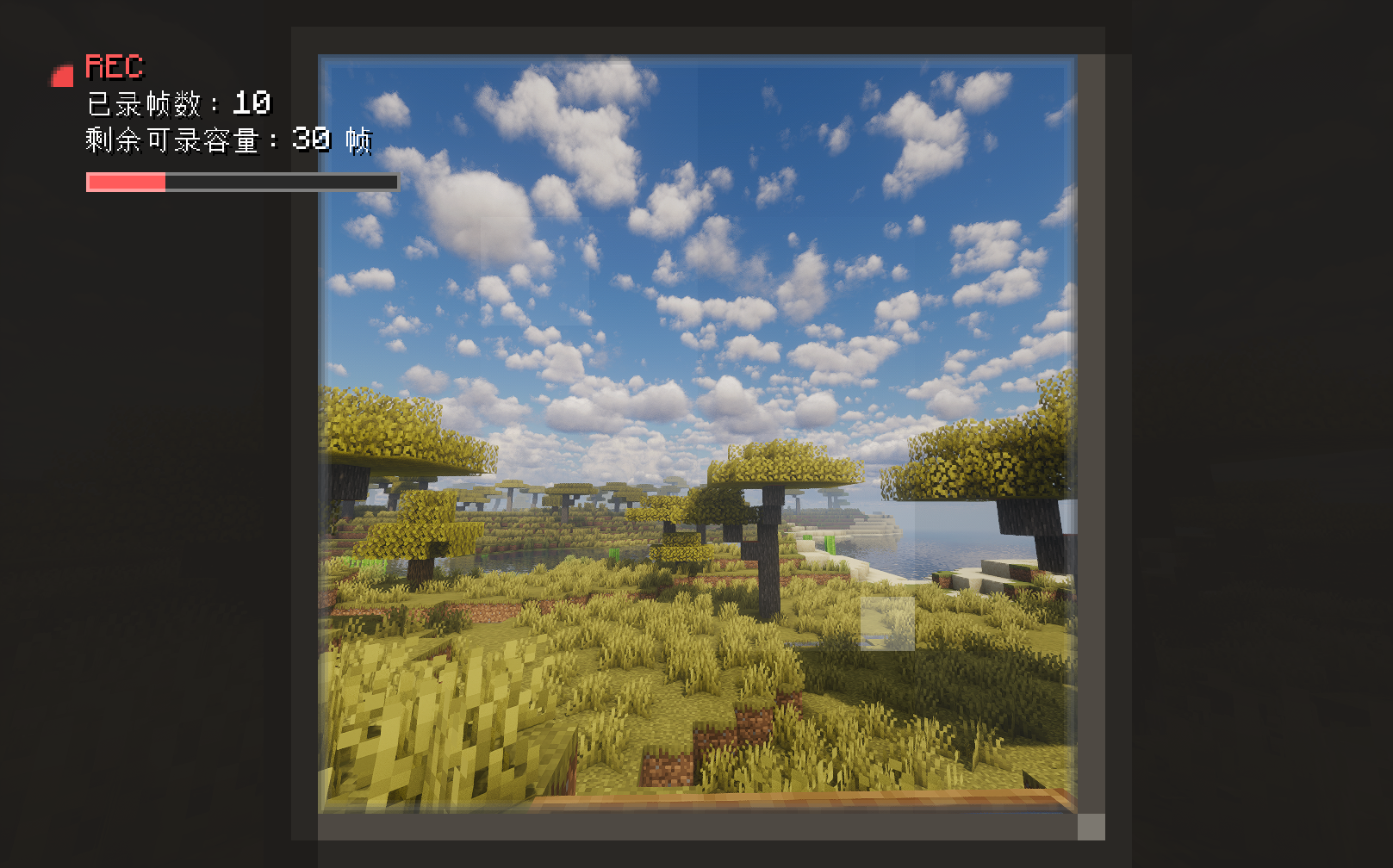
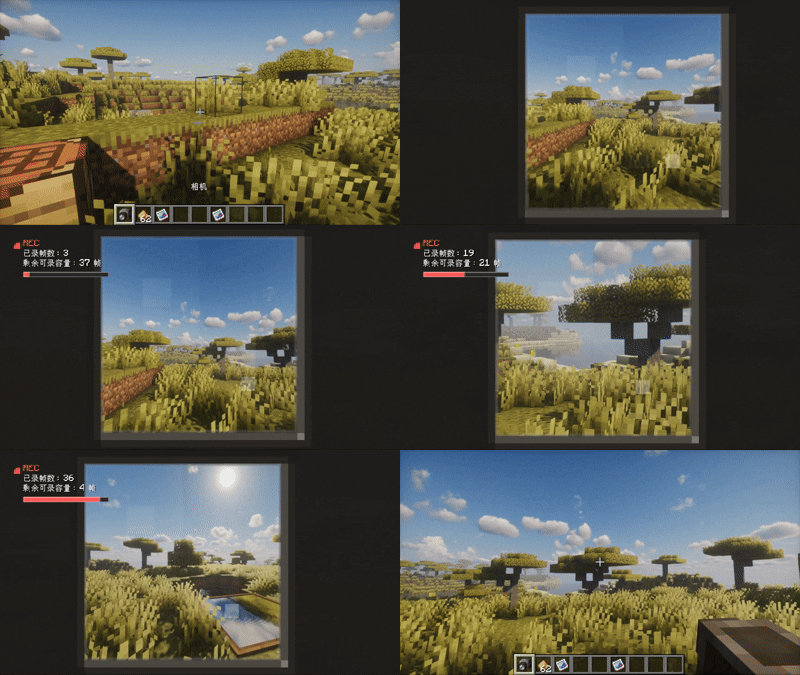
拿着 Exposure 相机切到录制模式(默认R键)
右键开始录制,再次右键停止
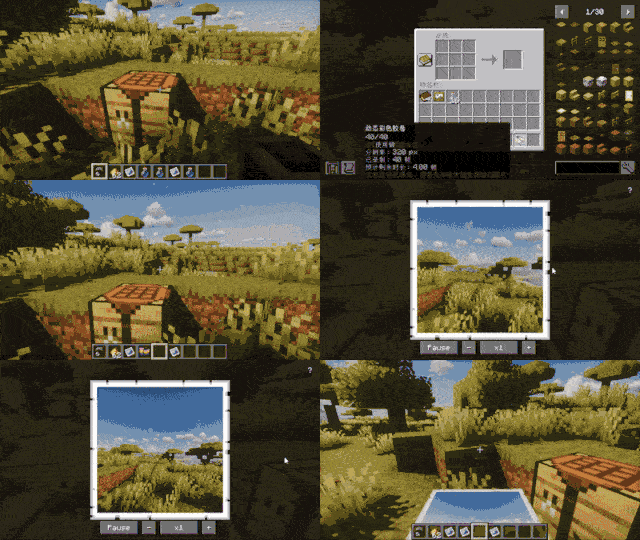
冲洗已曝光胶卷
将冲洗完成的胶卷转成动态照片
依赖
Minecraft 1.21.1
Exposure
Fabric / NeoForge
The Exposure Camcorder isn’t a standalone new camera, but an extension for dynamic photos within the Exposure ecosystem.
It connects Exposure’s camera, film, album and frame systems, allowing you to encapsulate continuously recorded footage into a playable dynamic photo.
Main features:
Adds recording mode to Exposure cameras Supports various dynamic films: standard, high resolution, ultra high resolution,
including colour and black & white versions Generates dynamic photos after recording without losing frames, intervals or session information Dynamic photos can be played in the viewer,
and can also be added to albums and frames Supports GIF export Supports Create compatible recipes Very easy to use: Combine and load dynamic film Switch the Exposure camera to recording mode (default R key) Right-click to start recording, right-click again to stop Develop the exposed film Convert the developed film into dynamic photos
Requirements
Minecraft 1.21.1
Exposure
Fabric / NeoForge
常见问题
ExposureCamcorder 支持哪些 Minecraft 版本?
ExposureCamcorder 支持 Minecraft Java 版 1.20.1–1.21.11,共 18 个版本,可用的加载器:Fabric / Forge / NeoForge。下载时注意选择和你游戏版本一致的文件。
ExposureCamcorder 怎么安装?
先用 PCL2 或 HMCL 启动器安装对应版本的 Fabric / Forge / NeoForge,再把下载的 .jar 文件放进游戏目录的 mods 文件夹,重新启动游戏即可。开启了版本隔离的,mods 文件夹在 versions/版本名 下面。运行环境:客户端和服务端都要装。
评论
登录后评论和评分