Exposure: Aperture
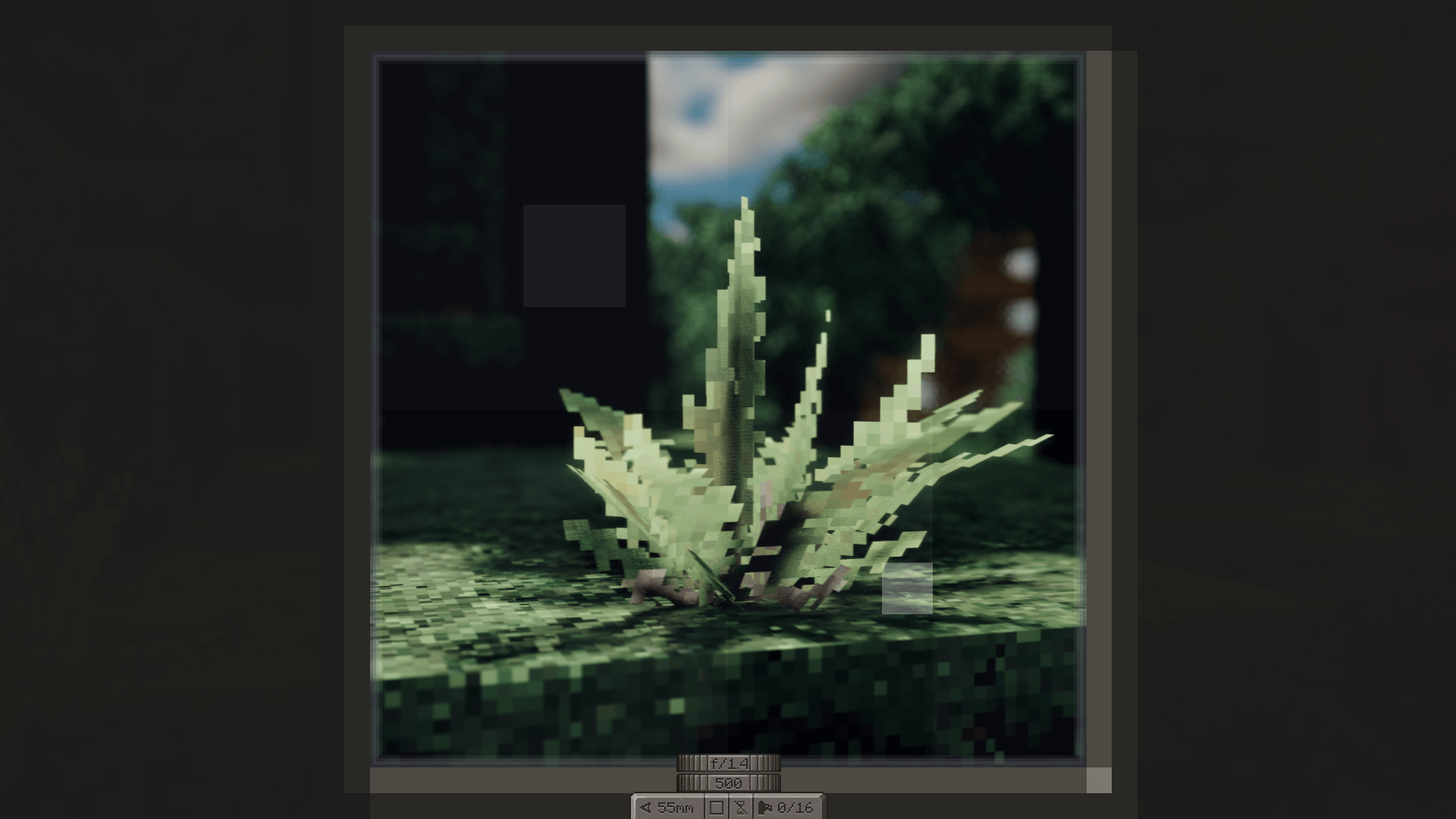
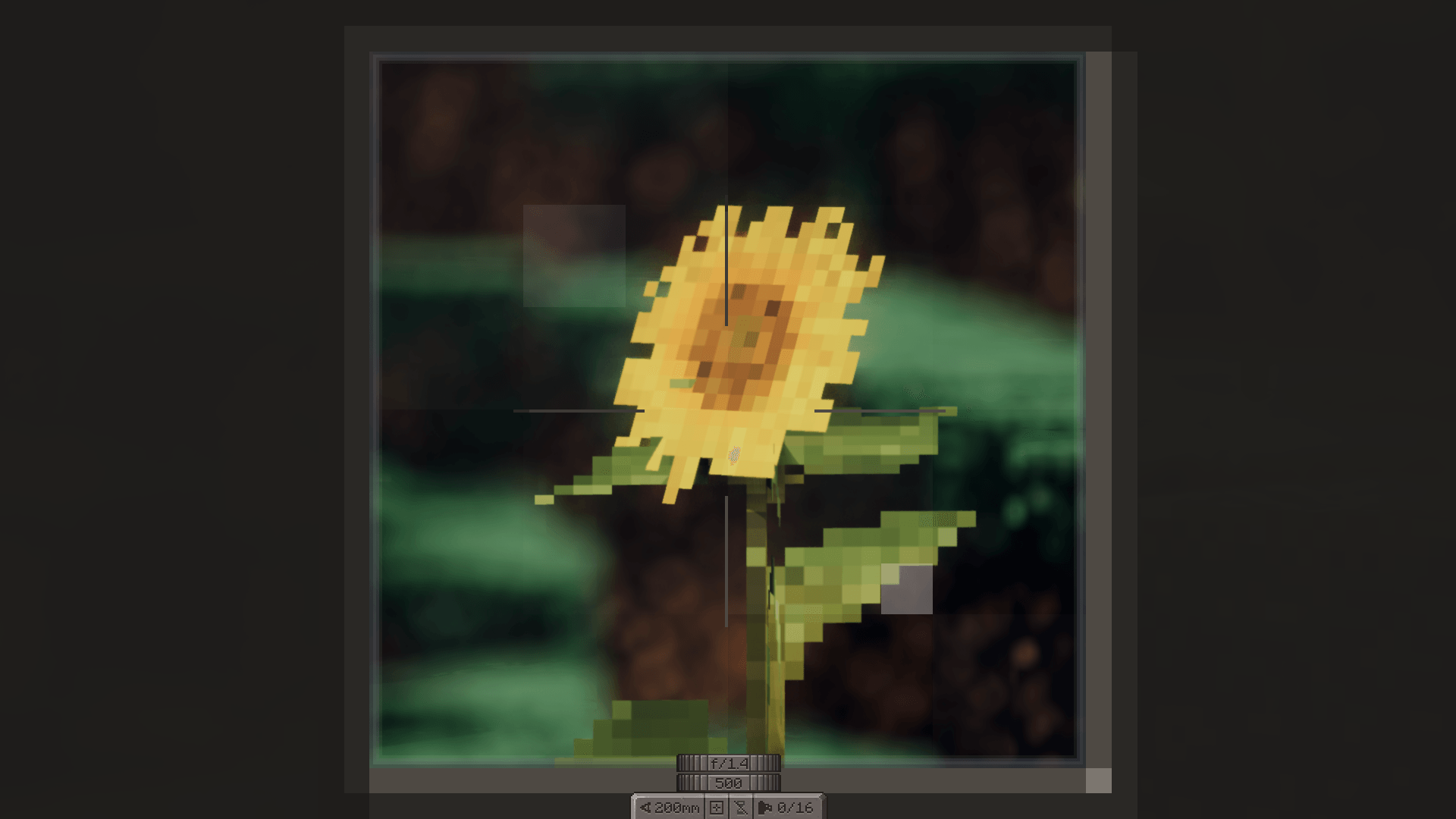
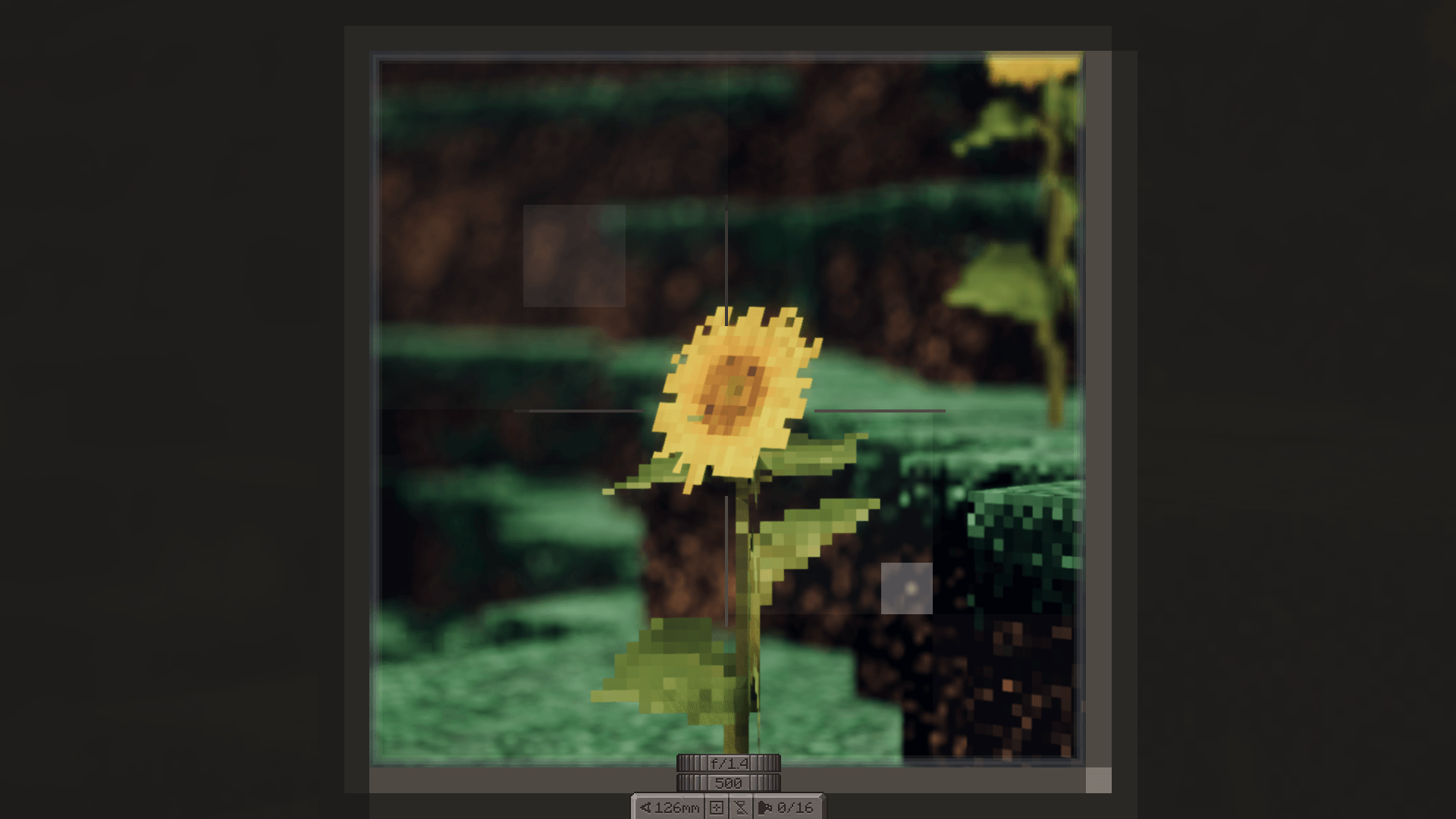
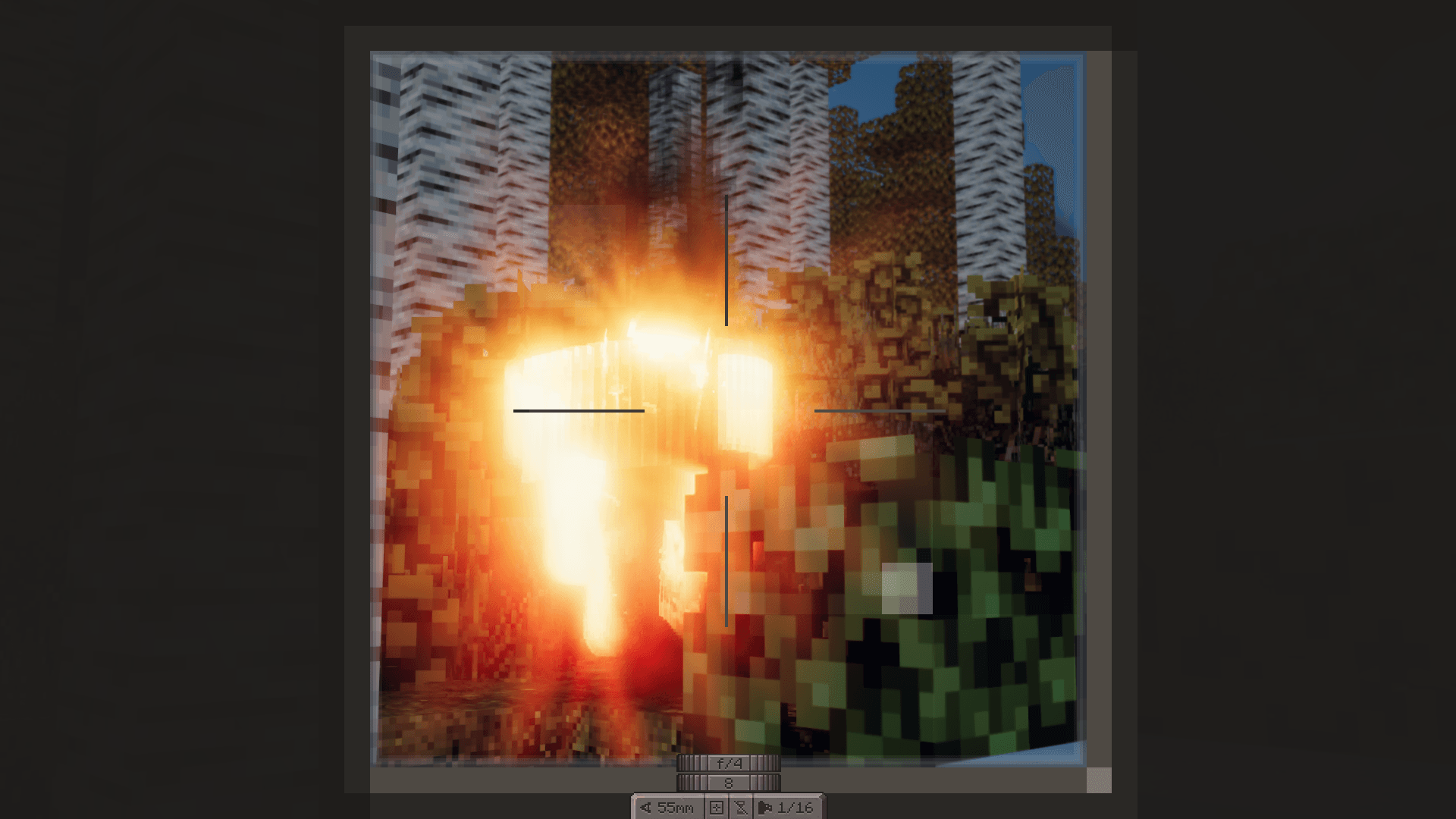
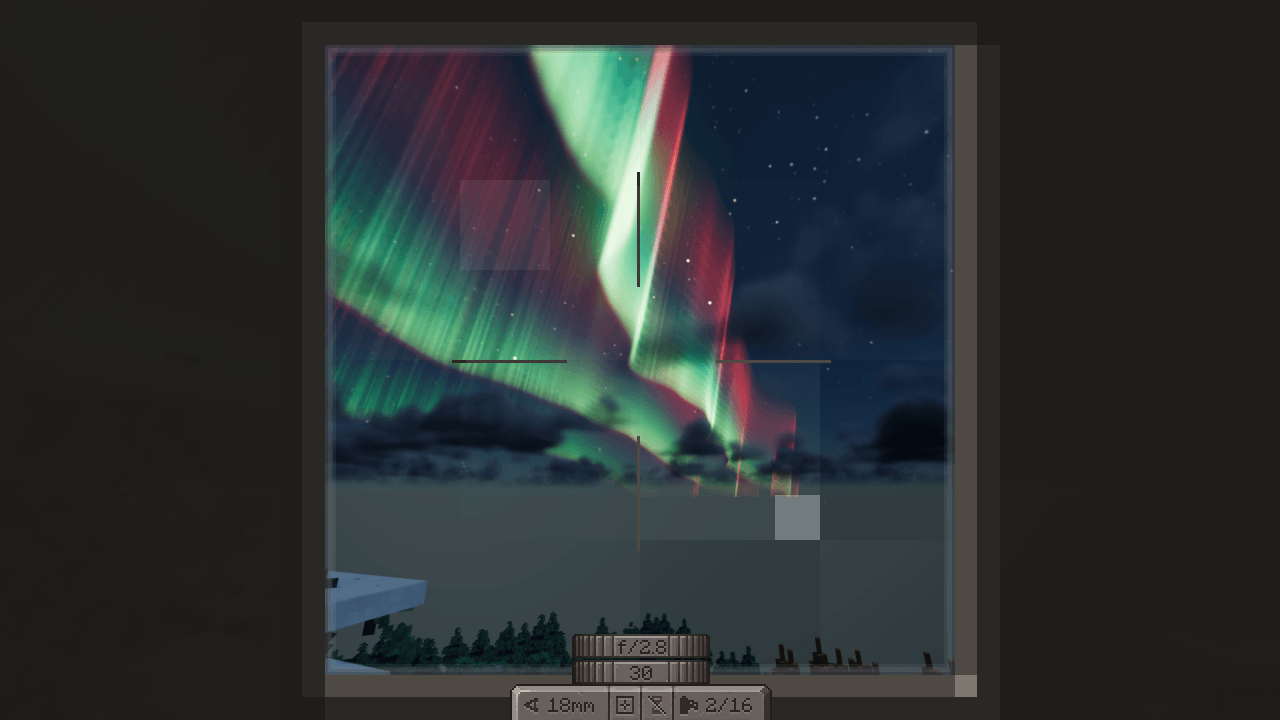
Your Exposure camera’s aperture, zoom and shutter speed now drive your shader: depth of field, brightness and motion trails follow the camera dials.
截图
介绍
Exposure: Aperture
An addon for Exposure, the film photography mod. While you look through an Exposure
camera, its settings drive your shader pack: the aperture you dial in, the lens’s focal length as you zoom, and the
shutter speed. Lower the camera and the shader goes back to its own settings – nothing in your shader options is
changed.
Built for the Lumarit shader pack (1.1 or newer) on Iris:
- Aperture – f/1.4 blurs the background into bokeh, f/22 keeps everything sharp. Bokeh shape, sun stars and
diffraction follow the f-stop too. - Focal length – zooming the camera lens changes how shallow the depth of field is, the way a real lens does.
- Shutter speed – slower shutters brighten the picture and leave motion trails; faster ones darken it. 1/60 at
f/2.8, a new camera’s settings, keeps the normal brightness.
Using it
Raise an Exposure camera and open its controls (the camera controls key; Shift by default). A new f-stop dial sits
above Exposure’s shutter speed dial – click or scroll it to go from f/1.4 to f/22. Zoom and shutter speed are
Exposure’s own controls. The aperture is saved on the camera item.
Requirements
- Minecraft 1.21.1, Fabric (with Fabric API) or NeoForge
- Exposure 1.9.19 or newer
- Iris 1.8.x with Sodium, and a shader pack that supports it (Lumarit 1.1+)
- Install it on the server too when playing multiplayer: the aperture is stored on the camera item.
For shader authors
The mod adds three Iris uniforms to every program. Each is 0.0 whenever no Exposure camera is being looked through,
and always 0.0 without the mod, so a pack can fall back to its own settings:
| Uniform | Unit | Range |
|---|---|---|
uniform float exposureFNumber; |
f-number | 1.4 – 22 |
uniform float exposureFocalLength; |
mm, follows the zoom animation | the lens’s range, 18 – 55 by default |
uniform float exposureShutterTime; |
seconds | 1/500 – 1 |
Exposure maps focal length to field of view with a 36 mm film width across Minecraft’s vertical FOV.
Building
gradlew build makes fabric/build/libs/exposure-aperture-fabric-<version>.jar and
neoforge/build/libs/exposure-aperture-neoforge-<version>.jar. Shared code is in common/. gradlew :fabric:prodClient
runs a clean production 1.21.1 instance in fabric/run/prod.
License
MIT – see LICENSE. The mod icon includes Exposure’s camera icon, used under Exposure’s MIT license
(common/src/main/resources/assets/exposure_aperture/icon.LICENSE.txt).
常见问题
Exposure: Aperture 支持哪些 Minecraft 版本?
Exposure: Aperture 支持 Minecraft Java 版 1.21.1,可用的加载器:Fabric / NeoForge。下载时注意选择和你游戏版本一致的文件。
Exposure: Aperture 怎么安装?
先用 PCL2 或 HMCL 启动器安装对应版本的 Fabric / NeoForge,再把下载的 .jar 文件放进游戏目录的 mods 文件夹,重新启动游戏即可。开启了版本隔离的,mods 文件夹在 versions/版本名 下面。

评论
登录后评论和评分