Expanded World
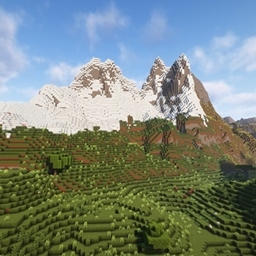
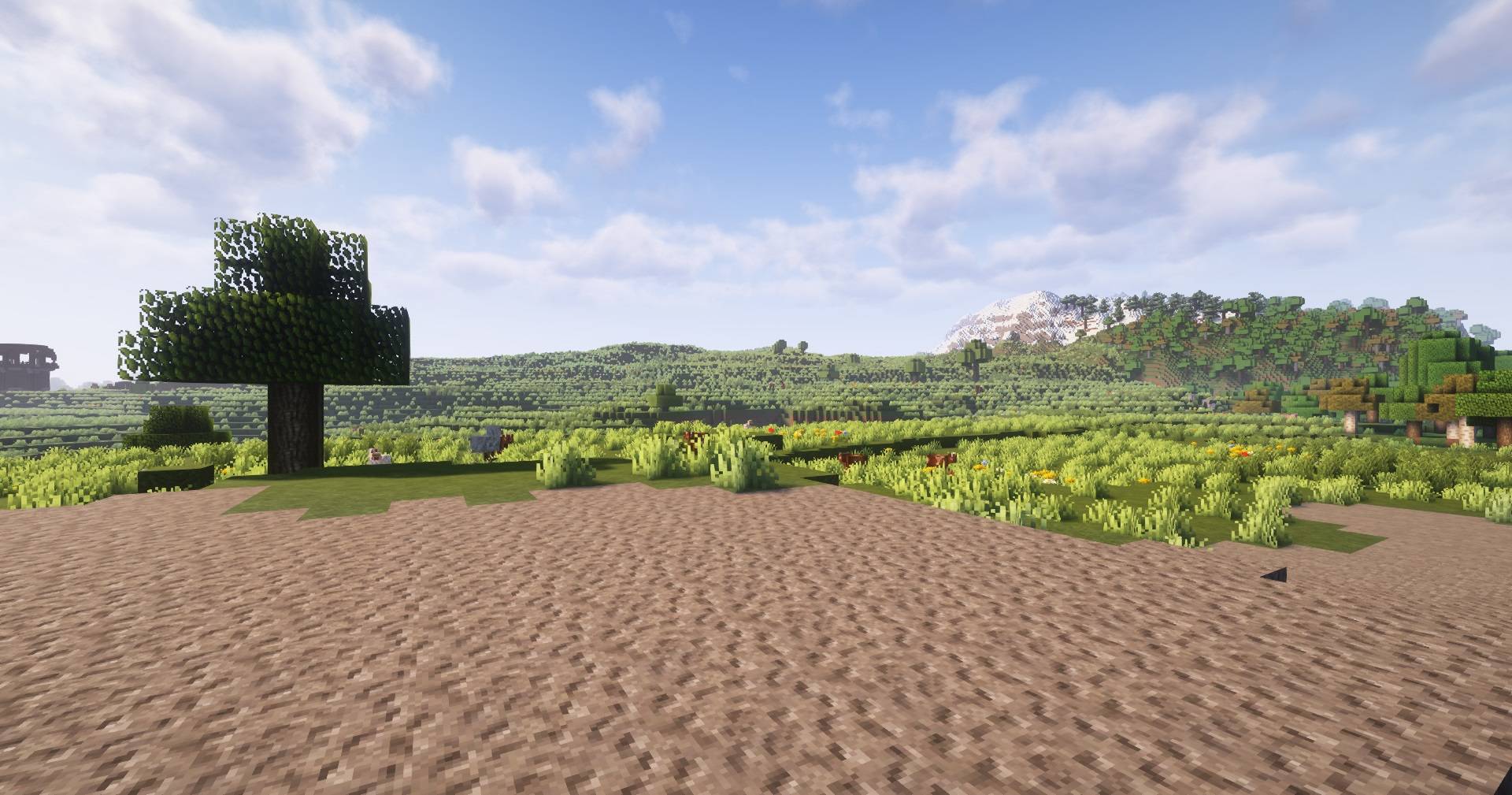
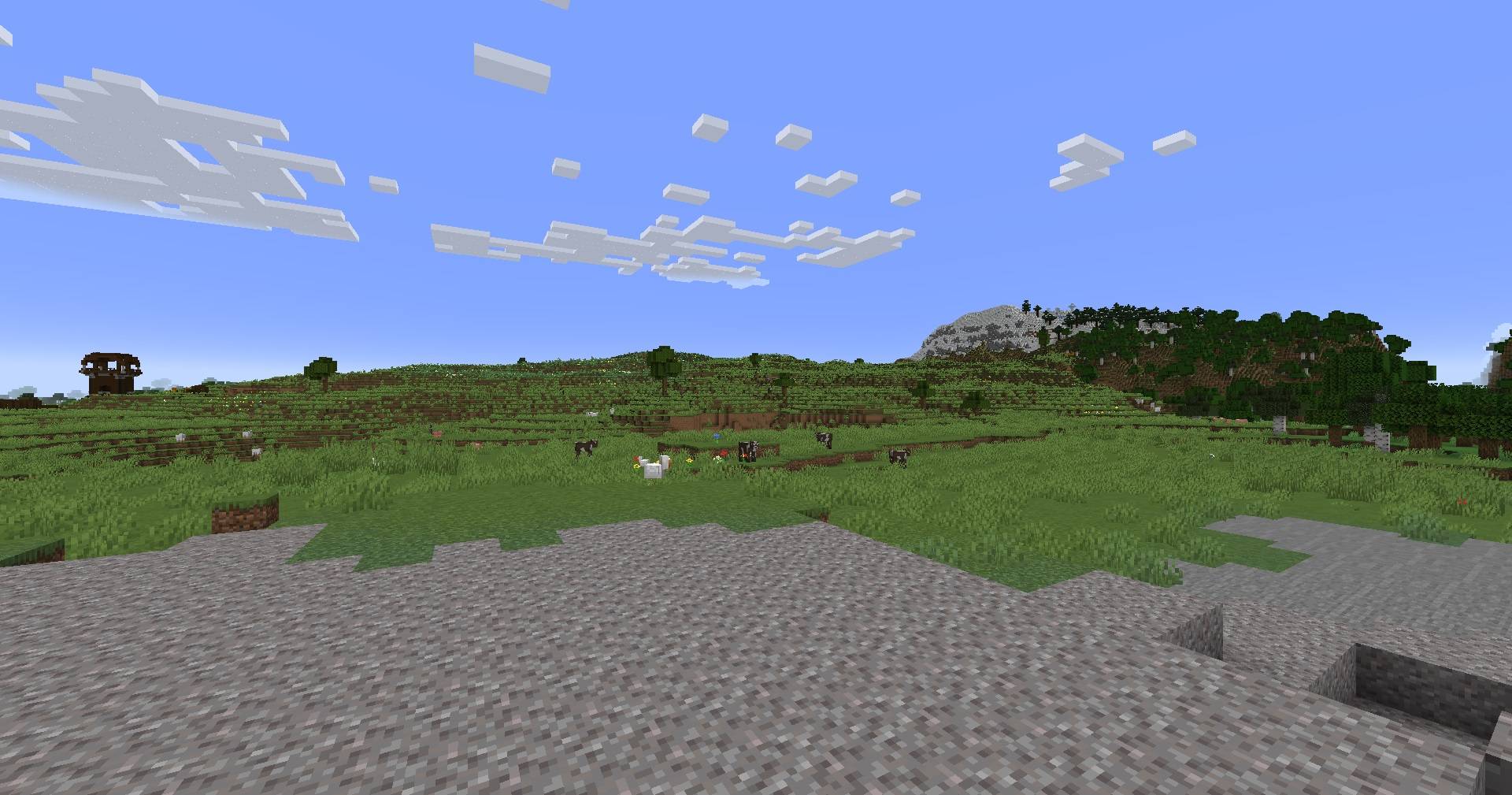
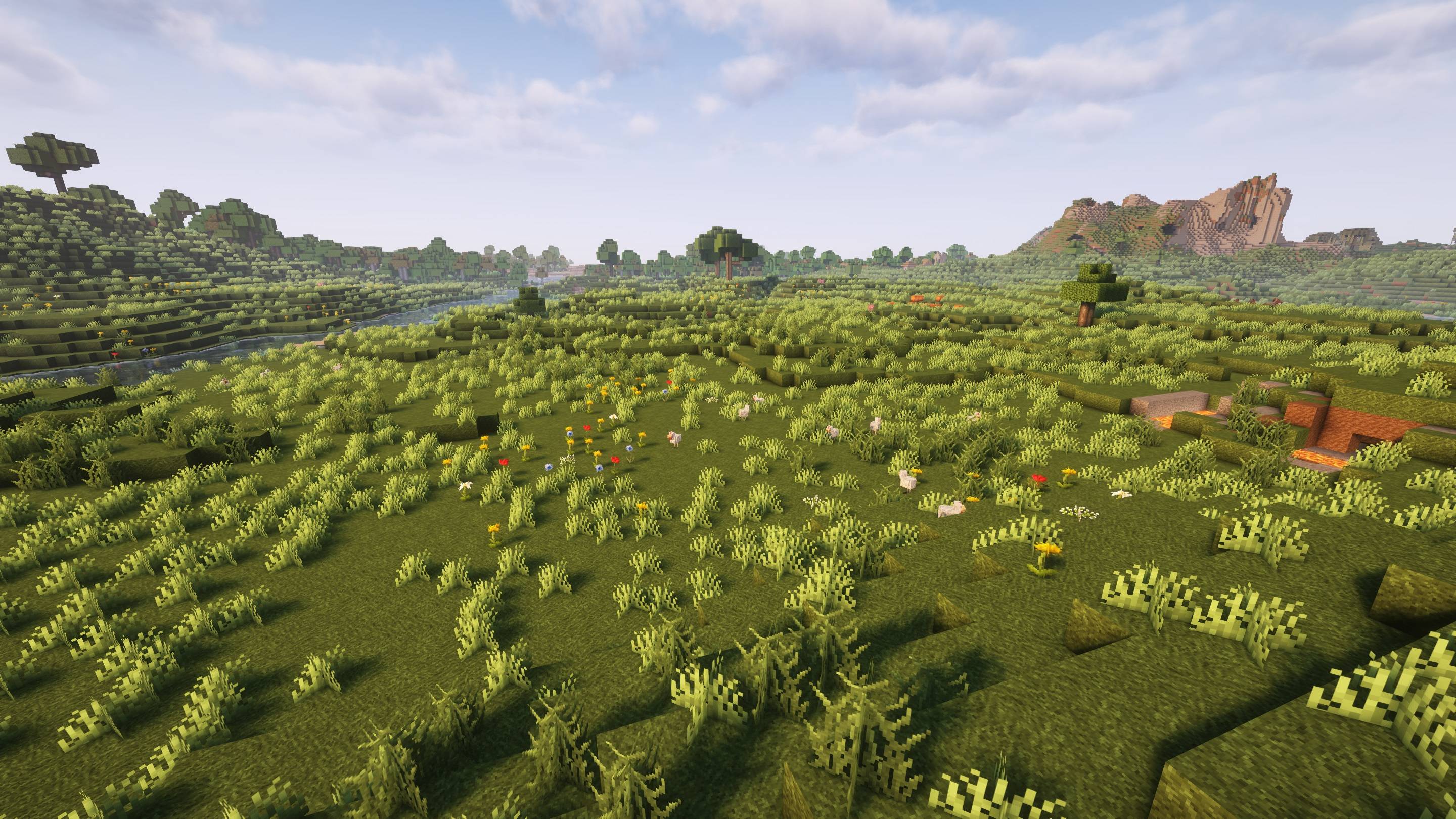
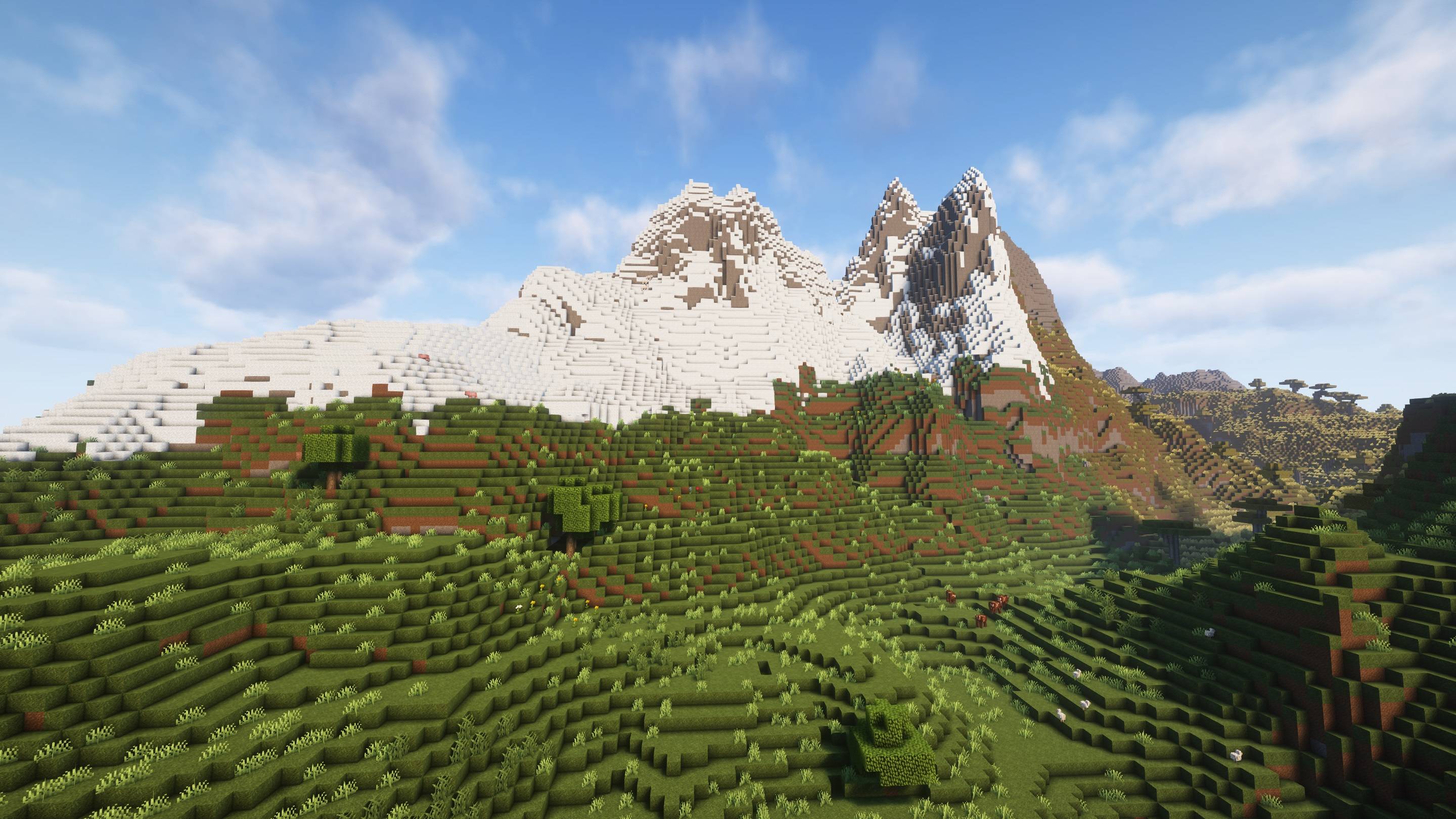
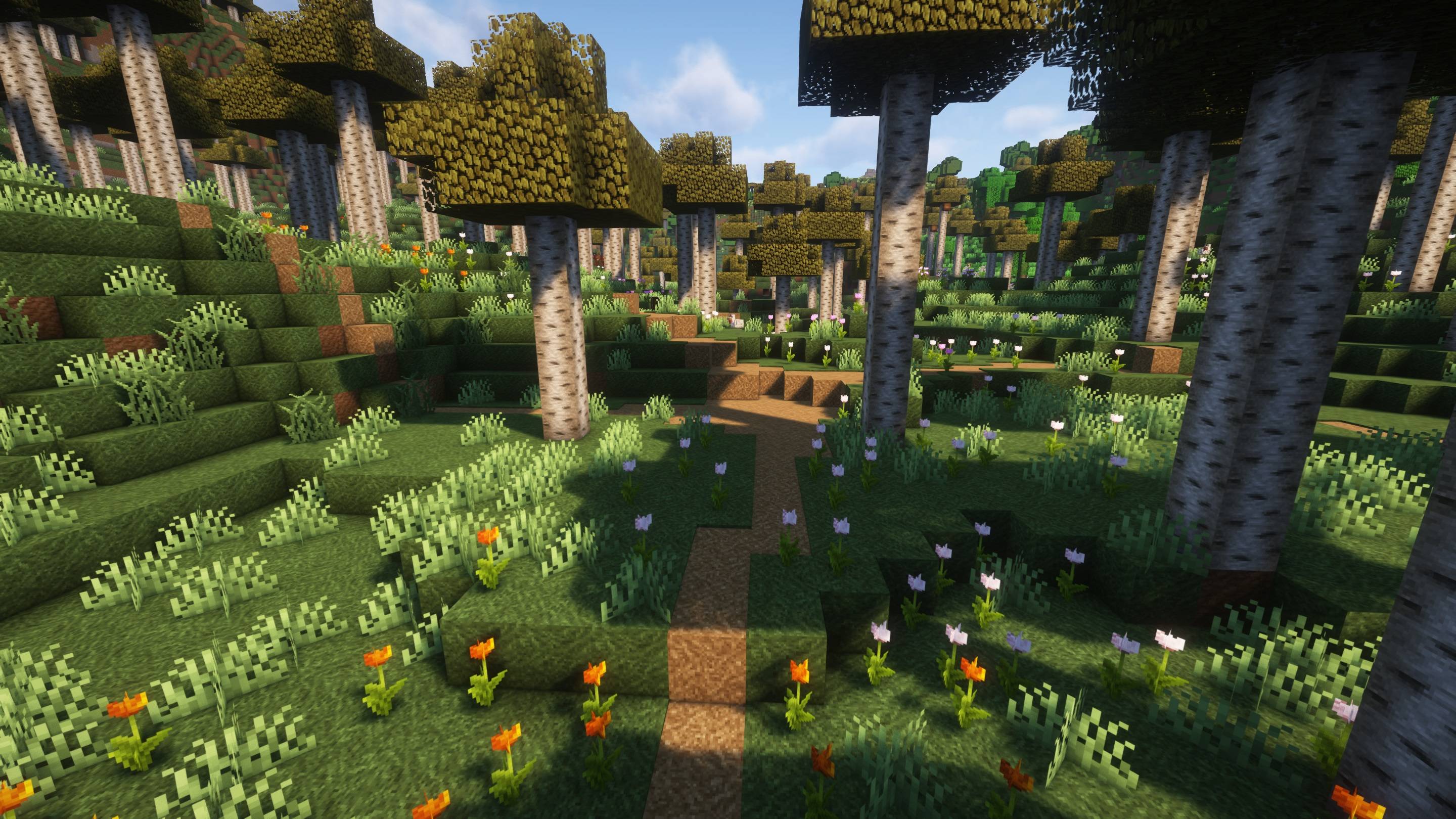
Expanded World enhances your Minecraft experience by extending the world height, introducing custom caves, structures, and vegetation. Explore new depths and heights in your Minecraft worlds with this mod!
截图

介绍
Notice
Please be advised that there is currently an issue affecting ore generation across all versions, resulting in fewer ores than intended. A fix is actively being worked on and will be implemented as soon as possible. Thank you for your patience and understanding.


Expanded World Mod/Datapack
<details>
<summary>Compatibility</summary>
### not compatible with
- Terralith
</details>
Description
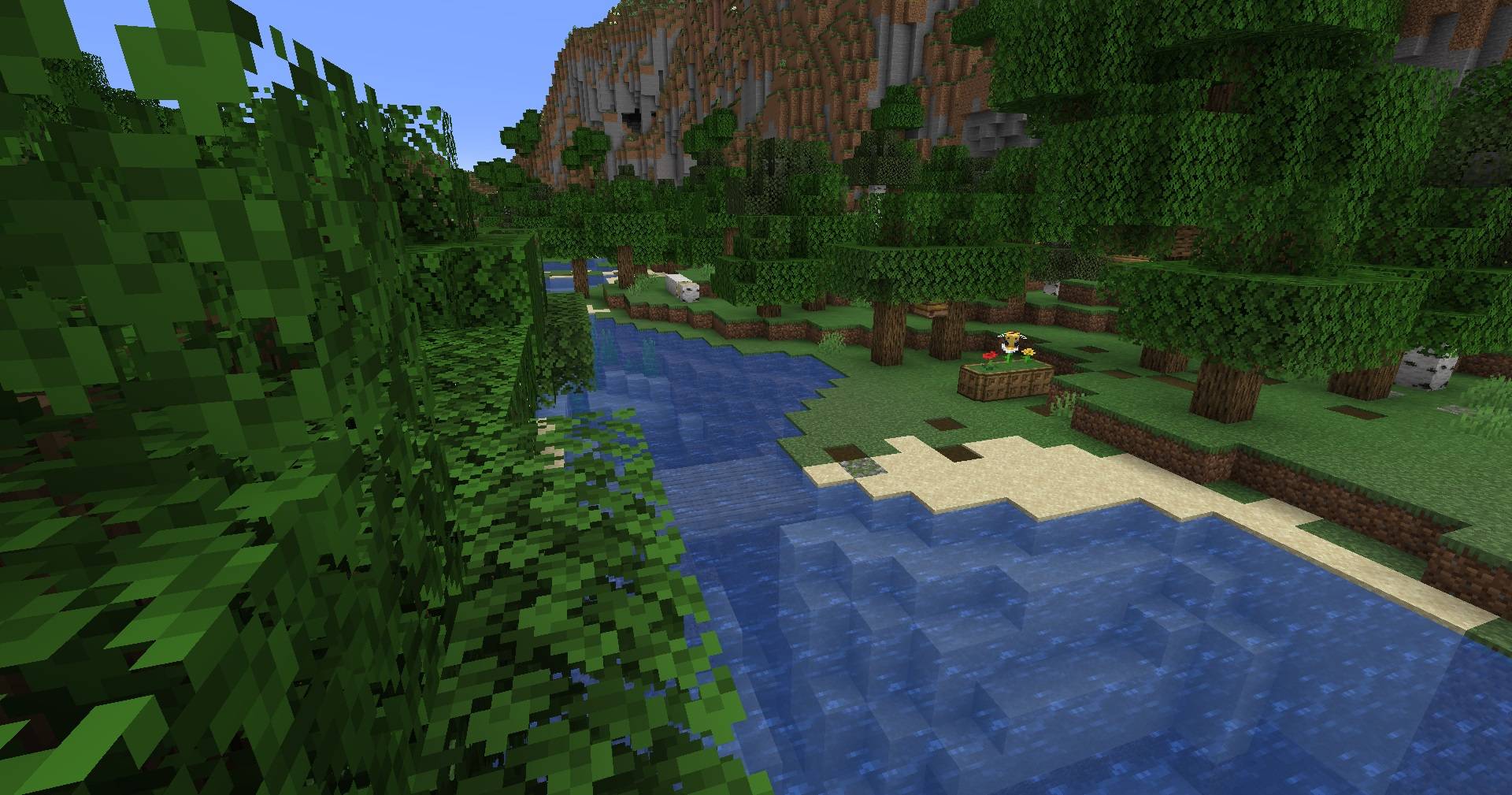
Expanded World is a Minecraft Mod and Datapack that extends the world’s vertical limit from 384 to 640 blocks (-128 to 512) and introduces bespoke cave systems across multiple biomes. Alongside, it integrates custom vanilla-style structures and enhances the game’s generation and vegetation mechanics.
Installation
Datapack Installation
Installing the datapack follows the standard procedure. Prior to installation or updating, it’s advisable to create backups of your worlds.
Mod Installation
Expanded World can also function as a mod for Forge, NeoForge, and Fabric. Refer to the specific installation guidelines provided for each respective mod loader.
Features
- Elevates the world height to a minimum of Y: -128 and maximum of Y: 512
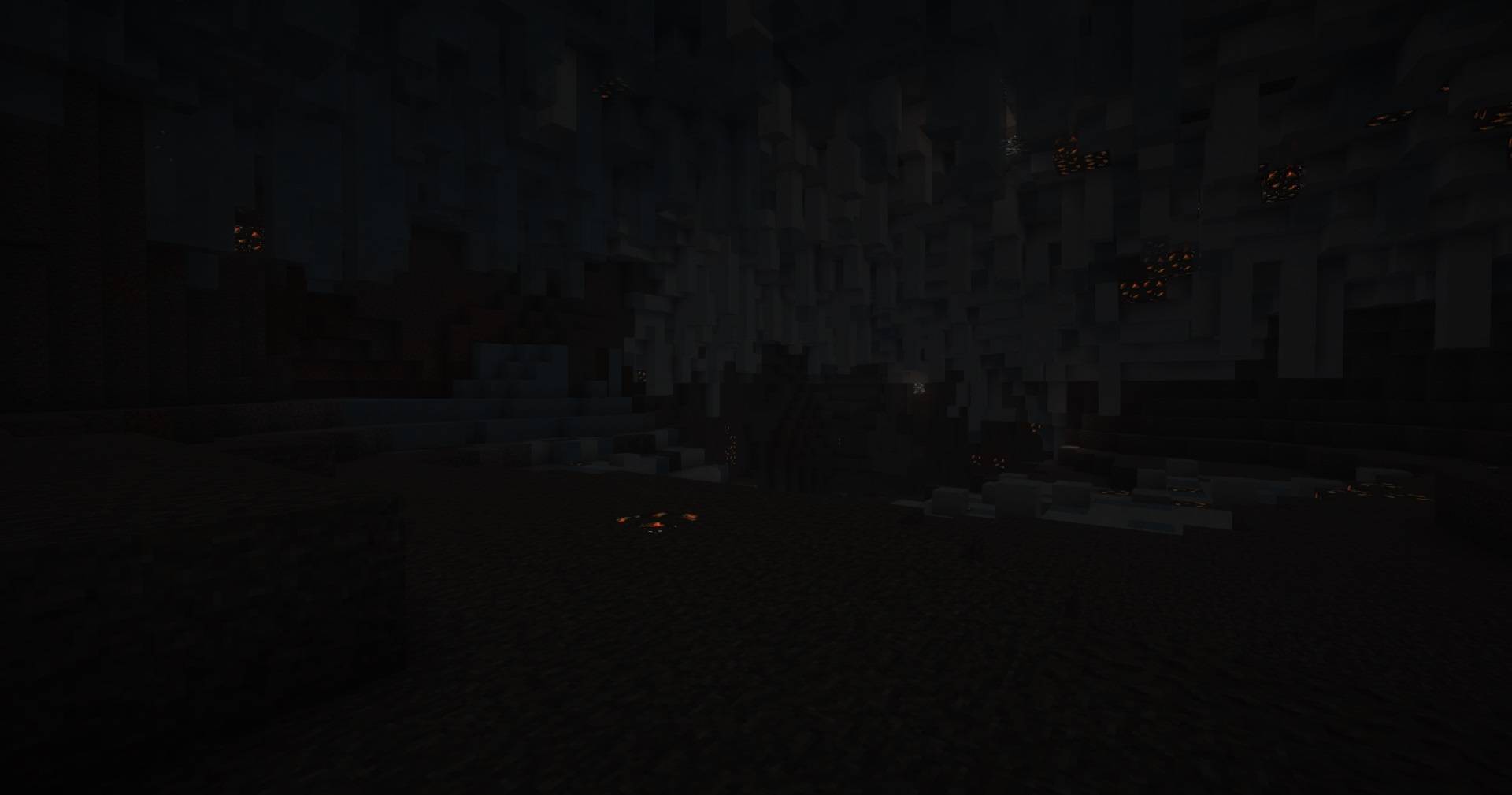
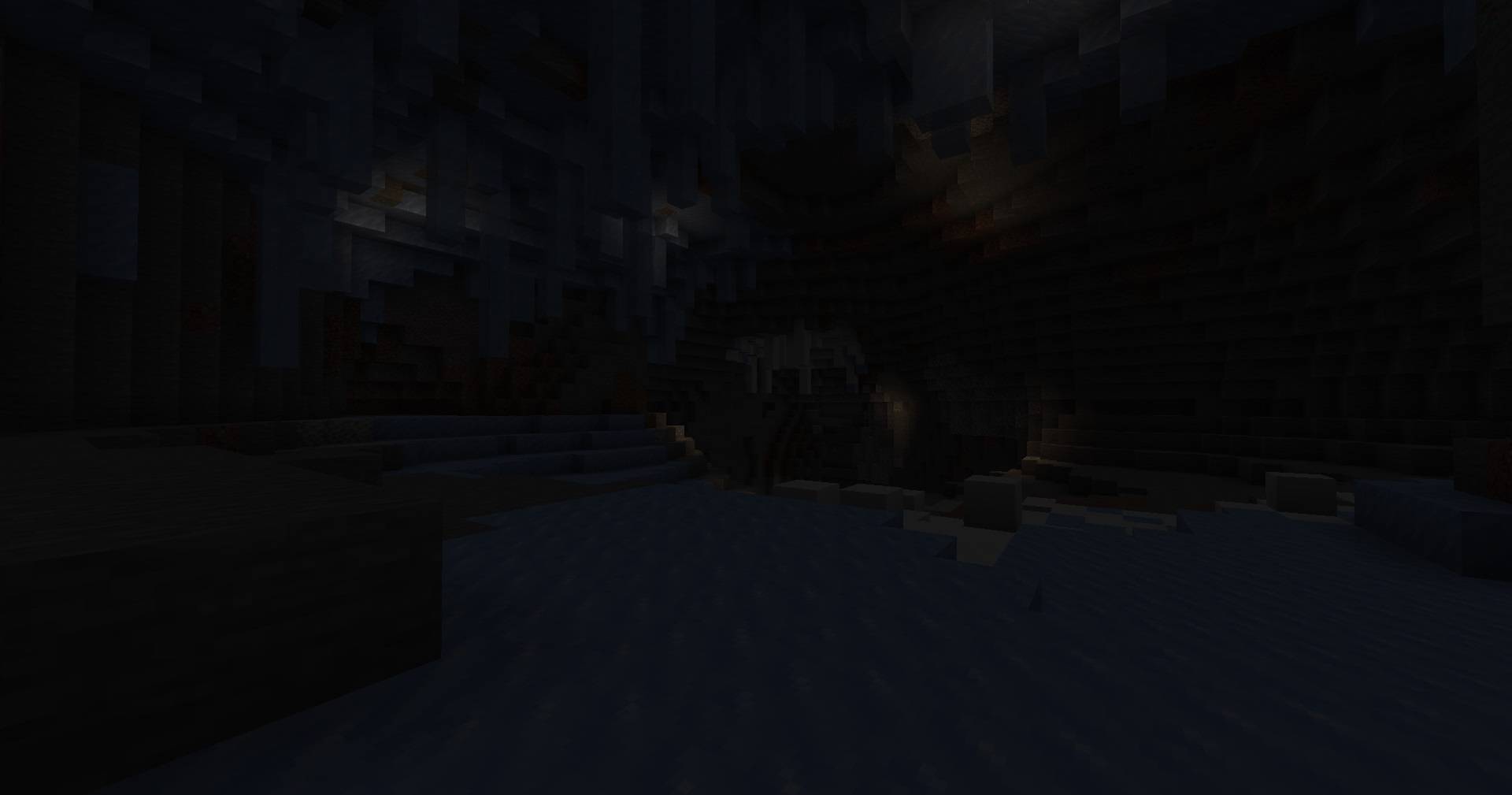
- Introduces tailored cave systems across various biomes, including ice, snow, desert, jungle, swamp, and badlands
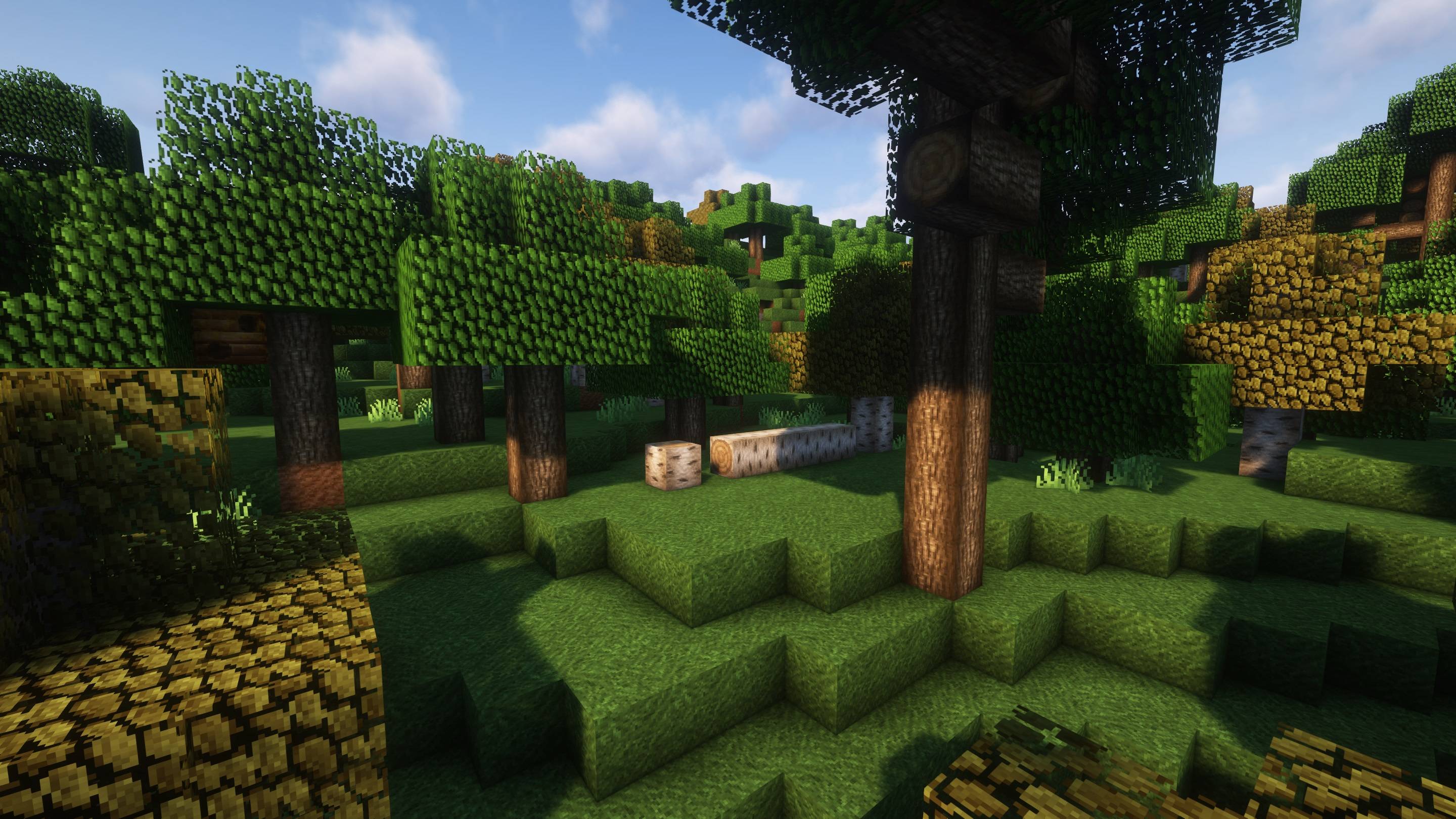
- Augments vegetation in swamp and birch forests, and introduces fallen trees within forests and taigas
- Expands vanilla village and pillager outpost placements across diverse biomes
- Introduces new village variants in badlands, swamp, dark forest, and jungle
- Adds a novel structure: small camps featuring tents and campfires
常见问题
Expanded World 支持哪些 Minecraft 版本?
Expanded World 支持 Minecraft Java 版 1.19.4–1.21.4,共 13 个版本,可用的加载器:Fabric / Forge / NeoForge / Quilt。下载时注意选择和你游戏版本一致的文件。
Expanded World 怎么安装?
先用 PCL2 或 HMCL 启动器安装对应版本的 Fabric / Forge / NeoForge / Quilt,再把下载的 .jar 文件放进游戏目录的 mods 文件夹,重新启动游戏即可。开启了版本隔离的,mods 文件夹在 versions/版本名 下面。
Sashiro 的其他作品
查看全部 →
CB: Compressed Blocks
一款用于压缩 Minecraft 方块和物品的模组。 压缩方块和物品,腾出更多空间(单个方块最多可存储 3,486,784,101 个方块/物品)!

Improved Pillager Outpost
“改进版掠夺者前哨站”数据包将原版 Minecraft 掠夺者前哨站改造成一座充满挑战的多层高塔。此次改造加入了精细的建筑设计、更强大的敌人和专属战利品,带来更沉浸、更有成就感的体验。

Improved Pillager Outpost
“改良掠夺者前哨站”数据包将 Minecraft 原版掠夺者前哨站改造成一座充满挑战的多层高塔。此次改造加入了精细的建筑设计、更强的敌人和专属战利品,带来更加沉浸且更有奖励的体验。

Just Better Recipes
A Datapack/Mod which adds TONS (over 3.000) of new and useful Vanilla recipes!
评论
登录后评论和评分