
截图
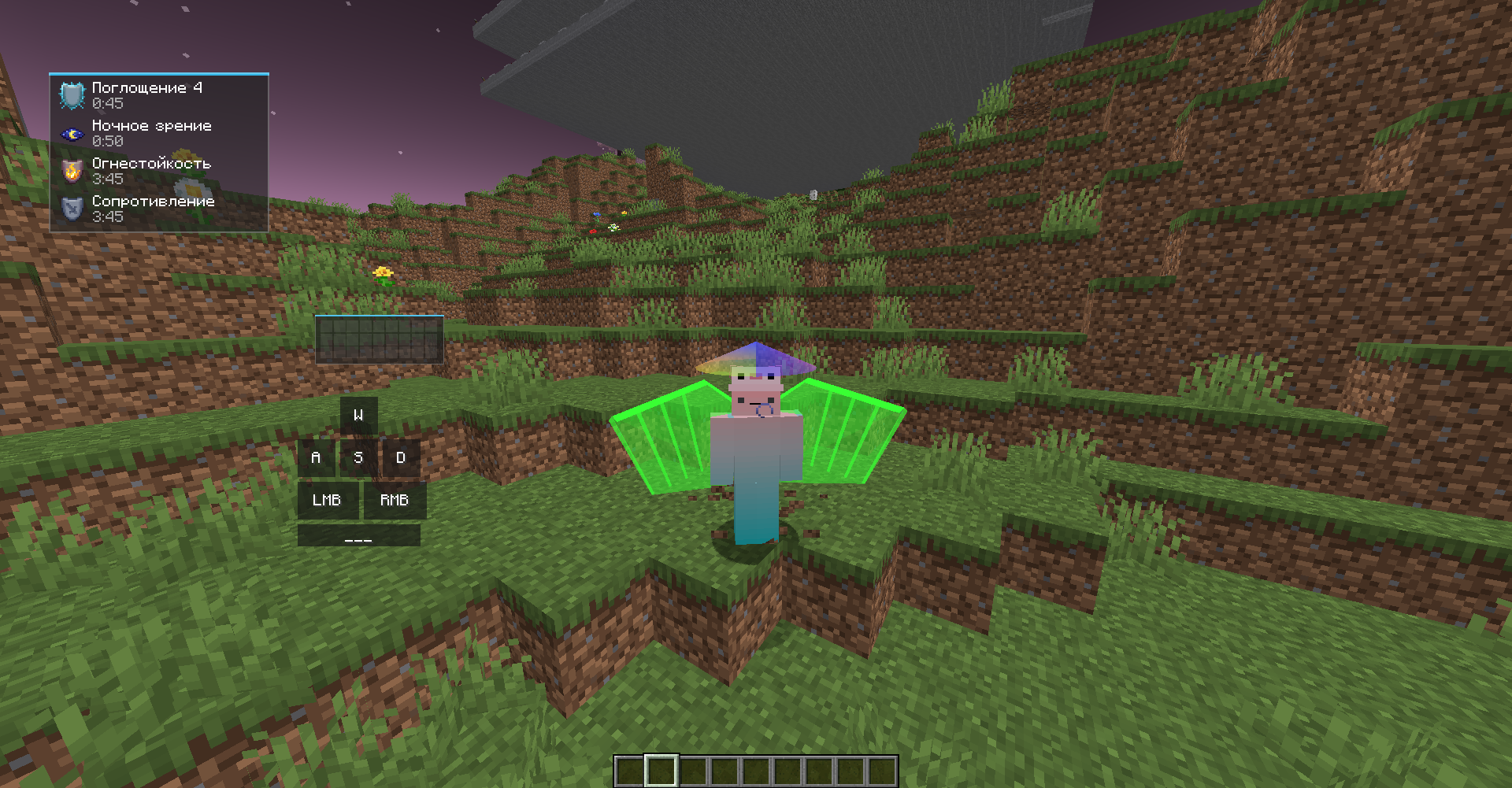
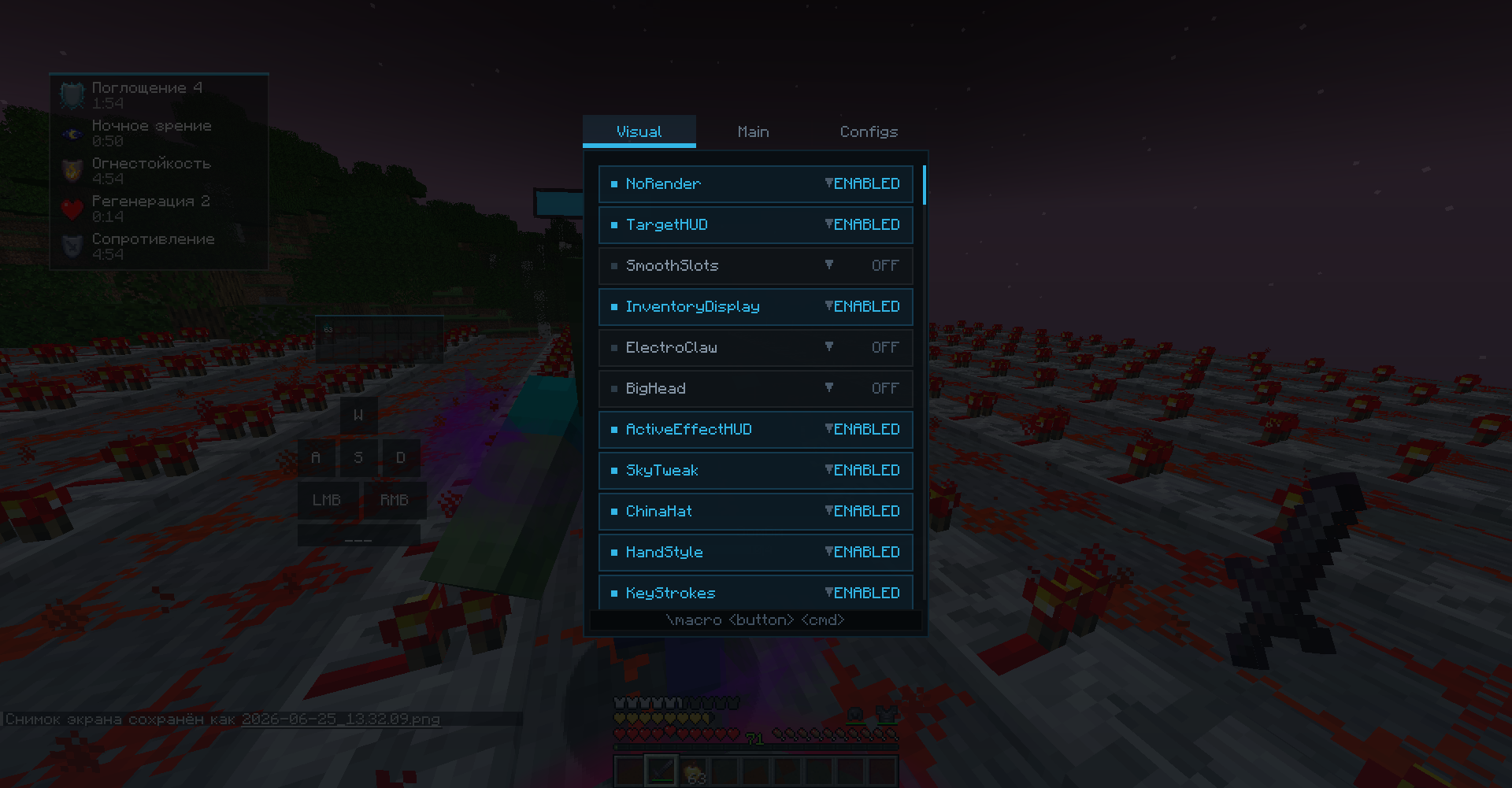
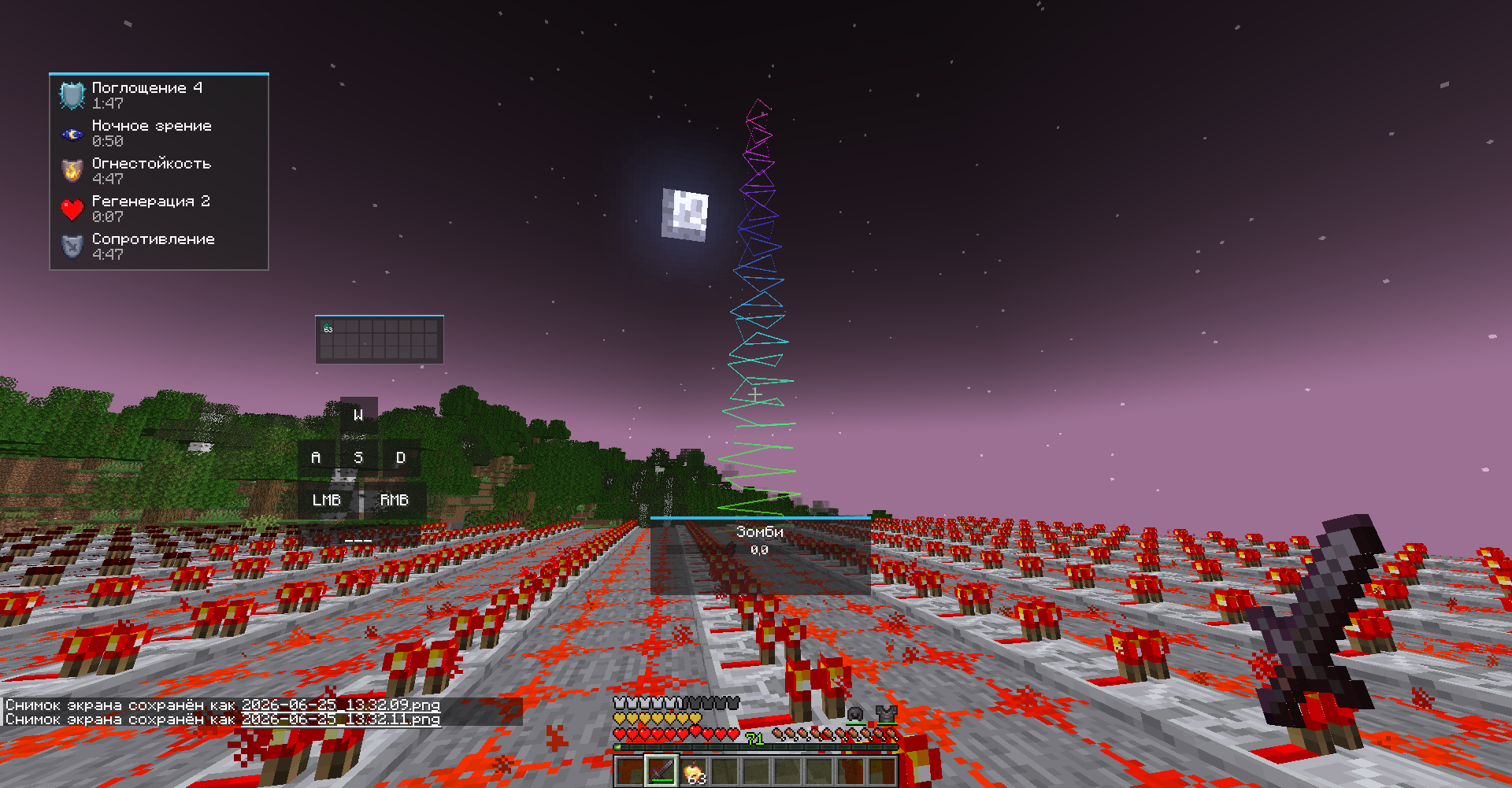
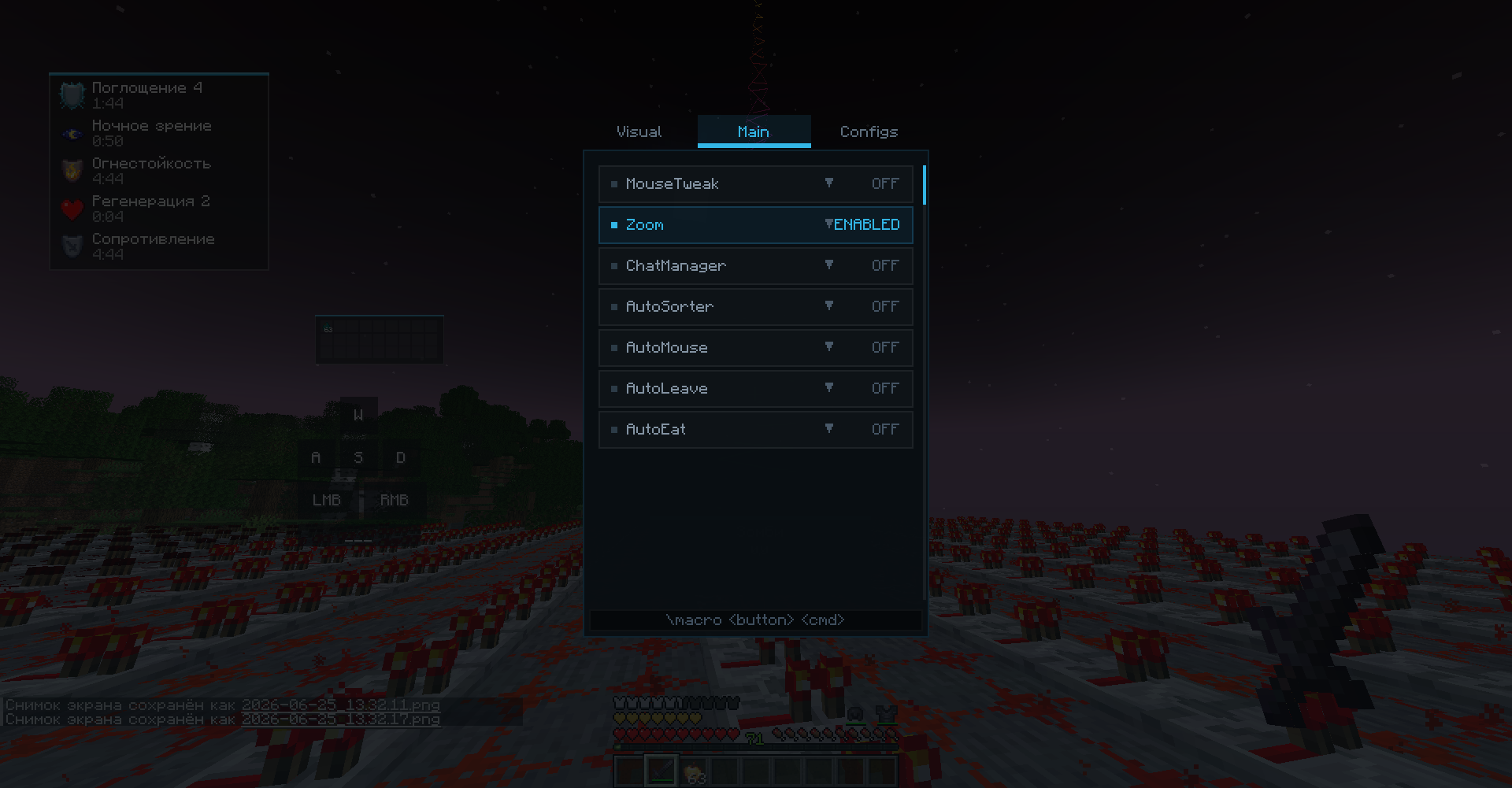
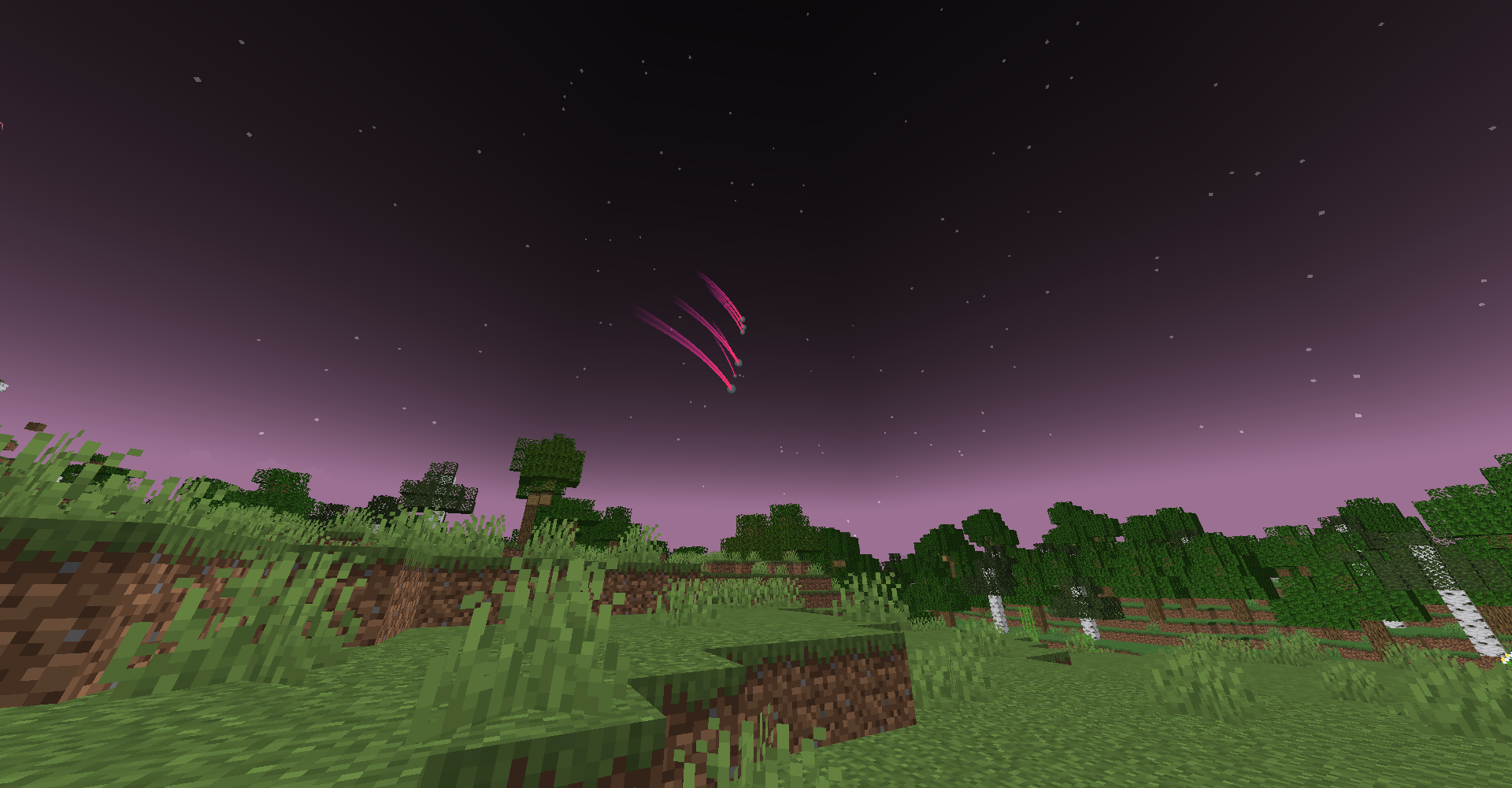
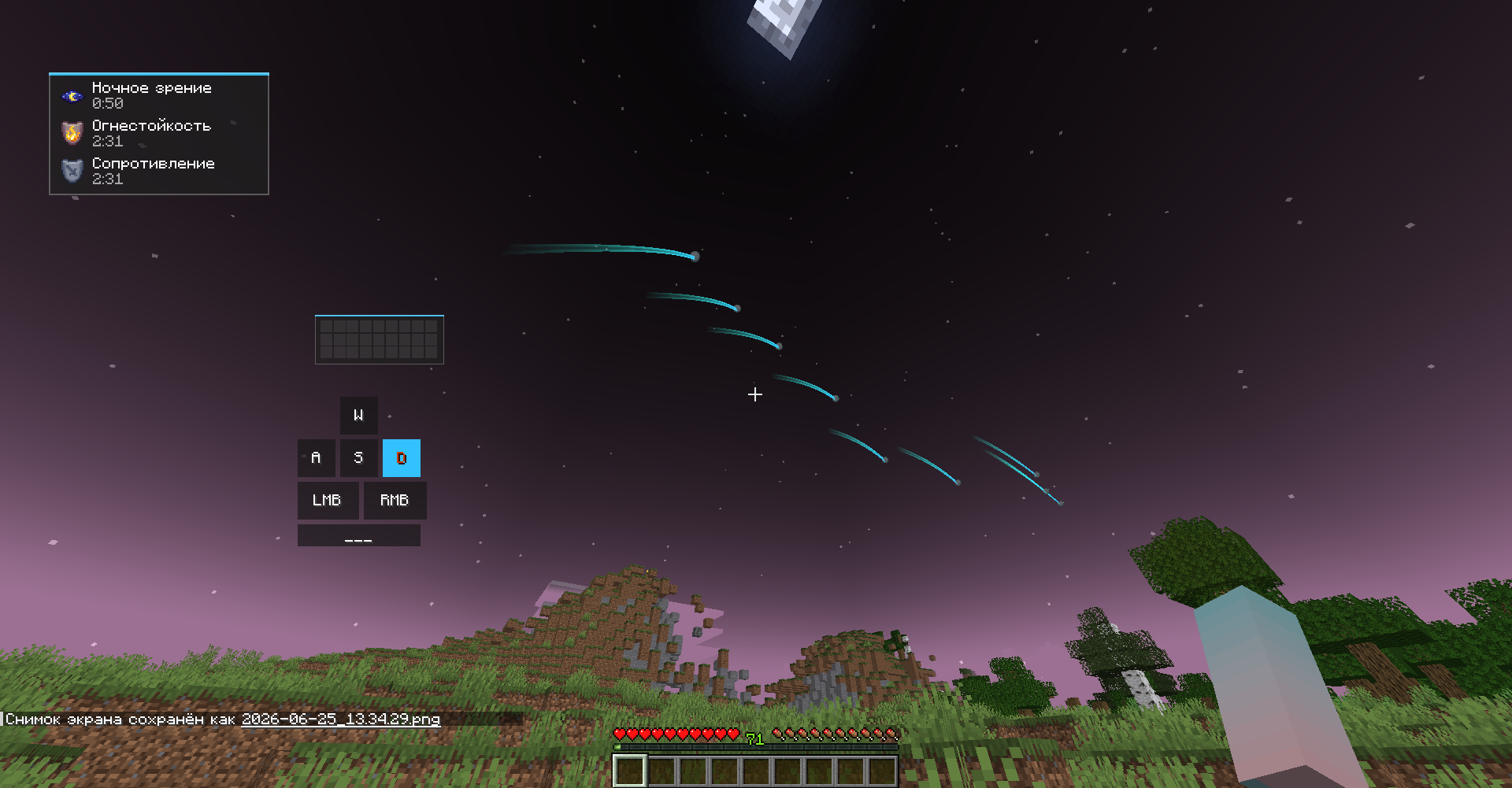
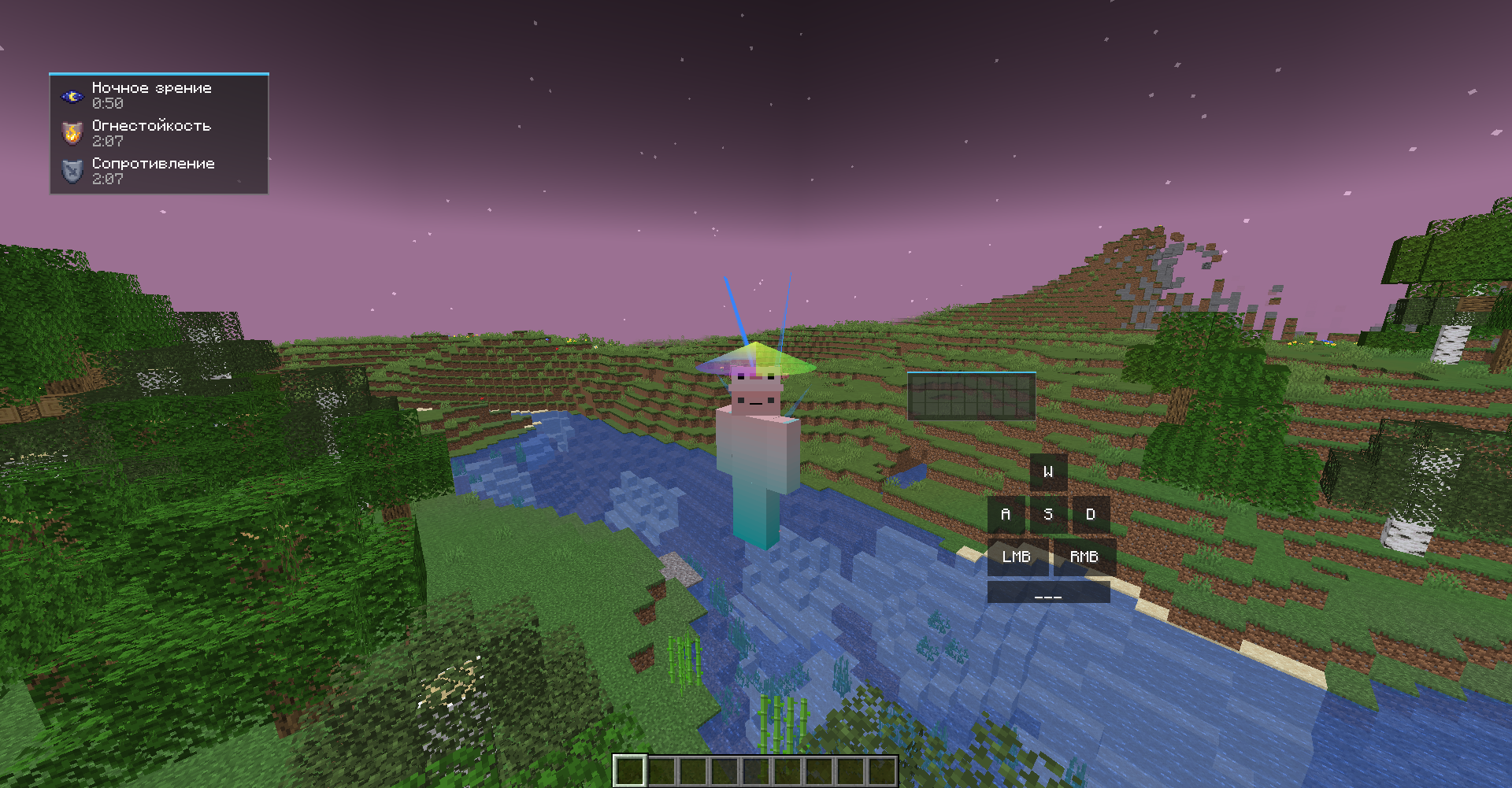
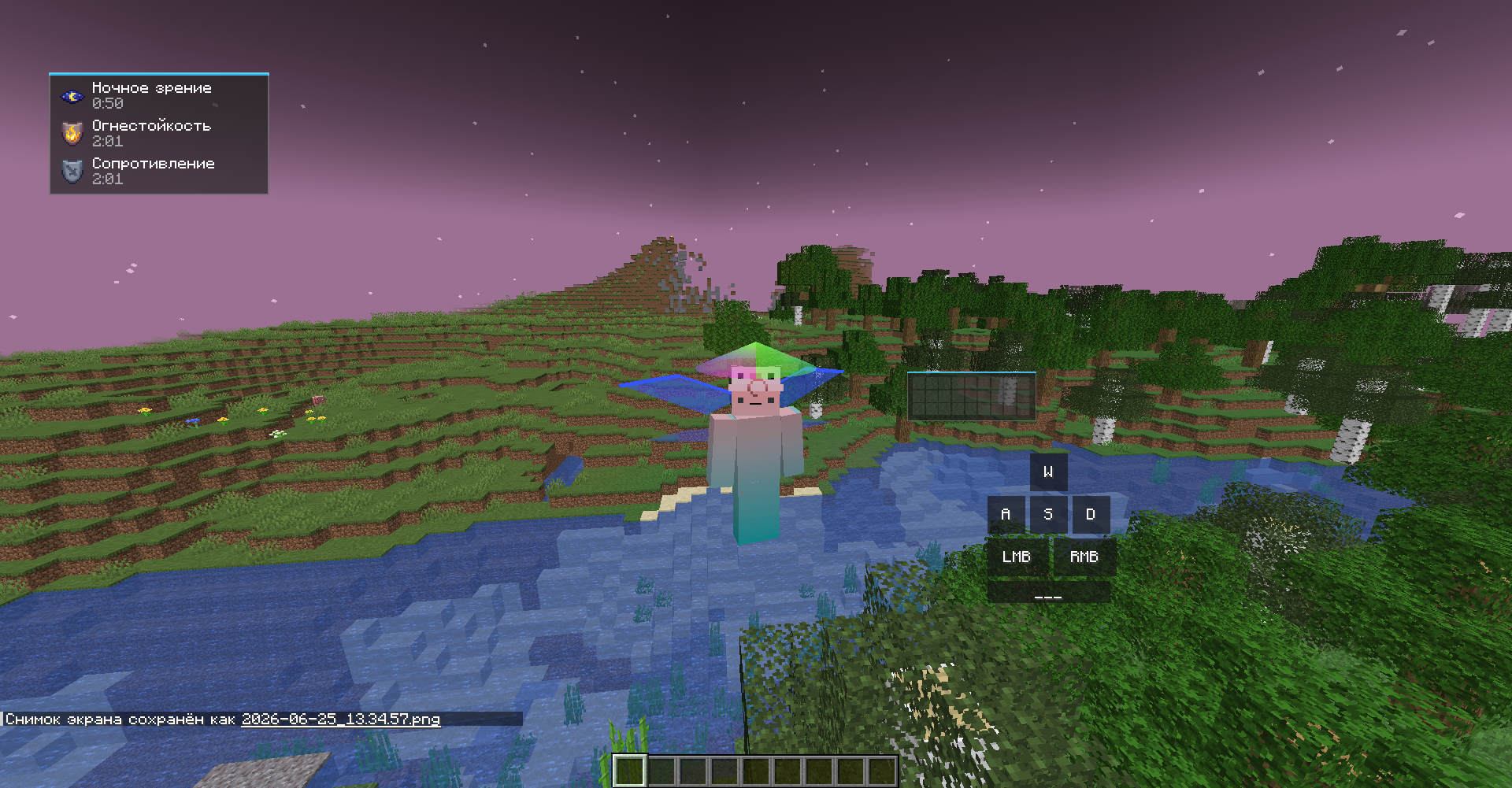
介绍
✨ ExodusVisual — Ultimate Utility & Automation Client
Welcome to ExodusVisual, a feature-rich utility mod designed to streamline your gameplay, enhance your user interface, and automate tedious tasks like inventory management. Whether you want to clean up your visual experience, boost your chat capabilities, or automate your chest organization, this client has you covered.
🚀 Key Features
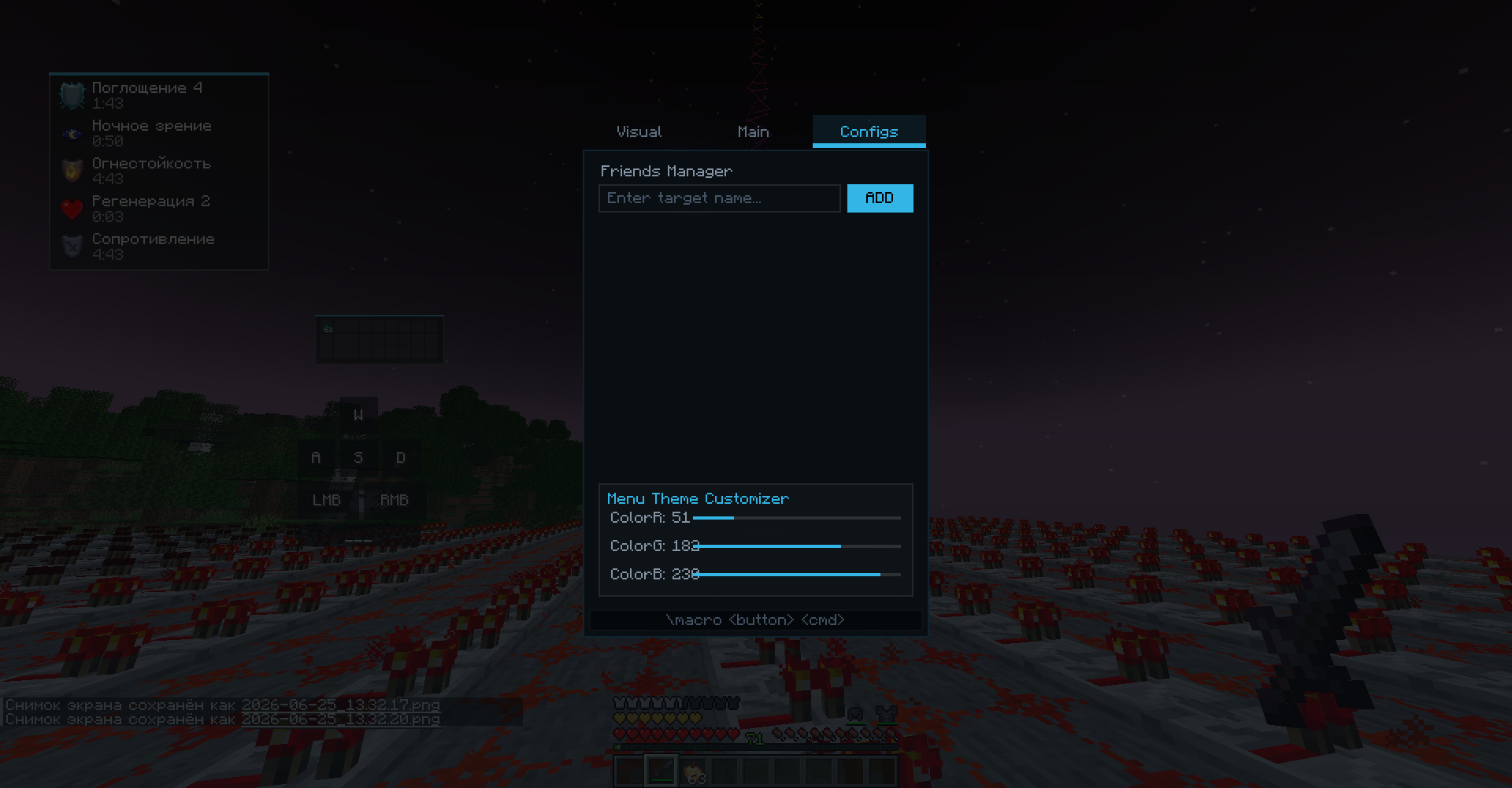
🛠️ Interactive Client Menu
Access everything you need in one place. Simply press Right Shift to open the main menu, which is divided into three intuitive tabs:
Visual: Customize and toggle various visual tweaks to perfect your game’s appearance.
Main: Essential quality-of-life features, including built-in zoom, chat enhancements, and MouseTweaks.
Config: Personalize your experience by managing your friends list and customizing the client’s theme.
🤖 Advanced Auto-Sort System
Tired of messy storage rooms? The built-in Auto-Sorter automates chest organization with powerful keyword filtering:
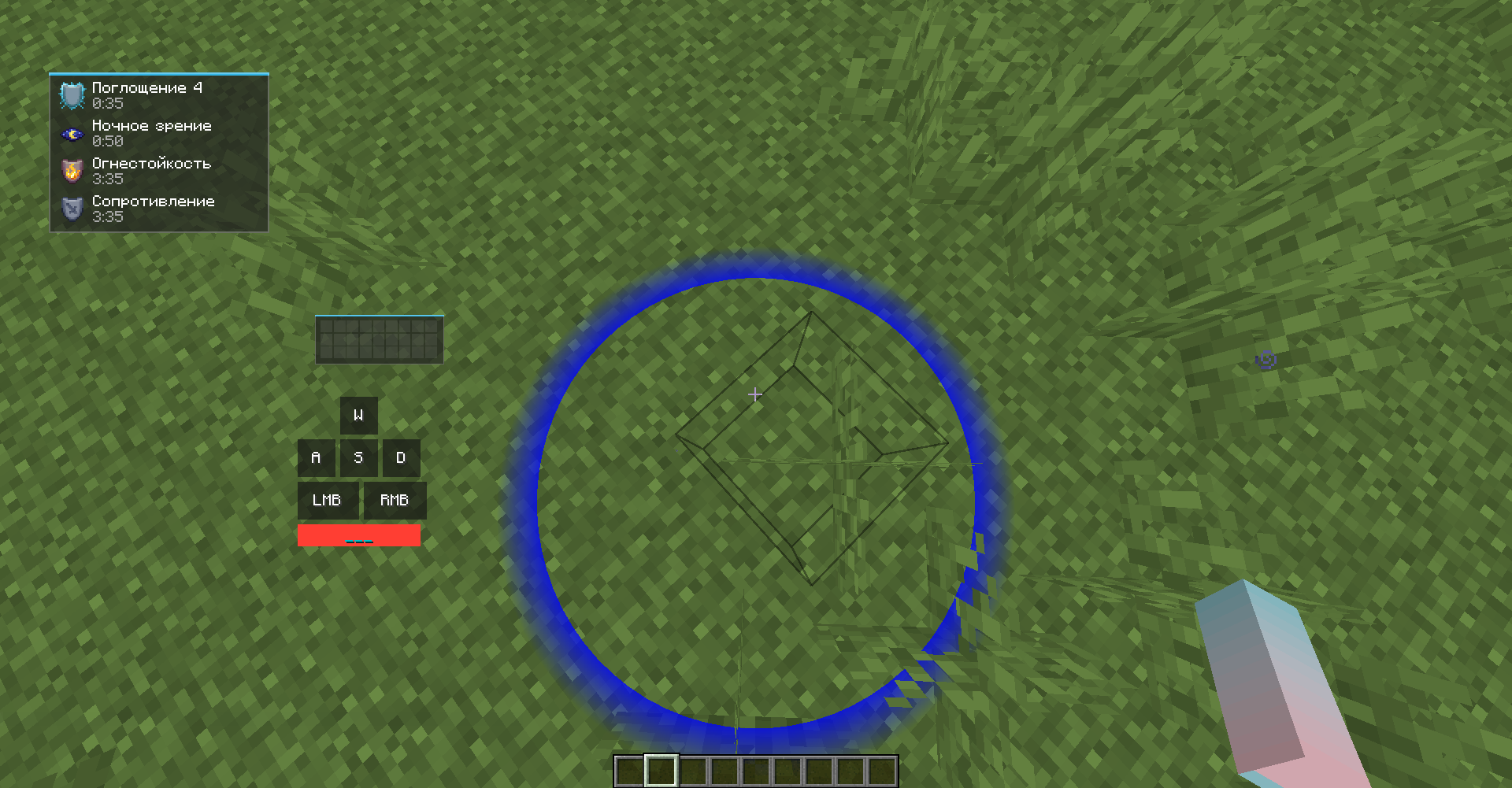
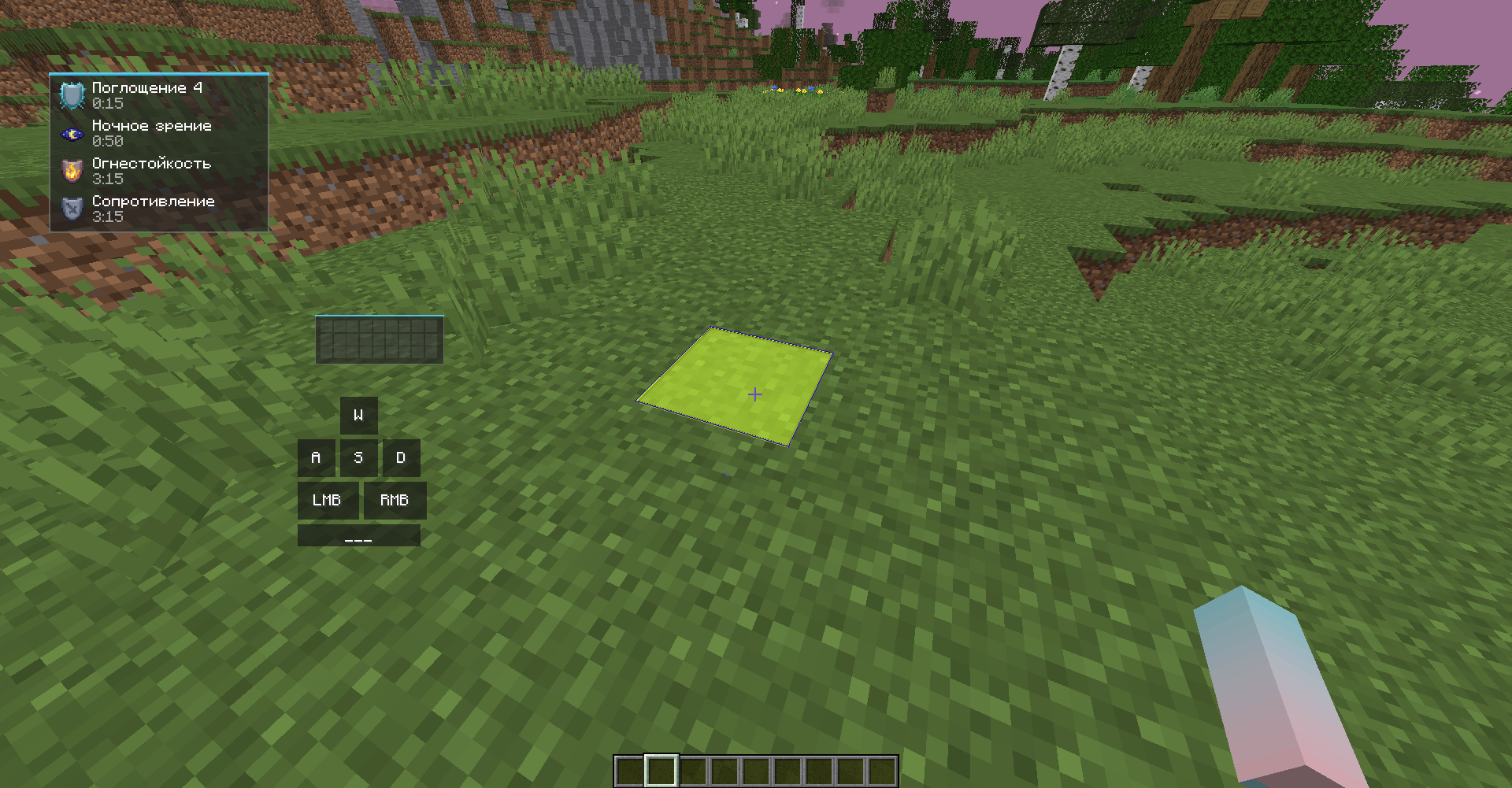
Define the Area: Select your storage area using point-to-point selection. Hover over the first corner and press P1, then hover over the opposite corner and press P2.
Configure Chests: Hover over a specific chest, type a keyword or part of an item ID into the ItemID field (e.g., typing gol will target everything containing “gold”), and click Add Target.
Multi-Item Filtering: You can assign multiple item types to a single chest using a slash (e.g., diamond/ender_pearl or diamo/ende).
Run the Sorter: Click Start Sorter. Your character will automatically move items from the general selection into the correctly designated chests and double-check the placement.
Need a reset? Use ClearTargets to wipe all current chest configurations instantly.
⌨️ Powerful Macro System
Automate your repetitive chat commands with ease using simple chat syntax:
\macro — Bind any command or text to a specific key.
\list — View all of your currently active macros.
\unmacro — Remove a specific macro binding.
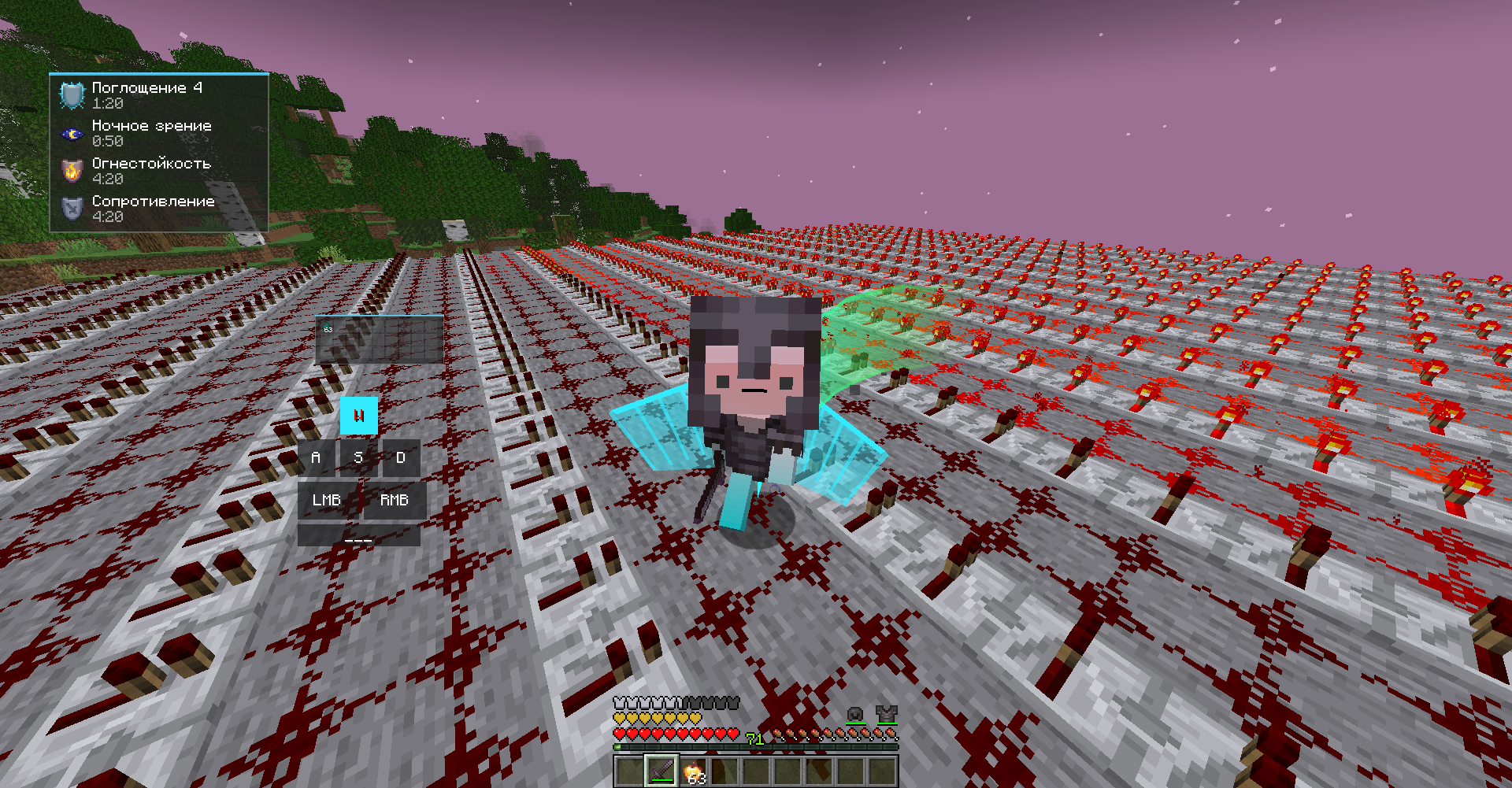
📊 Customizable HUD & Controls
Moveable HUD elements: Easily rearrange various HUD modules on your screen simply by opening the chat and dragging them wherever you like.
Intuitive UI Controls: Inside the client menus, use Left-Click (LMB) to instantly toggle functions on/off, and Right-Click (RMB) to dive deep into specific settings for that feature.
❓ Why choose ExodusVisual?
Instead of installing dozens of separate mods for zoom, sorting, macros, and UI customization, this project combines them all into one highly optimized, cohesive package. It respects your time by eliminating storage management chores and gives you full control over your interface.
常见问题
ExodusVisual 支持哪些 Minecraft 版本?
ExodusVisual 支持 Minecraft Java 版 1.20.1,可用的加载器:Forge。下载时注意选择和你游戏版本一致的文件。
ExodusVisual 怎么安装?
先用 PCL2 或 HMCL 启动器安装对应版本的 Forge,再把下载的 .jar 文件放进游戏目录的 mods 文件夹,重新启动游戏即可。开启了版本隔离的,mods 文件夹在 versions/版本名 下面。运行环境:仅客户端。
评论
登录后评论和评分