
ETIIIN – Exactly the item info I needed
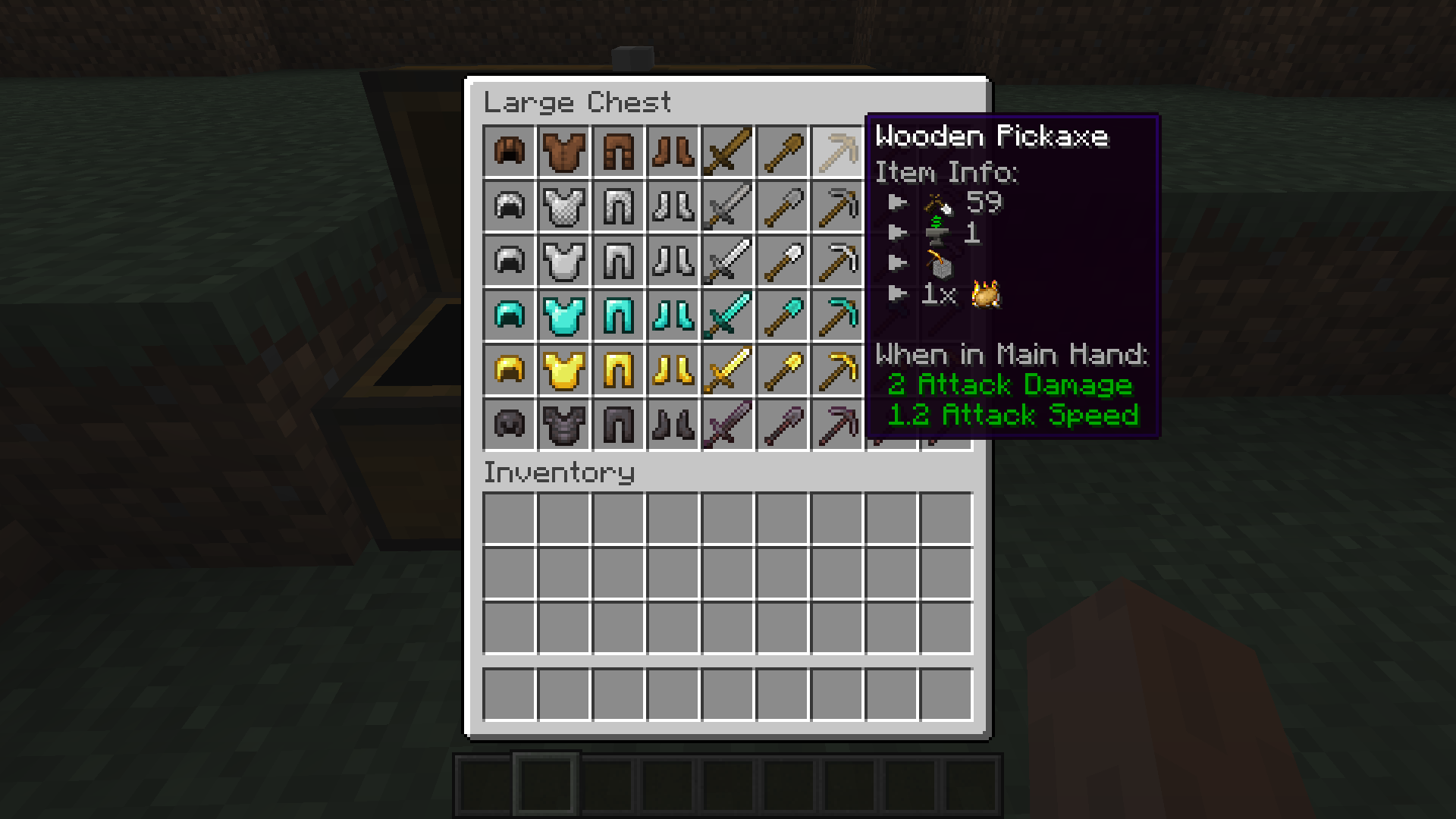
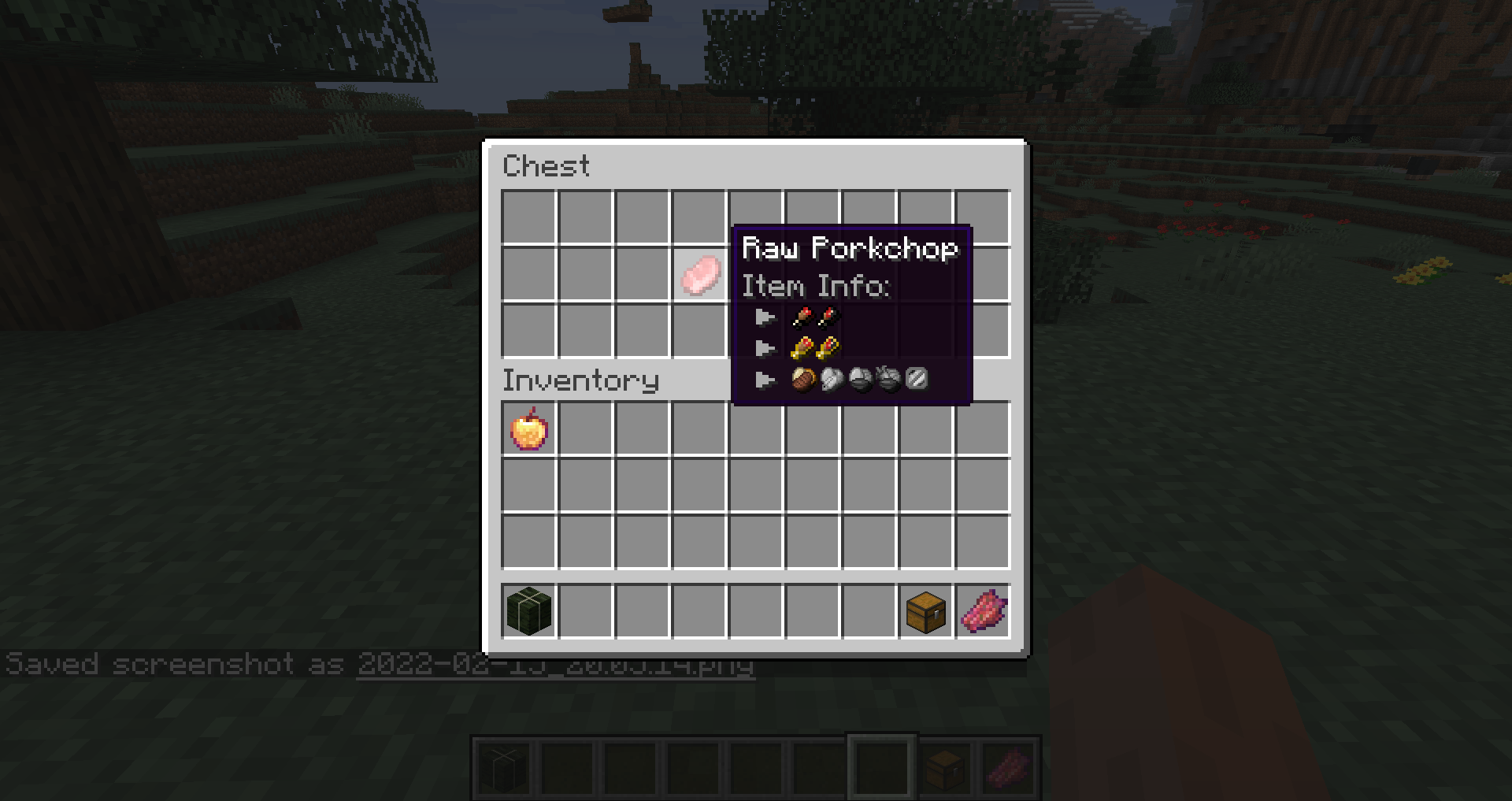
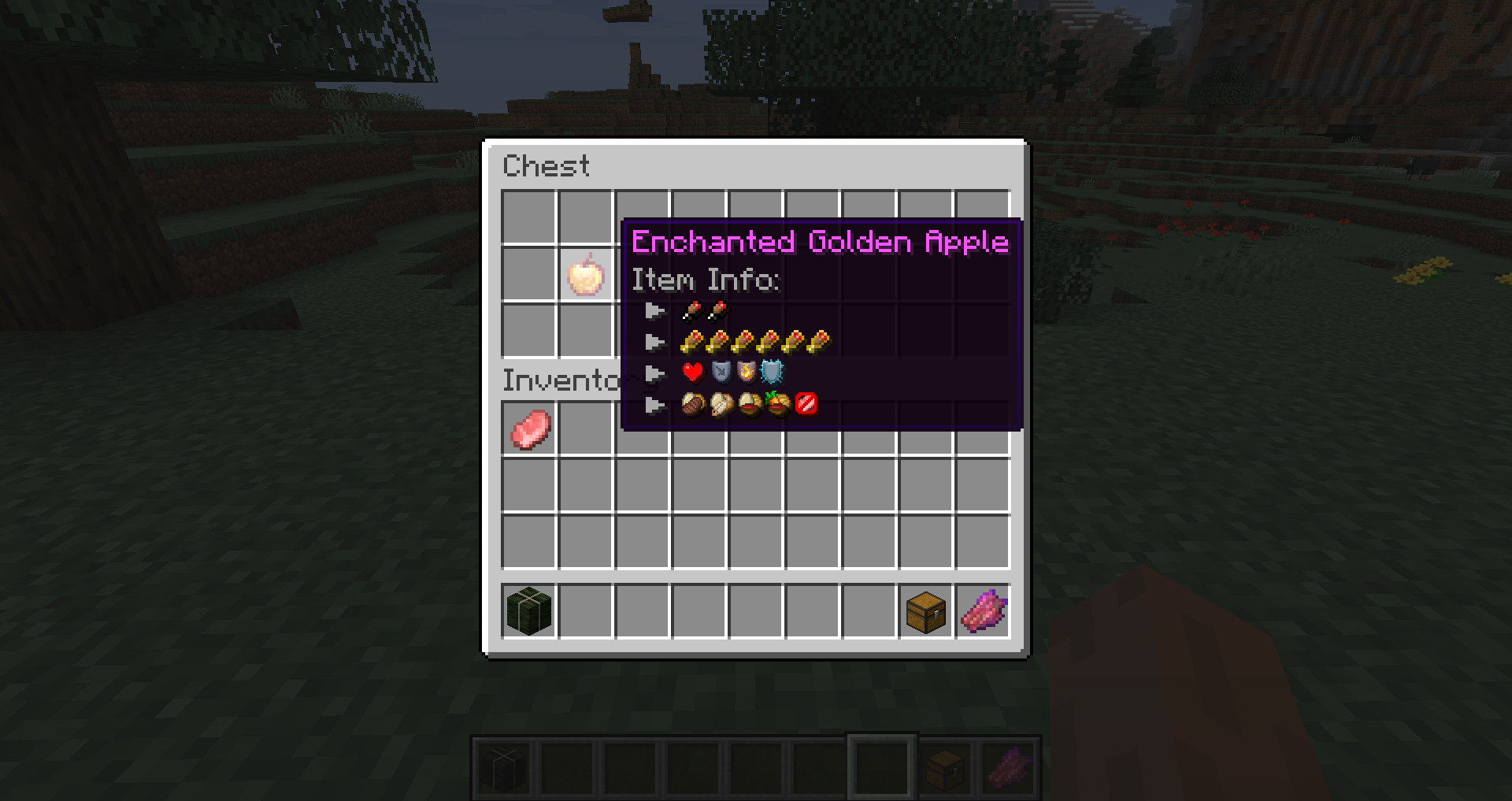
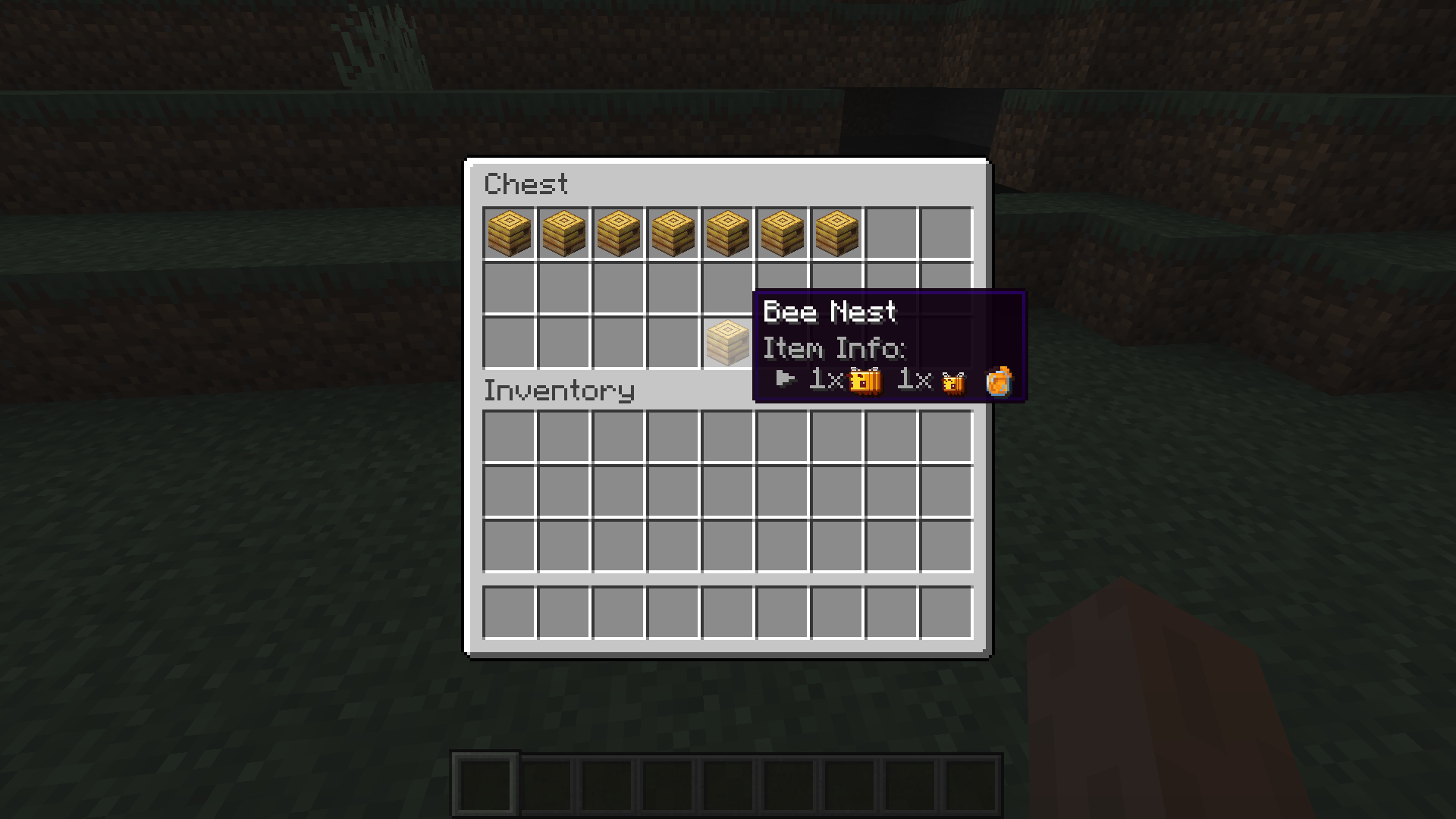
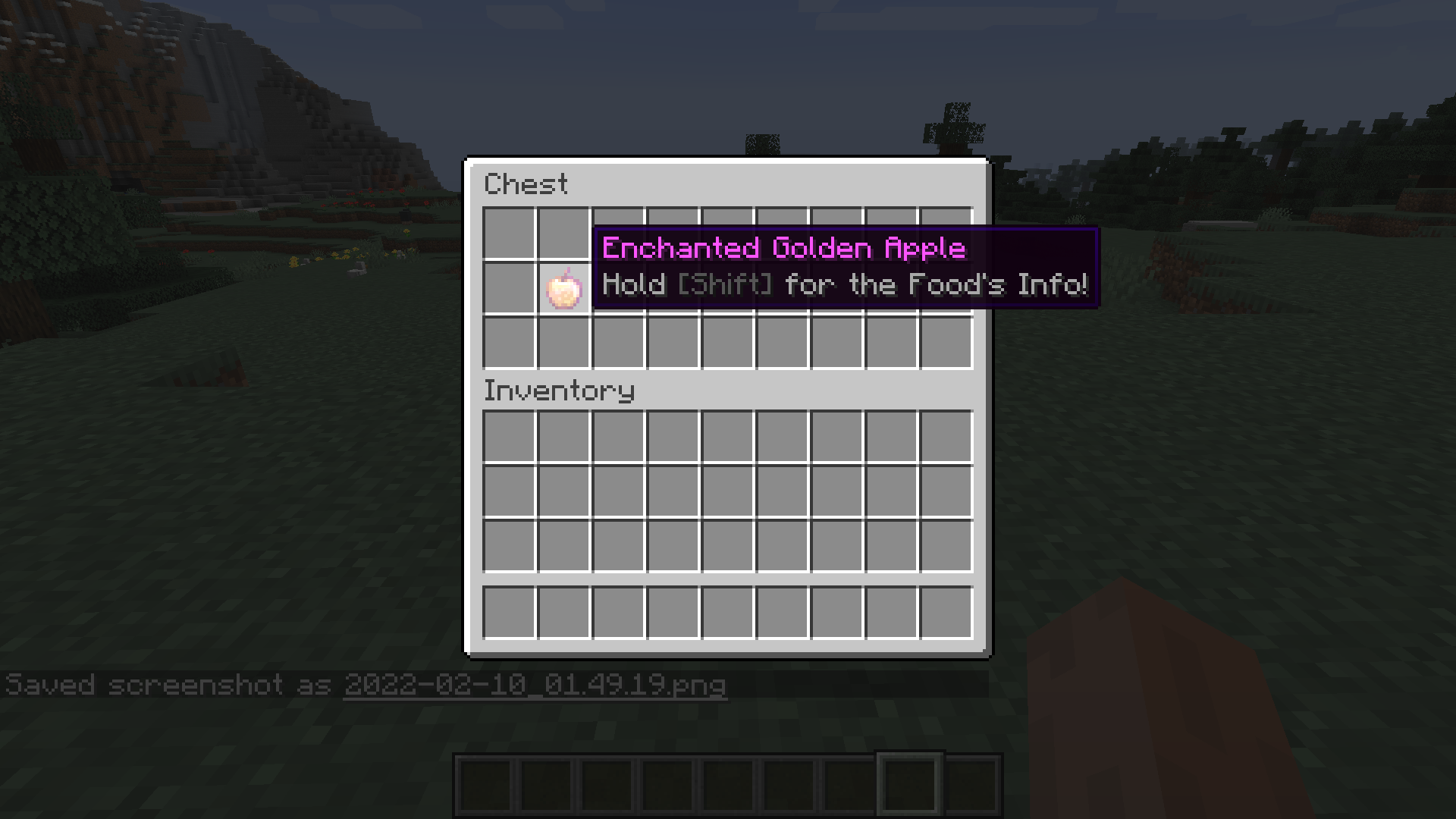
This mod adds completely configurable item info you can access while holding shift
截图
介绍

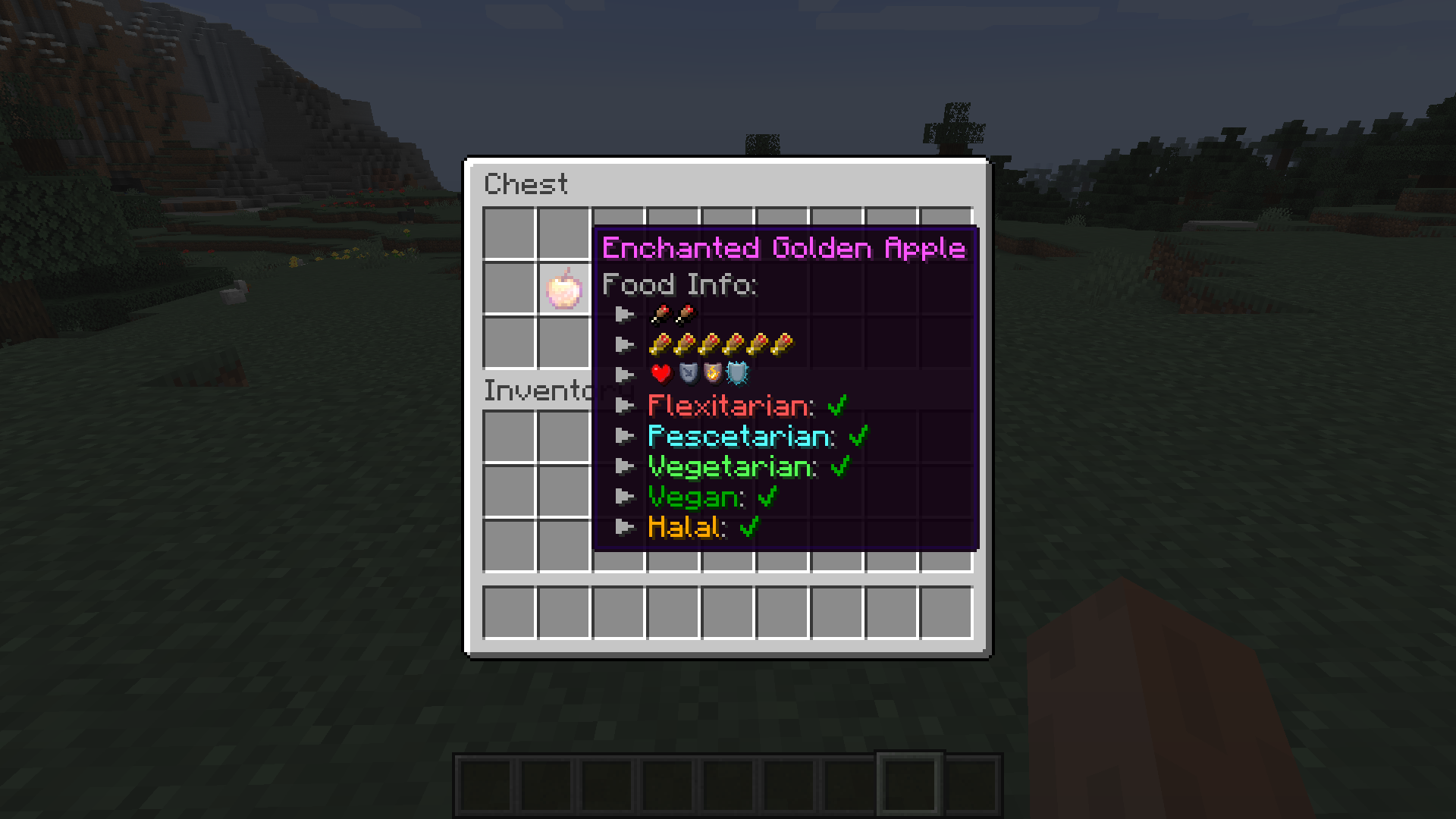
Exactly The Item Info I Needed(ETIIIN) adds useful info some people might need and some might not… but that is the great part about configs, isn’t it? It doesn’t end here, though! There is easy mod support due to item tags. Modpack devs can add items to the tag if they are still missing the tooltips.
Current Features:
– Tooltips for Saturation and Nutrition
– Tooltips for Diets (Flexitarian, Pescetarian, Vegetarian, Vegan, Halal)
– Tooltips for Beehives and Bee Nests
– Tooltips for Durability
– Tooltips for Repair Cost
– Tooltips for Items that can be smelted using one Fuel (Burn time)
– Tooltips for Burn Speed
– Being able to turn off every Tooltip via the Config
– Being able to change between Text and Icons for Diets via the Config
– Many Item Tags to add other mod’s items to support them
Planned Features:
– Tooltips for Light Levels
Please write any Suggestions on the issues-page and I will try to add them, if I like them!
How to add new Items to the Mod’s Tags:
There are currently 6 Item Tags you should edit. Any items listed in them will be automatically supported. Stuff like Durability, Repaircost, Items per Fuel and Harvestlevel will automatically apply. Burnspeed and Food’s effects are Hard-coded and can currently support no mods (will probably change). The only things you can customize are the Beehive and Diet Tooltips.
The names of the tooltips are: beehives.json; food_flexitarian.json; food_not_halal.json; food_prescetarian.json; food_vegan.json; food_vegetarian.json

Already Supported Languages:
– en_us
– de_de
– es_es
Thanks to:
EDToaster with their mod BeehiveTooltips for the inspiration and the code to see how Minecraft handles Bees
常见问题
ETIIIN – Exactly the item info I needed 支持哪些 Minecraft 版本?
ETIIIN – Exactly the item info I needed 支持 Minecraft Java 版 1.16.4–1.16.5,共 2 个版本,可用的加载器:Forge。下载时注意选择和你游戏版本一致的文件。
ETIIIN – Exactly the item info I needed 怎么安装?
先用 PCL2 或 HMCL 启动器安装对应版本的 Forge,再把下载的 .jar 文件放进游戏目录的 mods 文件夹,重新启动游戏即可。开启了版本隔离的,mods 文件夹在 versions/版本名 下面。
GekidoLukas 的其他作品
查看全部 →
Lukas’ Weapon Leveling
这个模组可以提升盔甲和武器的等级,还能让物品损坏后不会消失。

Weapon Leveling x Better Combat Compat
Better Combat 与 Lukas' Weapon Leveling 的兼容性

Show Your Identity
支持 LGBTQ+ 群体,展示你的身份:在名字旁显示代词和骄傲旗帜。
Show Your Identity
支持 LGBTQ+ 群体,展示你的身份:在名字旁显示代词和骄傲旗帜。
评论
登录后评论和评分