
截图
介绍
Essentia Pipes
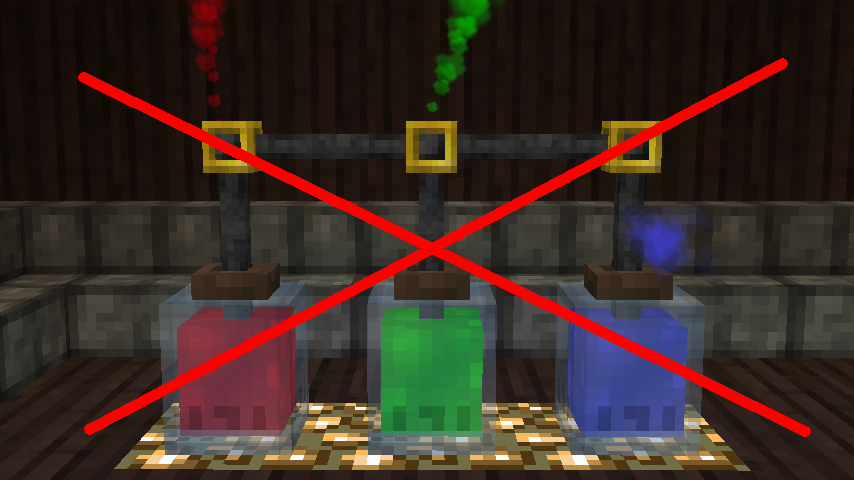
Do you like Thaumcraft, but find the essentia tube system frustrating? Do you find yourself wishing they behaved
like pipes from every other mod? Have you tried Essentia Pipes?
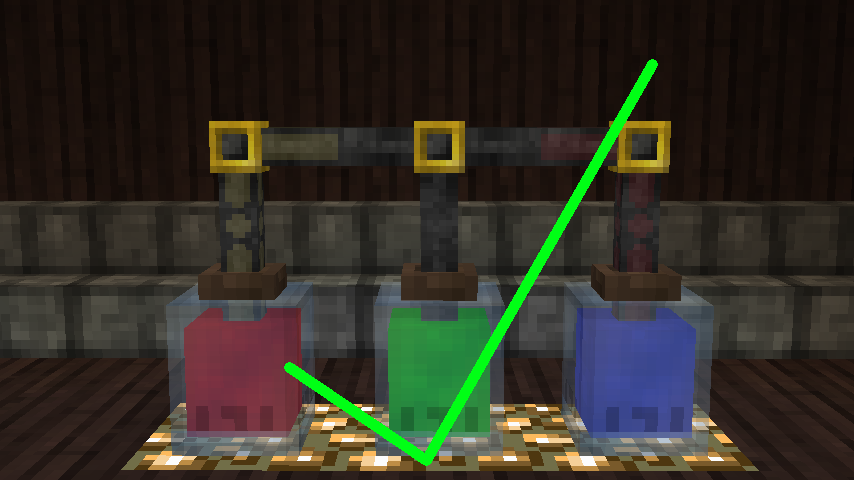
Essentia Pipes is an add-on to Thaumcraft 4 that adds a complimentary pipe system. Where normal essentia tubes
require convoluted setups to avoid different types of suction from conflicting with each other, a single line of
Essentia Pipes can connect to any number of jars, buffers, reservoirs, and more regardless of what suction types
those blocks are outputting.
Features
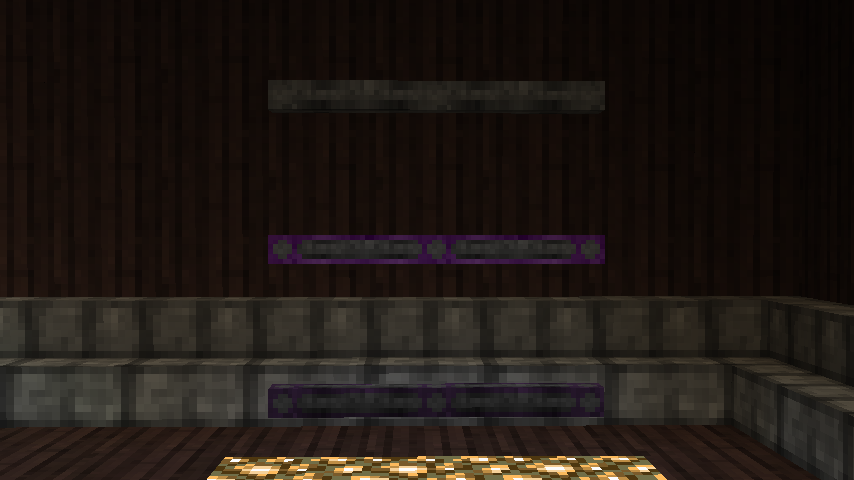
- Three different flavors of Essentia Pipes: basic, thaumium, and voidmetal.
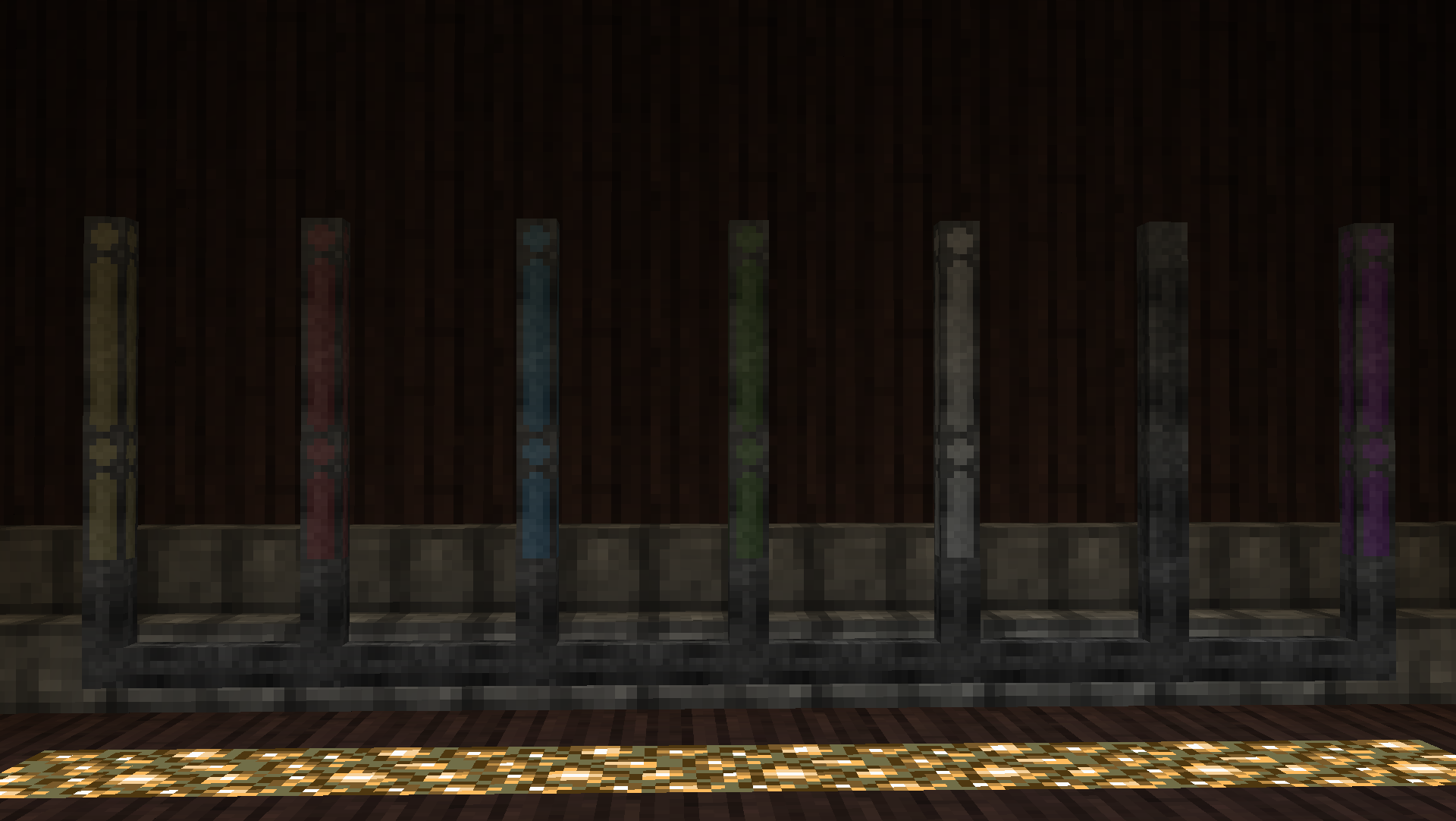
- Each comes in default grey, but with seven additional color variants! Each color will connect only to itself or grey.
- Configurable transfer rates for each type of Essentia Pipe.
Dependencies
- Thaumcraft 4 (required)
常见问题
Essentia Pipes 支持哪些 Minecraft 版本?
Essentia Pipes 支持 Minecraft Java 版 1.7.10,可用的加载器:Forge。下载时注意选择和你游戏版本一致的文件。
Essentia Pipes 怎么安装?
先用 PCL2 或 HMCL 启动器安装对应版本的 Forge,再把下载的 .jar 文件放进游戏目录的 mods 文件夹,重新启动游戏即可。开启了版本隔离的,mods 文件夹在 versions/版本名 下面。运行环境:客户端和服务端都要装。
rndmorris 的其他作品
查看全部 →
Salis Arcana
A collection of config, utility, and bug fix options for Thaumcraft 4

HQM Keybind
Adds a keybind to open Hardcore Questing Mode's quest book without the book.

GameRule-Extensions
[1.7.10] Rewrites Minecraft's gamerules to be more accessible and extensible for mod authors
评论
登录后评论和评分