
截图
介绍
Ephemeral Fireworks
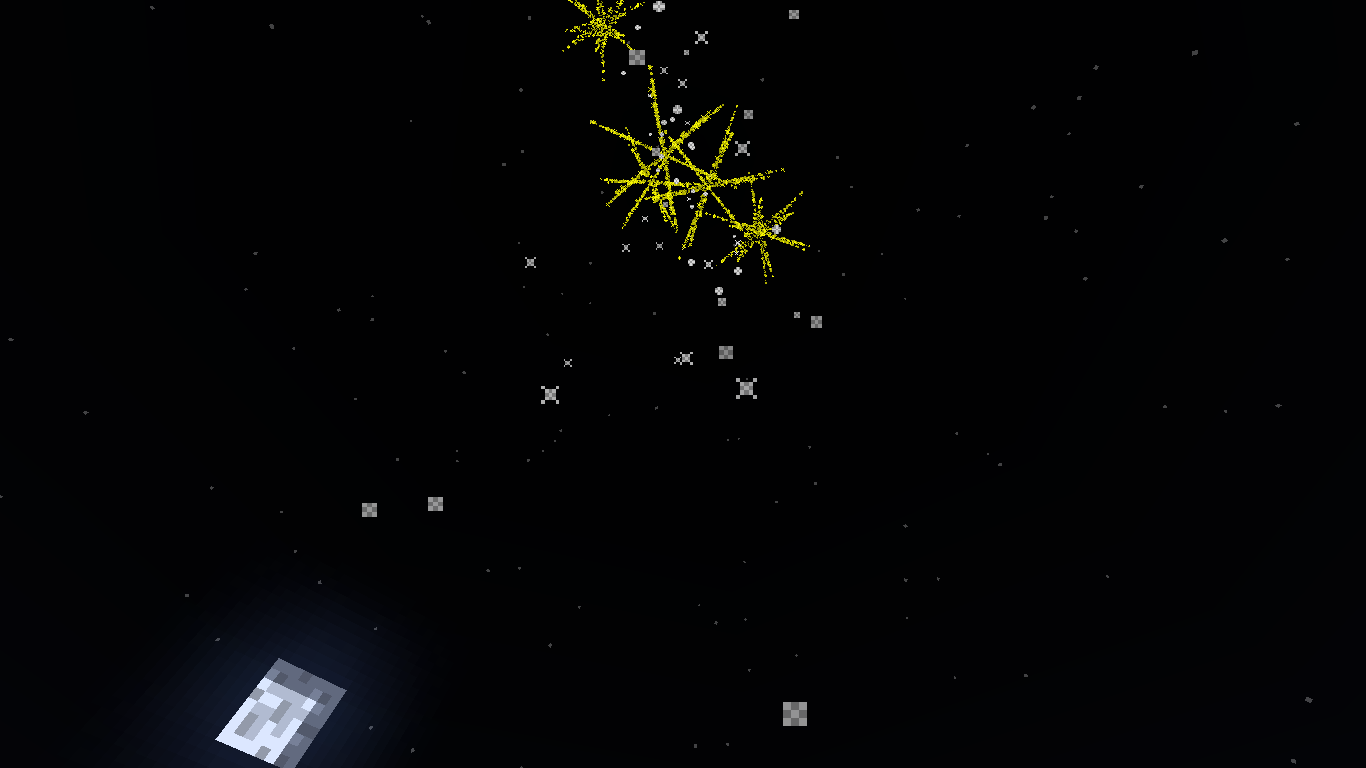
With the “Ephemeral Fireworks” mod, you gain the ability to command any fireworks produced by the command to any position with any color in Minecraft.
Usage:
/firework entity [count] [shape] [colors] [flight]
Example:
/firework entity @a[distance=..10] 5 2 16776960 3
This command launches 5 fireworks at all players within a 10-block radius with star-shaped explosions, yellow color (hex code: 16776960), and a flight duration of 3.
Color Reference:
- 1. Yellow: Hex Code – 16776960
- 1. Red: Hex Code – 16711680
- 1. Green: Hex Code – 65280
- 1. Blue: Hex Code – 255
- 1. Purple: Hex Code – 8388736
- 1. Orange: Hex Code – 16753920
- 1. Cyan: Hex Code – 65535
- 1. White: Hex Code – 16777215
- 1. Black: Hex Code – 0
- 1. Other Colors:
You can use color reference too
You can use this tool also
Experiment with different color combinations to create mesmerizing fireworks displays in your Minecraft world!
常见问题
Ephemeral Fireworks 支持哪些 Minecraft 版本?
Ephemeral Fireworks 支持 Minecraft Java 版 1.19–1.20.4,共 10 个版本,可用的加载器:Forge。下载时注意选择和你游戏版本一致的文件。
Ephemeral Fireworks 怎么安装?
先用 PCL2 或 HMCL 启动器安装对应版本的 Forge,再把下载的 .jar 文件放进游戏目录的 mods 文件夹,重新启动游戏即可。开启了版本隔离的,mods 文件夹在 versions/版本名 下面。运行环境:仅客户端。

评论
登录后评论和评分