Everlasting NPC Visual Interfacing
Mod that allows creating a villager that gives custom quests and trades
介绍
Hello!
I would like to introduce you to my mod called Everlasting NPC Visual Interfacing
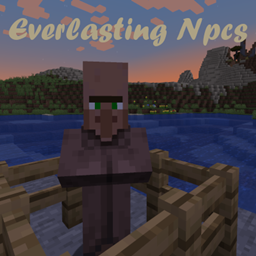
The mod allows you to register NPCs (villagers) with custom quests and trades, which later on can be spawned in the game and interacted with.
The mod can be setup using a config, serverside
The NPCS are villagers that act like normal ones, the only difference is when interacted with, a whole different gui opens, related to quests and trades
The command that spawns the NPC is /scv [id] which stands for “spawn custom villager”, the permission level required to run this command is set in commandPermission in config
An example config is available on the github (post branch)!
The mod is required on both sides, if you run into any issues please let me know in comments, i will help you!
JOIN OUR DISCORD
CLICK HERE
Areas
Areas are defined in config, just like quests and trades. They represent a block of area, from lowest y to highest y, creates a rectangle which its hypotenus goes from the starting pos to the ending pos. I know this sounds complicated but its actually quite simple and can be represented with the schematic below. There have been added a coordinate copier item which makes editing the config easier, without having to look at the f3 menu. Areas have 3 variables that represent the behaviour of the area (breaking, entering, placing). These can be set to different values ex. breaking set to UNBREAKABLE, sets so players cannot break blocks in this area. Another example is: entering set to AFTERQUEST, sets so players can only enter area if a specific quest has been completed.

If you are unsure, I highly recommend having a look on our github, and the example config!
Gallery:


常见问题
Everlasting NPC Visual Interfacing 支持哪些 Minecraft 版本?
Everlasting NPC Visual Interfacing 支持 Minecraft Java 版 1.19.3,可用的加载器:Forge。下载时注意选择和你游戏版本一致的文件。
Everlasting NPC Visual Interfacing 怎么安装?
先用 PCL2 或 HMCL 启动器安装对应版本的 Forge,再把下载的 .jar 文件放进游戏目录的 mods 文件夹,重新启动游戏即可。开启了版本隔离的,mods 文件夹在 versions/版本名 下面。



评论
登录后评论和评分