
Entity Effects – Configurable Entity Effects
A Minecraft mod for applying effects to the spawning mobs.
截图
介绍

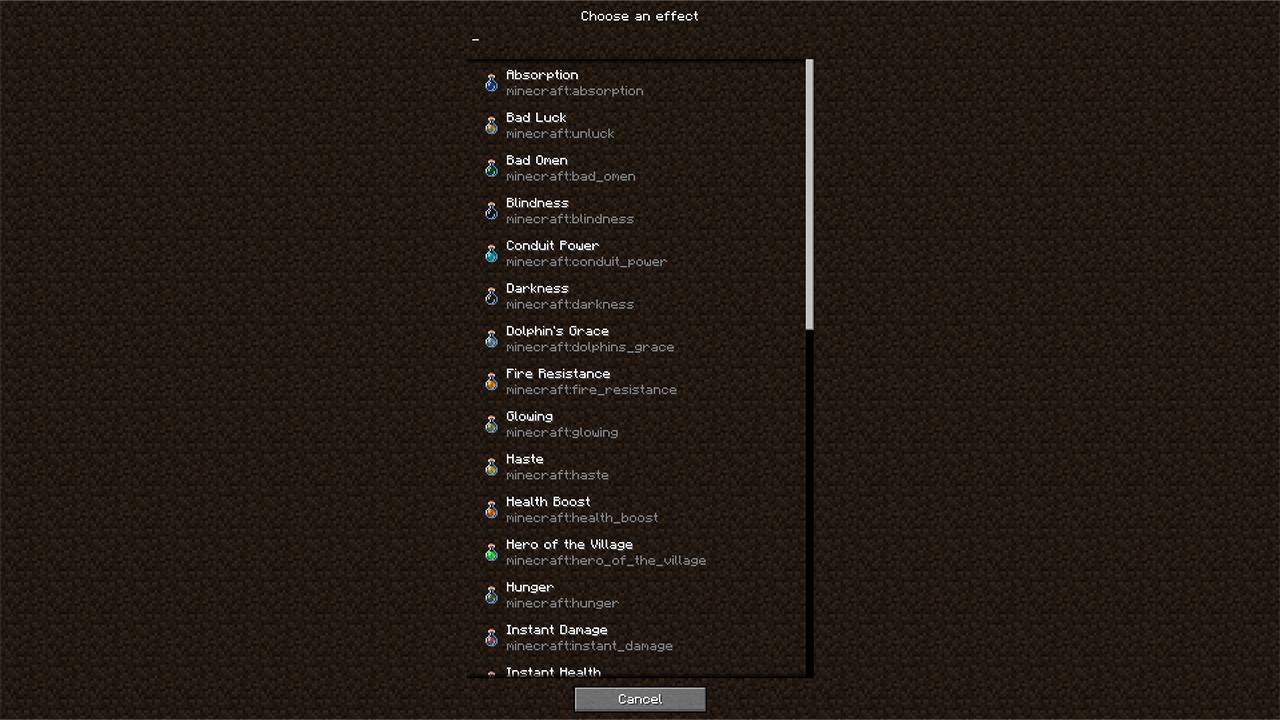
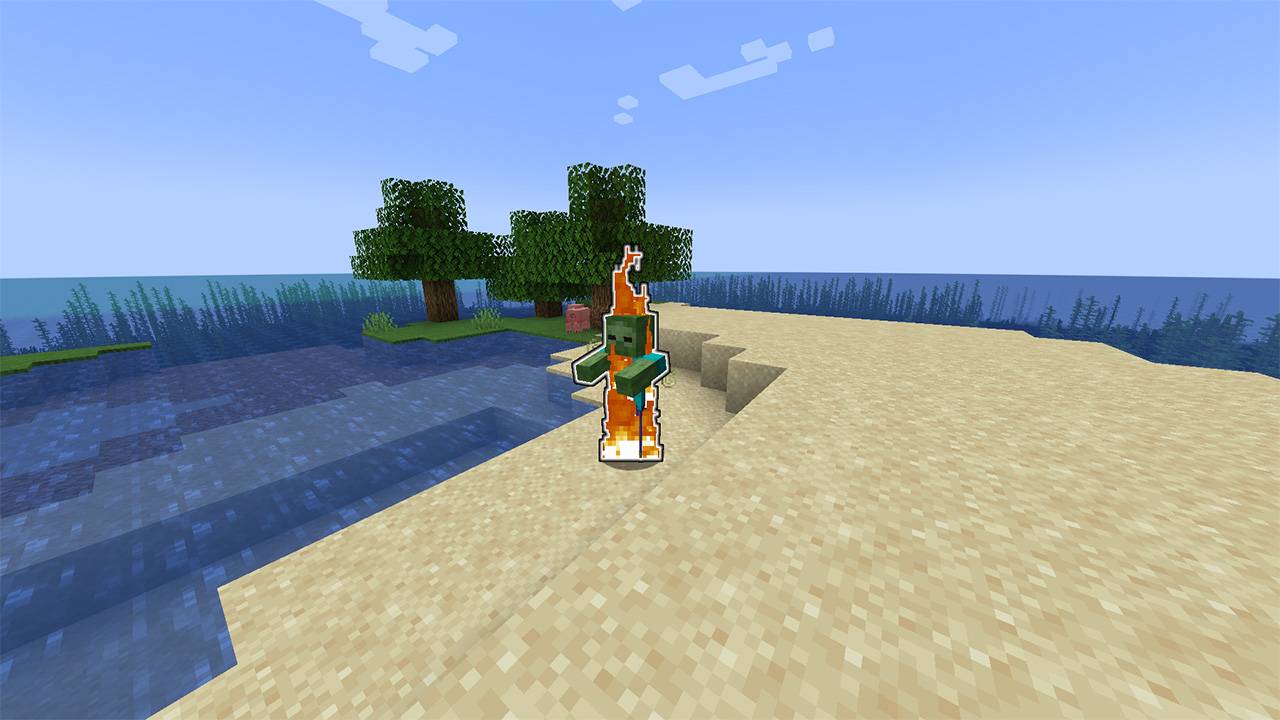
Spawn any living mob with whatever status effects you want. Works with Vanilla and Custom mobs and effects from other mods.
For more advanced version check out this
https://www.curseforge.com/minecraft/mc-mods/entity-manager

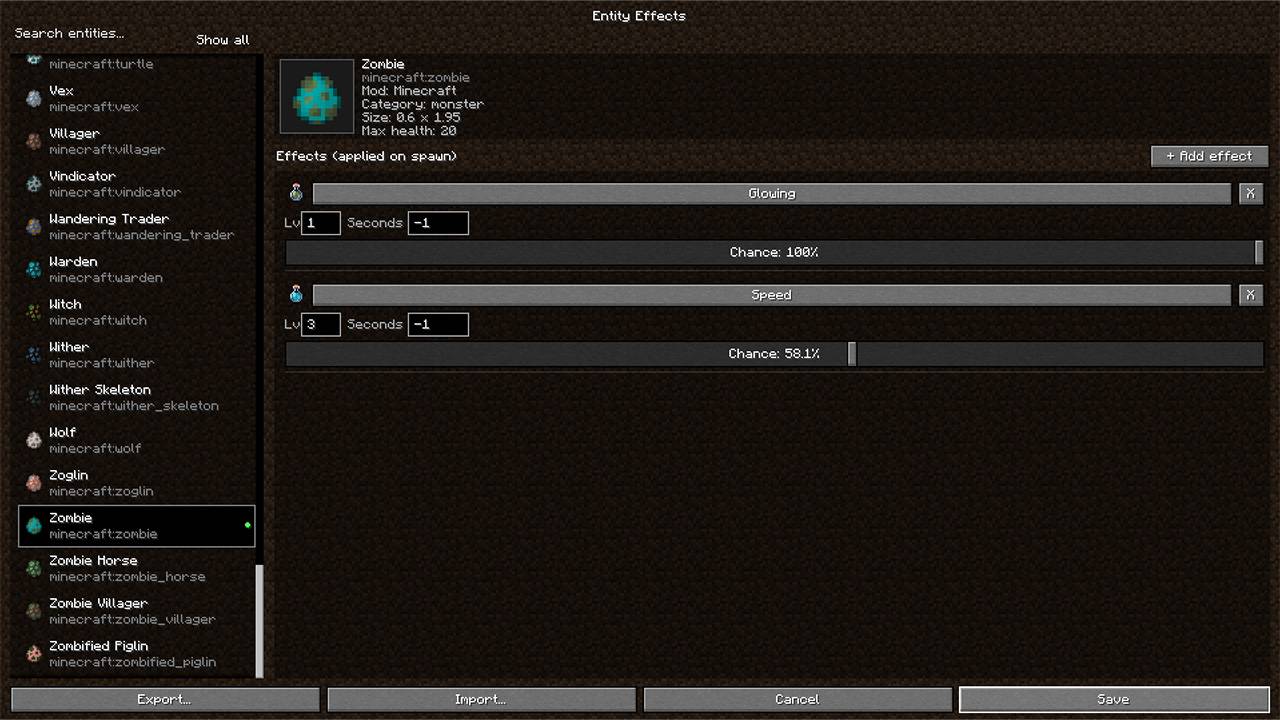
- Pick any mob, add one or more effects, and set the level, duration (set -1 for infinity) and spawn chance for each one.
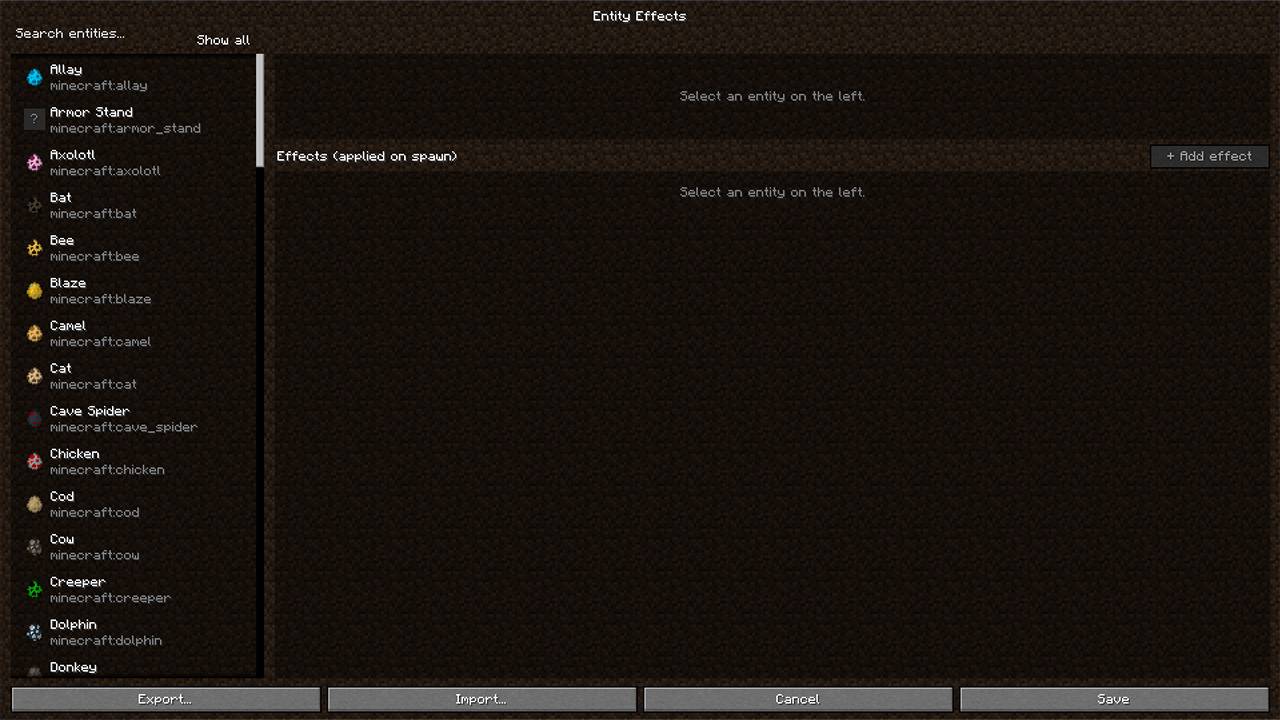
- An in-game GUI you open from a button on the title screen, with a searchable mob list, a preview and info panel.
- Export and import configs as .json files through your system’s file explorer.
- Nothing’s set up by default, so installing the mod doesn’t change anything until you configure it.
- Effects get applied once, when a mob first spawns or loads.
- If the file’s broken it gets ignored and logged, and the game won’t crash.
- When using this mod on a server, the player does not need to have it installed.

- Stored in config/entity_effects.json. It loads on its own and reloads when you edit it, no restart needed.
- On a dedicated server You have to install the config Yourself, because there is no way to change it in game.
Requirements
Fabric, Minecraft 1.20 to 1.20.4. Needs Fabric API.
常见问题
Entity Effects – Configurable Entity Effects 支持哪些 Minecraft 版本?
Entity Effects – Configurable Entity Effects 支持 Minecraft Java 版 1.20–1.20.4,共 5 个版本,可用的加载器:Fabric。下载时注意选择和你游戏版本一致的文件。
Entity Effects – Configurable Entity Effects 怎么安装?
先用 PCL2 或 HMCL 启动器安装对应版本的 Fabric,再把下载的 .jar 文件放进游戏目录的 mods 文件夹,重新启动游戏即可。开启了版本隔离的,mods 文件夹在 versions/版本名 下面。
cztx 的其他作品
查看全部 →
Minimap | Compass Minimap
一款兼容材质包的 Minecraft 小地图,支持 2D 和 3D(可自由旋转)视图,并提供可缩放的全屏地图,可记录已探索地形(含独立洞穴图层)、显示实时实体图标,还能自定义路标并与其他玩家分享。

Enchants Expanded – 28 New Enchants
28 new enchants that change how you fight, move and explore

Entity Manager – Configurable Abilities, Effects, Leveling and more
Customize any mob's stats, abilities, loot, gear and variants through an in-game editor, with optional leveling that makes mobs stronger as players progress.
评论
登录后评论和评分