
截图
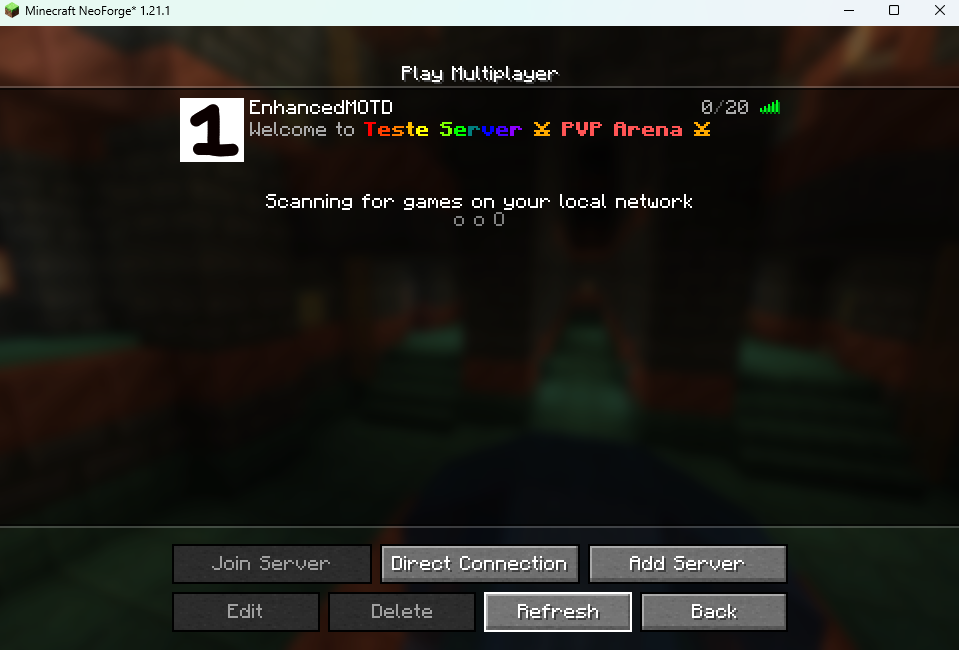
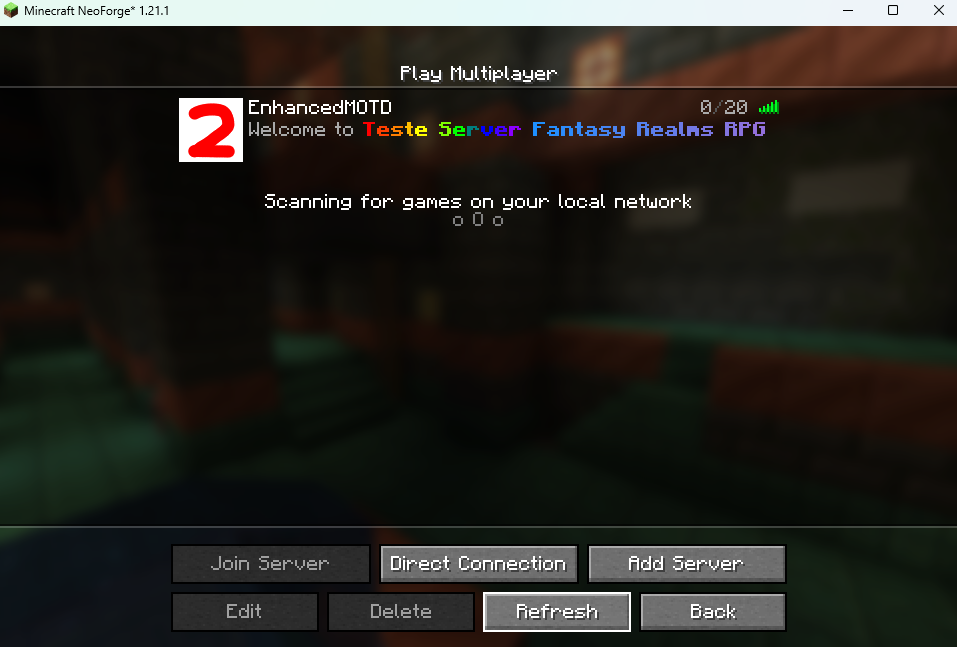
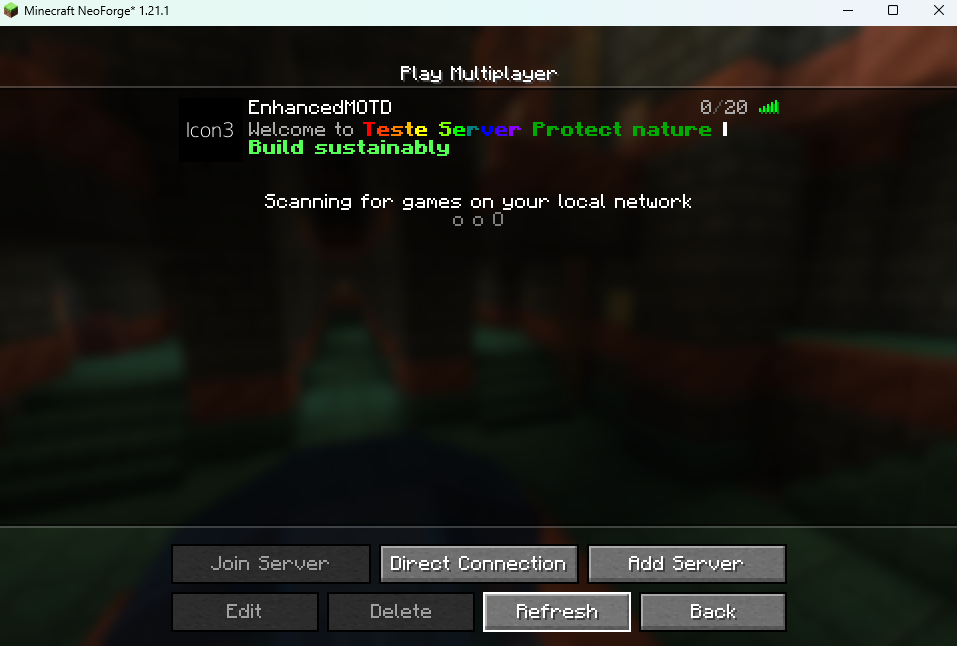
介绍
中文介绍正在准备中,下面暂时显示原文。
Features
- Custom Gradients: Create smooth color transitions using
<gradient:#RRGGBB:#RRGGBB>text</gradient> - Rainbow Text: Automatic rainbow gradients with
<rb>text</rb> - Hex Colors: Full RGB color support using
&#RRGGBBformat - Legacy Color Codes: Standard Minecraft color codes (
&a,&c, etc.) - Text Formatting: Bold (
&l), italic (&o), underline (&n), strikethrough (&m), obfuscated (&k) - Randomized Server Icons: Optional feature to cycle through multiple server icons
Formatting Guide
Gradient Syntax
- Custom Gradient:
<gradient:#FF0000:#FFFF00>Your Text</gradient>– Smooth transition from red to yellow - Rainbow Gradient:
<rb>Your Text</rb>– Automatic rainbow effect
Color Codes
- Hex Colors:
&#FF5500– Any RGB color - Legacy Codes:
&a(green),&c(red),&b(aqua),&e(yellow), etc.
Formatting Codes
&l– Bold&o– Italic&n– Underlined&m–Strikethrough&k– Obfuscated (random characters)&r– Reset all formatting
Combining Formats
Place formatting codes before gradient tags:
&l<gradient:#FF0000:#FFFF00>Bold Gradient Text</gradient>
&o<rb>Italic Rainbow Text</rb>
Config
The Config file, found in ./config/enhanced_motd.json, includes several options. The config can be reloaded by running the /reload command in-game. (Does not modify the vanilla /reload command, just hooks on to it).
"motds": A list of possible MOTDs lists! The mod will pick a random MOTD from every part of the list and concatenate them, producing a full MOTD. This feature is mainly so if you would like to contain a static part of information independent of a random one.
"use_randomized_icons": A boolean either enabling or disabling the randomized icon feature. Defaults totrue.
"icons": A list of paths to server icons or HTTPS URLs. Paths are relative to the server directory. URLs must use HTTPS protocol for security. All icons must be 64×64 PNG images.
"log_when_loaded": A boolean telling whether to log for every reload. Off by default.
"CONFIG_VERSION_DO_NOT_TOUCH_PLS": Mod version –please do not touch it.
Example Config
{
  "motds": [
    [
      "&l<rb>⚡ RAINBOW SERVER ⚡</rb>",
      "&l<gradient:#FF0000:#FFFF00>» FIRE REALM «</gradient>",
      "&l<gradient:#00FFFF:#0000FF>≋ OCEAN VIBES ≋</gradient>"
    ],
    [
      "&r&o- Join the &l<rb>adventure</rb>&r&n!",
      "&r- <gradient:#00AA00:#005500>Survival</gradient> | <gradient:#FF0000:#AA0000>PvP</gradient>",
      "&r&o- Fresh <gradient:#00FF00:#FFD700>world</gradient> just released!"
    ]
  ],
  "use_randomized_icons": true,
  "icons": [
    "server-icon.png",
    "server-icon-2.png",
    "https://dummyimage.com/64x64/000/fff.png&text=Icon3"
  ],
  "log_when_loaded": false
}
Installation
- Download the mod JAR from the releases
- Place it in your server’s
modsfolder - Start the server – it will generate a default config
- Edit
config/enhanced_motd.jsonto customize your MOTDs - Use
/reloadto apply changes without restarting
Requirements
- NeoForge 26.1+ for Minecraft 26.1.x
- Java 25+
- Server-side only
常见问题
EnhancedMOTD 支持哪些 Minecraft 版本?
EnhancedMOTD 支持 Minecraft Java 版 1.21–26.1.2,共 12 个版本,可用的加载器:NeoForge。下载时注意选择和你游戏版本一致的文件。
EnhancedMOTD 怎么安装?
先用 PCL2 或 HMCL 启动器安装对应版本的 NeoForge,再把下载的 .jar 文件放进游戏目录的 mods 文件夹,重新启动游戏即可。开启了版本隔离的,mods 文件夹在 versions/版本名 下面。运行环境:仅服务端。
评论
登录后评论和评分