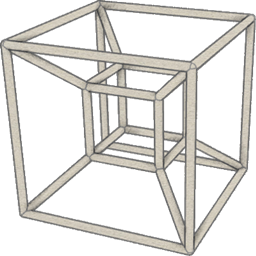
截图
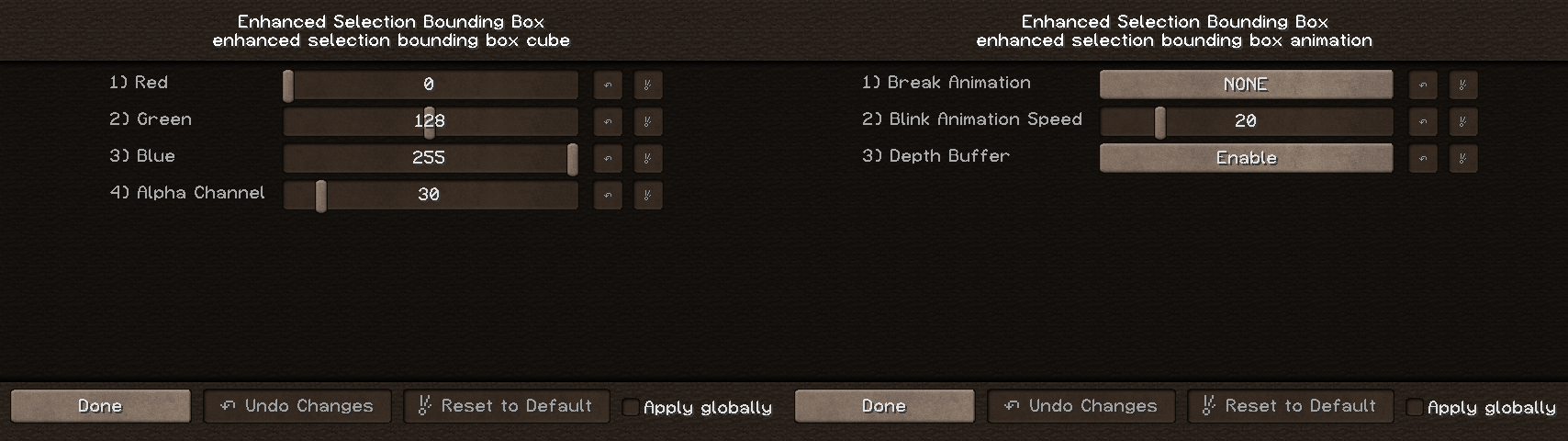
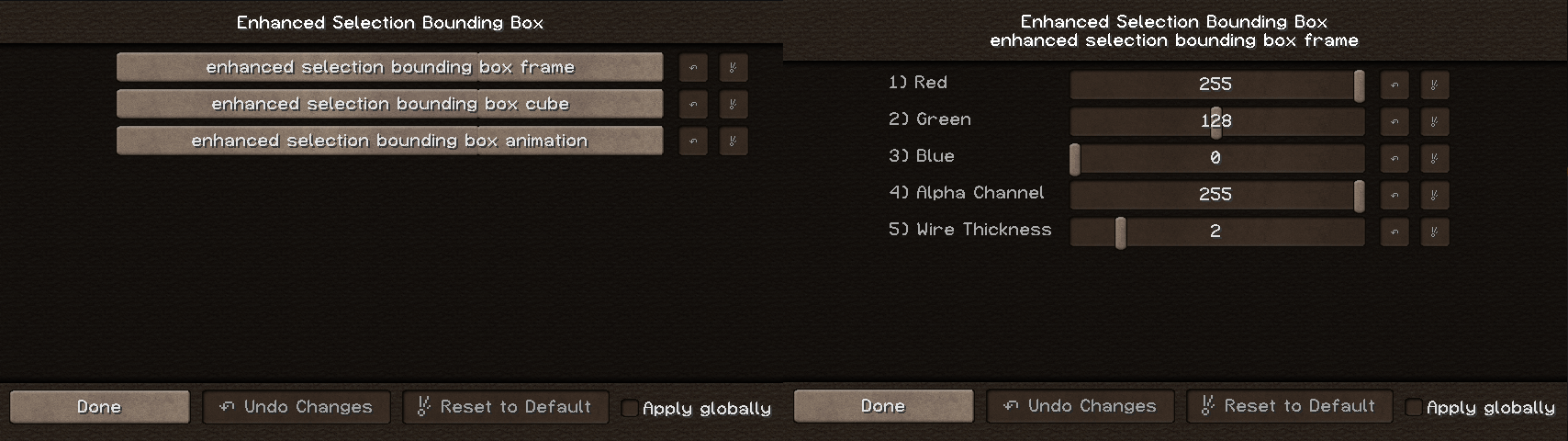
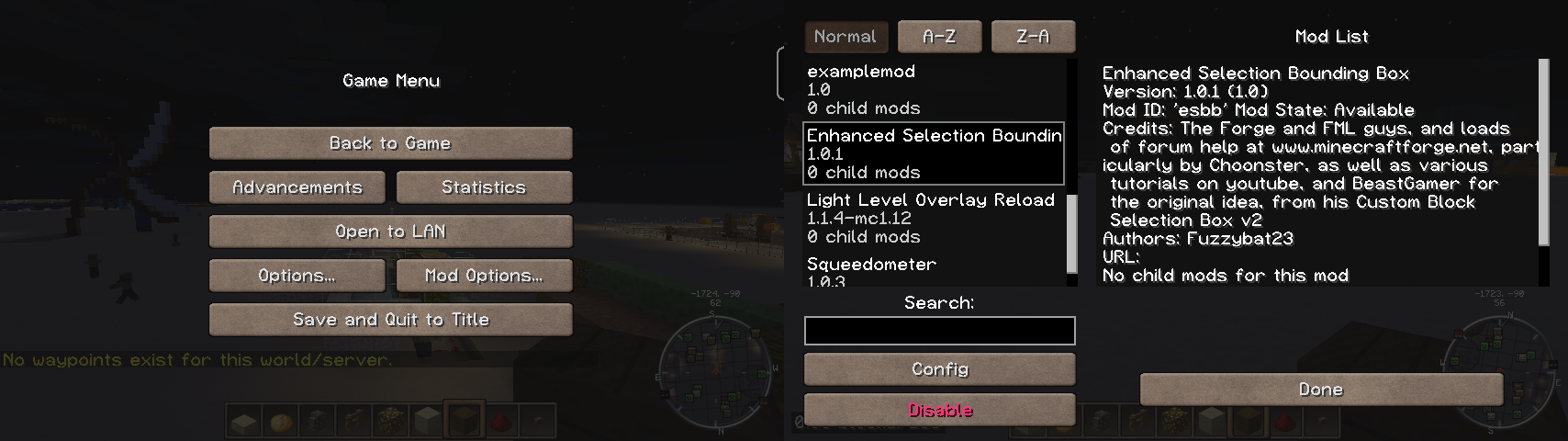
介绍
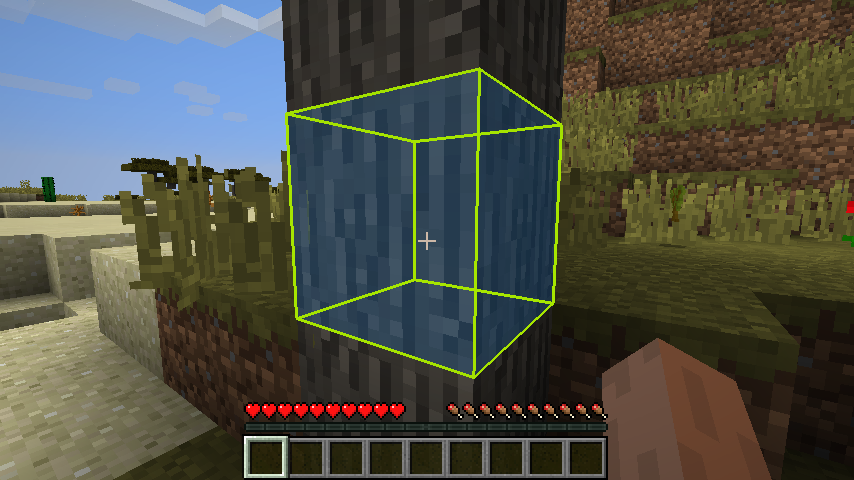
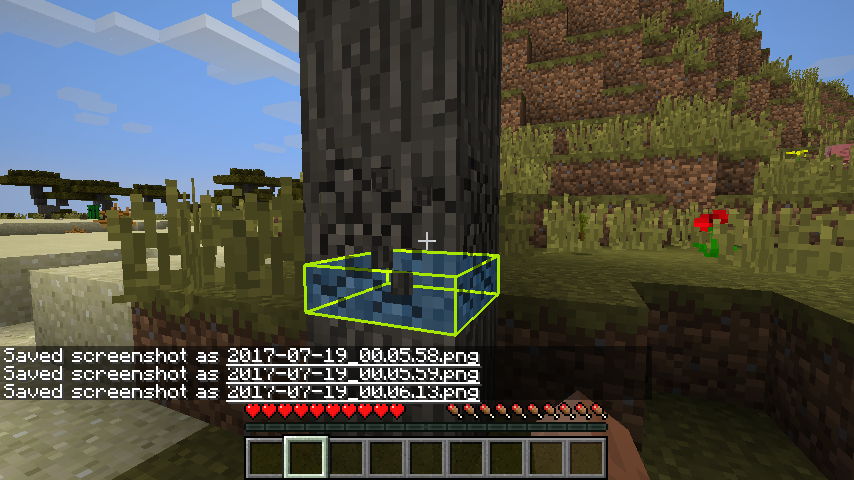
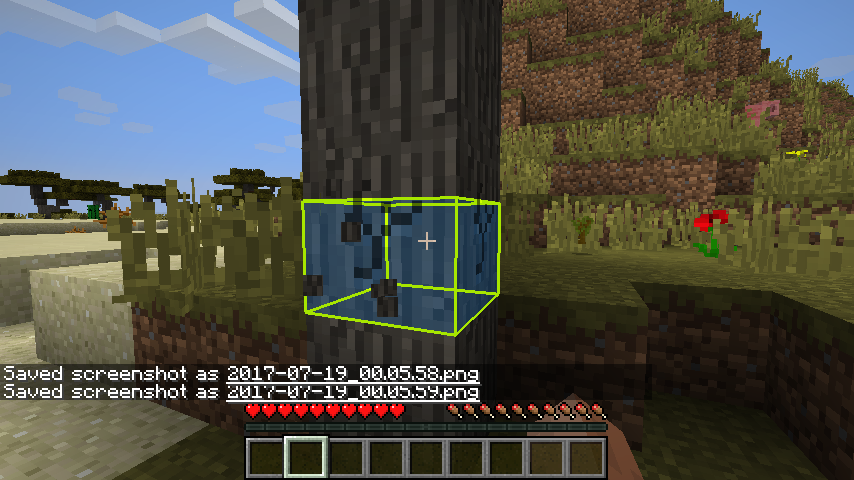
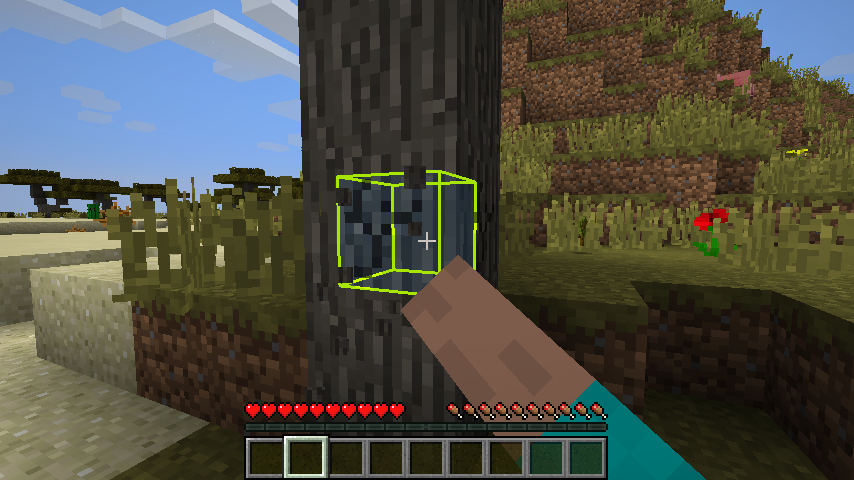
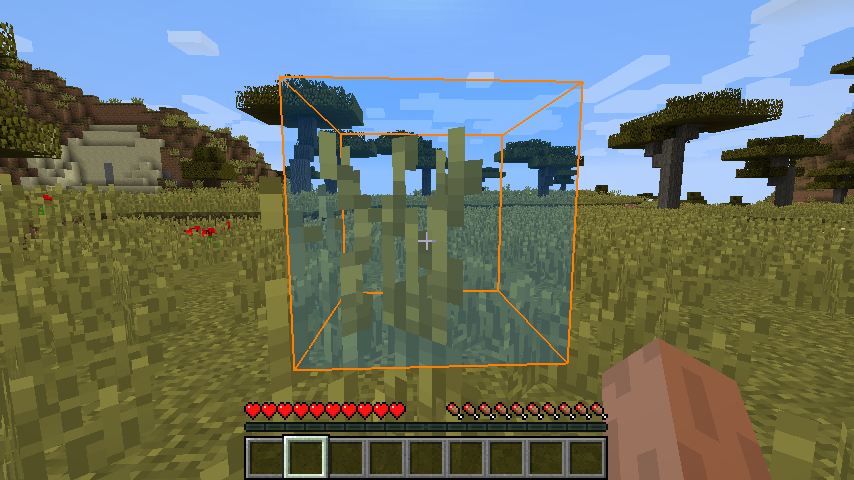
You know that black wire frame that’s drawn around every block your cursor falls on? This mod lets you change the thickness, color and alpha channel of that wire frame. In addition, you can also select a solid color and alpha channel for the block that falls within the selection bounding box.
This mod lets you enable or disable the depth buffer for each block being looked at, letting you see every part of the wire frame as if the block were transparent.
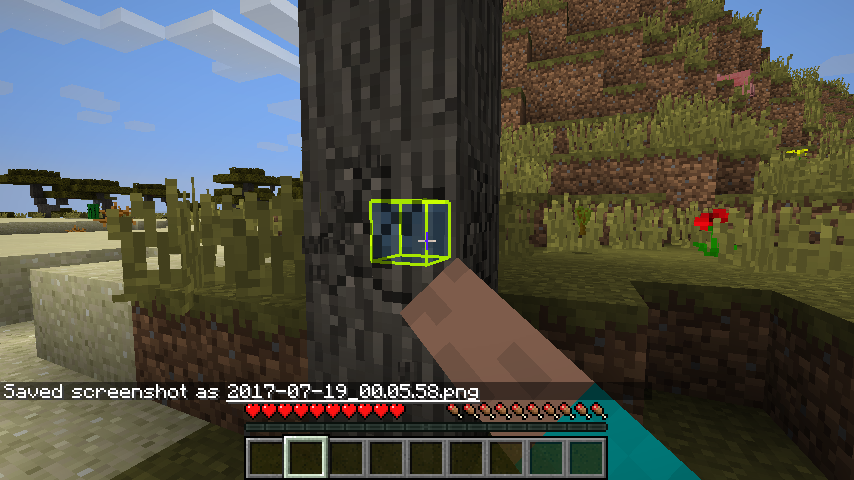
An animation can be selected for breaking blocks, as well. As a block is broken, the shrink animation slowly shrinks the wire frame inwards to the center of the block, and the down animation shrinks the wire frame down to the bottom of the block.
Instructions! I guess I forgot this in the first writeup. Anyway, there is an in game gui to adjust the settings. It’s within forge’s mod settings system.
I first saw a mod show case on BeastGamer’s Custom Block Selection Box V2. Being as how extremely outdated it was, I decided to go digging into the forge libraries and discovered the RenderGlobal class, and all the neat box drawing tools within. A few weeks later, after lots of trial, lots more error, and even more forum mod help discussions, I managed to put together a working product.
Plans: I plan to add a rainbow animation feature, at some point.
If you come across any bugs or errors that can be repeated, please let me know and I’ll try to sort them out as quickly as I can.
Also, if you have any suggested improvements, let me know! If I can figure out how, with my currently limited coding java know-how, I might just add it in and give you props for the suggestion 🙂
If you like what you see here, please feel free to click on that donate button. Or not, either way 🙂
常见问题
Enhanced Selection Bounding Box Mod 支持哪些 Minecraft 版本?
Enhanced Selection Bounding Box Mod 支持 Minecraft Java 版 1.12–1.12.1,共 2 个版本,可用的加载器:Forge。下载时注意选择和你游戏版本一致的文件。
Enhanced Selection Bounding Box Mod 怎么安装?
先用 PCL2 或 HMCL 启动器安装对应版本的 Forge,再把下载的 .jar 文件放进游戏目录的 mods 文件夹,重新启动游戏即可。开启了版本隔离的,mods 文件夹在 versions/版本名 下面。
评论
登录后评论和评分