
Enhanced Loading Screens
A mod that allows you to add and use custom backgrounds on your Minecraft loading screens.
截图
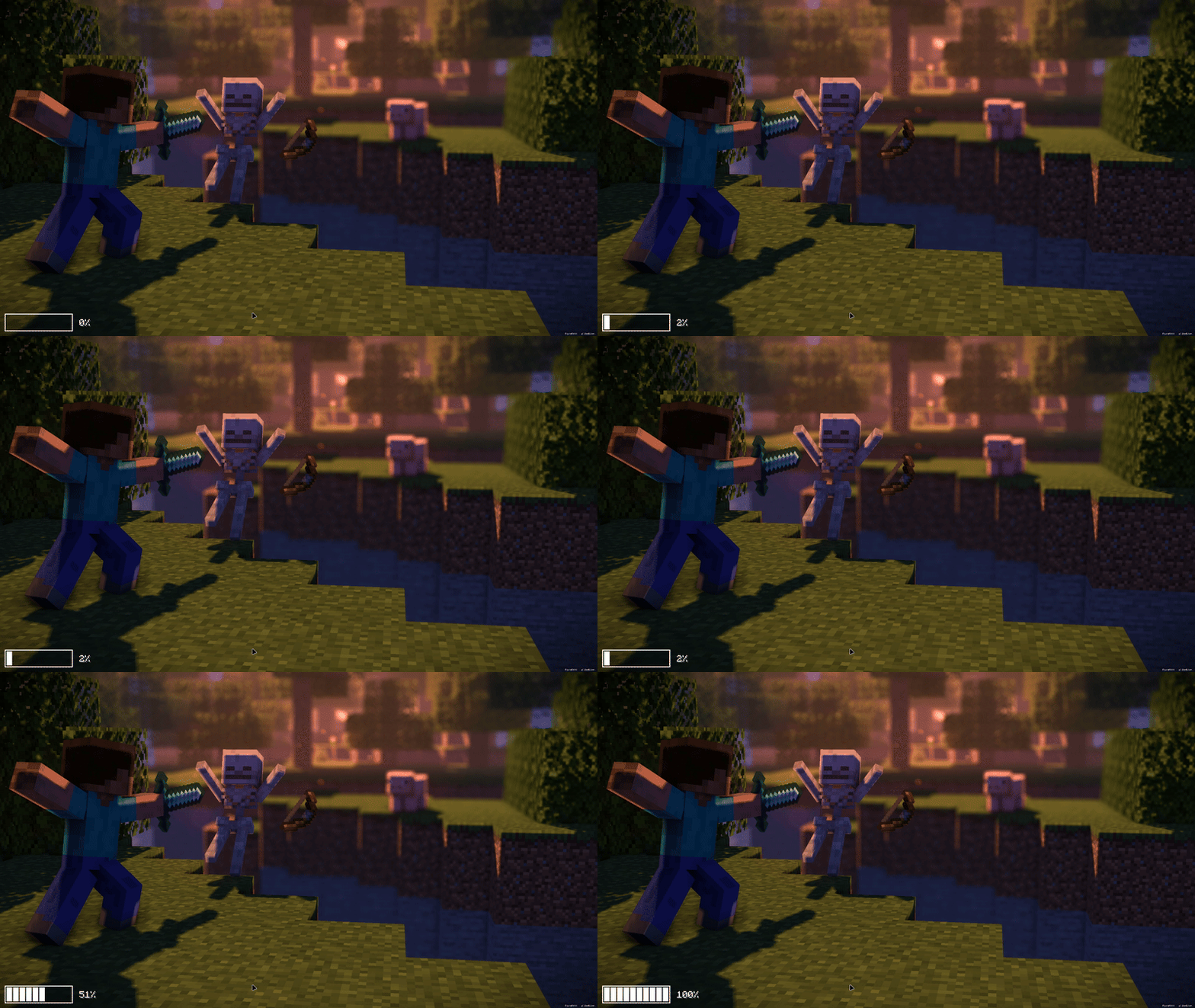
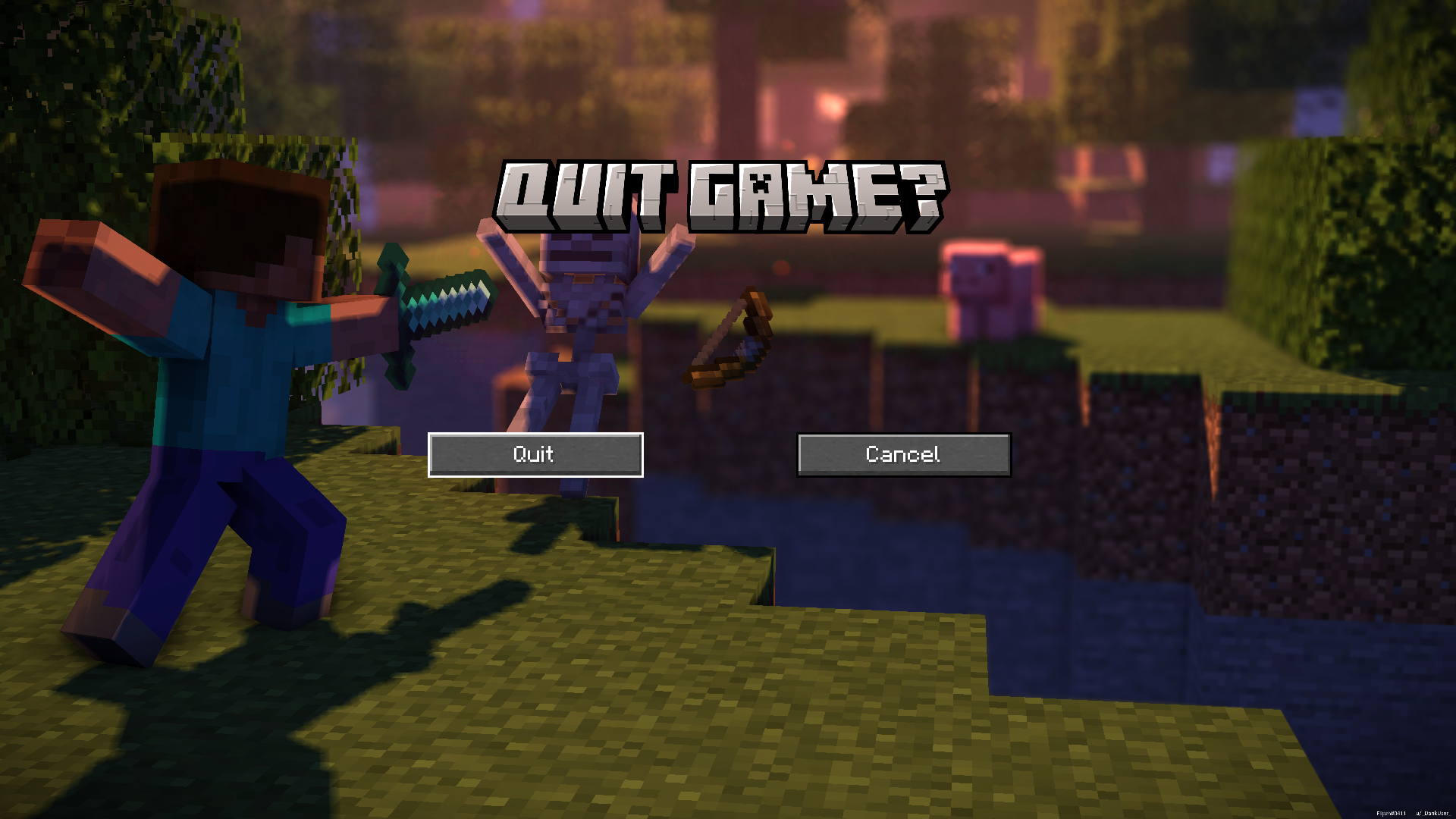
介绍
Enhanced Loading Screens.
Enhanced Loading Screens is a mod that allows you to use custom background images in some Minecraft Screens.
Information:
- Enhanced Loading Screens is a client-side mod.
- Feel free to upload background packs.
- Use Enhanced Loading Screens wherever you want.
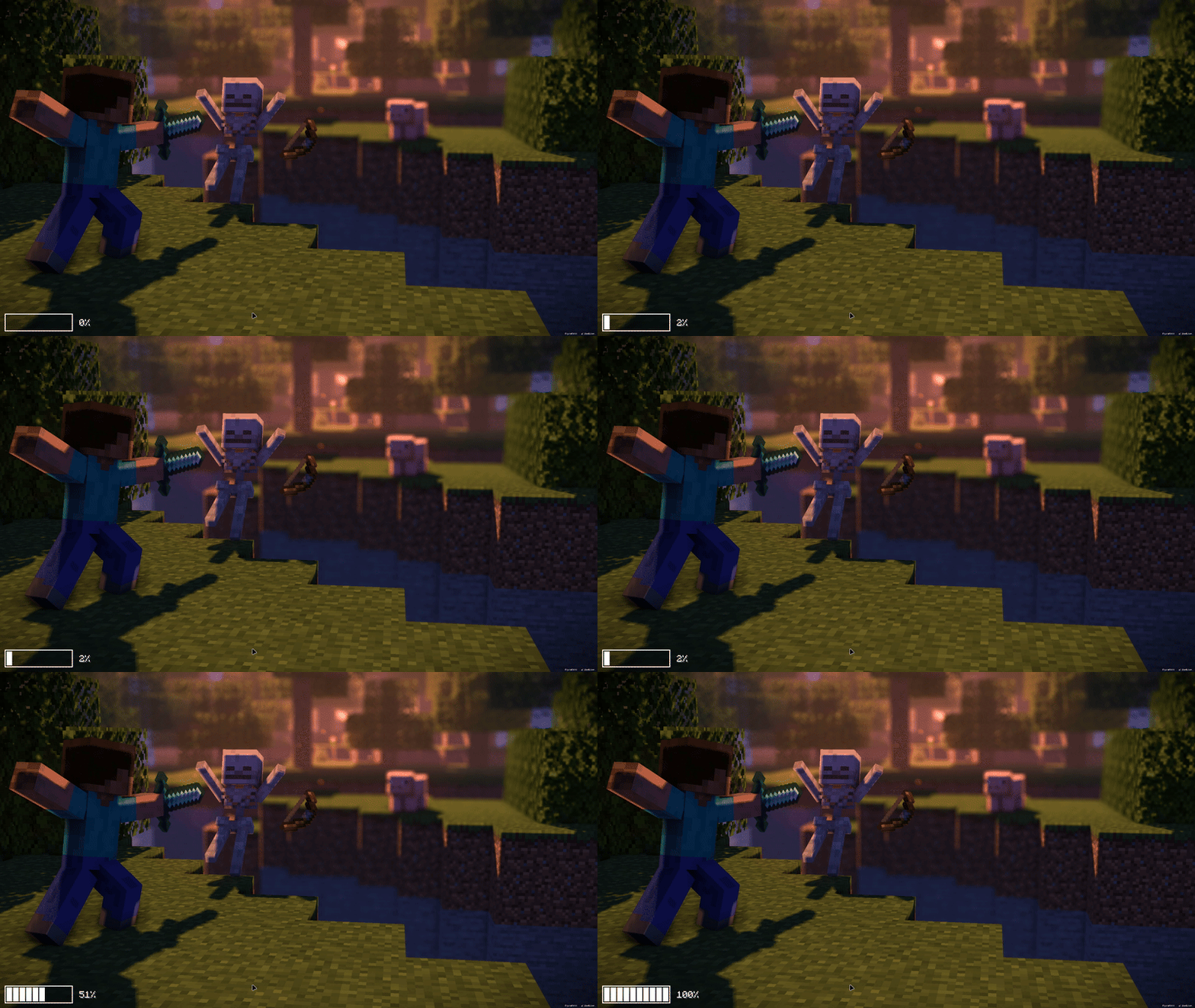
My own els addon: Minecraft: At Night.
World loading screen.
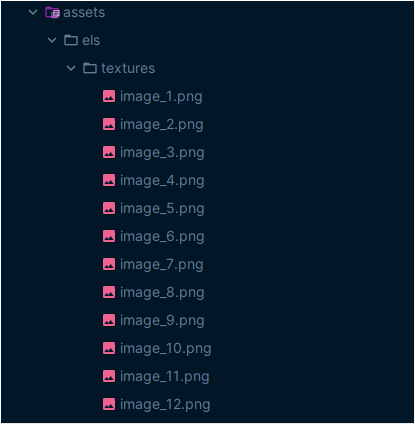
Adding backgrounds:
First, create a resource pack.
Next, add your images to it, following the example below.
Don’t forget that the images must be in .png format, and you can include a maximum of 12 images, any extra ones will not be loaded.
Well, if you want to leave me a tip, https://ko-fi.com/mateusmg2010
Thanks for downloading 🙂
常见问题
Enhanced Loading Screens 支持哪些 Minecraft 版本?
Enhanced Loading Screens 支持 Minecraft Java 版 1.21.1–1.21.10,共 8 个版本,可用的加载器:Fabric / Forge / NeoForge。下载时注意选择和你游戏版本一致的文件。
Enhanced Loading Screens 怎么安装?
先用 PCL2 或 HMCL 启动器安装对应版本的 Fabric / Forge / NeoForge,再把下载的 .jar 文件放进游戏目录的 mods 文件夹,重新启动游戏即可。开启了版本隔离的,mods 文件夹在 versions/版本名 下面。运行环境:仅客户端。
MateusMG2010 的其他作品
查看全部 →
Enhanced Dragon Egg
Enhanced model with an amazing emissive texture.

Battery Info
See your Battery level inside Minecraft!

Quit Game Confirm
Tired of closing your game by accident? Then you should use Quit Game Confirm!

Hand Pistons
With Hand Pistons Mod you are able to use portable pistons in Minecraft!
评论
登录后评论和评分