
截图
介绍
This is a vanilla-friendly teleportation mod. It is an attempt to add teleportation and travel to the game without it becoming overpowered. The mod also adds some other fun and useful teleportation-inspired items and blocks.
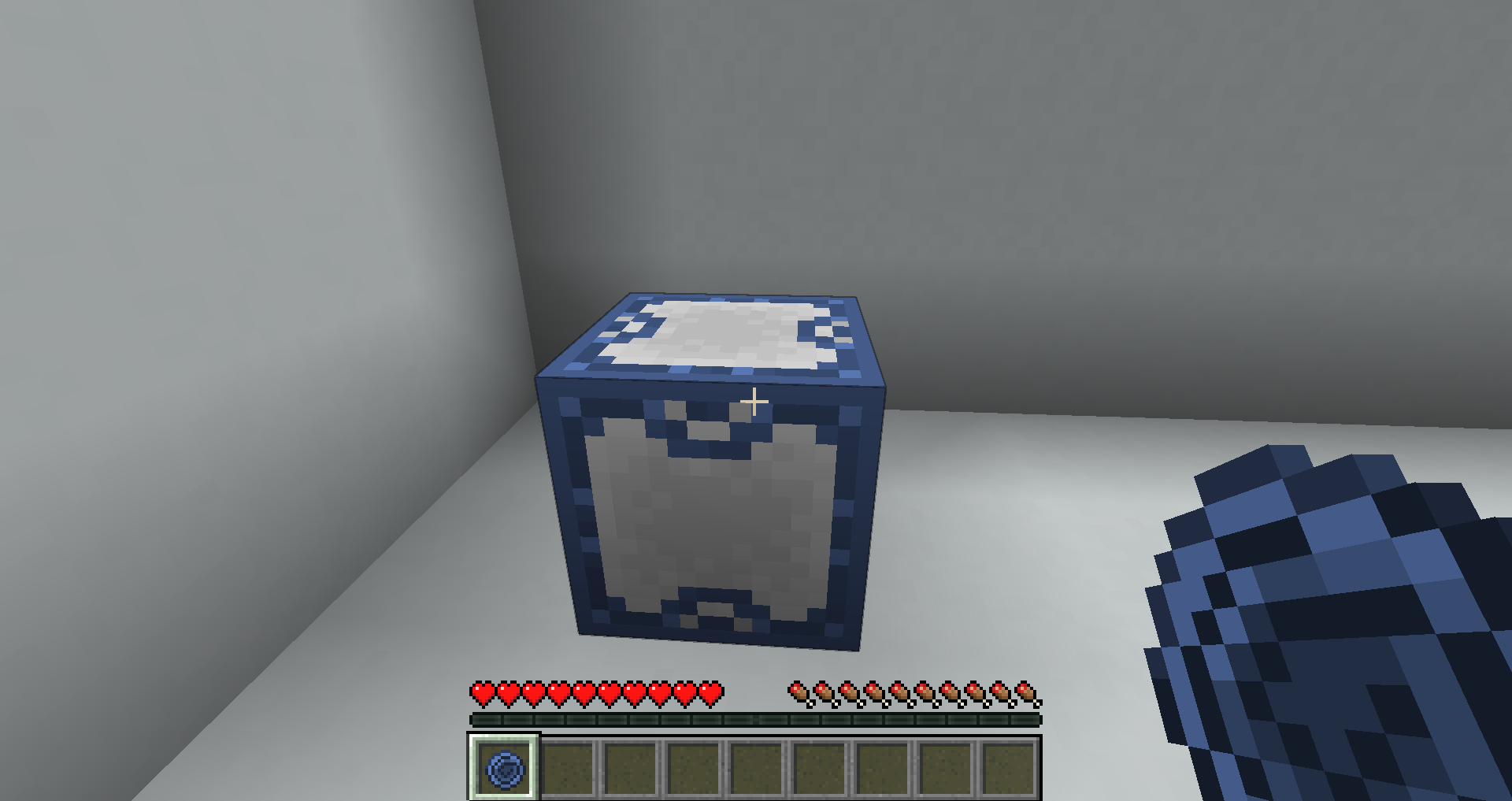
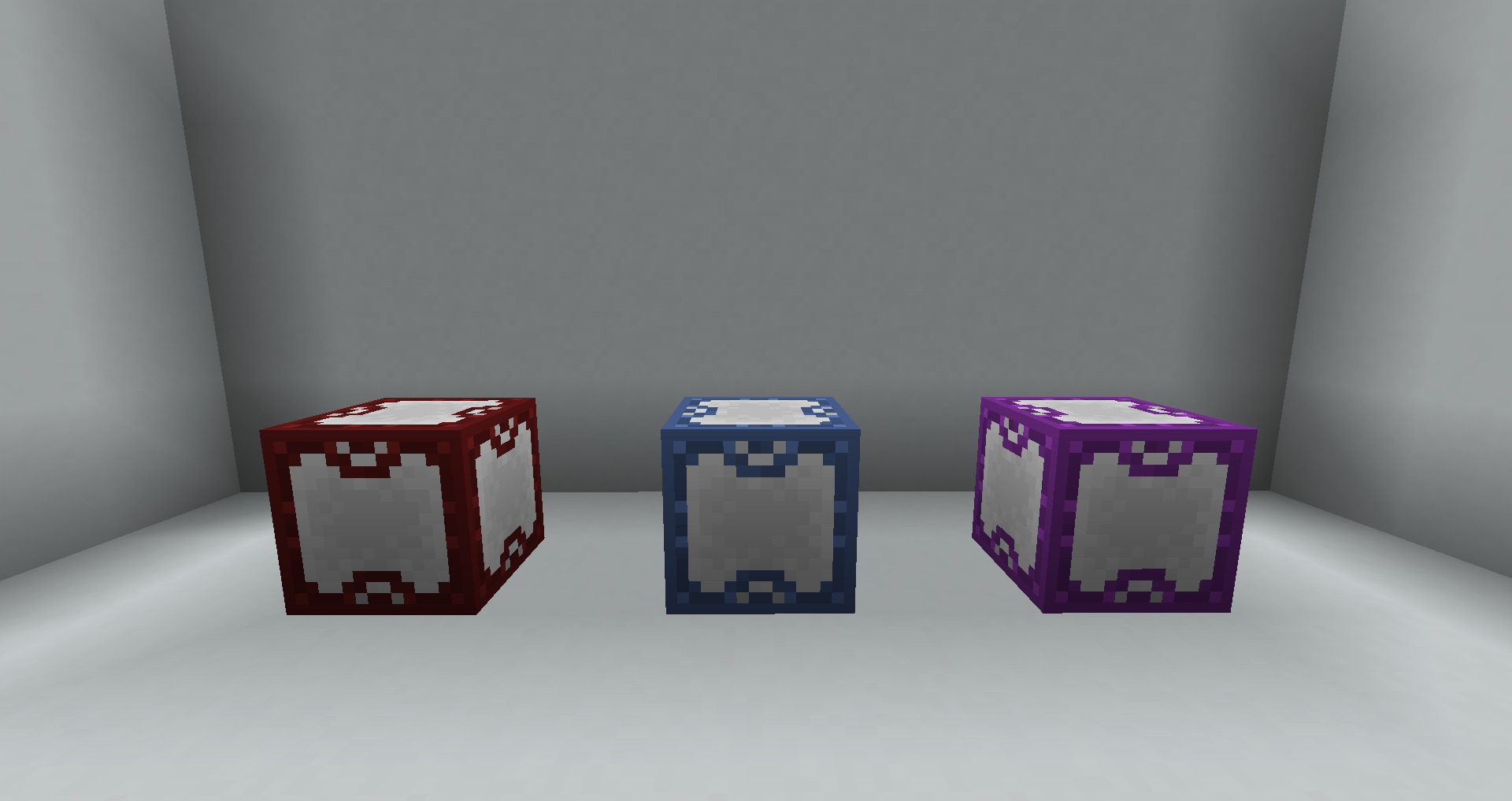
The Ender Porter
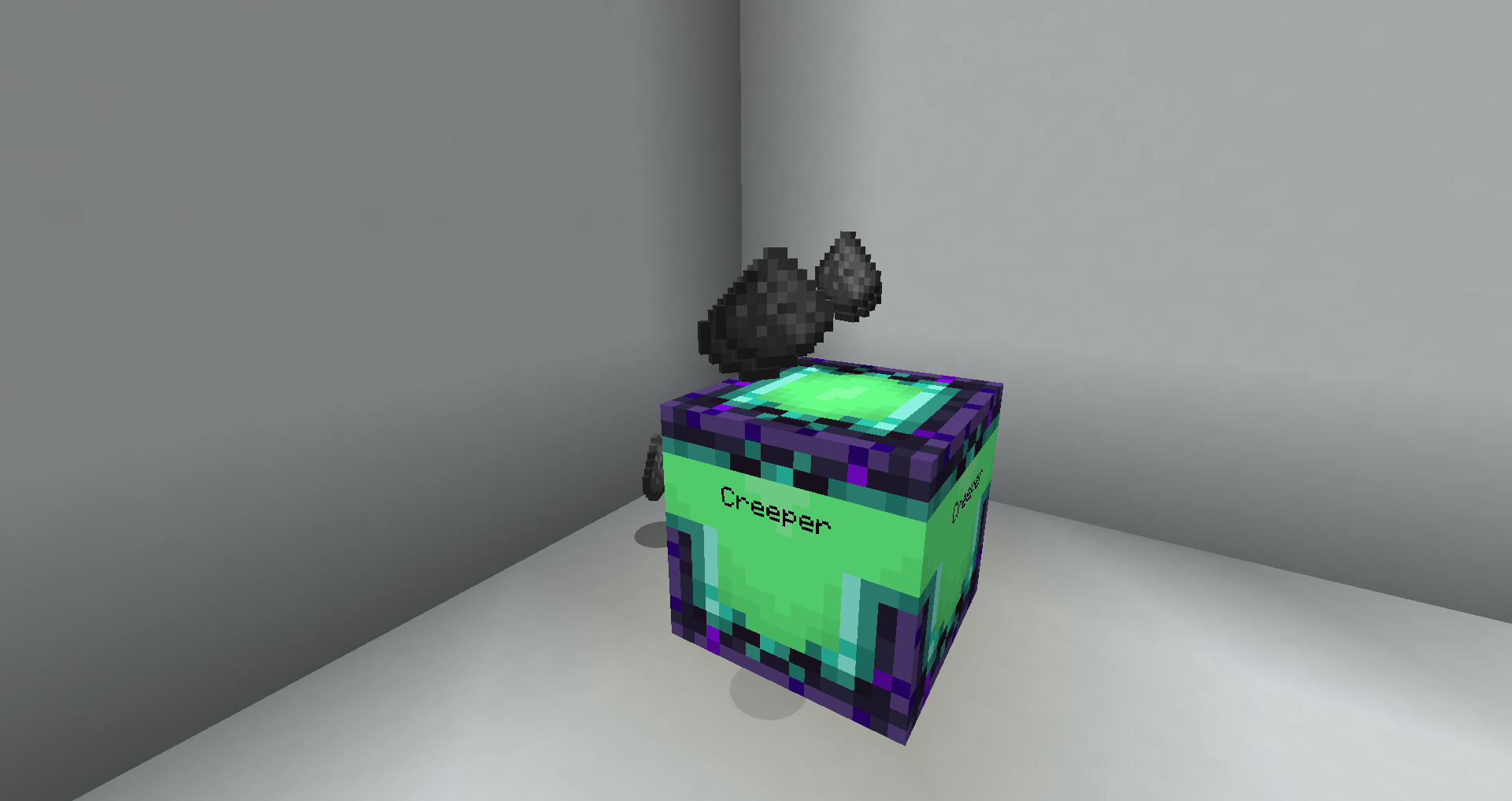
The mod revolves around its main block: the “Ender Porter“. Their functionality shines when used in conjunction with other items and blocks in this mod.
Giving the Ender Porter a redstone signal will teleport the Ender Porter’s owner (the player who placed it down) to the Ender Porter.
Ender Porters can be dyed by right-clicking them with dye in your hand.
Ender Fruit
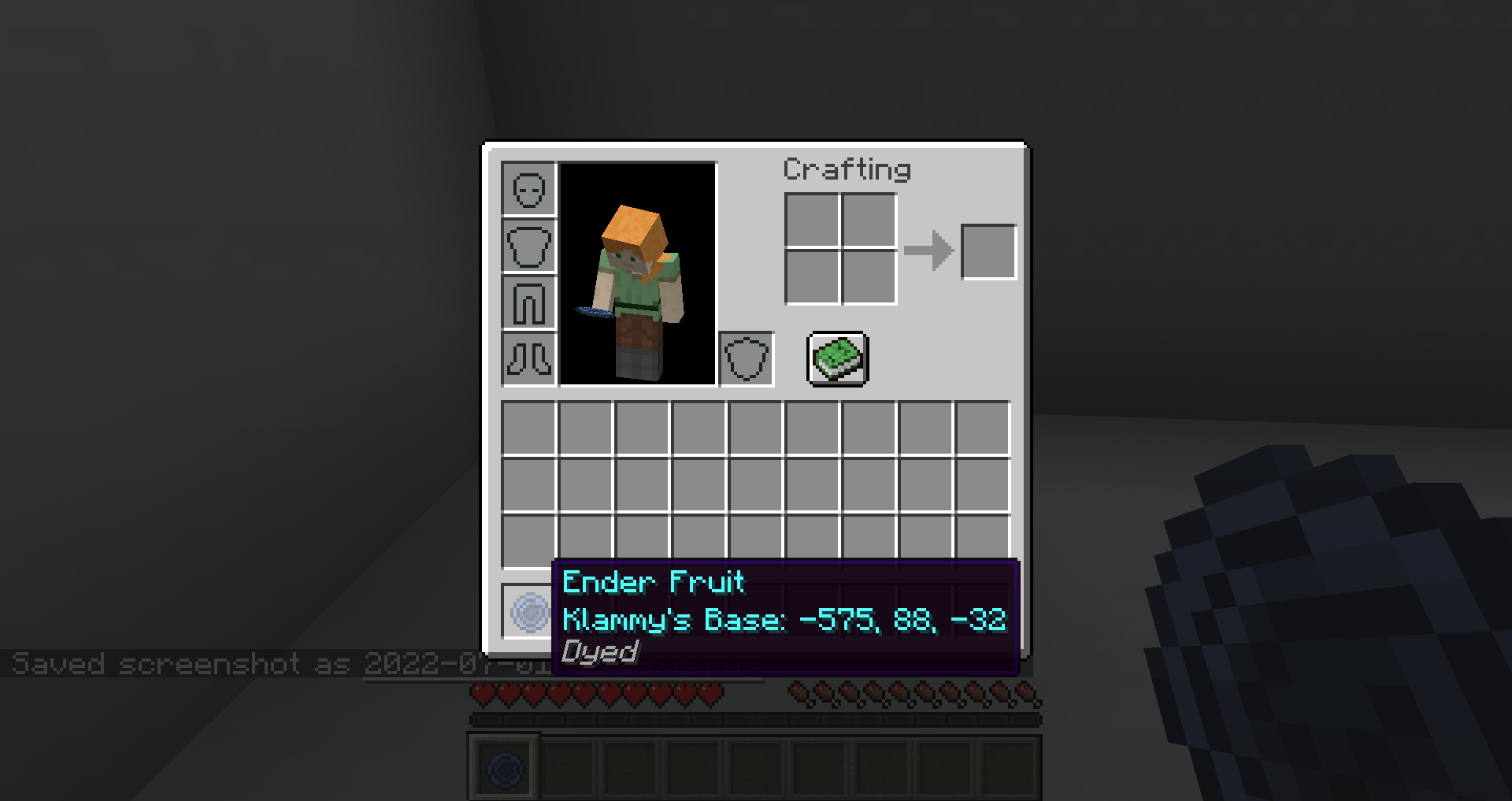
Link an “Ender Fruit” to an Ender Porter by right-clicking the Ender Porter while holding Ender Fruit. Eating this fruit will teleport you to its linked Ender Porter.
An Ender Fruit will adopt the color of its linked Ender Porter. If an Ender Porter is named in an anvil before it was placed down, an Ender Fruit will also adopt the name of its linked Ender Porter.
Ender Pressure Plate / Ender Button
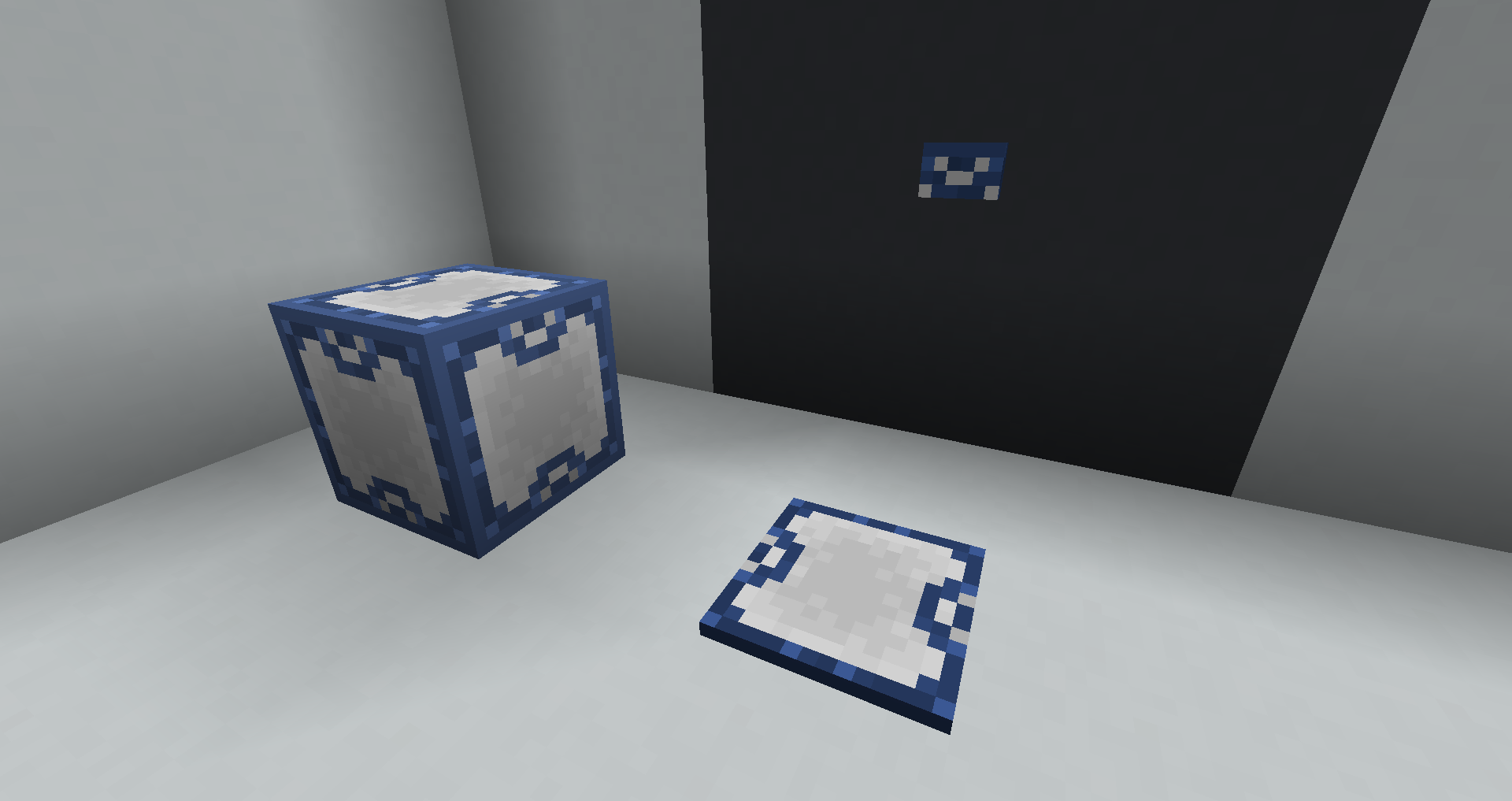
When activated the “Ender Pressure Plate” and “Ender Button” will teleport the player to their linked Ender Porter.
To link an Ender Porter to a pressure plate or button, right-click on the pressure plate or button while holding an Ender Fruit that has already been linked to your desired Ender Porter.
Mob Porter / Advanced Mob Porter
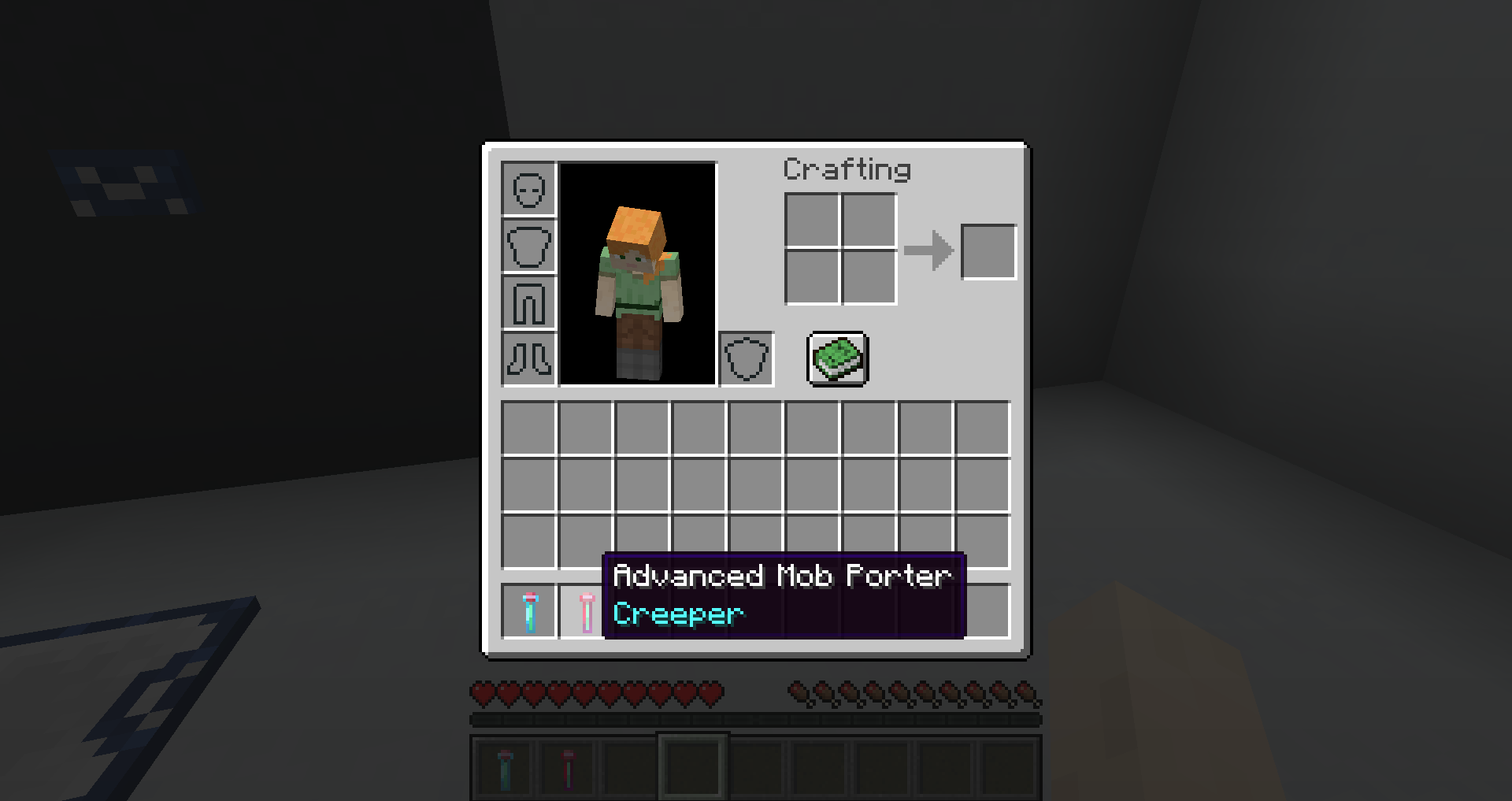
The “Mob Porter” is a standard tool that allows the player to pick up mobs. The “Advanced Mob Porter” is needed for Hostile enemies.
The Loot Constructor
The “Loot Constructor” is a block that can be used as a simple mob farm. Fill the Loot Constructor by right-clicking it with a full Mob Porter. The Loot Constructor will begin slowly to spawn mob drops.
常见问题
Ender Porter 支持哪些 Minecraft 版本?
Ender Porter 支持 Minecraft Java 版 1.19,可用的加载器:Fabric。下载时注意选择和你游戏版本一致的文件。
Ender Porter 怎么安装?
先用 PCL2 或 HMCL 启动器安装对应版本的 Fabric,再把下载的 .jar 文件放进游戏目录的 mods 文件夹,重新启动游戏即可。开启了版本隔离的,mods 文件夹在 versions/版本名 下面。
评论
登录后评论和评分