Emberpot
A Minecraft cooking mod featuring a custom cooking station, 16 recipes, stackable multi-portion meals, and a recipe book to discover every dish.
截图


介绍

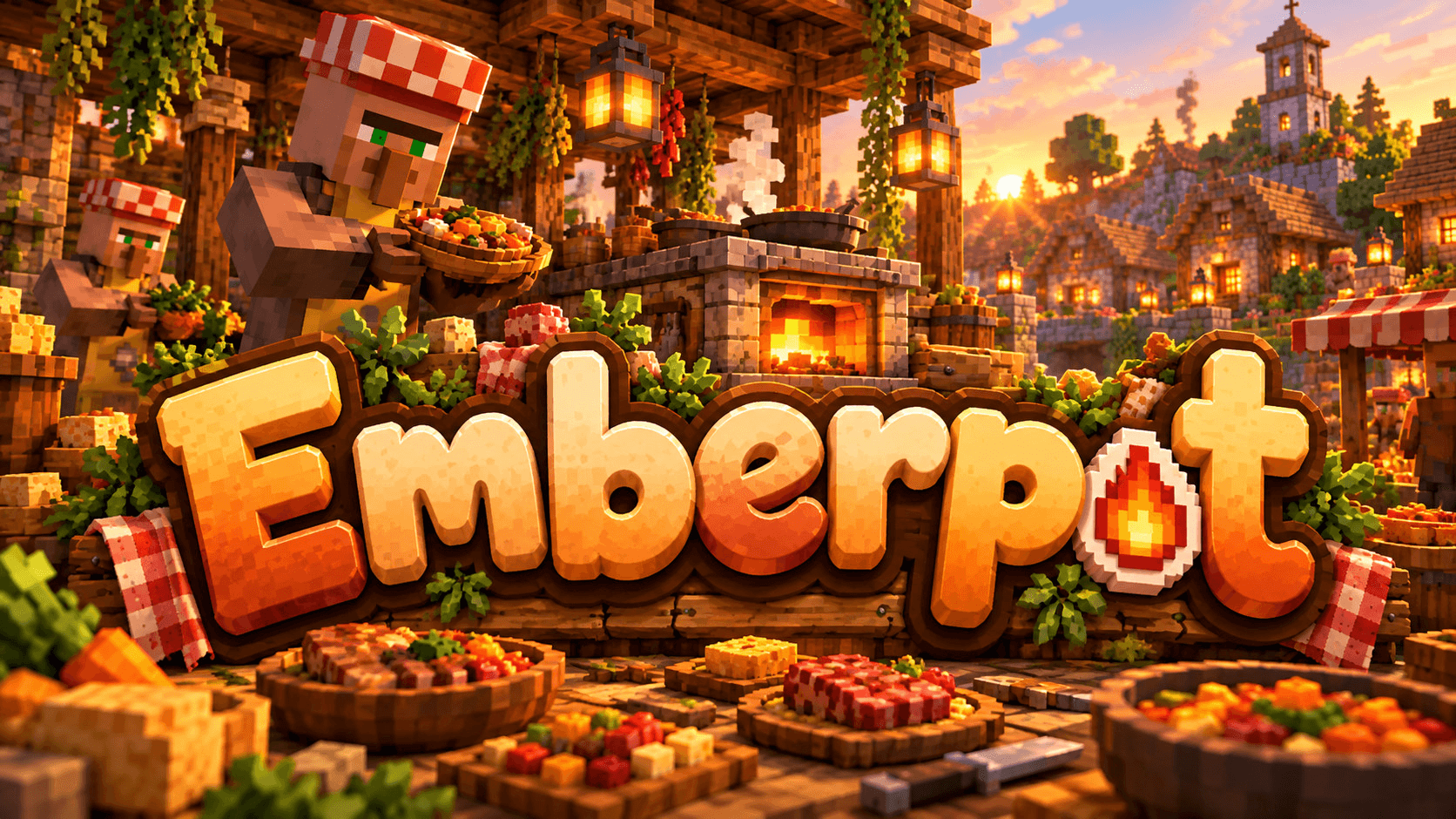
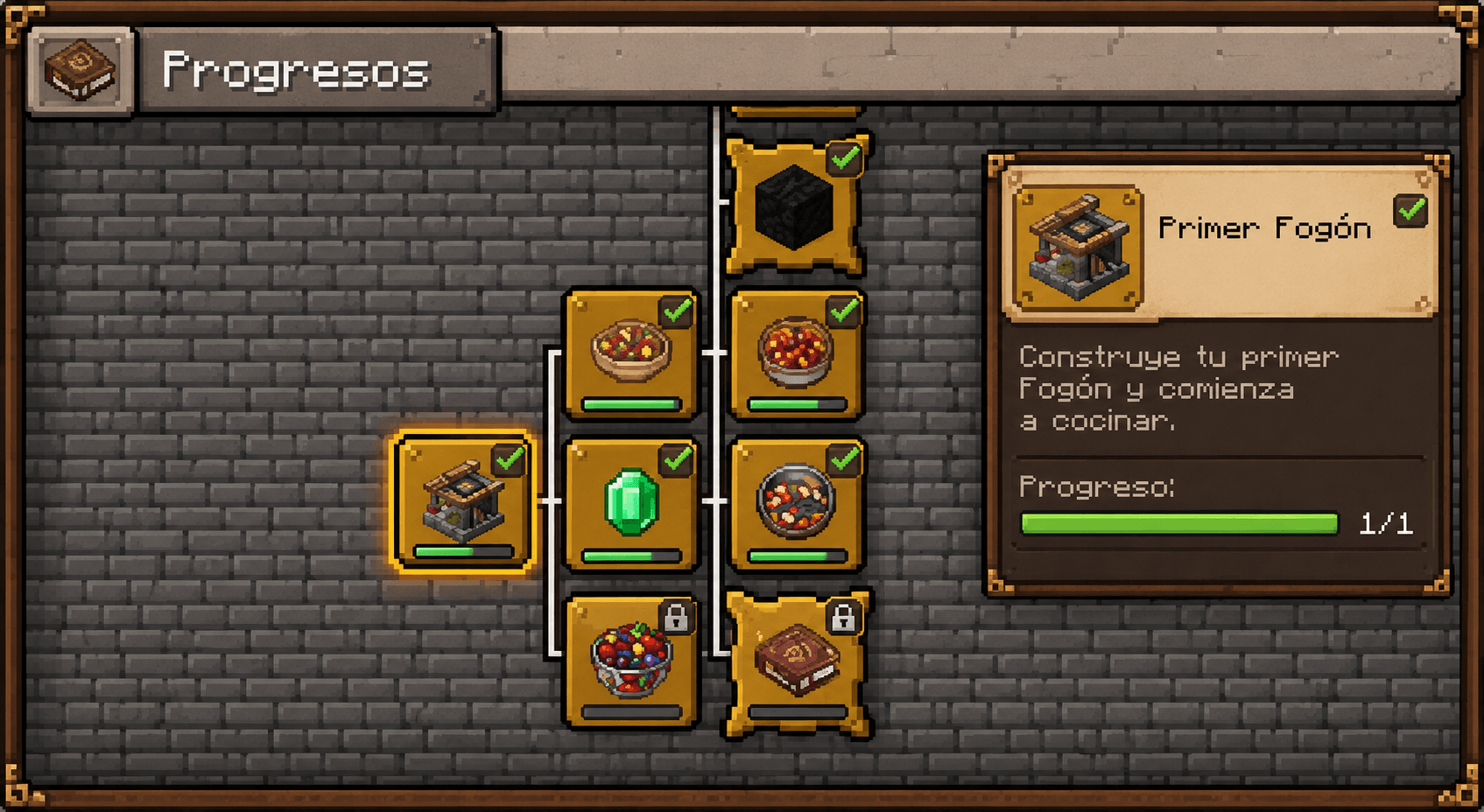
Emberpot brings a new way to cook in Minecraft with a custom cooking station, a collection of recipes, and a recipe book to help you discover what you can prepare.
Explore ingredient combinations, cook different dishes, and make the most of every meal with a portion-based food system.
Whether you’re looking for a simple cooking experience or more variety in your survival world, Emberpot gives food preparation its own place in the game.

Discover Every Recipe
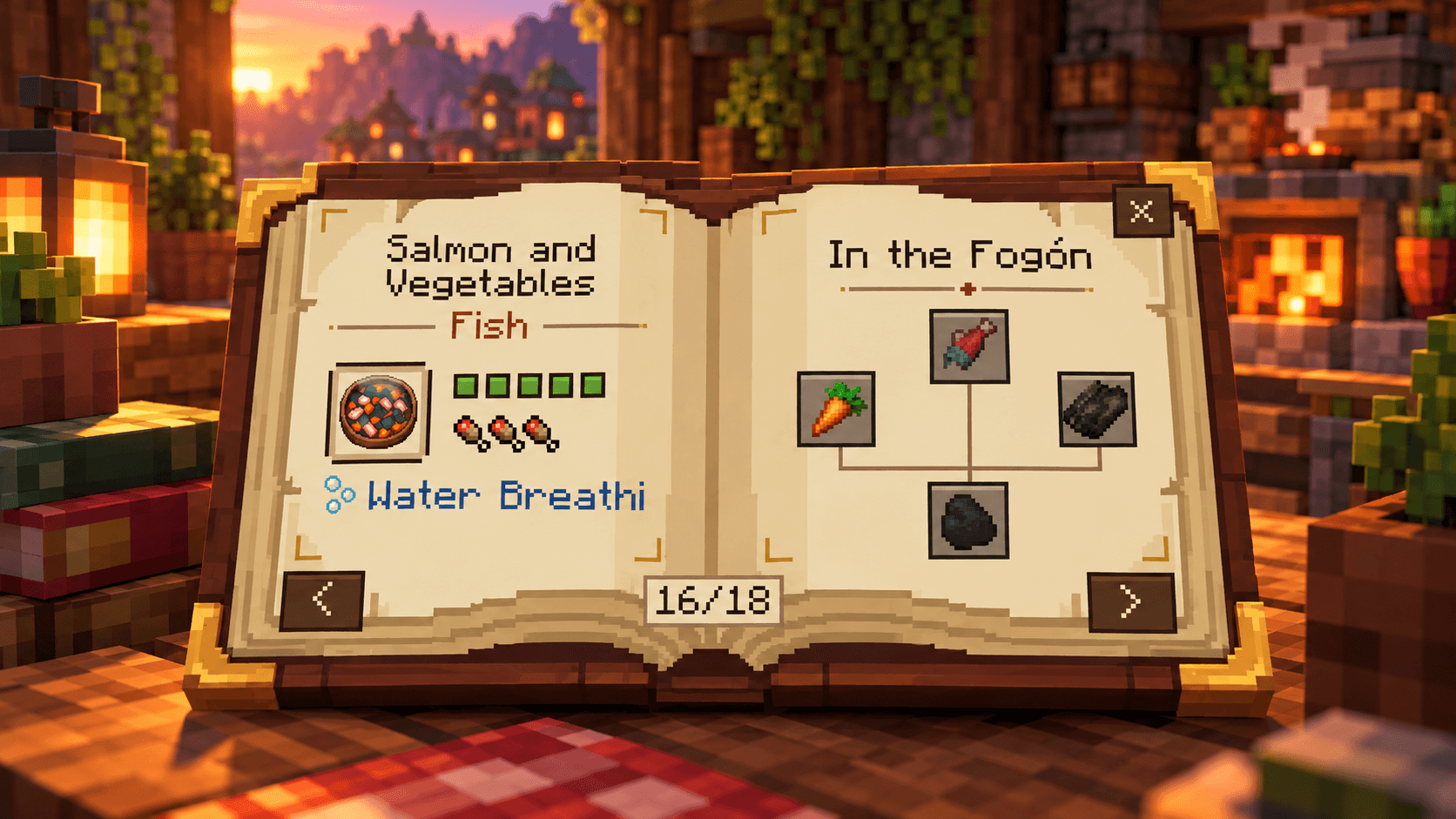
The recipe book helps you explore Emberpot’s dishes and learn which ingredients are needed to prepare them. Check recipe details, discover ingredient combinations, and see the portions and effects associated with each meal.
Prefer using JEI? Emberpot also supports JEI integration, when the compatible version is installed.

Cook, Serve, and Enjoy
Prepare dishes using Emberpot’s custom cooking station. Meals use a portion-based system, letting you get multiple servings from a prepared dish instead of treating every meal as a single-use item.
Cook your recipes, keep track of the remaining portions, and make your ingredients go further.

More to Put on the Table
Discover a growing collection of dishes made from different ingredient combinations. Each recipe adds another option to your cooking experience, giving you more reasons to gather ingredients and experiment in your Minecraft world.

Meet the Village Cook
Bring a new culinary character to your Minecraft world with the Village Cook.
Discover this cooking-focused villager and see how Emberpot brings its cooking theme beyond the cooking station, adding more personality to the world around you.
常见问题
Emberpot 支持哪些 Minecraft 版本?
Emberpot 支持 Minecraft Java 版 1.20.1,可用的加载器:Fabric / Forge。下载时注意选择和你游戏版本一致的文件。
Emberpot 怎么安装?
先用 PCL2 或 HMCL 启动器安装对应版本的 Fabric / Forge,再把下载的 .jar 文件放进游戏目录的 mods 文件夹,重新启动游戏即可。开启了版本隔离的,mods 文件夹在 versions/版本名 下面。
PablojaraPJ 的其他作品
查看全部 →
Lost City Scavenger (Addon)
A custom loot expansion for The Lost City, integrating Point Blank and First Aid into a balanced scavenging experience.

Lost City Svanger
A custom loot expansion for The Lost City, integrating Point Blank and First Aid into a balanced scavenging experience.
评论
登录后评论和评分